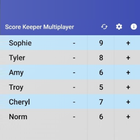
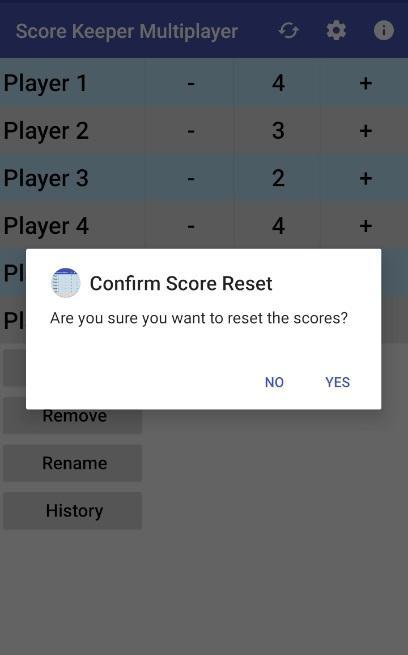
This scorekeeper application will allow you to track scores of any number of players. Scores can be adjusted by incrementing or decrementing from the current score. The app defaults to incrementing/decrementing scores by 1. In Settings, you can change this to a fixed set of numbers (one or more), and you can set it to allow you to increment by any number.
Slots for player names is set to 30, but more can be added in the main screen.
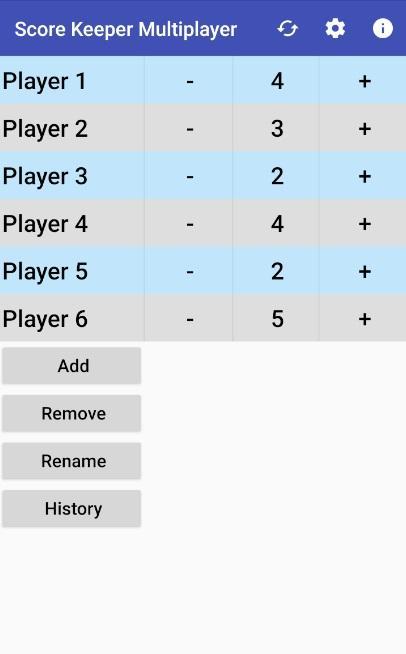
Players can be added or removed during a game from the main screen.
Players name can be edited during a game from the main screen.
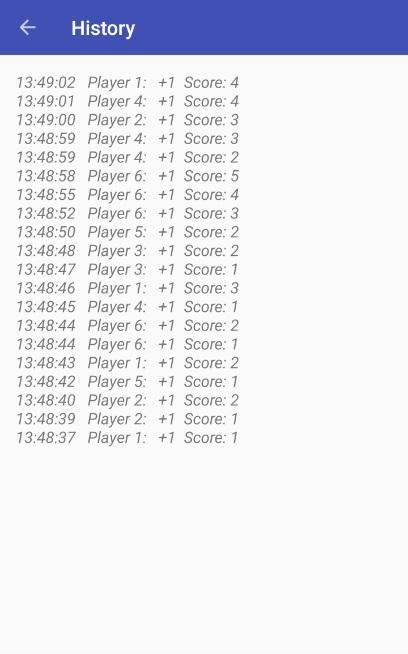
A history can be displayed that shows a timestamp, player name, increment/decrement value, and the resulting score. Thus, you can see the scoring of all the players for the entire game.
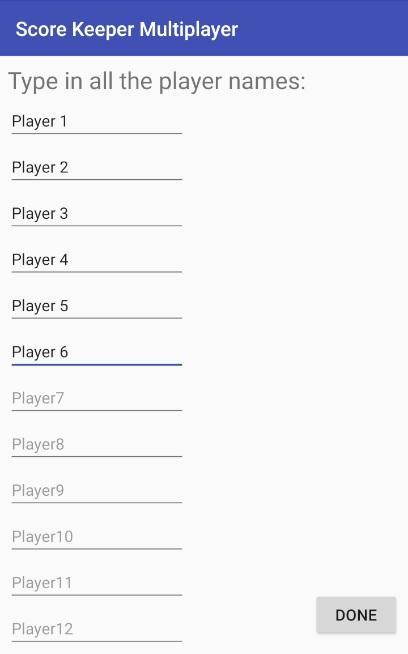
The application begins in the players names screen. Type in the names of all the players in the game, and press Done. You are now ready to keep track of scores. Press the "+" button to increment the score for the given player; and press "-" to decrement the score for the given player.
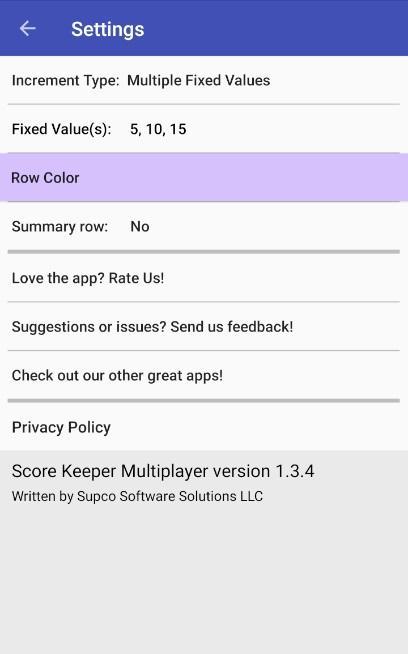
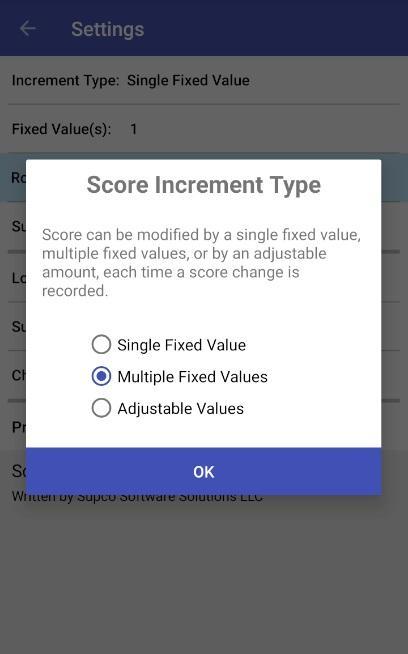
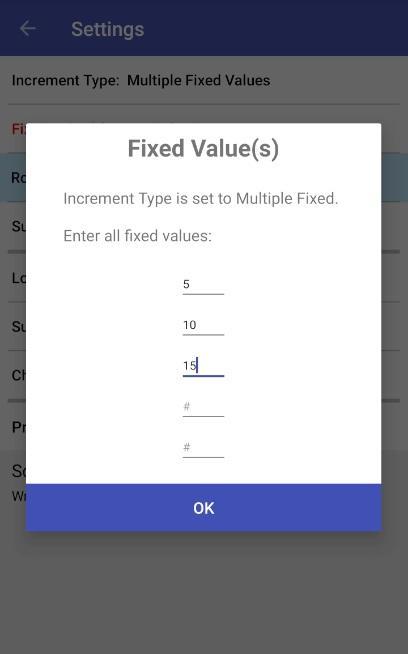
If you'd like to increment/decrement numbers by something other than 1, go to Settings. In Settings, you can choose the increment type (single fixed value, multiple fixed values, or adjustable values). Next you can pick which values will be used for single or fixed scoring.
Examples:
Say you are scoring a game where a player that wins a round gets 1 point. The default is set to increment/decrement at 1. So you won't have to change anything. Once in the game, after pressing + or -, the score will increment/decrement by 1.
Say you are playing a game where the score is incremented by 5. In Settings, set the Increment Type to Single Fixed Value; and set the Fixed Value(s) to 5. Once back in the game, after pressing + or -, the score will increment/decrement by 5.
Say you are scoring a basketball game. In Settings, set the Increment Type to Multiple Fixed Values; and set the Fixed Value(s) to 1, 2, and 3. Once back in the game, after pressing + or -, a popup will appear that will allow you to select 1, 2, or 3.
Say you are playing a card game where scores can be in the range of 1 to 1000, as an example. In Settings, set the Increment Type to Adjustable Values. Once back in the game, after pressing + or -, a popup will appear that will allow you to select any number you'd like.
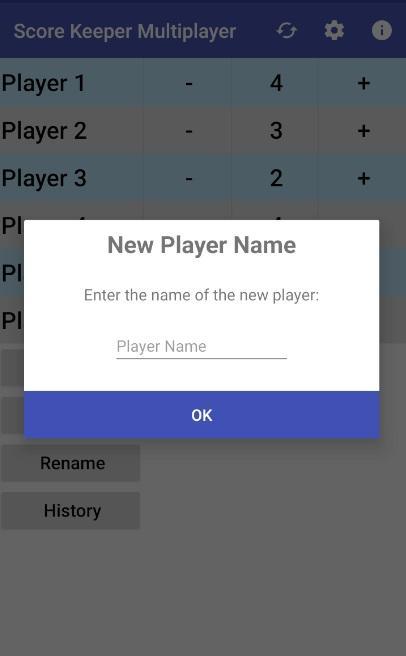
Say you are scoring a game and you need to add a new player. On the main screen, simply press the Add Player button and type in the new players name, and press OK.
Please email if you have any questions on how to use the app! (see Settings / Suggestions or Issues)
Latest Version
1.3.6Uploaded by
Nicky Kun
Requires Android
Android 6.0+
Category
Free Entertainment AppContent Rating
Everyone
Report
Flag as inappropriateLast updated on Apr 29, 2020
Reversed history order


APKPure - A multi-platform app store primarily focused on Android, providing extensive app-related content. Discover the app you want easier, faster, and safer, with quick and efficient downloads and installations.