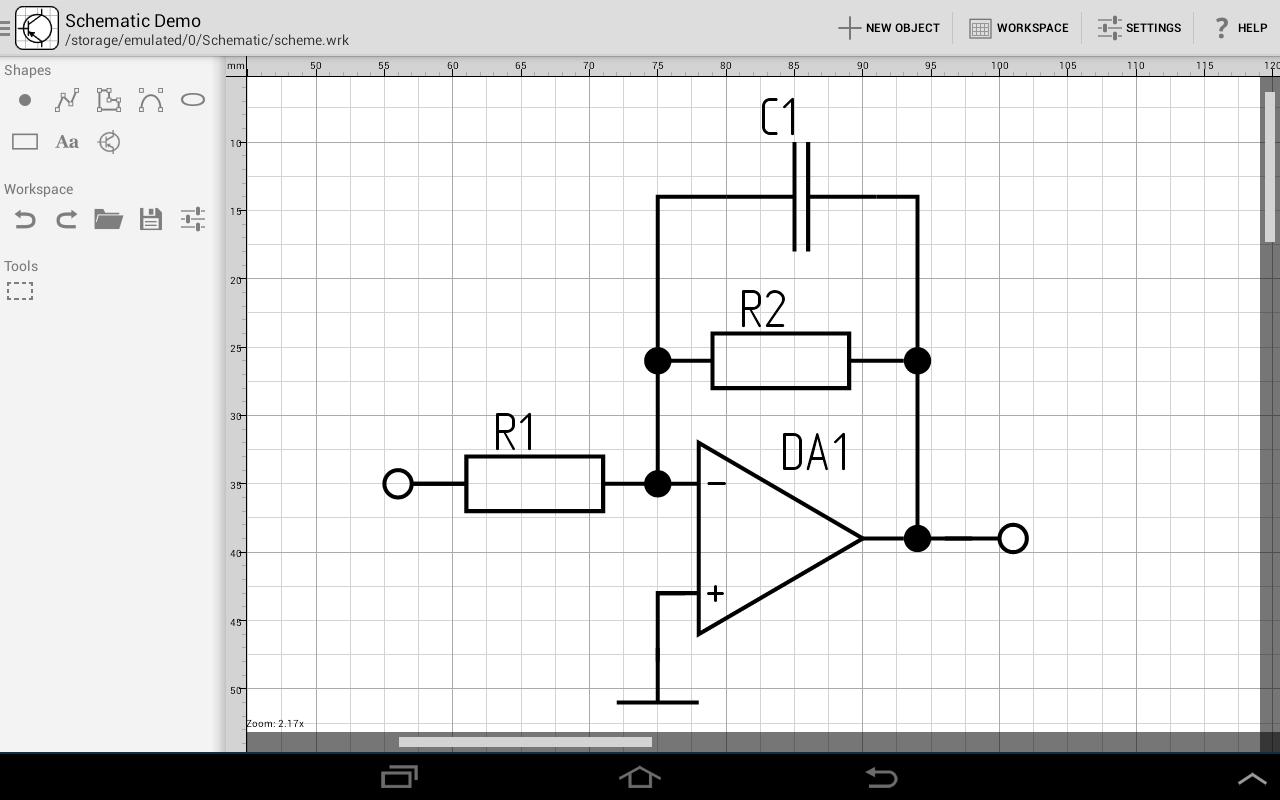
Schematic Demo is an easy-to-handle and comfortable CAD-software, developed for different kinds of diagrams.
NOTE: please don't use hardware acceleration to prevent incorrect drawing.
You can create and edit such graphic objects as:
- Point
- Line
- Polyline (polygone)
- Bezier curve
- Arc
- Ellipse
- Rectangle
Editing objects performed by interaction with a device touch screen.
How to use:
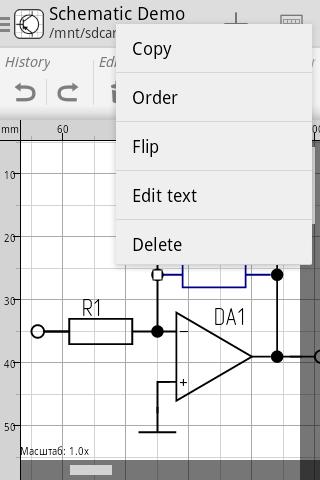
- Single touch - adds an object or vertex / select the object
- Double-tap - unselects the object
- Long press - show context menu of a selected object
- Pinch in / pinch out - scales the workspace
tags: schematic, diagram, circuit, graphic, CAD, scheme
Latest Version
1.2.1Uploaded by
Cyrus
Requires Android
Android 2.2+
Category
Free Productivity AppContent Rating
Everyone
Report
Flag as inappropriateLast updated on Sep 13, 2015
Pro version is available on Google Play: https://play.google.com/store/apps/details?id=ru.ustimov.schematic
1.2.1:
- New shape: Arc
- Bug fixes






APKPure - A multi-platform app store primarily focused on Android, providing extensive app-related content. Discover the app you want easier, faster, and safer, with quick and efficient downloads and installations.