Package Name:io.cubeapps.paperwork
SHA-256:91d630be0516d00bd550df7ab6e271866352c150fd578462a8a4a86aab811a7c
Show More
PDF Scanner App – Scanium: Smart, Fast Document Scanner
Need to grab a business card at a networking event, sign an office form on your phone, or keep receipts tidy for accounting? Scanium puts a full-featured PDF scanner app in your pocket, so you can scan, edit, sign, and store documents in seconds. Use it to scan documents to PDF, convert photos to PDF, or turn any image to PDF for quick sharing. Scanning is free, with no ads and no watermarks.
Private: Your Documents Stay on Your Phone
Scanium does all the work on your device: scanning, cleanup, text recognition and AI summary. Your passports, contracts and medical papers are never uploaded to our servers, and you can scan without an internet connection. A file leaves your phone only when you share it or back it up to your own cloud.
What This Document Scanner Does
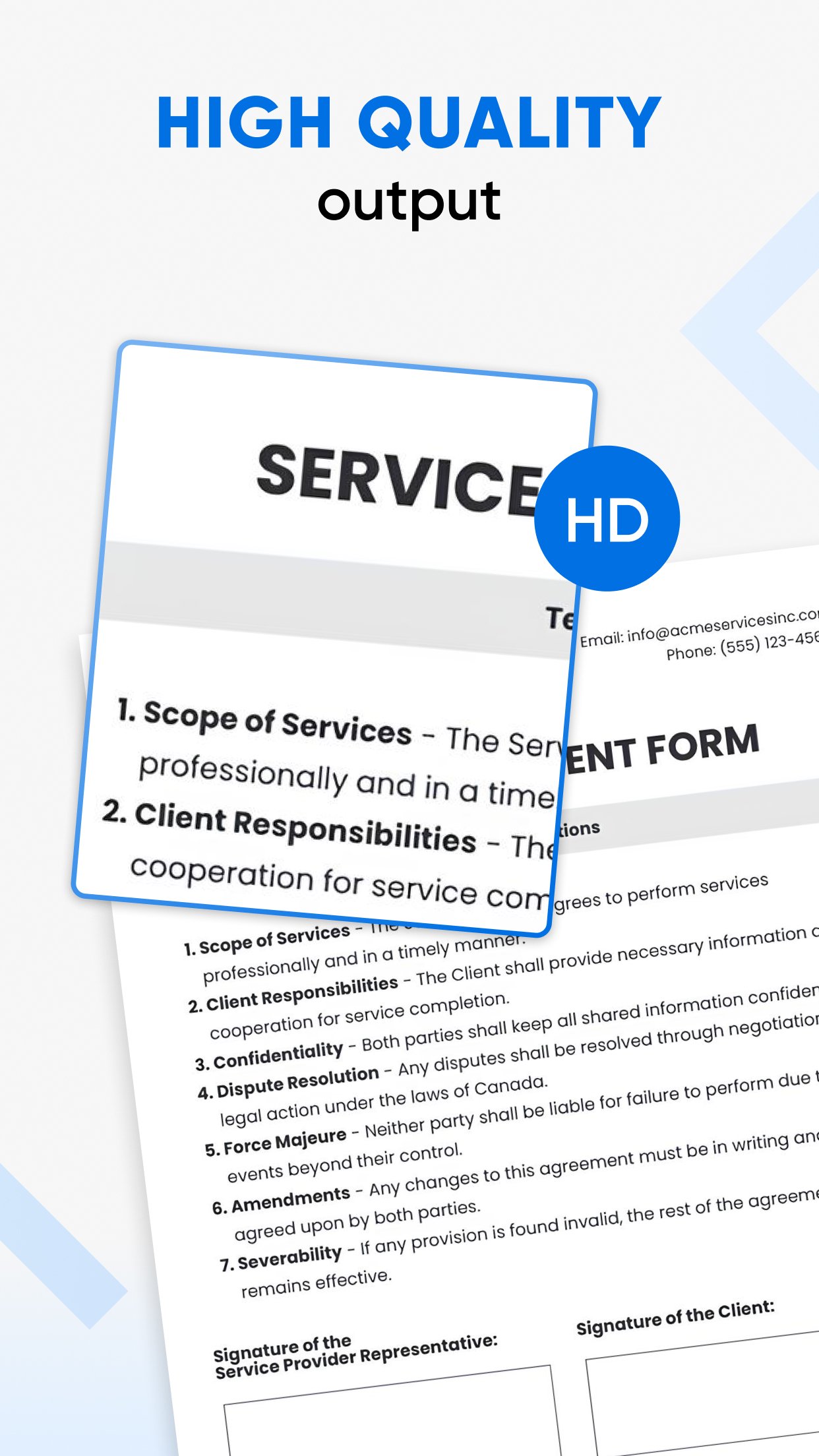
Scanium is a reliable document scanner for everyday work. Digitize business cards, receipts, contracts, ID cards and passports; scan to PDF, then share the file by email or save it to cloud storage. As a PDF scanner, it combines simple capture with practical editing tools, so you get ready-to-use files without extra steps. When you need to scan documents to PDF, this scanner app makes the process fast and predictable; when you want to turn a picture to PDF, the image-to-PDF flow is smooth and precise.
Key Benefits of This Scanner App
Fast and accurate capture — Scanium uses smart detection to crop, straighten, and enhance pages automatically, removing shadows and fingers, so your scans look professional right away. Scan as many pages as you need into one PDF.
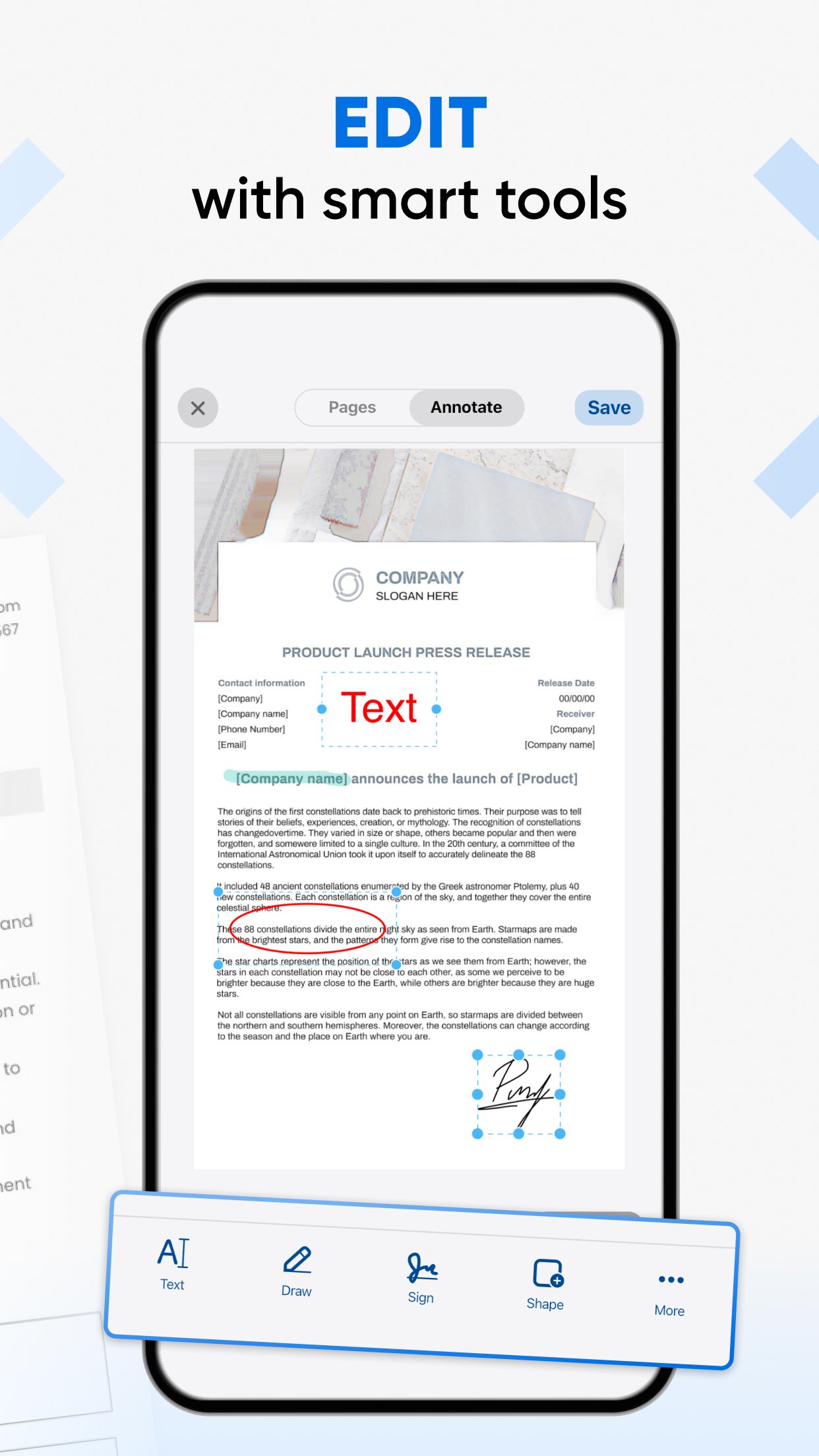
Flexible editing — Trim, crop, rotate, highlight, paint, and adjust colors to prepare clean, ready-to-share files. Sign documents with a drawn or typed signature, and add text and shapes.
PDF maker — Convert images and scans with a tap. Combine photos to PDF, merge PDF files, and reorder, duplicate or delete pages. Whether you need an image-to-PDF file for sharing or to scan documents to PDF for archiving, Scanium handles both quickly.
Reliable OCR — The built-in OCR scanner extracts text from photos and JPEGs, so you can copy or export content. Use the text scanner to turn an image to text, pull data from business cards, receipts, or printed forms, or convert a scan or PDF to Word (DOCX).
Cloud and sharing — Export to email or send scans to Dropbox, OneDrive, Evernote, and other services. Back up your library to Google Drive, Dropbox or OneDrive.
Smart Autonaming — The app names your scans from their content, keeping your library organized.
Local Library Search — Search text inside one document or across your entire library in seconds.
AI summary — Get a short summary of a document and ask questions about it, on supported devices.
How You'll Use This Document Scanner
• Quickly capture a receipt and export it as a PDF for accounting
• Scan a contract, sign it inside the app, and send it back without leaving your inbox
• Photograph a whiteboard or flyer and convert that picture to PDF for archiving or sharing
• Scan business cards, extract contact details with the OCR scanner, and save them inside your library
• Scan both sides of an ID card onto one page
Why Professionals Choose Scanium
Scanium is built for speed and reliability. This PDF scanner delivers consistent, high-quality results with a simple interface. If your workflow often requires you to scan documents to PDF, convert images to PDF, or extract text with an OCR scanner, Scanium gives you those capabilities in one compact tool.
Premium (Optional)
Scanning, editing, signing and PDF export are free. Premium adds OCR, library search, smart autonaming, AI summary, PDF to Word (DOCX) export, cloud backup, password protection and high-resolution scans. The weekly plan starts with a 3-day free trial.
Legal
Privacy Policy: https://cubeapps.io/scanium_privacy.html
Terms of Use: https://cubeapps.io/scanium_terms.html
Latest Version
1.0.89Uploaded by
Rin Chen Dolphine
Requires Android
Android 7.0+
Category
Free Productivity AppContent Rating
Everyone
Security Report
Check Now
Report
Flag as inappropriateLast updated on Nov 3, 2026
- Exporting to DOCX added;
- User experience improvements.





APKPure - A multi-platform app store primarily focused on Android, providing extensive app-related content. Discover the app you want easier, faster, and safer, with quick and efficient downloads and installations.