Package Name:io.cubeapps.paperwork
SHA-256:ad1ba29c58d1b3019cefbbd93d0f69ffd205933dc42f8221646f1fca3e7e48f3
Show More

PDF Scanner – Scanium: Smart, Fast Document Capture
Need to grab a business card at a networking event, sign an office form on your phone, or keep receipts tidy for accounting? PDF Scanner – Scanium puts a full-featured scanner app in your pocket, so you can scan, edit, sign, and store documents in seconds. Use it to scan documents to PDF, convert photos into clean files, or turn any image to PDF for quick sharing.
What This Document Scanner Does
Scanium is a reliable document scanner for everyday work. Digitize business cards, receipts, contracts; scan documents to PDF, then share them via email or cloud storage. As a PDF scanner, it combines simple capture with practical editing tools, so you get ready-to-use files without extra steps. When you need to scan documents to PDF, this document scanner makes the process fast and predictable; when you want to turn a photo into a file, the image-to-PDF flow is smooth and precise.
Key Benefits of This OCR Scanner
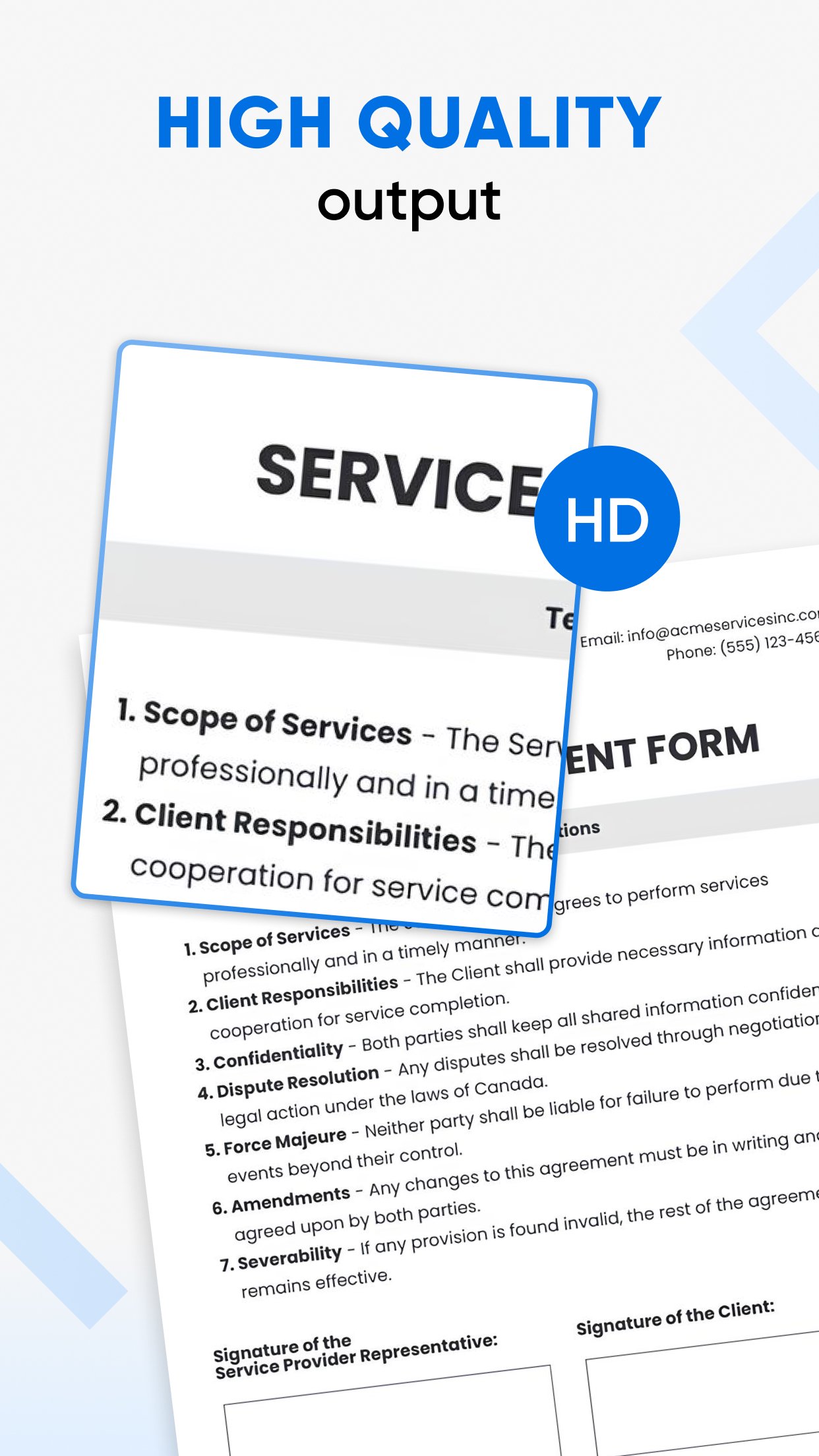
Fast and accurate capture — The scanner app uses smart detection to crop, straighten, and enhance pages automatically, so your scans look professional right away.
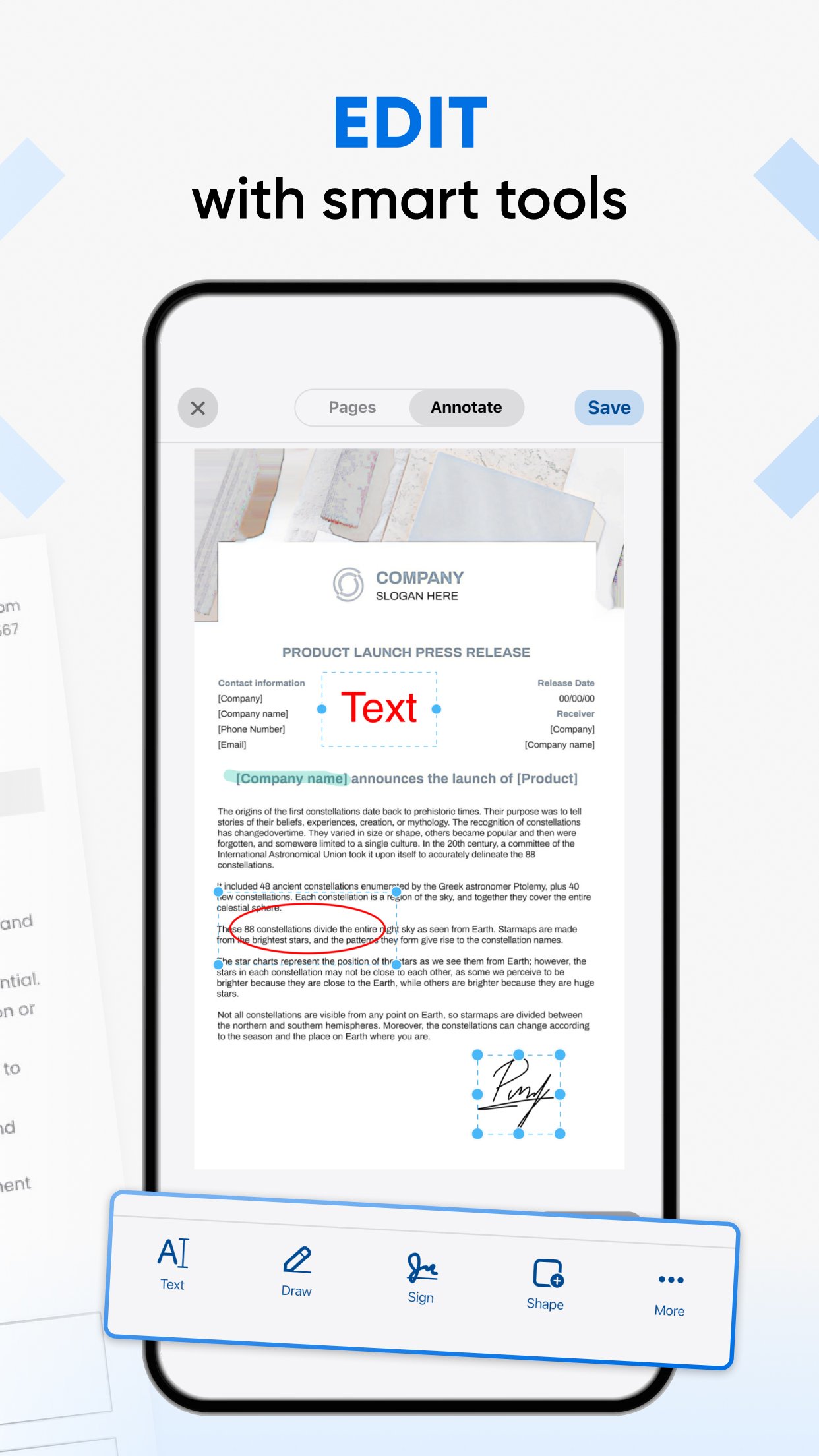
Flexible editing — Trim, crop, rotate, highlight, paint, and adjust colors to prepare clean, ready-to-share files. Scanium works as both a reliable document scanner and a simple converter, making everyday tasks quick and convenient.
Reliable OCR — The built-in OCR scanner extracts text from photos and JPEGs, so you can copy, edit, or export content without retyping. Use the OCR scanner to pull data from business cards, receipts, or printed forms.
Easy conversion — Convert images and scans with a tap. Whether you need to create an image-to-PDF file for sharing or scan documents to PDF for archiving, this scanner app handles both quickly.
Cloud and sharing — Export to email or send scans to Dropbox, OneDrive, Evernote, and other services. Save important files in secure cloud storage and access them anywhere.
Smart Autonaming — Skip manual typing. The app automatically names your scans based on document context, keeping your library organized.
Local Library Search — Instantly search text inside specific documents or across your entire library to find exactly what you need in seconds.
How You'll Use This Scanner App
• Quickly capture a receipt and export it as a PDF for accounting
• Scan a contract, sign it inside the app, and send it back without leaving your inbox
• Photograph a whiteboard or flyer and convert that image to PDF for archiving or sharing
• Scan business cards, extract contact details with the OCR scanner, and save them inside your document scanner library
Why Professionals Choose Scanium
Scanium is built for speed and reliability. This PDF scanner delivers consistent, high-quality results with a straightforward interface. The scanner app combines powerful features with ease of use, so you can focus on work, not file management. If your workflow often requires you to scan documents to PDF, convert images to PDF, or extract text with an OCR scanner, Scanium gives you those capabilities in one compact tool.
Premium (Optional)
Try the core features free during the trial. Premium unlocks additional tools and more cloud options; it’s available if you want extra power, but the core PDF scanner experience stays useful without it.
Legal
Terms of Service: https://cubeapps.io/scanium_privacy.html
Privacy Policy: https://cubeapps.io/scanium_terms.html
Latest Version
1.0.87Uploaded by
Maung Yit Maung Yit
Requires Android
Android 7.0+
Category
Free Productivity AppContent Rating
Everyone
Security Report
Check Now
Report
Flag as inappropriateLast updated on Sep 18, 2026
- Minor fixes and improvements.





APKPure - A multi-platform app store primarily focused on Android, providing extensive app-related content. Discover the app you want easier, faster, and safer, with quick and efficient downloads and installations.