
Scan Assistant is your ultimate portable document scanner, designed to simplify daily scanning tasks for work, study and life. No bulky scanners needed—just your phone, and turn any paper document, receipt, photo, ID card, business card or note into high-quality digital files in seconds.
Core Features
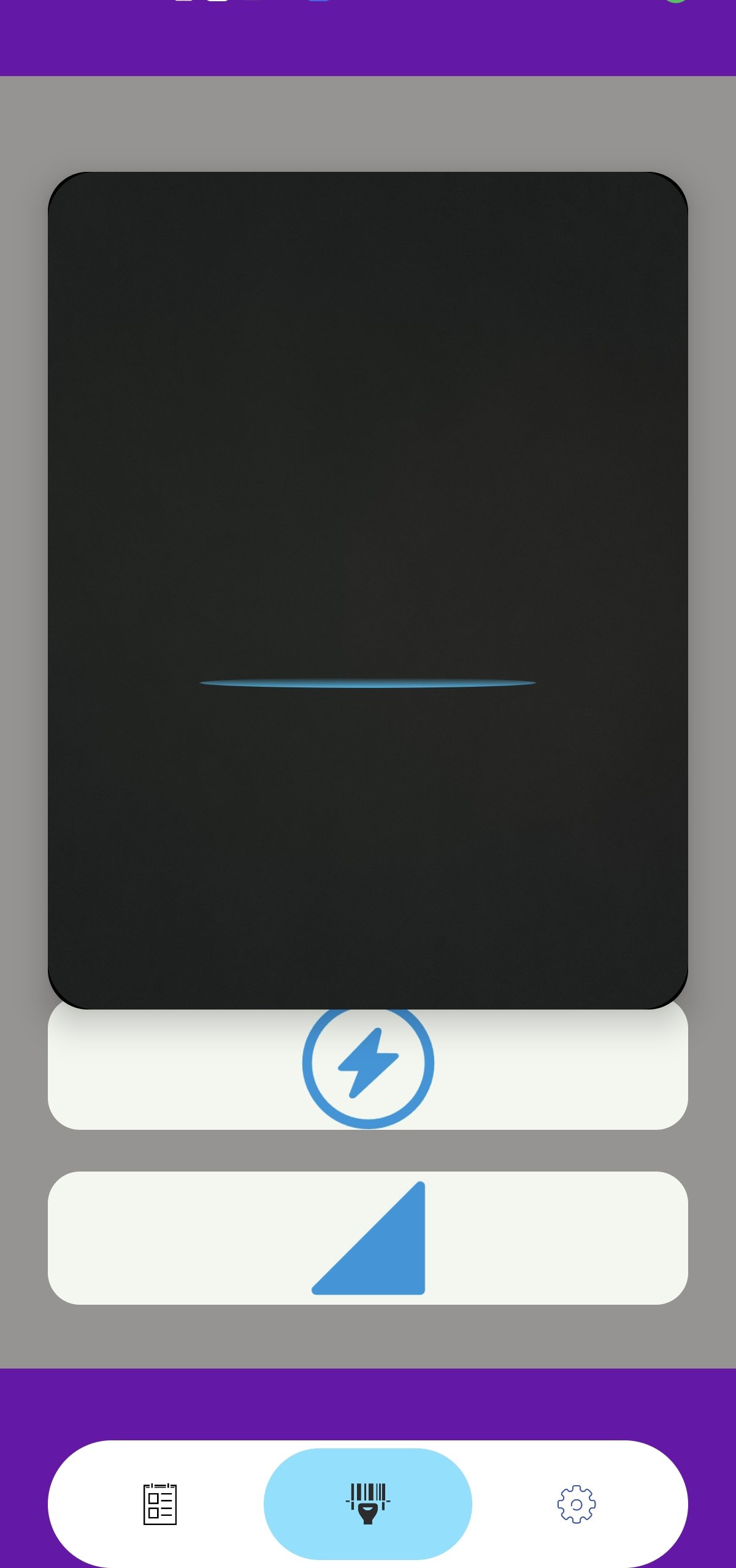
- Ultra-Fast Scanning: One-tap scanning, auto-capture and edge detection to skip manual cropping. Scan multi-page documents in batch mode for maximum efficiency.
- HD Image Enhancement: Auto-adjust brightness, contrast and clarity; remove shadows and glares for crisp, readable scans. Choose between color, grayscale or black & white modes.
- Versatile File Export: Save scans as PDF or JPG files; support custom PDF page sizes (A4, letter, legal etc.) for different usage scenarios.
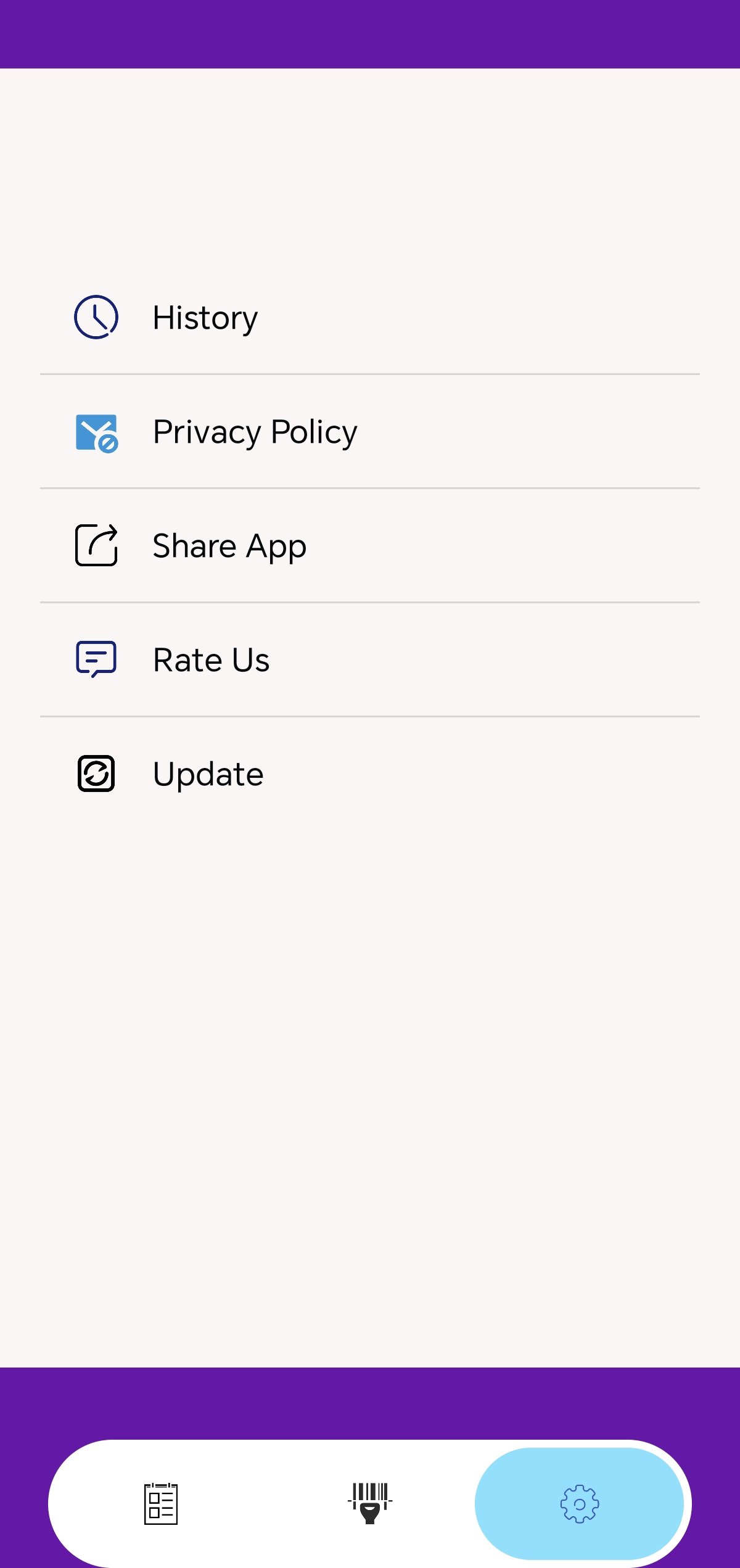
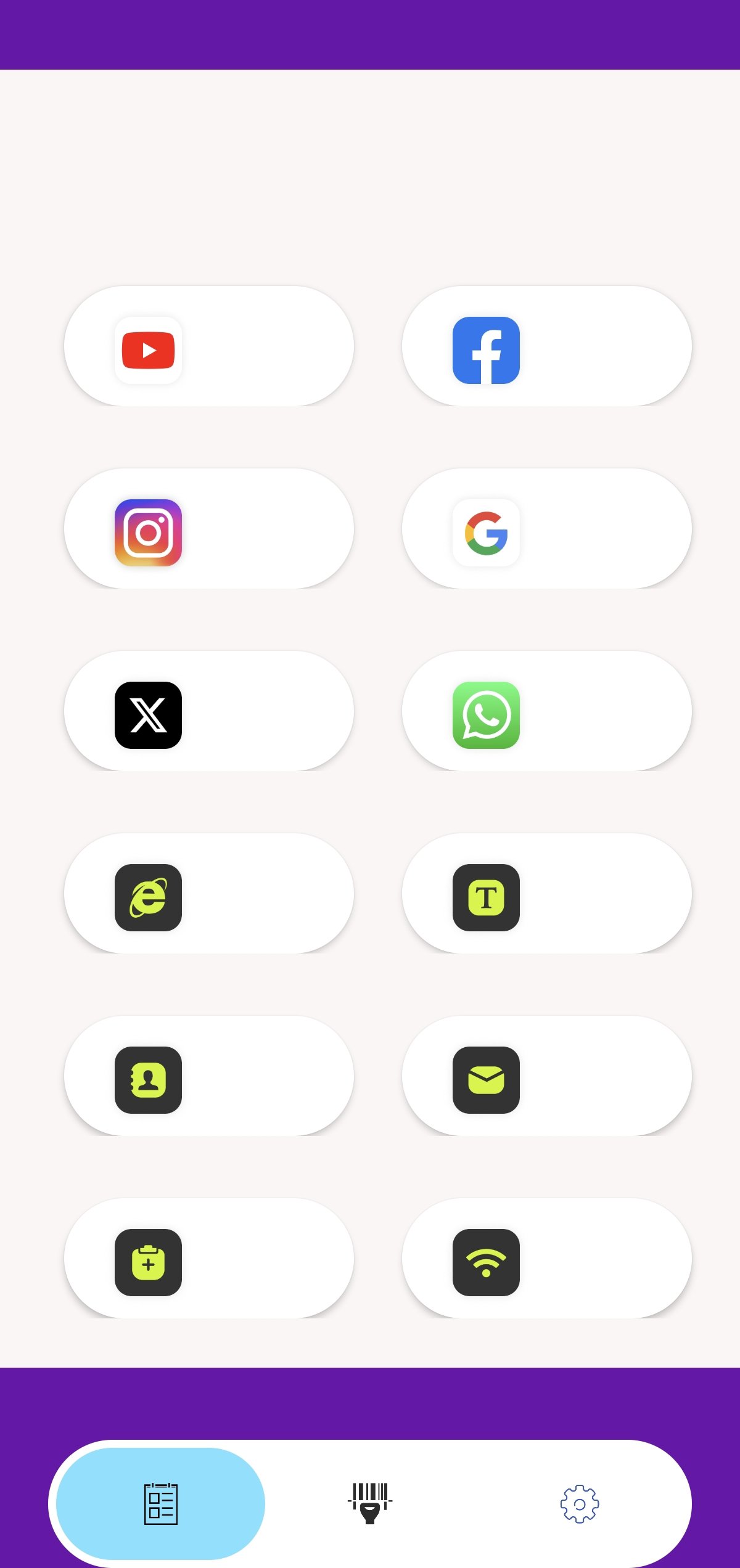
- Easy Management & Sharing: Organize scanned files with folders, rename and search quickly. Share files via email, cloud drive, messaging apps and more with one tap.
- Compact & Secure: Lightweight app size, no hidden fees, no complicated settings. Local storage keeps your private documents safe and accessible offline.
Why Choose Scan Assistant?
Whether you’re digitizing receipts for expense reports, saving class notes, archiving business cards or scanning ID documents, Scan Assistant delivers professional-grade results without the hassle. It’s the perfect scanning tool for students, office workers, freelancers and anyone who needs a reliable pocket scanner.
Download Scan Assistant now and turn your Android device into a powerful, portable scanner—make paperless life easier than ever!
Latest Version
Varies with deviceRequires Android
Category
Free Tools AppContent Rating
Everyone
Report
Flag as inappropriateLast updated on Mar 24, 2026
This release includes minor bug fixes and general improvements. Update to the latest version for the best experience.



APKPure - A multi-platform app store primarily focused on Android, providing extensive app-related content. Discover the app you want easier, faster, and safer, with quick and efficient downloads and installations.