This application is a good choice for quickly trying if SBrick is compatible with a device, or for those longing for a "turn on and play" experience, but don't need custom profiles. It's great for testing a creation that is under construction.
Known limitations and bugs:
- Only controls one, or two SBricks at a time
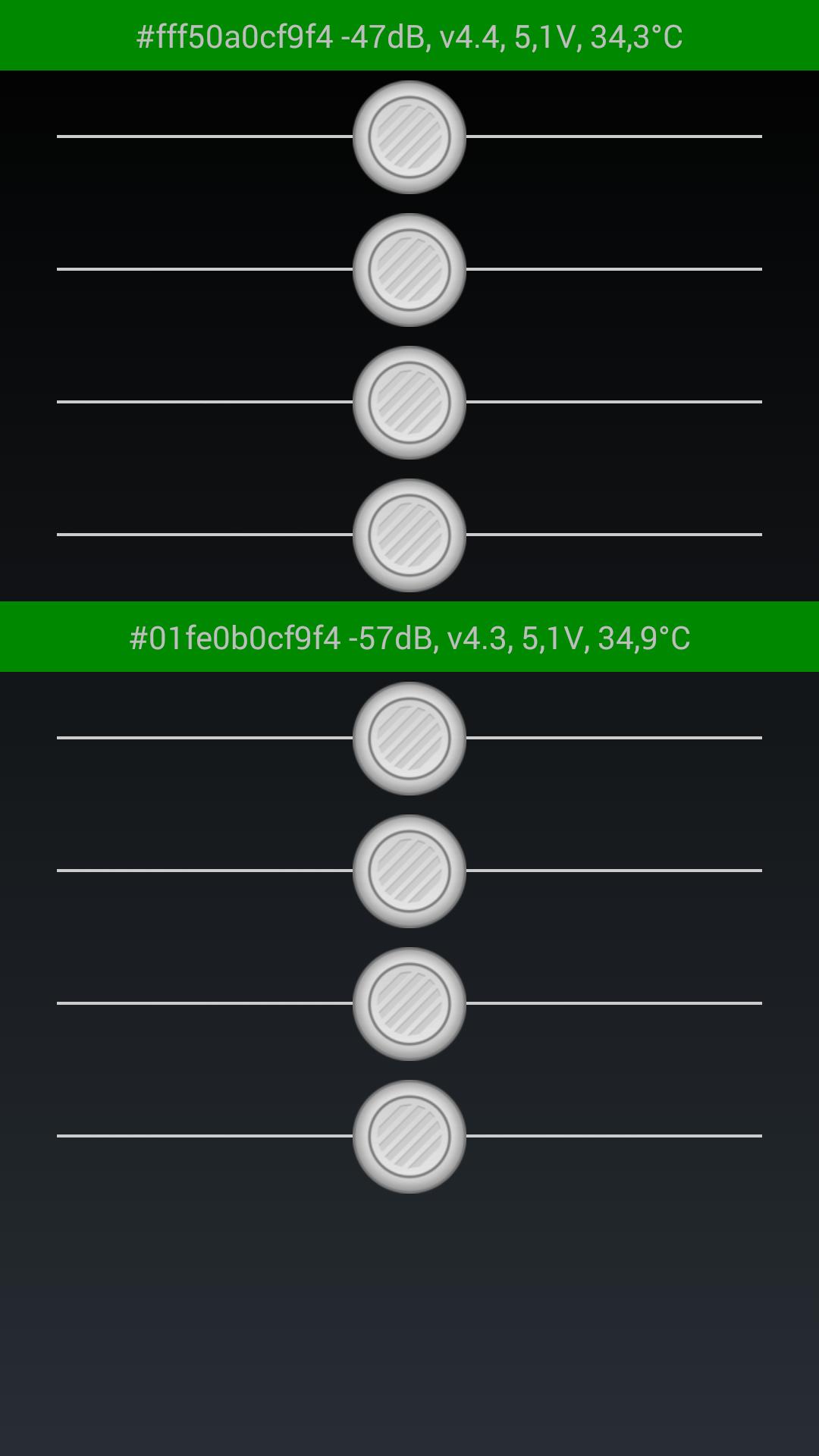
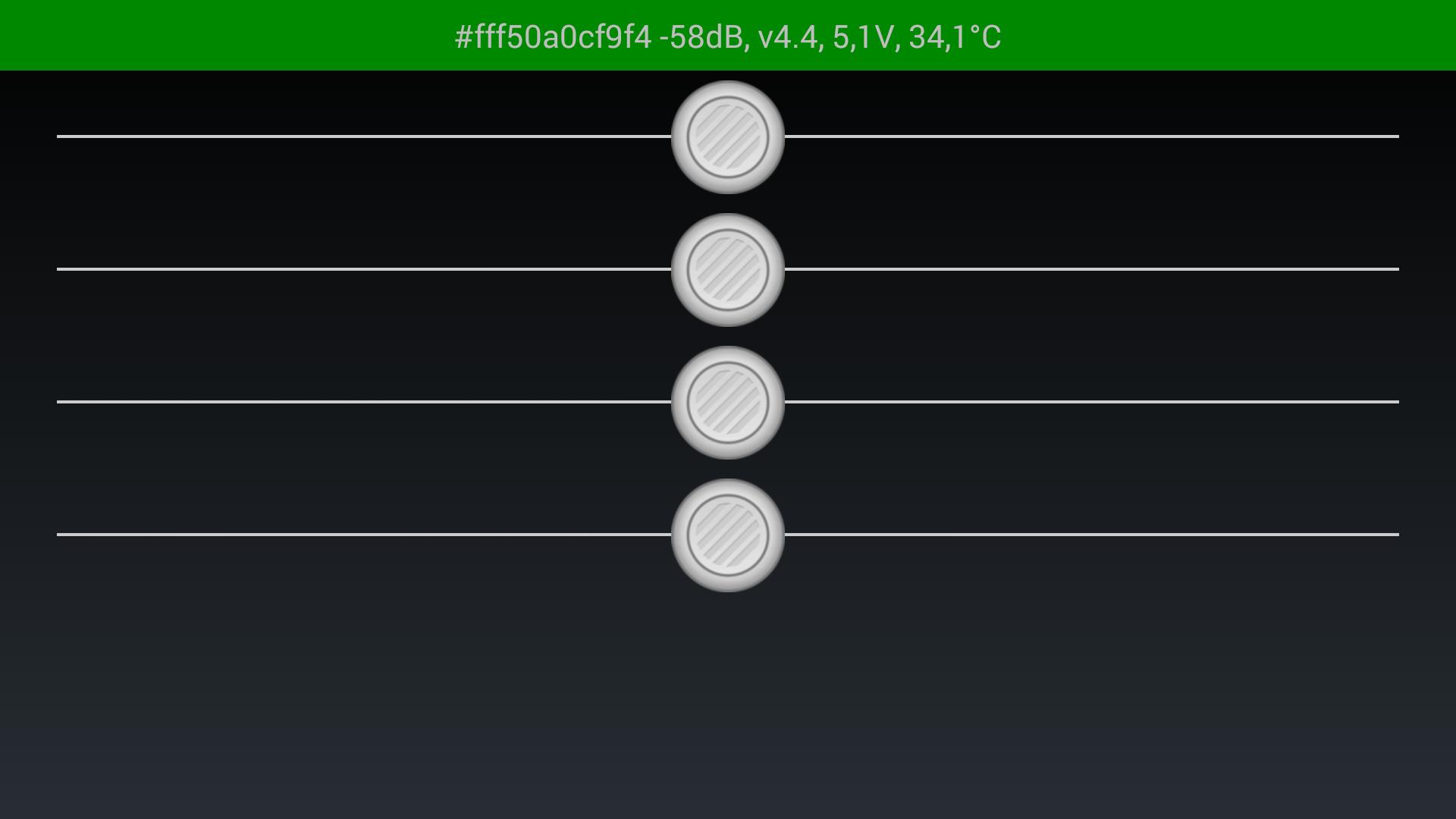
- Only two fixed screens of four / eight sliders (no profile designer support, I'm sorry)
- There are occasional quick disconnect / reconnect glitches
- After OTA, most devices won't work with the SBrick, some can connect, but the sliders have no effect, some doesn't even connect. You can read more about this problem and the solution here: https://social.sbrick.com/wiki/view/pageId/34/slug/android-sbrick-stops-working-after-ota-workaround
Latest Version
2.41Uploaded by
Yan Lucca
Requires Android
Android 5.0+
Category
Free Tools AppContent Rating
Everyone
Report
Flag as inappropriateLast updated on Sep 5, 2021
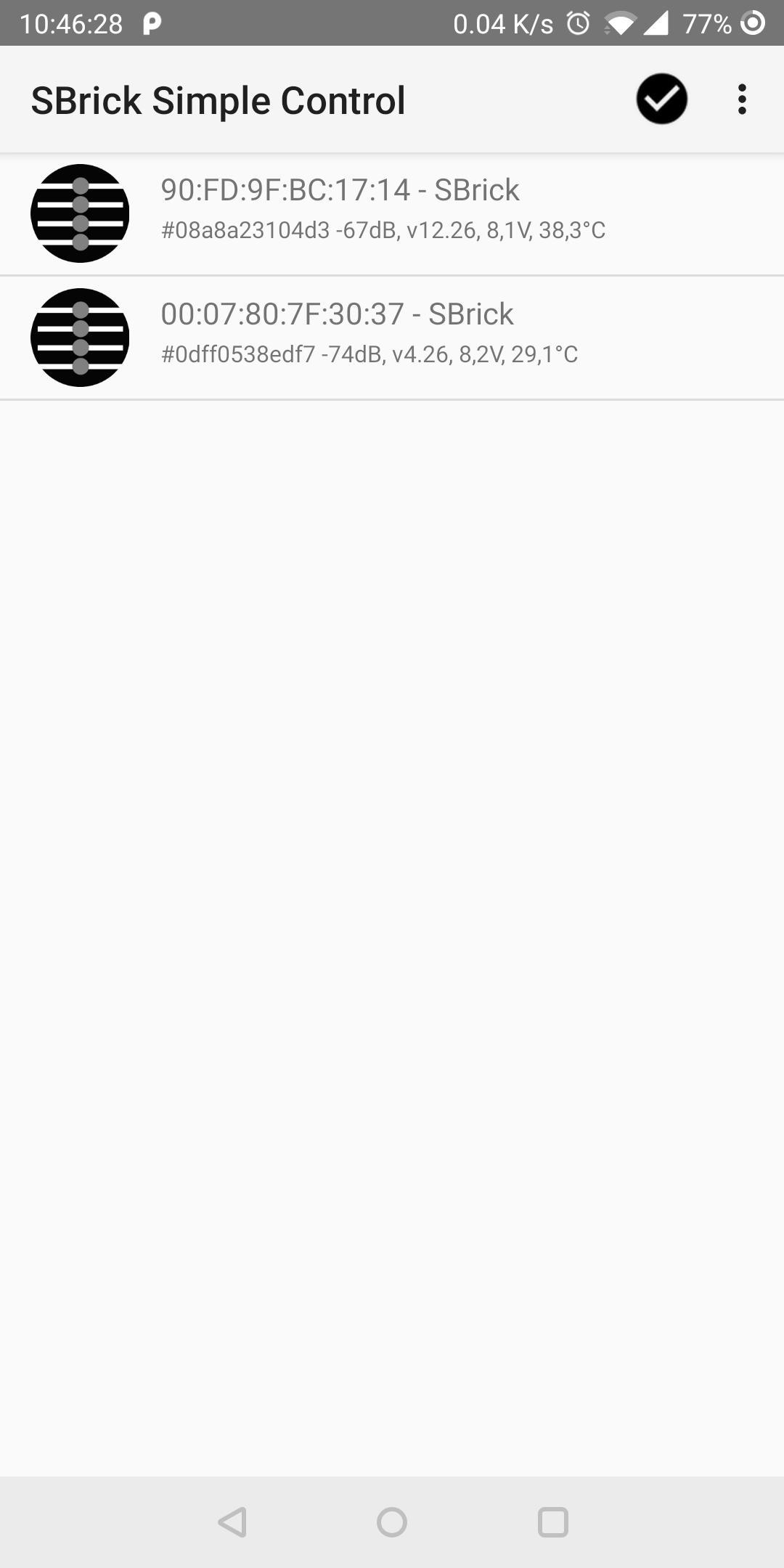
This release includes a connection test screen. The screen is activated when 3-10 SBricks are selected at the scan list screen.


APKPure - A multi-platform app store primarily focused on Android, providing extensive app-related content. Discover the app you want easier, faster, and safer, with quick and efficient downloads and installations.