
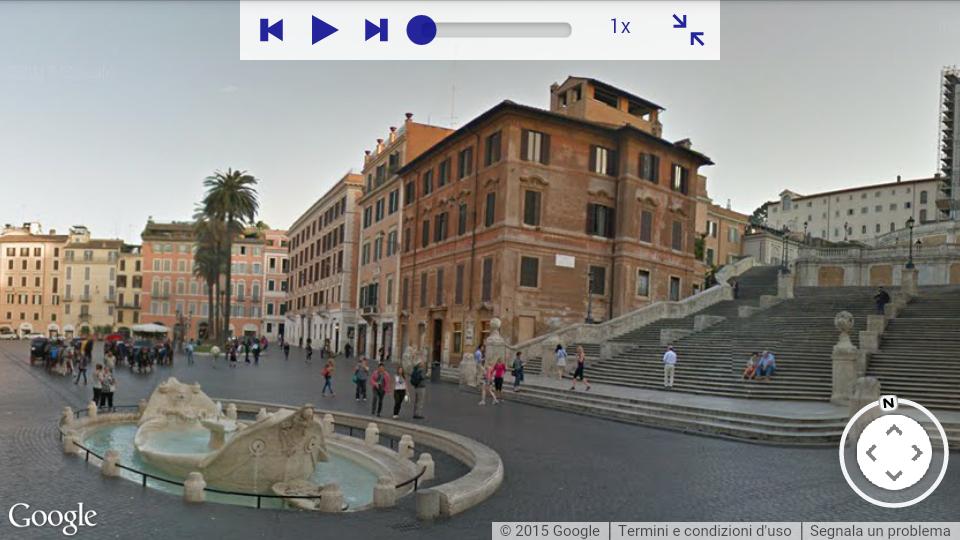
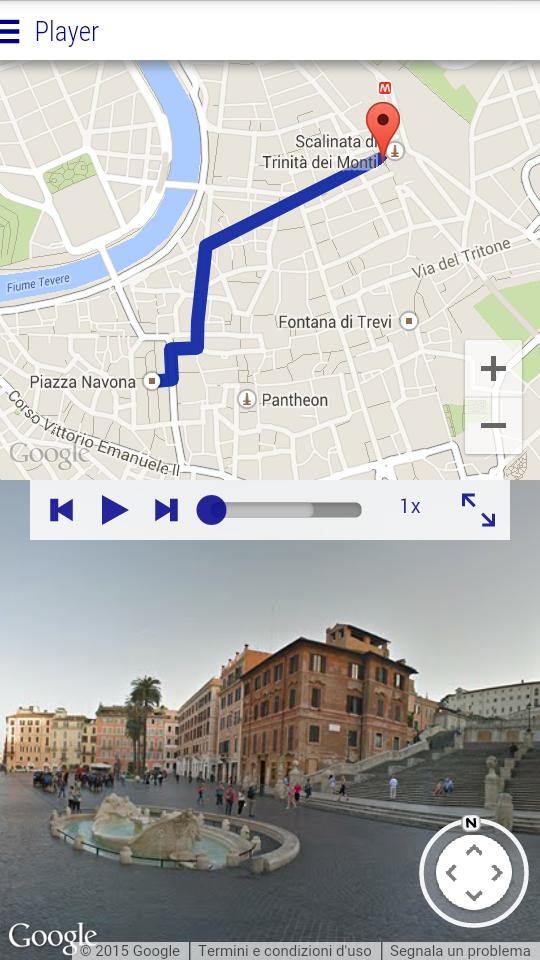
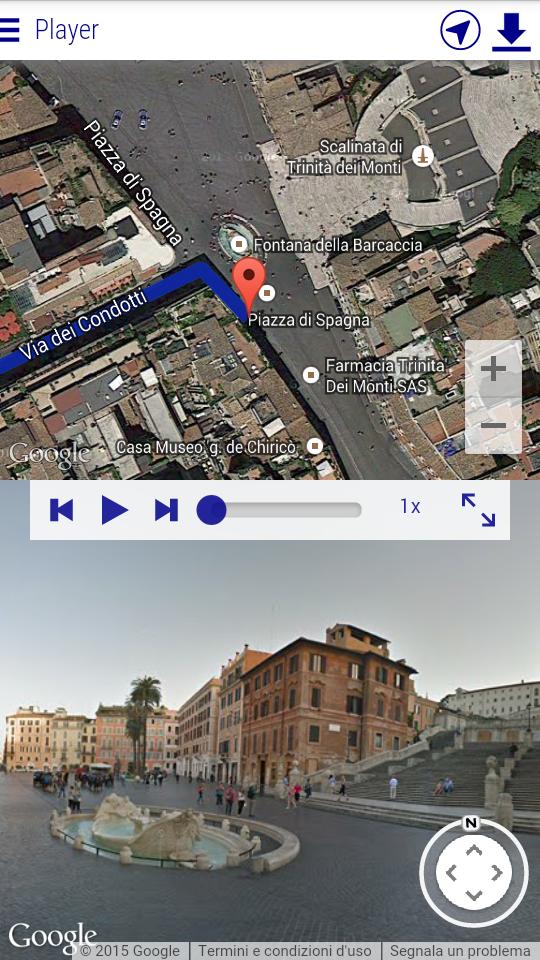
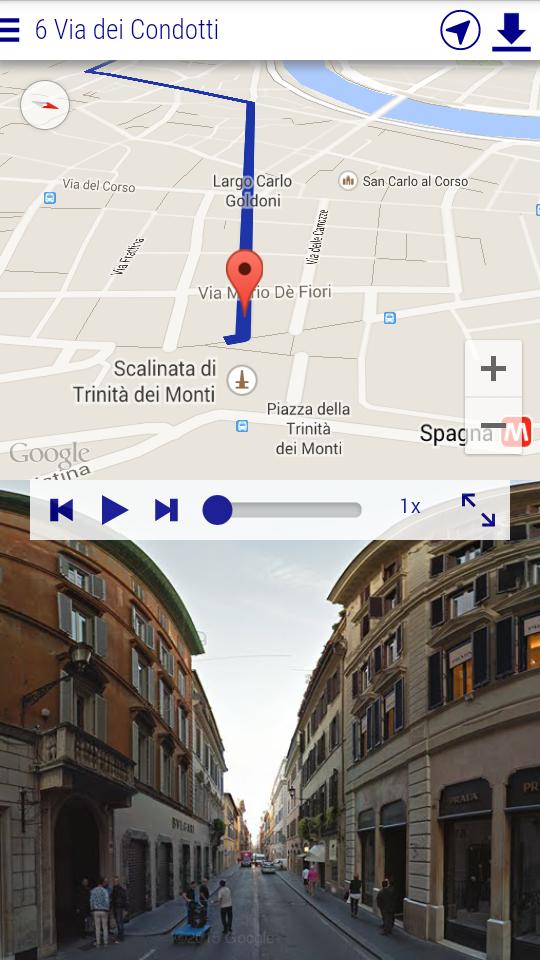
ROUTE PLAYER let you preview the last kilometres of your favorite route by sequencing Google Street View™ images. See our video on You Tube to discover how to use Route Player.
WHY USE ROUTE PLAYER:
★ Discover new scenic routes on the other side of the world
★ Find out and preview the route from your current location to your dinner restaurant
★ Use the auto completion box and see how to reach nearby restaurant, bars, and shops
★ Walk and double-check your route on the map and with street view images
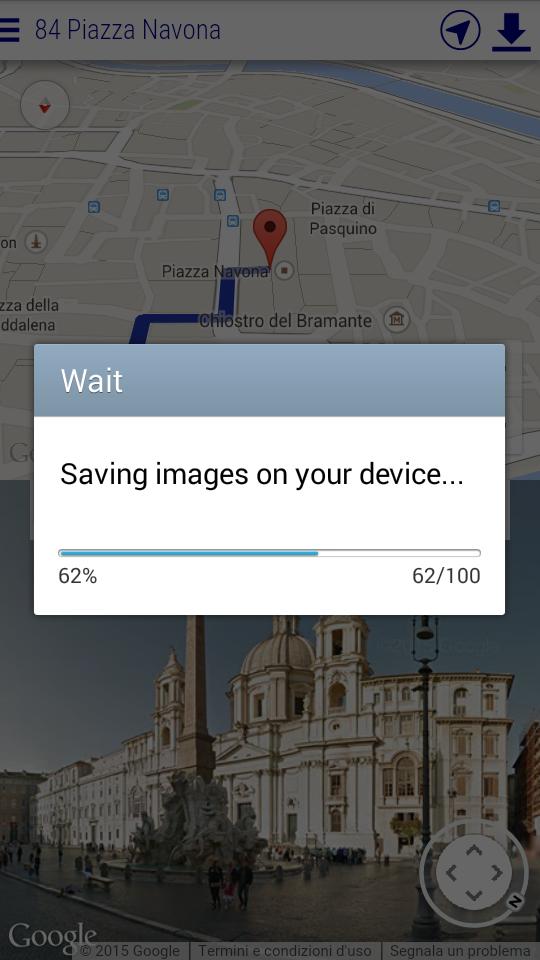
As InApp Purchase you can buy the option to store a route for offline navigation. Moreover, if your mobile has a GPS receiver, you can reach your destination while previewing the next waypoints on your mobile.
INAPP PAID FEATURES:
★ Offline street view player
★ Offline visual navigation synchronized with the GPS
★ Preview and download route of up to 5 km (instead of only 2 km)
We are always excited to hear back from you! If you have any feedback, questions, or concerns, please email us at:
antoptima.sa@gmail.com
-----------------------------------------------------
INSTRUCTIONS
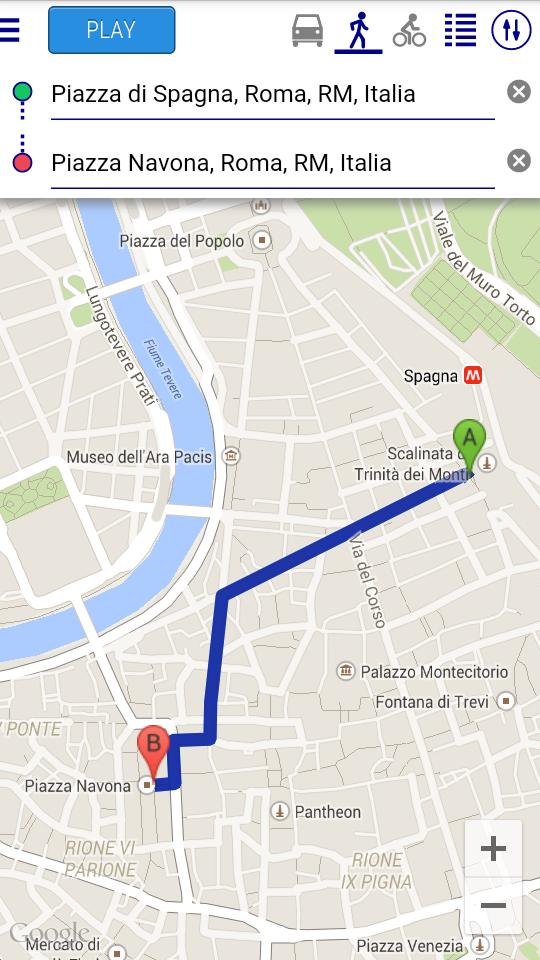
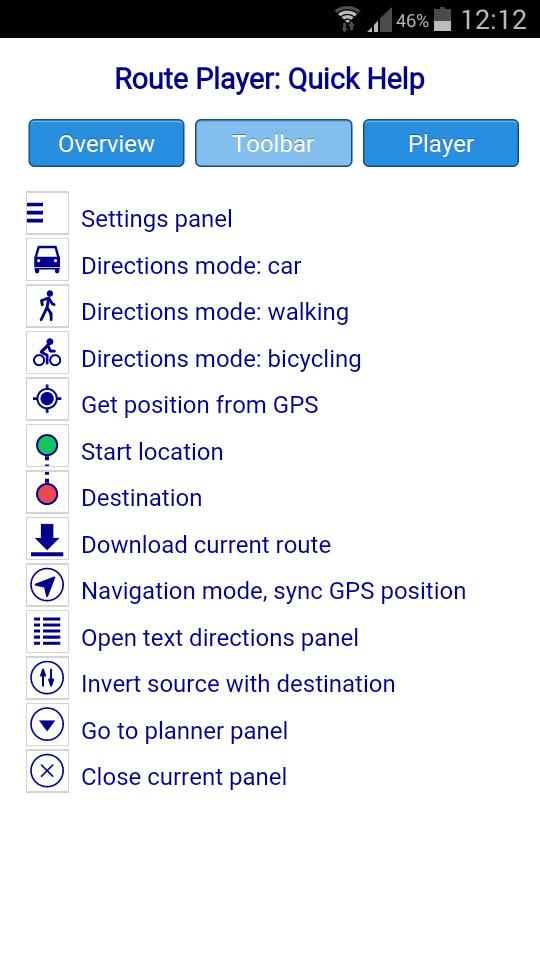
1. Select the travel mode: car, walk, or bicycle
2. Select a start location using the auto completion box: select an item from the pop-up menu
3. Select a destination using the auto completion box: select an item from the pop-up menu
4. Go to the player by tapping the top "PLAY" button
5. Play and discover your route. Use the player blue circle for fast moving your route video
6. Activate the navigation mode and walk along your route by checking the images on your device
WARNINGS
Route Player downloads an amount of data proportional to your route length. Be aware of this when using the application over a 3G/4G network with a flat rate.
COPYRIGHTS
Google Maps™, Google Street View™, and Google Play™ are trademarks of Google Inc.
Latest Version
0.3.8Uploaded by
Syazwan Faiz
Requires Android
Android 4.2+
Category
Free Travel & Local AppContent Rating
Everyone
Report
Flag as inappropriateLast updated on Oct 10, 2015
New features of this version:
+ Bug fixes and performance improvements



APKPure - A multi-platform app store primarily focused on Android, providing extensive app-related content. Discover the app you want easier, faster, and safer, with quick and efficient downloads and installations.