
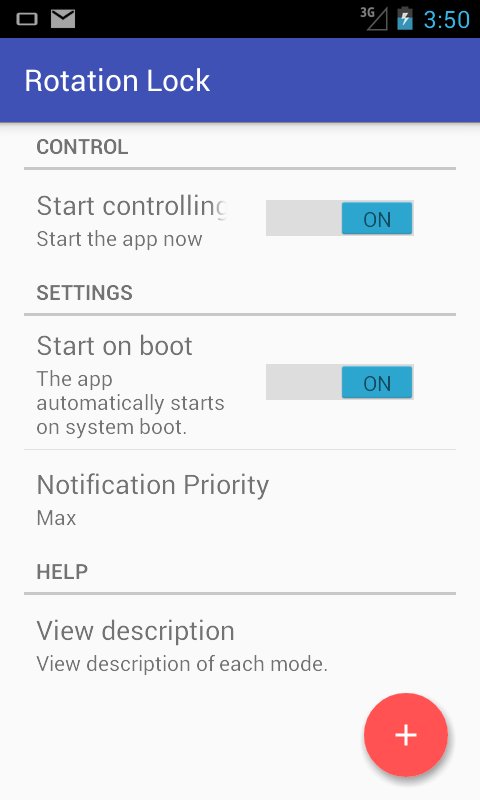
If you find automatic screen rotation annoying then the Rotation Lock app is for you.
You can freely determine the orientation of the screen.
You can control portrait, landscape, reverse portrait, reverse landscape the four directions.
You can also specify auto direction.
- Guard Mode: the app prevents the other app from changing screen orientation.
* Depending on the device, you may not be able to use several modes.
* If "Guard" mode is active, you cannot click "install" button when you want to install an application. When you want to install an application, you should inactivate "Guard" mode or this application.
Latest Version
1.0Uploaded by
Karar Al Saady
Requires Android
Android 4.0+
Category
Free Tools AppContent Rating
Everyone
Report
Flag as inappropriateLast updated on Mar 24, 2016
Minor bug fixes and improvements. Install or update to the newest version to check it out!



APKPure - A multi-platform app store primarily focused on Android, providing extensive app-related content. Discover the app you want easier, faster, and safer, with quick and efficient downloads and installations.