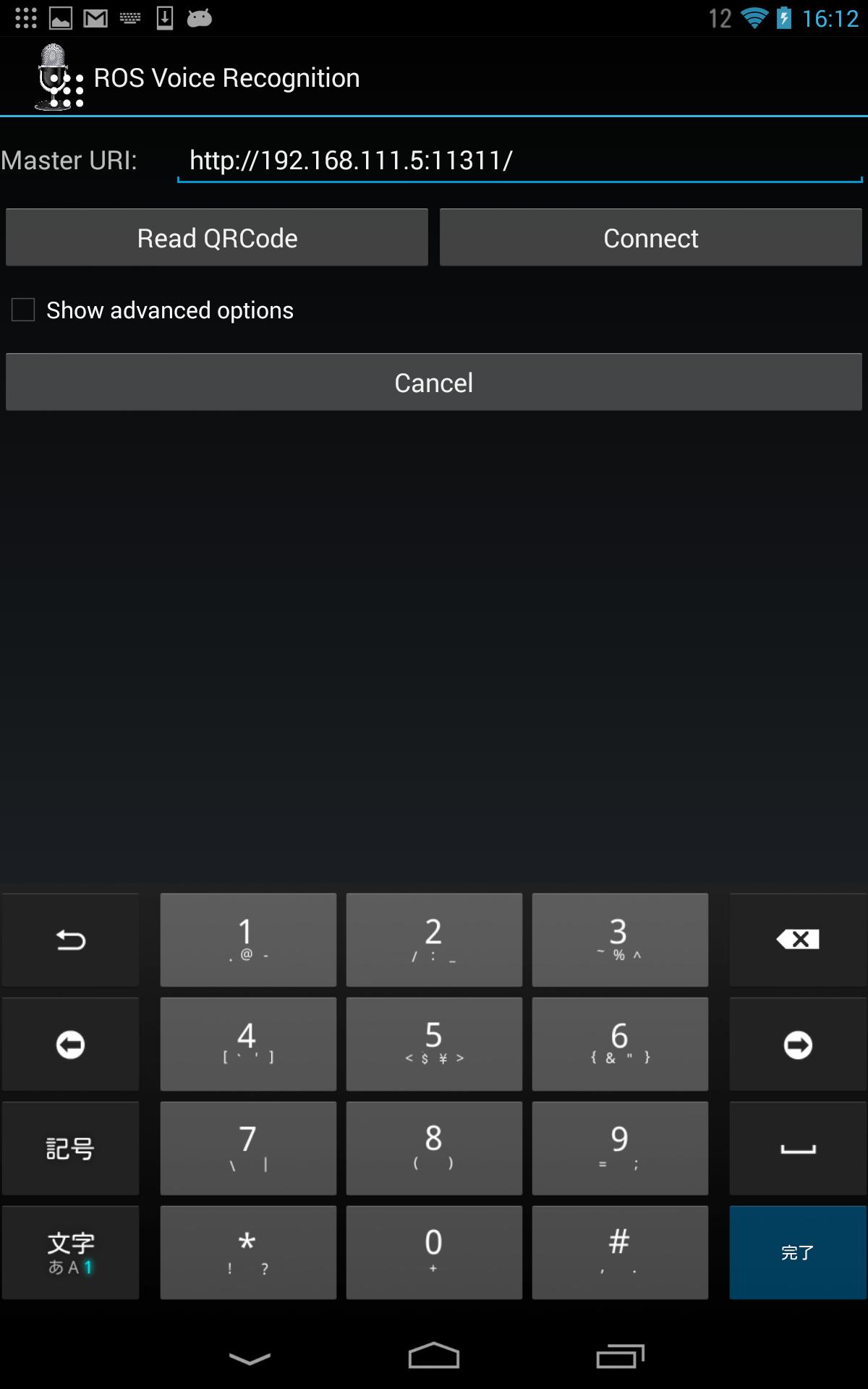
Android app for publishing speech-to-text results as ROS topic.
You have to configure Speech-To-Text from Setting > Language & Input > Google Voice Typing
You can subscribe the recognized voice text as:
rostopic echo /Tablet/voice
and for Multi-byte users (like Japanese), you have to decode the text to UTF character. This is some example to show as Kanji/Hiragana
rostopic echo --filter "print('transcript: [%s]\n---'%(', '.join(map(lambda x: '\'%s\''%(x.decode('utf-8')), m.transcript))))" /Tablet/voice
Latest Version
0.0.2Uploaded by
Marian Khory
Requires Android
Android 4.0.3+
Category
Free Tools AppContent Rating
Everyone
Report
Flag as inappropriateLast updated on May 17, 2016
Minor bug fixes and improvements. Install or update to the newest version to check it out!




APKPure - A multi-platform app store primarily focused on Android, providing extensive app-related content. Discover the app you want easier, faster, and safer, with quick and efficient downloads and installations.