Package Name:dev.romboy.app
SHA-256:61169c72f8e1efbee37f731460ab7f46e2485cd2c9ffd4f9c7273a1c239d91ed
Show More

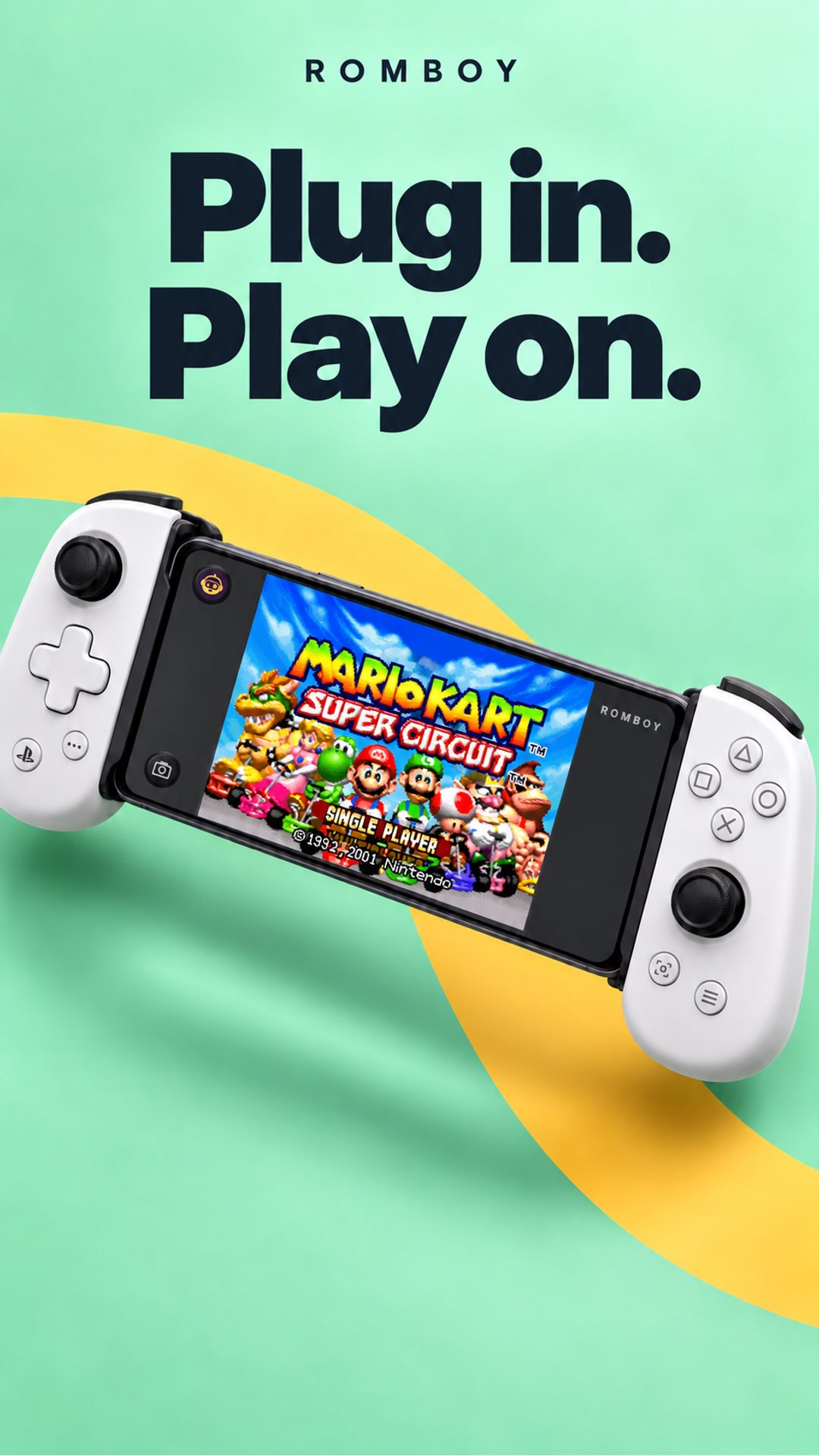
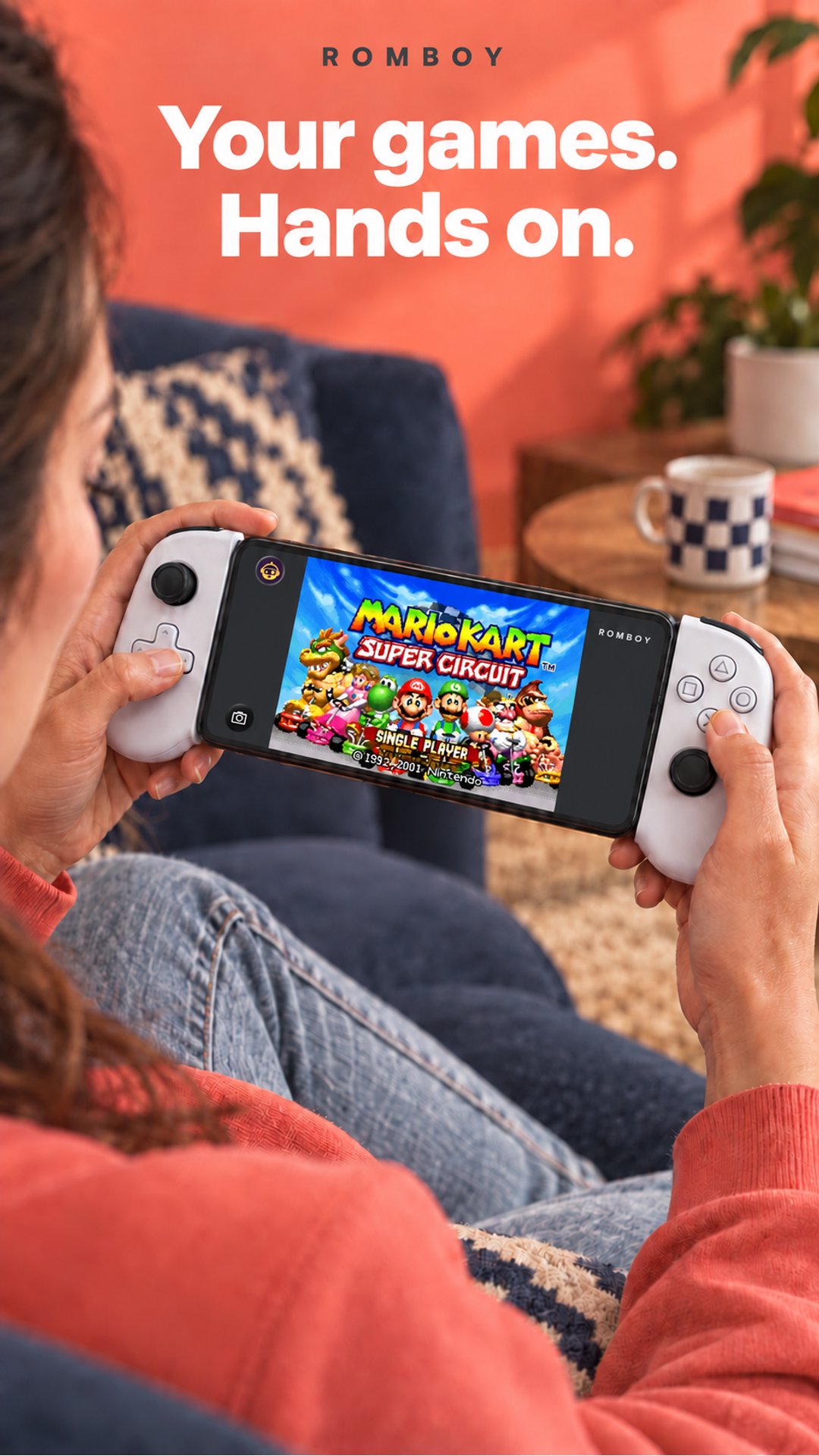
RomBoy is a retro game emulator for Android with built-in Game Boy, Game Boy Color and Game Boy Advance support. Bring your own compatible games, choose a skin and play with touch controls or a compatible controller.
Play offline
Import compatible ROM files from your phone, or download games from your own RomM library. Once stored on your phone, games are ready to play offline. A server is optional: local imports work independently.
Keep your collection close
• Find your games with cover artwork, search and recently played titles.
• Keep your latest game close at hand on Home.
• Browse a connected RomM library and choose what to download.
• Pause, resume or retry server downloads.
• Remove a downloaded game from your phone while keeping its saves and the original on your server.
Keep your progress
• Save your progress on your device.
• Import and export save files from a game's page.
• Back up saves automatically for games linked to a connected RomM library.
• Review conflicting saves and choose which version to use.
Server browsing, downloads and backups require a compatible RomM server. Backups also require a connection and the necessary save support on that server.
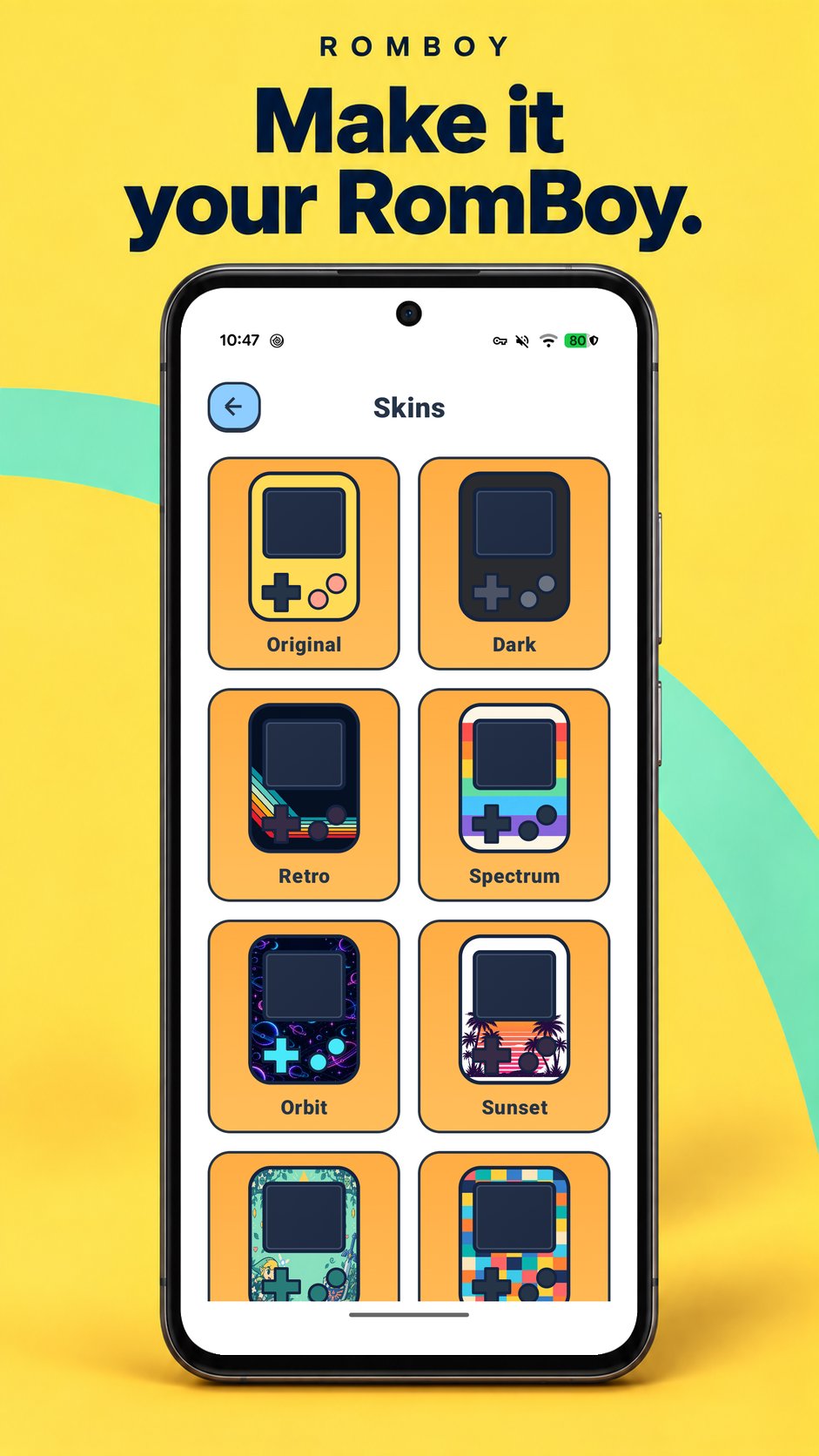
Make it your RomBoy
• Play using touchscreen controls or a compatible controller.
• Choose customisable gameplay skins.
• Play in portrait or landscape.
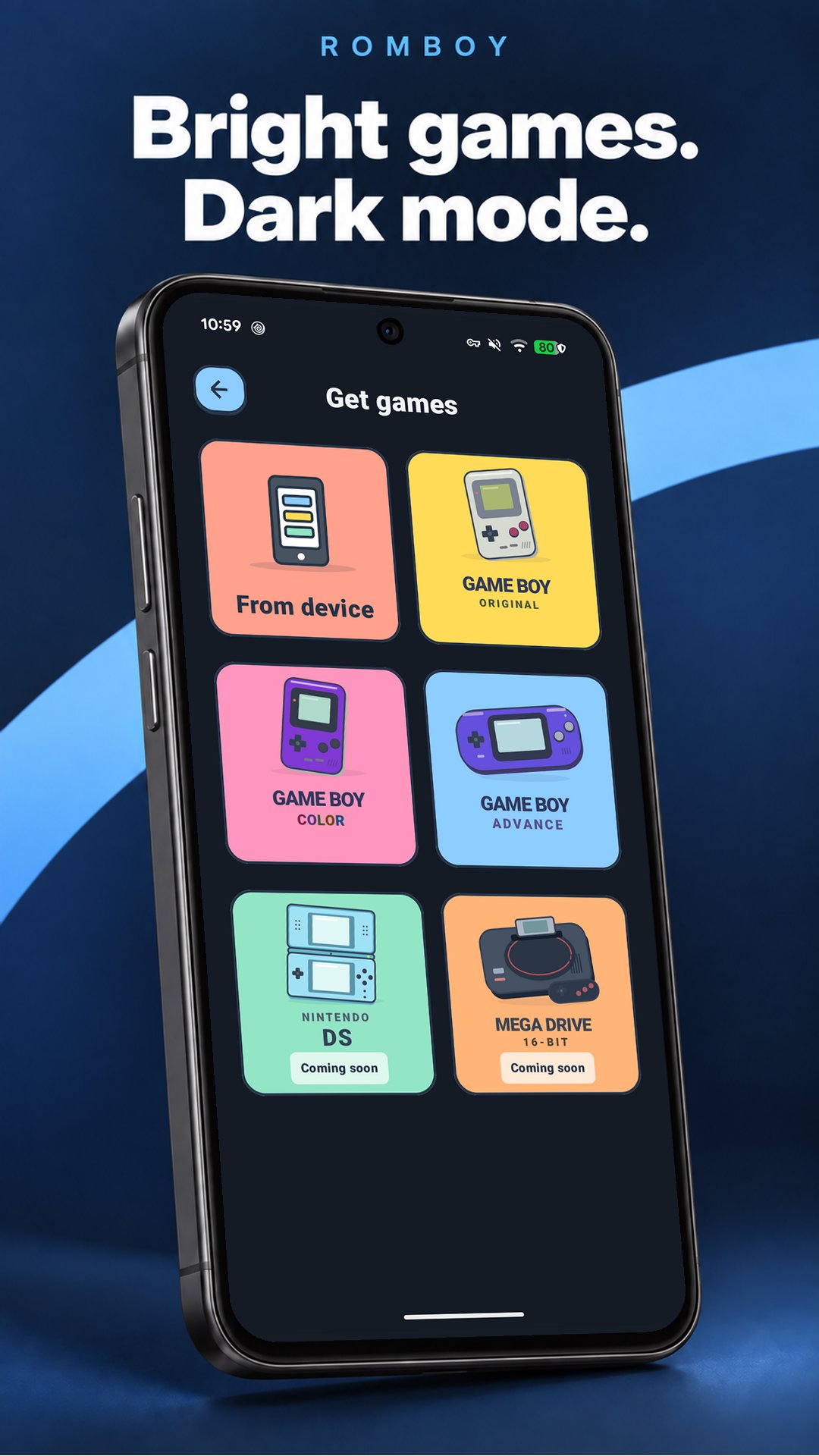
• Switch the app to dark mode.
Dual-screen compatibility
Compatible with supported Android dual-screen devices, including AYN Thor. Use both built-in screens with a companion dashboard, and move gameplay between the top and bottom screens.
Supported now
Game Boy (GB), Game Boy Color (GBC) and Game Boy Advance (GBA).
Sega Mega Drive and Nintendo DS are future plans. They are not included in the current app, and release dates are not set, but both are expected before 2027.
Help and community
Find setup and troubleshooting help in the app. Visit github.com/NatLego/RomBoy for beta information, guides, updates and community discussions.
Privacy policy: https://letmehelp-romboy.web.app/privacy-policy/
Before you play
Games are not included. You need compatible ROM files. Extract ZIP archives before importing local files.
RomBoy is independently developed and is not affiliated with or endorsed by the RomM project, Nintendo or Sega.
Latest Version
1.0.1Uploaded by
Juan Flores
Requires Android
Category
Free Entertainment AppContent Rating
Everyone
Security Report
Check Now
Report
Flag as inappropriateLast updated on Oct 28, 2026
• Better tablet and split-screen gameplay, with flexible window sizing and orientation following your device settings.
• AYN Thor dual-screen support.
• Improved RomM connection.







APKPure - A multi-platform app store primarily focused on Android, providing extensive app-related content. Discover the app you want easier, faster, and safer, with quick and efficient downloads and installations.