ROM Patcher helps when you want to apply fan translations or fixes to your own ROMs or ISOs. It focuses on patching files directly, so you bring the correct ROM and a matching patch. The flow is simple from choosing a file to saving an output, which suits quick tasks and repeated use. It does not include any ROMs, ISOs, or patches, and it does not modify native Android apps. If you search for ROM Patcher APK, have your files organized beforehand.
Wide patch format support
ROM Patcher recognizes common patch formats, including APS, ASM, BPS, BSDIFF, DLDI, DPS, ECM, IPS, IPS32, PPF, UPS, XDELTA1, XDELTA3, and XPC. It can also decompress ECM files using unecm, which helps when a ROM needs to be restored before patching.
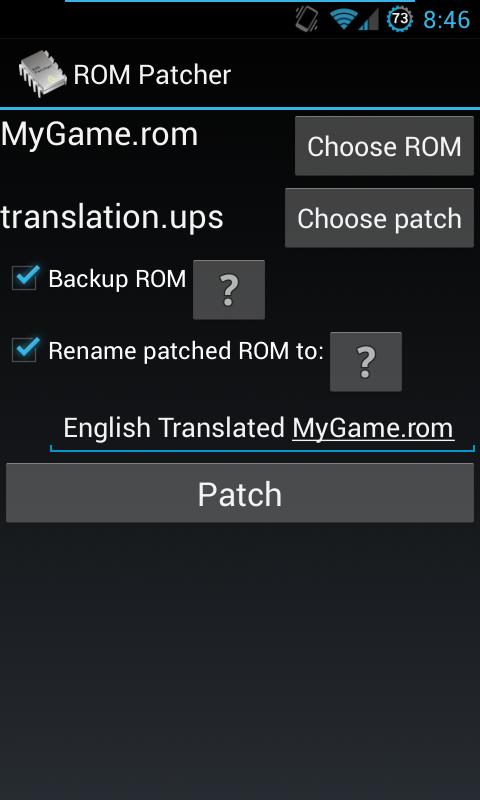
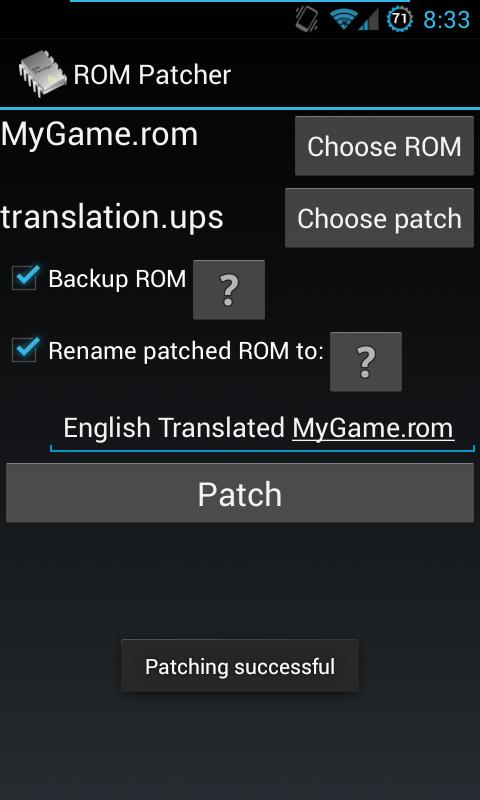
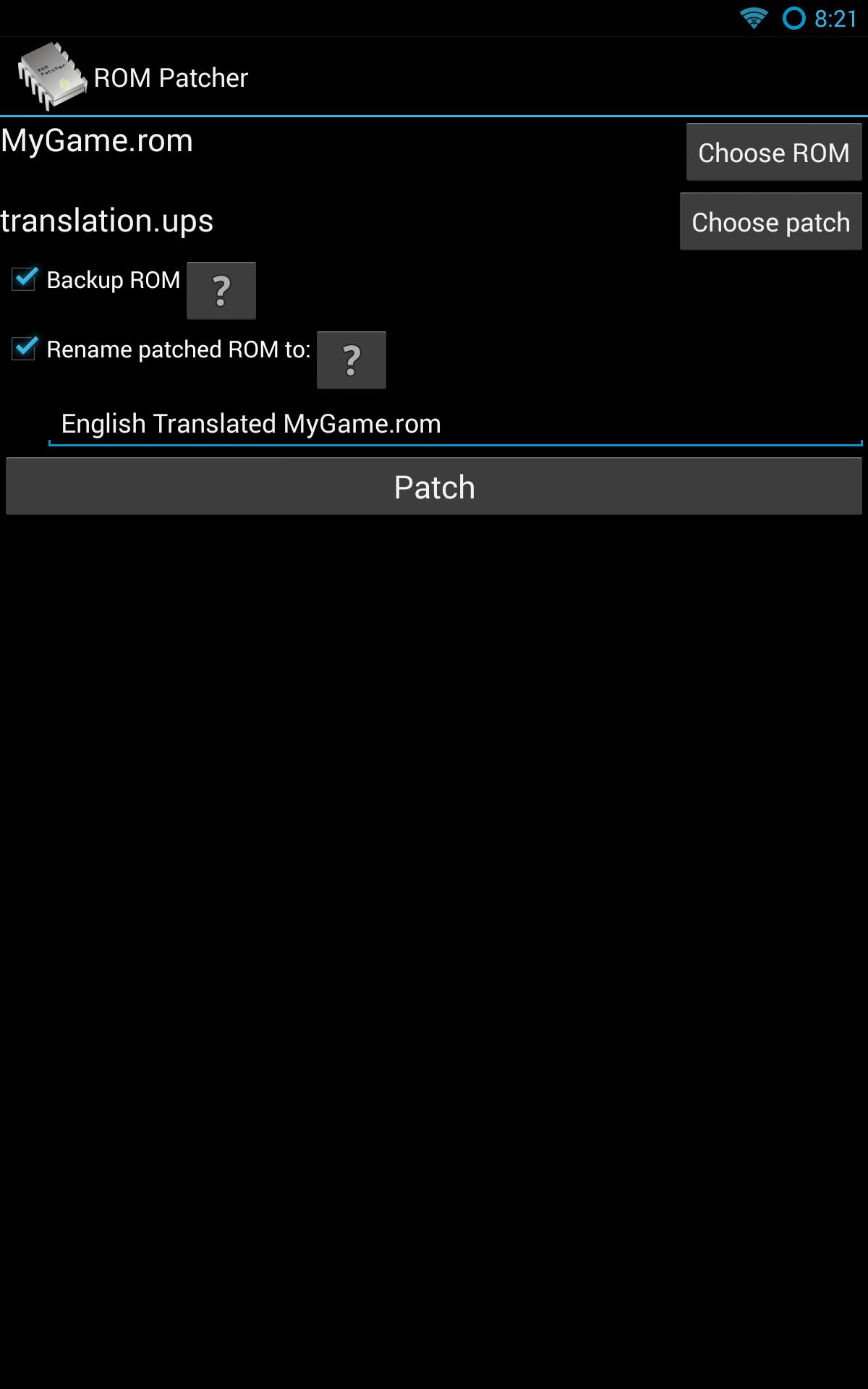
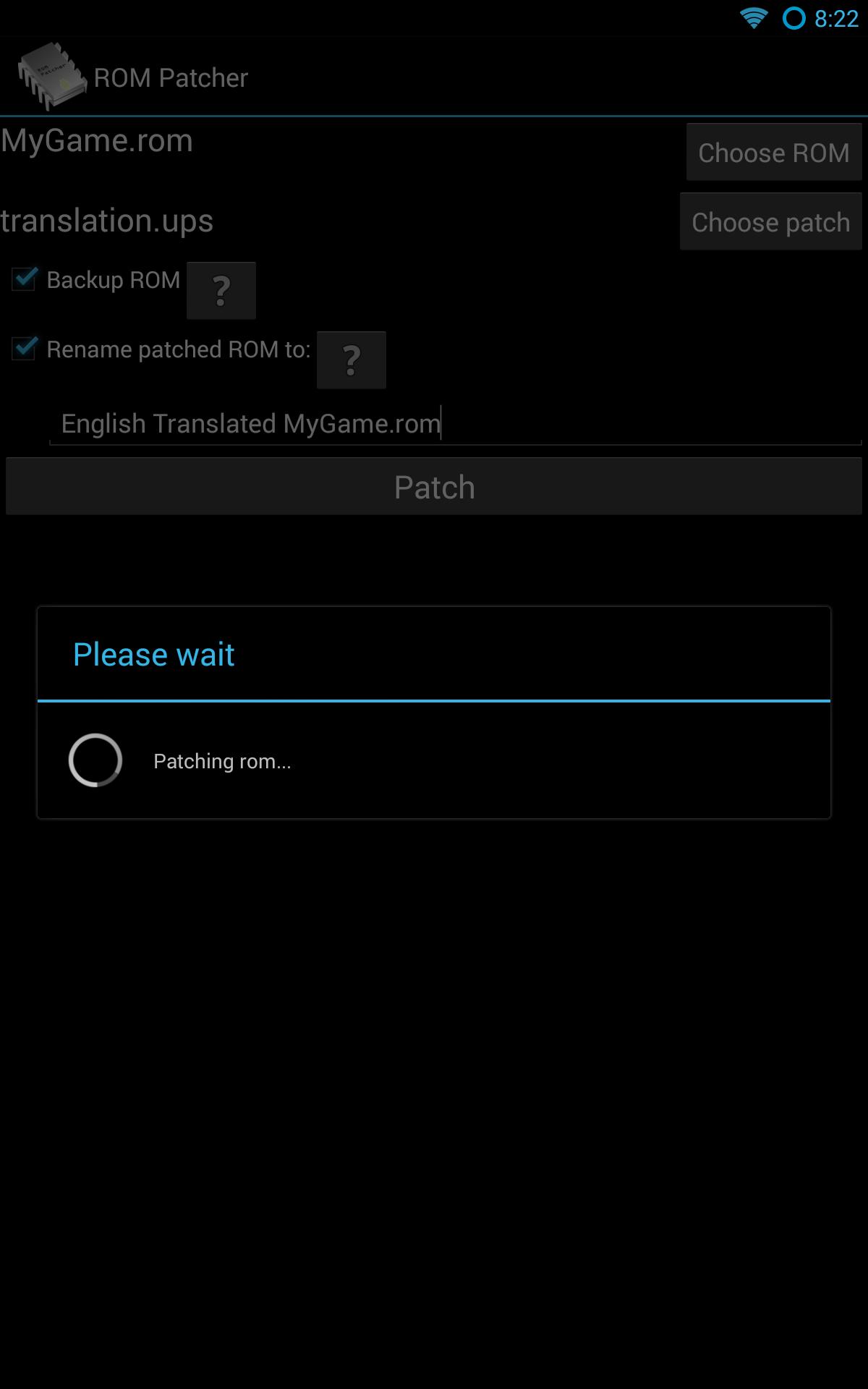
Simple patching steps
Options and file checks
Use the Ignore checksum option if a patch requires it. Ensure the ROM is correct and untrimmed, and make sure all files are unzipped or extracted before patching. Verify the patch file extension matches a supported format, and avoid trying to patch a patch file.
Scope and limitations
ROM Patcher applies patches to files only. It does not modify other Android apps, and no ROMs, ISOs, or patches are included. If a patched ROM fails in another app, contact that app’s author. Compatibility depends on the correct ROM and the patch you provide.
Prepare the right ROM and patch, then follow the simple steps to create an output file. When you download ROM Patcher, double-check file paths, formats, and extraction to avoid common errors and ensure the patch applies correctly.
Latest Version
2.16Uploaded by
Yin Blade
Requires Android
Android 2.3.2+
Category
Free Tools AppContent Rating
Everyone
Report
Flag as inappropriateLast updated on Jul 7, 2017
2.16: xdelta3-related fixes



APKPure - A multi-platform app store primarily focused on Android, providing extensive app-related content. Discover the app you want easier, faster, and safer, with quick and efficient downloads and installations.