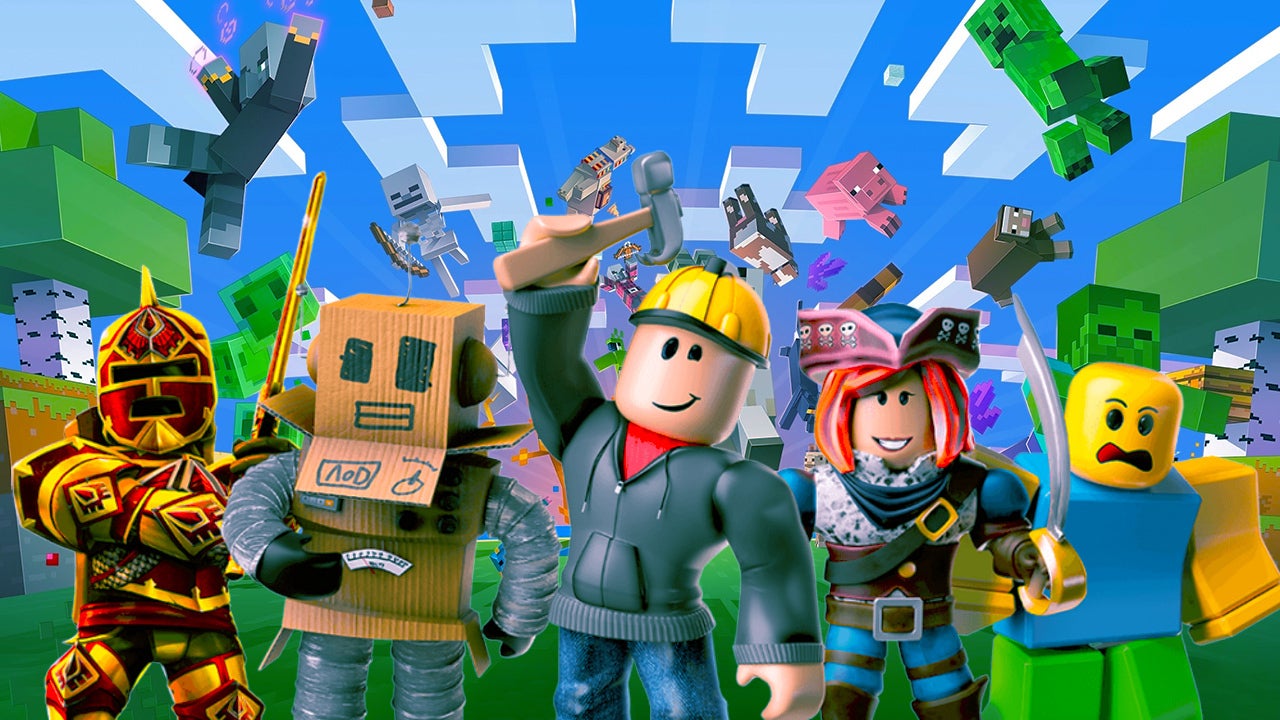
Roblox helps players who want one place to find many different types of online games and social spaces. The Roblox app is a platform rather than a single game, so each experience can have its own goals, rules, and community. Players can move between role-playing worlds, racing games, simulators, action games, and other community-made spaces. New experiences are published regularly, which means the available selection can change from day to day.
Find games by interest
Roblox lets you browse trending and recommended experiences or search for a specific title. You can find popular worlds such as Brookhaven RP, Adopt Me!, Dress to Impress, Blox Fruits, RIVALS, and SpongeBob Tower Defense. Each game is made by a different creator or team, so gameplay, controls, and available content may vary.
Play with friends and other users
You can join multiplayer servers to play alongside friends or other Roblox users. Roblox also supports Parties, which help players enter experiences together. Text chat is available in supported situations, while eligible users may also have access to voice chat.
Set up your avatar
Roblox allows you to change your virtual character through the Marketplace. You can look for clothing, accessories, hairstyles, animations, emotes, and user-created 3D items. Your avatar gives other players a way to recognize you when you enter different experiences.
Keep your account progress
Your Roblox account keeps its identity, friends list, avatar, and progress across supported devices. This is useful when you return to a game you have played before or want to reconnect with people you already know. However, progress and items can depend on the individual experience and its creator.
Explore creator-made worlds
Roblox includes experiences made by studios, independent teams, and individual creators. Creators can build and publish games and virtual spaces through Roblox Studio, while players can discover those published projects in the app. As a result, the platform includes many different game styles instead of one fixed set of levels.
Some Roblox experiences offer optional purchases for virtual items, game passes, or loot boxes. Prices, rewards, and spending options are set by the creators of each experience, so check the purchase screen before confirming a transaction. Players should also note that an item bought for one game may not work in another game.
Roblox provides moderation tools, privacy settings, account restrictions, and parental controls. These settings can help manage who can communicate with an account, access to content, and spending options. Chat filters may block certain words or attempts to share contact details, and trying to bypass those filters can break the platform’s community guidelines.
After installing Roblox, sign in with an existing account or create one to save your identity and activity. If you want the Roblox latest version, check that the installed app is current before entering an experience. Then take a moment to review your account and privacy settings before using chat or making purchases.
Open the app and use the home screen to browse recommended and trending experiences, or use search to find a game by name.
Select an experience to view its page, then check its description and choose the play button to enter an available server.
To play with others, add friends from their profiles or create a Party before joining an experience together.
Open the avatar and Marketplace sections when you want to change outfits, accessories, animations, or emotes for your character.
Visit the settings area to adjust privacy, chat permissions, account restrictions, parental controls, and spending options as needed.
Roblox brings together many creator-made games, social spaces, and avatar options in one Android app. Download Roblox APK if you want to search for community-made experiences, join shared servers, and manage your account in the same place.
More official information is available through the following website:
Website: https://www.roblox.com/
Latest Version
2.738.1397Requires Android
Android 8.0+
Category
Free Adventure GameContent Rating
Teen · Diverse Content: Discretion Advised
Report
Flag as inappropriate



APKPure - A multi-platform app store primarily focused on Android, providing extensive app-related content. Discover the app you want easier, faster, and safer, with quick and efficient downloads and installations.