Scan Date:Mar 25, 2026
Show More

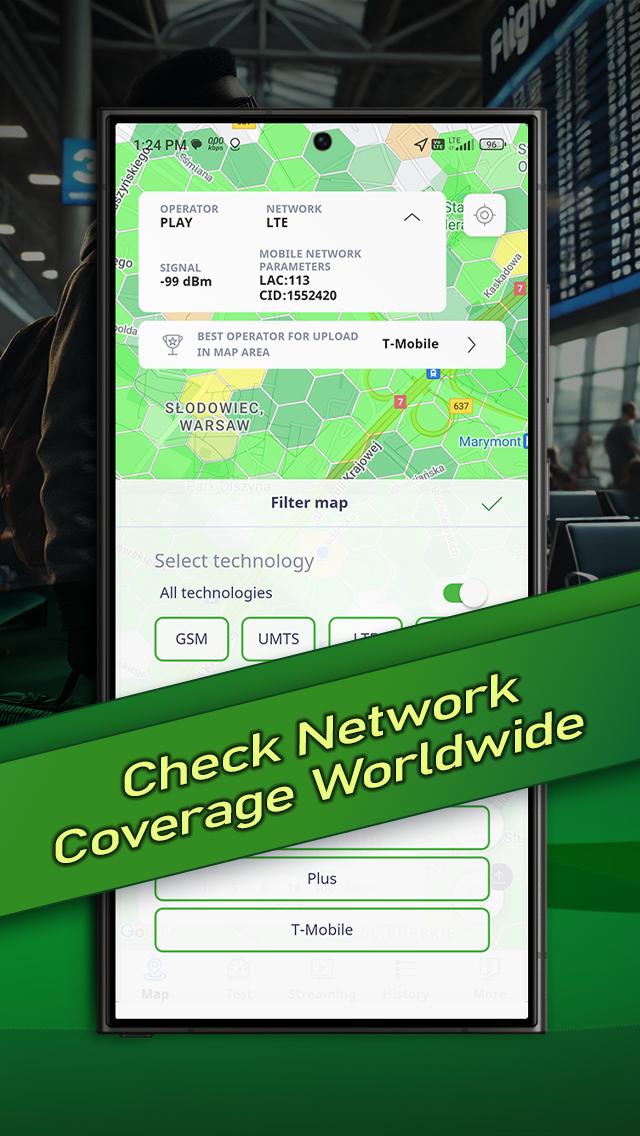
RFBENCHMARK is a free and powerful tool designed to test and benchmark mobile network performance—anytime, anywhere. Whether you're using 5G, LTE, or WiFi, this app gives you instant insights into your mobile connection quality.
✅ Run quick and accurate speed tests
✅ Compare results across all major operators
✅ Find the best-performing network in your location
✅ Support for all mobile technologies
Ideal for tech enthusiasts, travelers, or anyone wanting to get the most out of their mobile connection. Stay informed and connected with real-time, data-driven results.
By using RFBENCHMARK, you also contribute to a growing community of users helping to map and improve mobile connectivity worldwide.
🔍 Discover more at: www.rfbenchmark.com
Latest Version
1.5.14Uploaded by
Zo Zo
Requires Android
Android 7.0+
Category
Free Tools AppContent Rating
Everyone
Security Report
Report
Flag as inappropriateLast updated on Mar 25, 2026
We added a Wi‑Fi Scanner feature.
- real-time view of nearby Wi‑Fi networks,
- clear AP list with key signal parameters,
- 2.4 / 5 / 6 GHz channel map to quickly spot band congestion.
This makes it easier to assess Wi‑Fi quality and channel usage around you.





APKPure - A multi-platform app store primarily focused on Android, providing extensive app-related content. Discover the app you want easier, faster, and safer, with quick and efficient downloads and installations.