Requires ROOT and at least Android 4.2 (or 4.3 to support overscan)
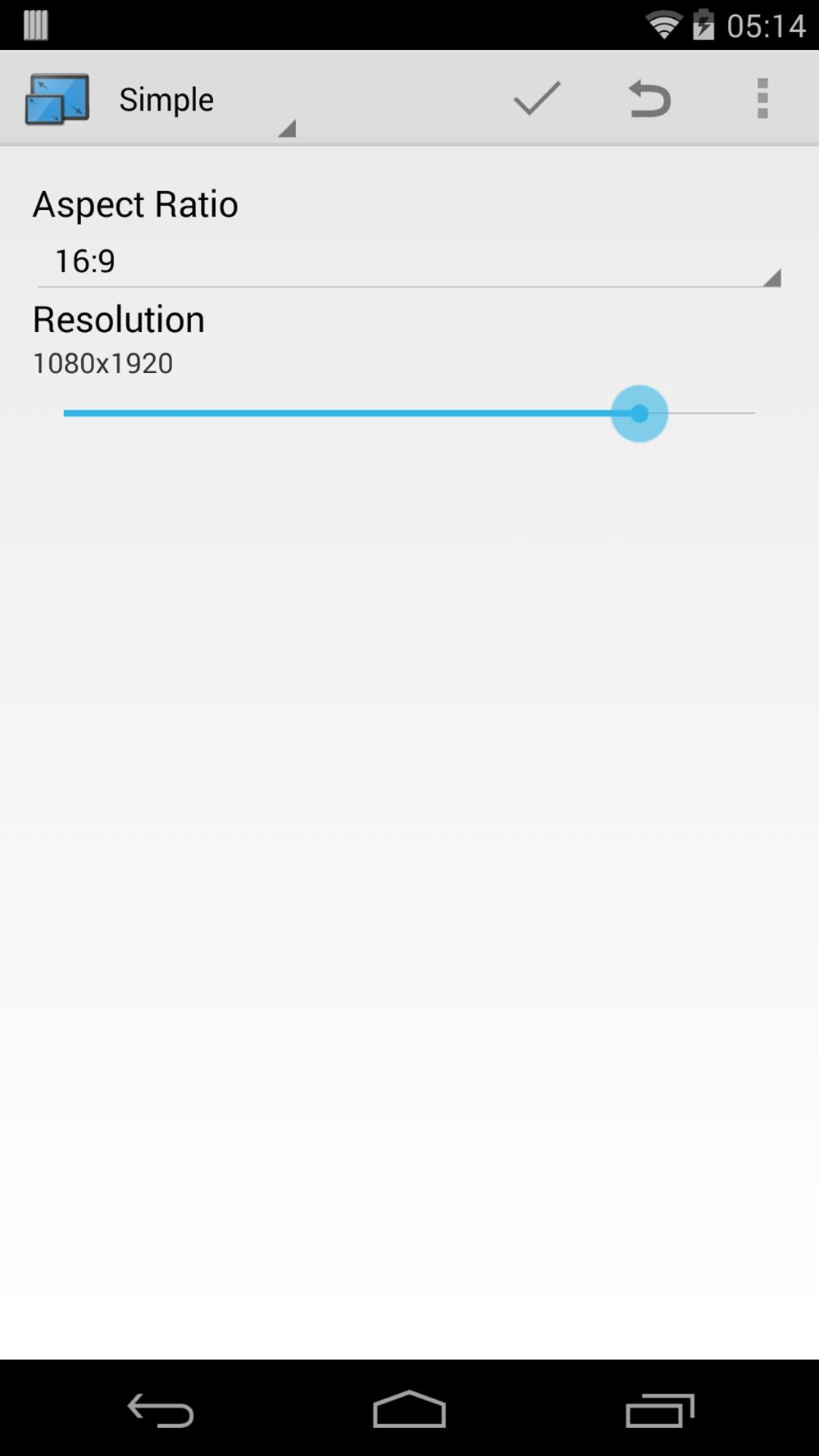
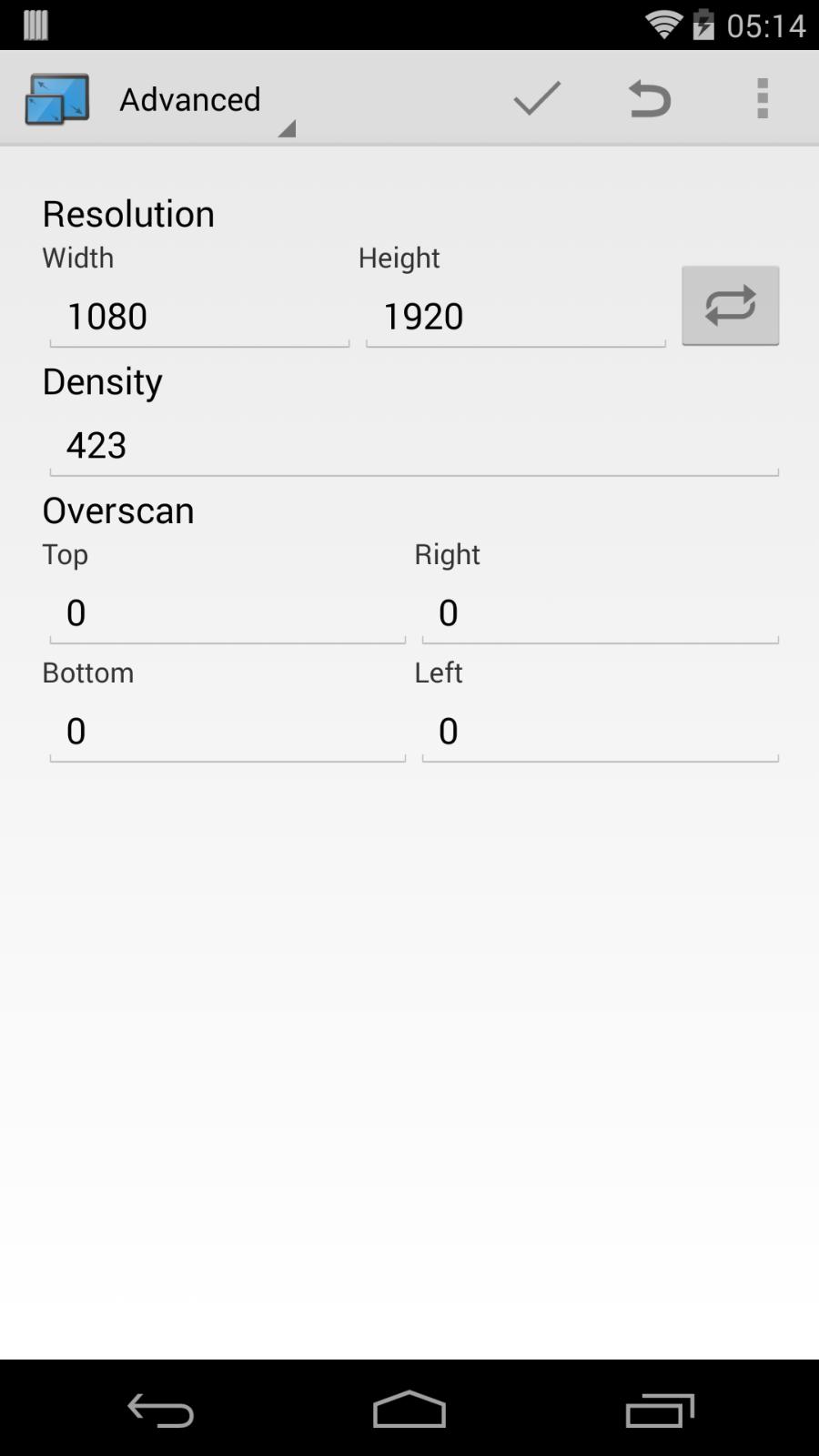
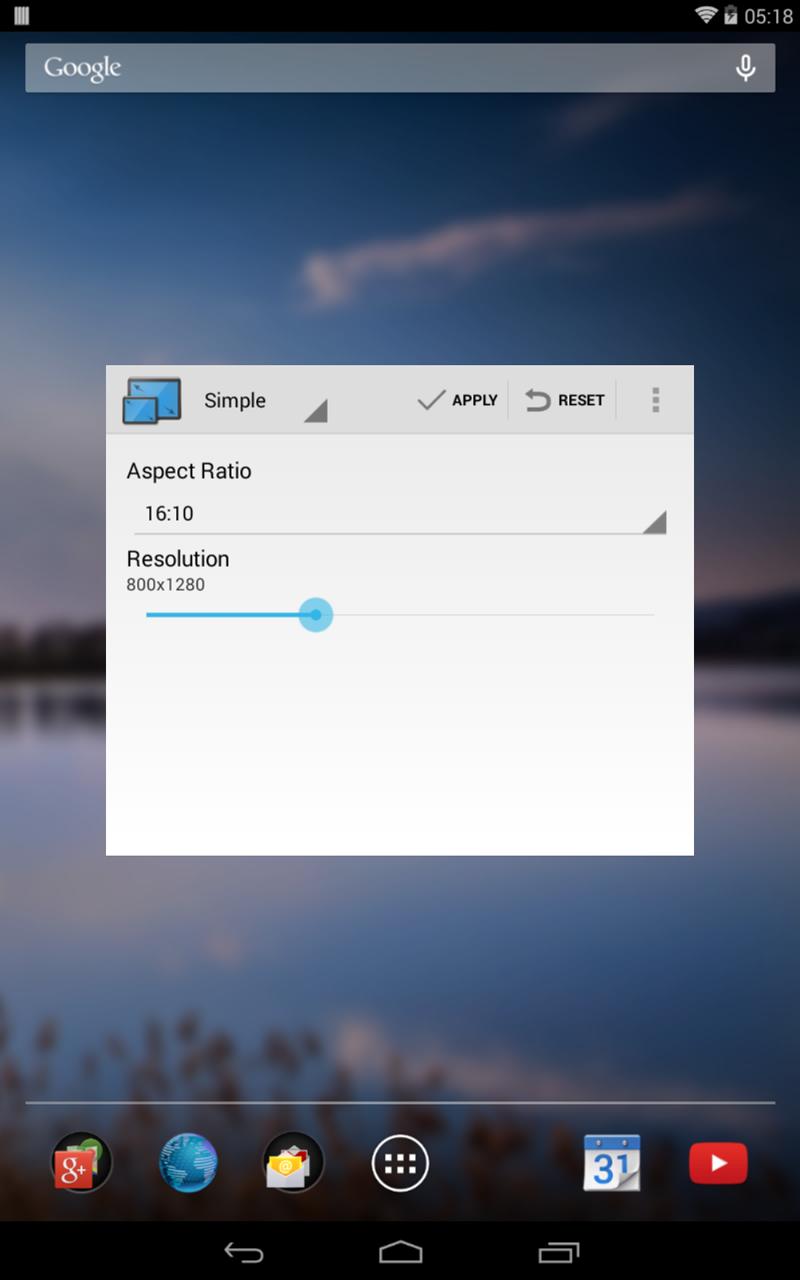
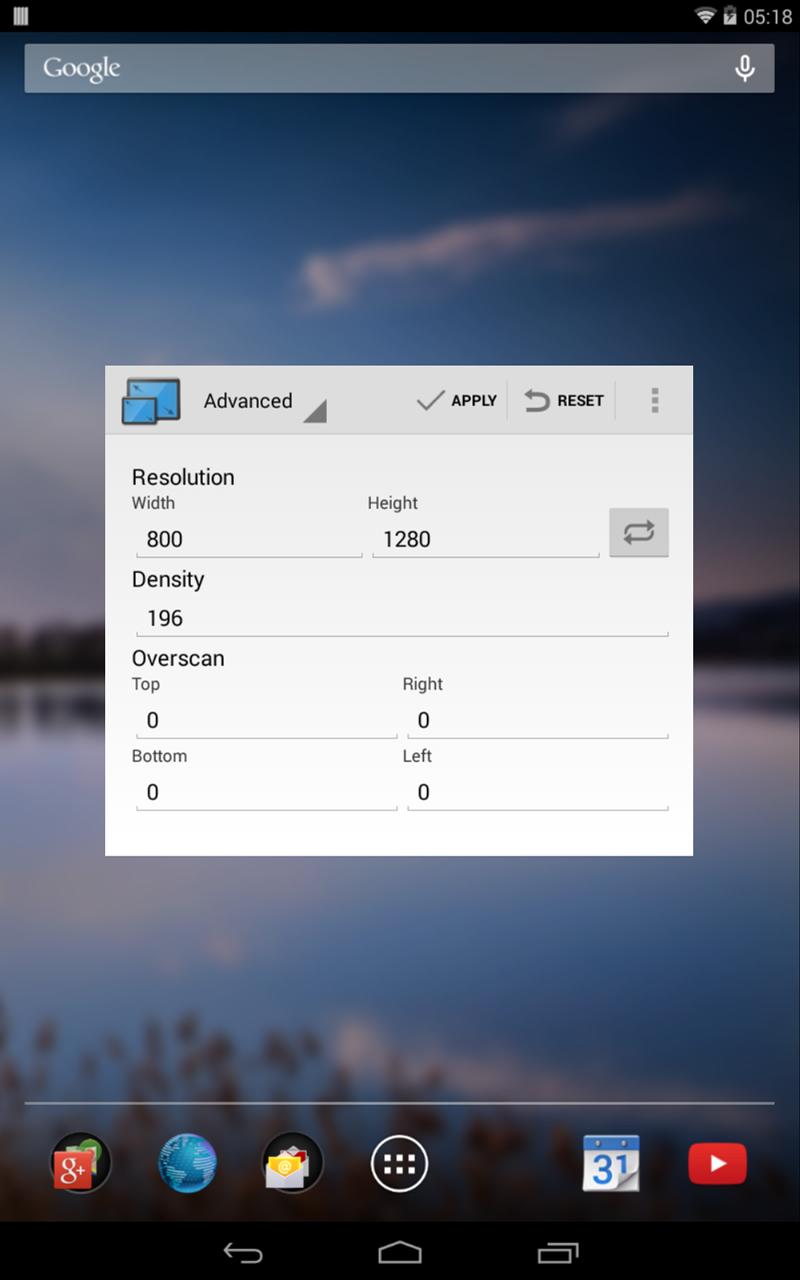
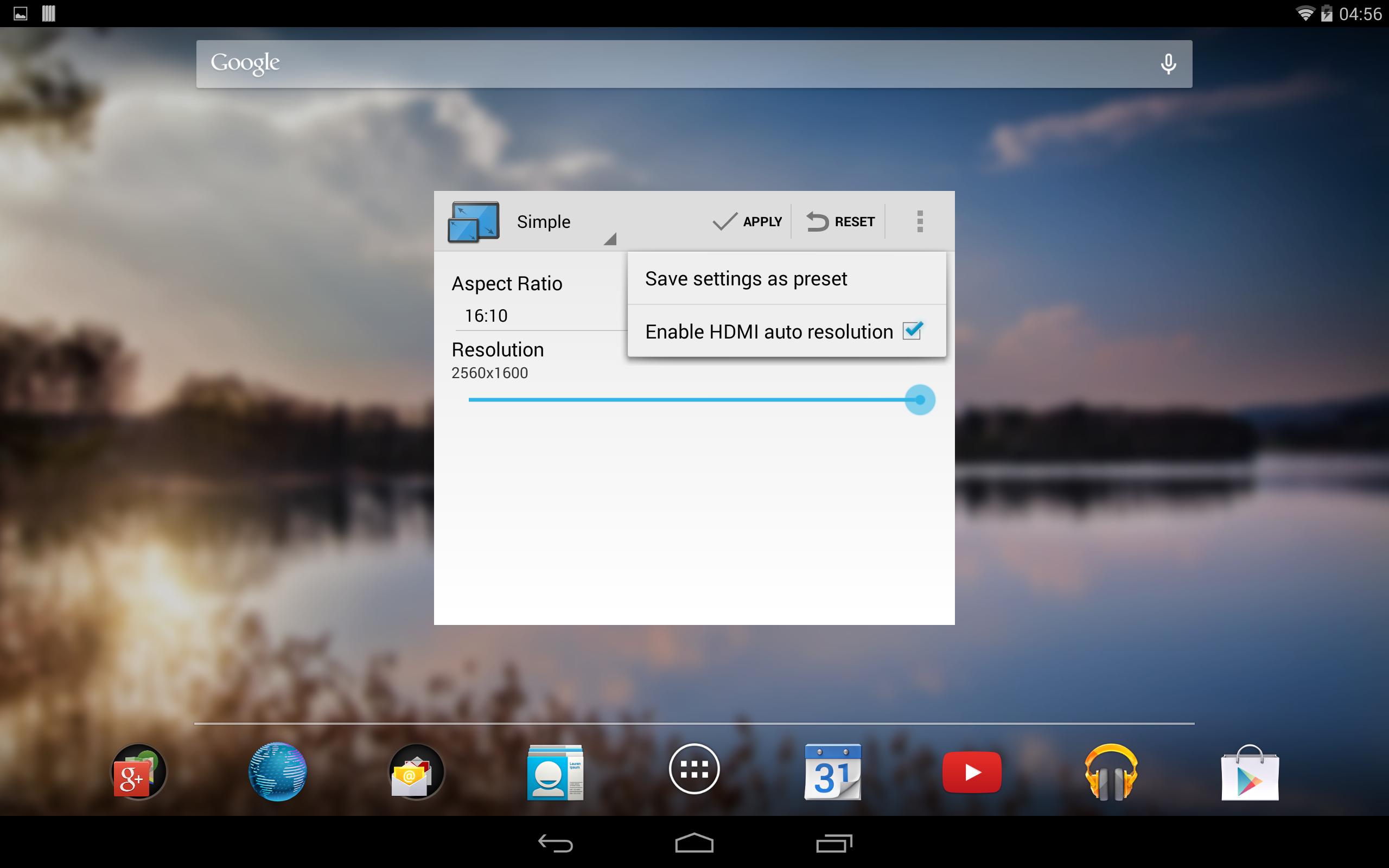
This tool gives you the ability to change your screen resolution, density (DPI) and overscan.
Why do I need to change my resolution?
# HDMI / TV-OUT / MIRACAST:
You want to adjust your screen resolution to fit your TV or External Monitor which is connected to your HDMI output to get rid off the black bars? With Resolution Changer, you can set your resolution to fit perfectly to the external monitor.
Additionally, with the HDMI Auto Resolution feature enabled, your device will detect your external HDMI Monitor and sets the screen resolution and density automatically to a chosen preset.
With overscan set, you can adjust your screen output padding to match excatly the External Monitor.
# DEVELOPMENT
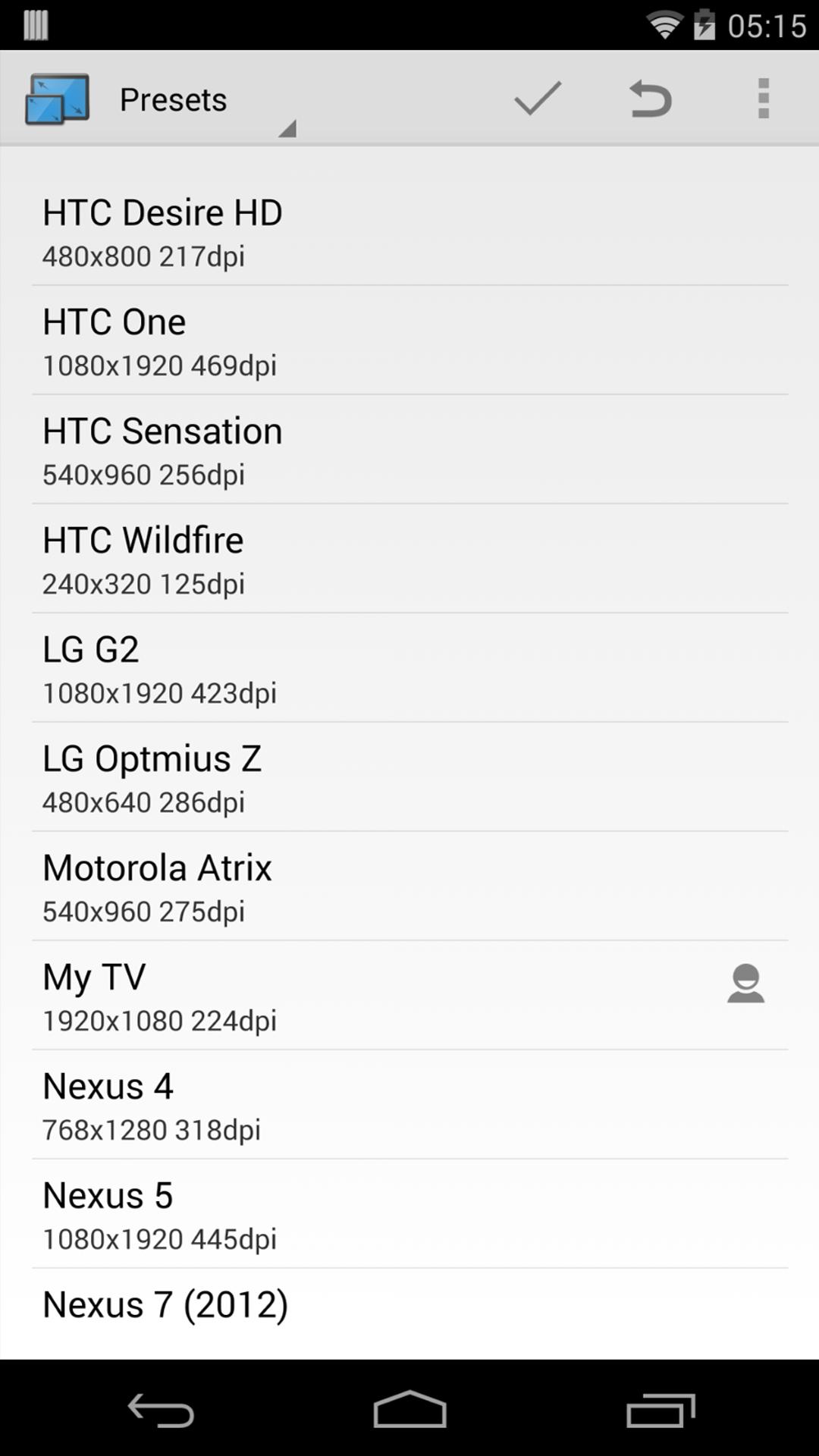
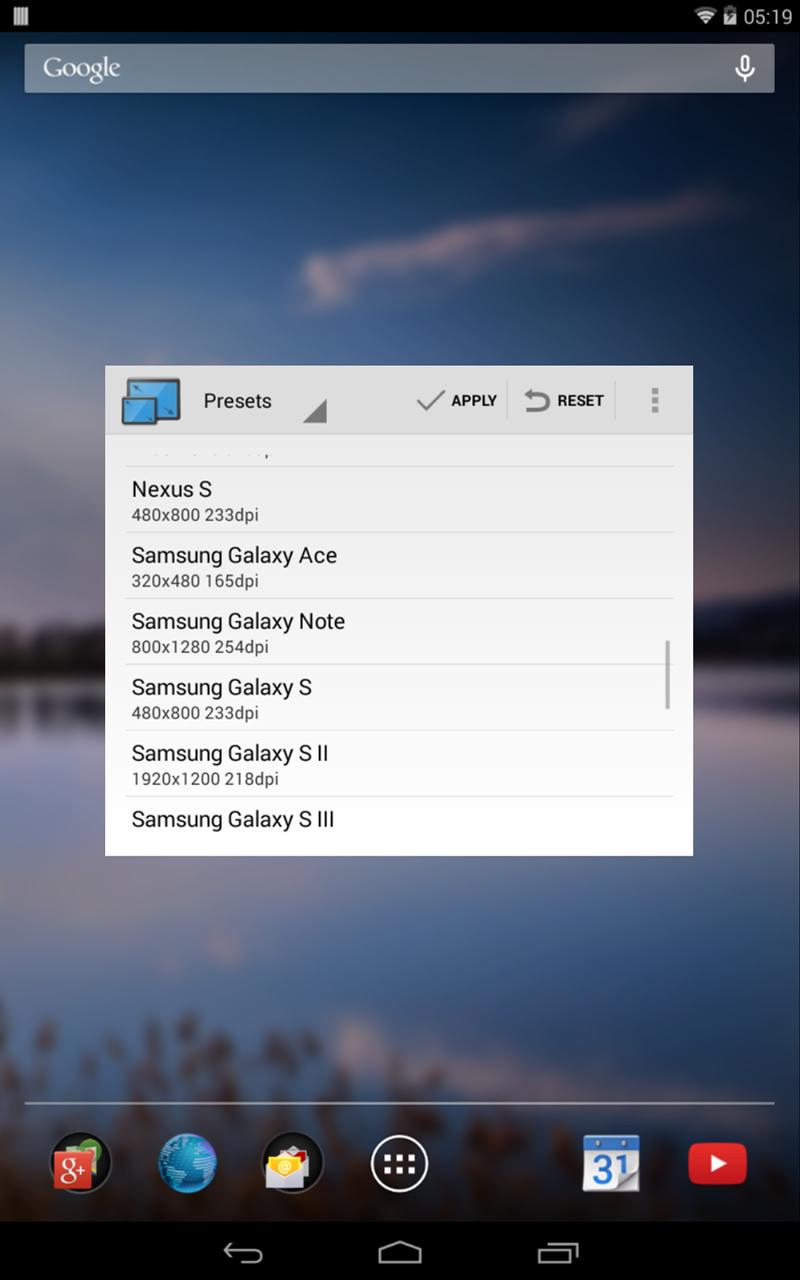
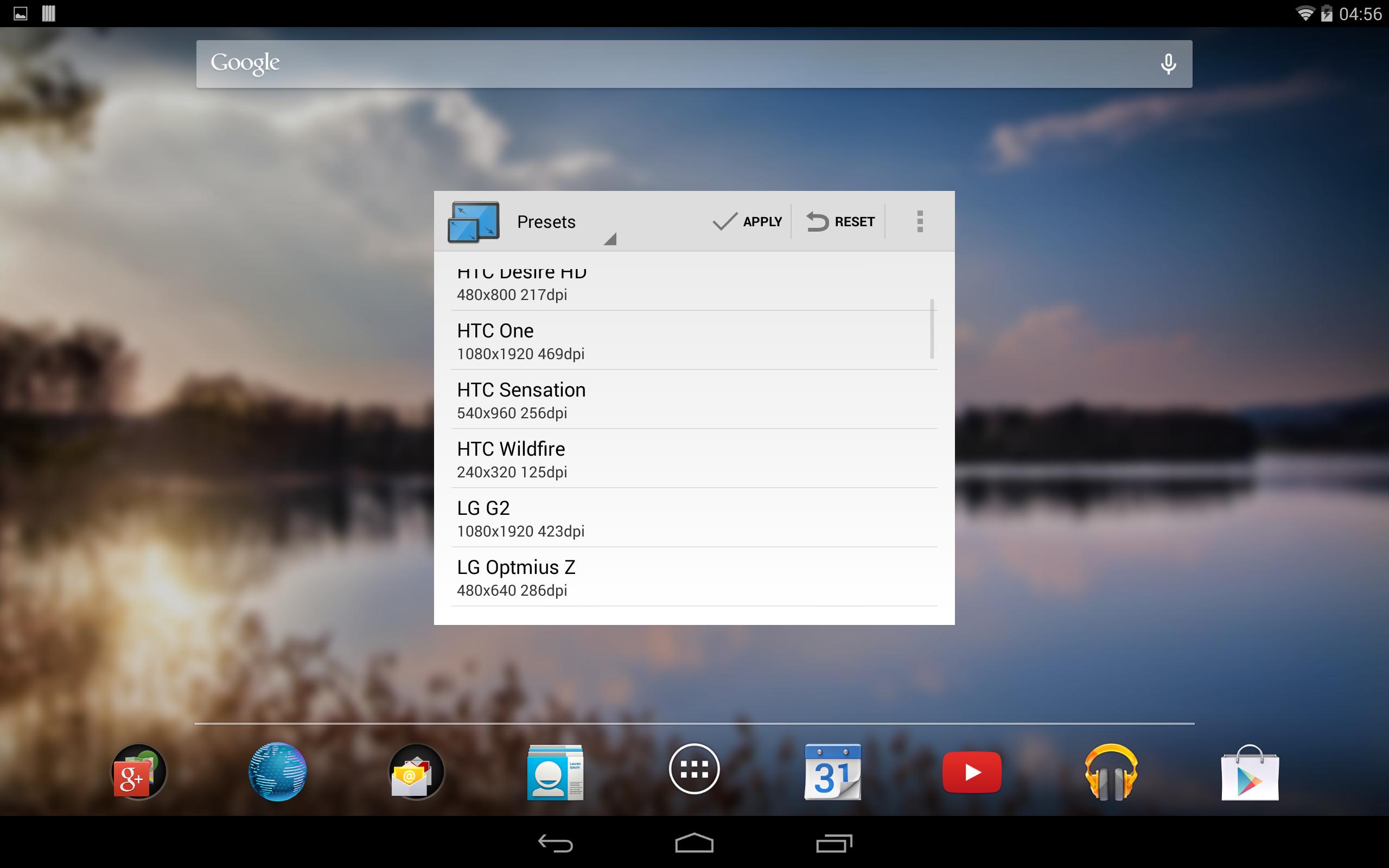
You are developing apps and you want to test your app on different devices? Just use a device preset or create your own one to simulate the screen resolution and density of every possible device.
# GAMES
Your device is too slow for the latest games? Just change the resolution to a lower one and enjoy your games with a higher framerate.
Hints:
If the device has problems with a choosen resolution, the default one will be restored after some seconds. Some apps like the launcher or the keyboard might not always scale correctly with every resolution.
The application is still restricted to the technical conditions of the device. That means, you wont be able to choose a resolution your device is not capable of displaying.
Latest Version
1.4Requires Android
4.2
Category
Tools AppContent Rating
Everyone
Report
Flag as inappropriateLast updated on Sep 7, 2014
This release includes minor bug fixes and general improvements. Update to the latest version for the best experience.


APKPure - A multi-platform app store primarily focused on Android, providing extensive app-related content. Discover the app you want easier, faster, and safer, with quick and efficient downloads and installations.