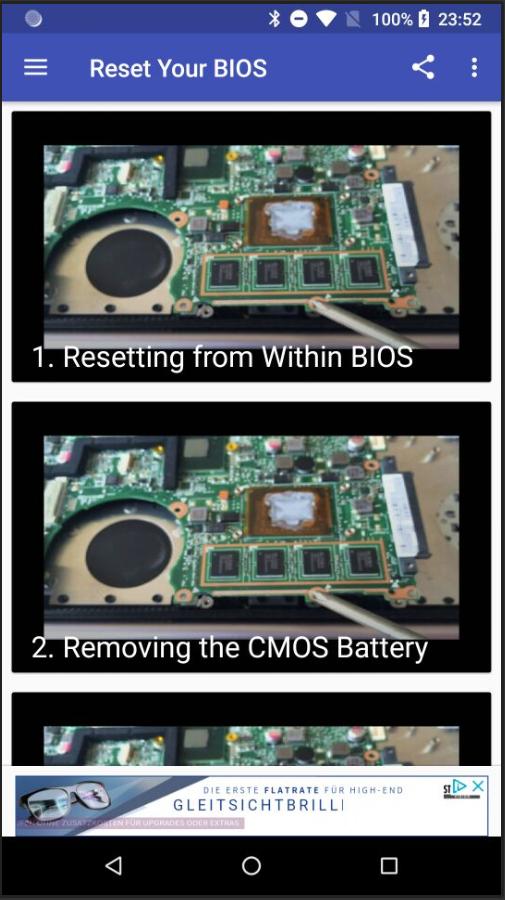
this app will teach you how to reset your Windows computer's BIOS (short for Basic Input/Output Settings) to factory settings. You can do this on most computers from the BIOS page; however, if you're locked out of your computer's BIOS, you'll need to reset the BIOS by opening your computer's housing and removing the CMOS battery from the motherboard, or--in the case of desktops--resetting the jumper switch on the motherboard.
In some cases, opening your computer's housing will void your warranty, and you run a significant risk of permanently damaging your computer while doing so. If you can't access your BIOS, your best course of action is to take the computer into a tech department instead of doing it yourself.
Latest Version
1.1Uploaded by
Nguyễn Trọng Kha
Requires Android
Android 4.0+
Category
Free Entertainment AppContent Rating
Everyone
Report
Flag as inappropriateLast updated on Oct 13, 2018
This release includes minor bug fixes and general improvements. Update to the latest version for the best experience.



APKPure - A multi-platform app store primarily focused on Android, providing extensive app-related content. Discover the app you want easier, faster, and safer, with quick and efficient downloads and installations.