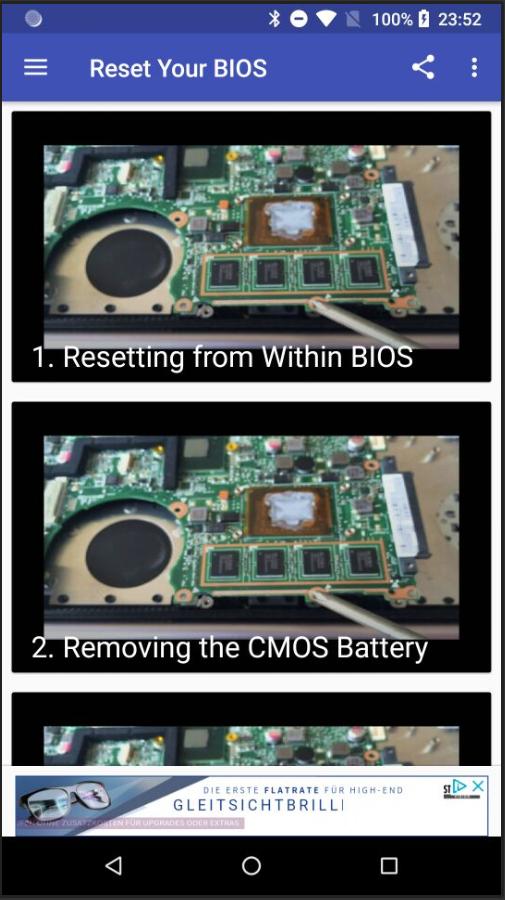
this app will teach you how to reset your Windows computer's BIOS (short for Basic Input/Output Settings) to factory settings. You can do this on most computers from the BIOS page; however, if you're locked out of your computer's BIOS, you'll need to reset the BIOS by opening your computer's housing and removing the CMOS battery from the motherboard, or--in the case of desktops--resetting the jumper switch on the motherboard.
In some cases, opening your computer's housing will void your warranty, and you run a significant risk of permanently damaging your computer while doing so. If you can't access your BIOS, your best course of action is to take the computer into a tech department instead of doing it yourself.
Last updated on Oct 13, 2018
이 버전에는 사소한 버그 수정과 전반적인 개선 사항이 포함되어 있습니다. 최상의 환경을 위해 최신 버전으로 업데이트하세요.



APKPure - 안드로이드를 중심으로 한 멀티플랫폼 앱스토어로, 다양한 앱 관련 콘텐츠를 제공합니다. 더 쉽고, 빠르고, 안전하게 원하는 앱을 찾아보세요. 빠르고 효율적인 다운로드와 설치가 가능합니다.