
This app requires root access, it will not work without.
Easily control your android device over adb remotely! No more digging around in your desk drawer for your USB cable. Just connect to adb over WiFi. Remote ADB Activator let's you easily start and stop the remote adb on your device on your desired port.
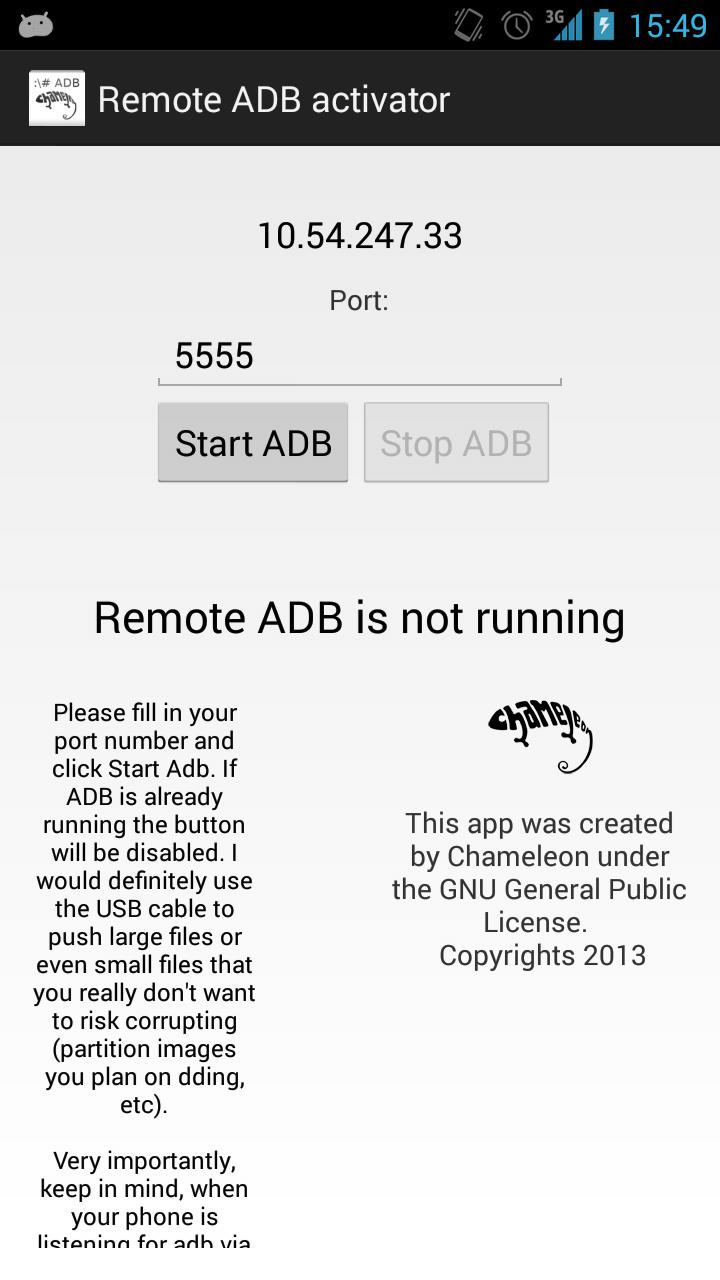
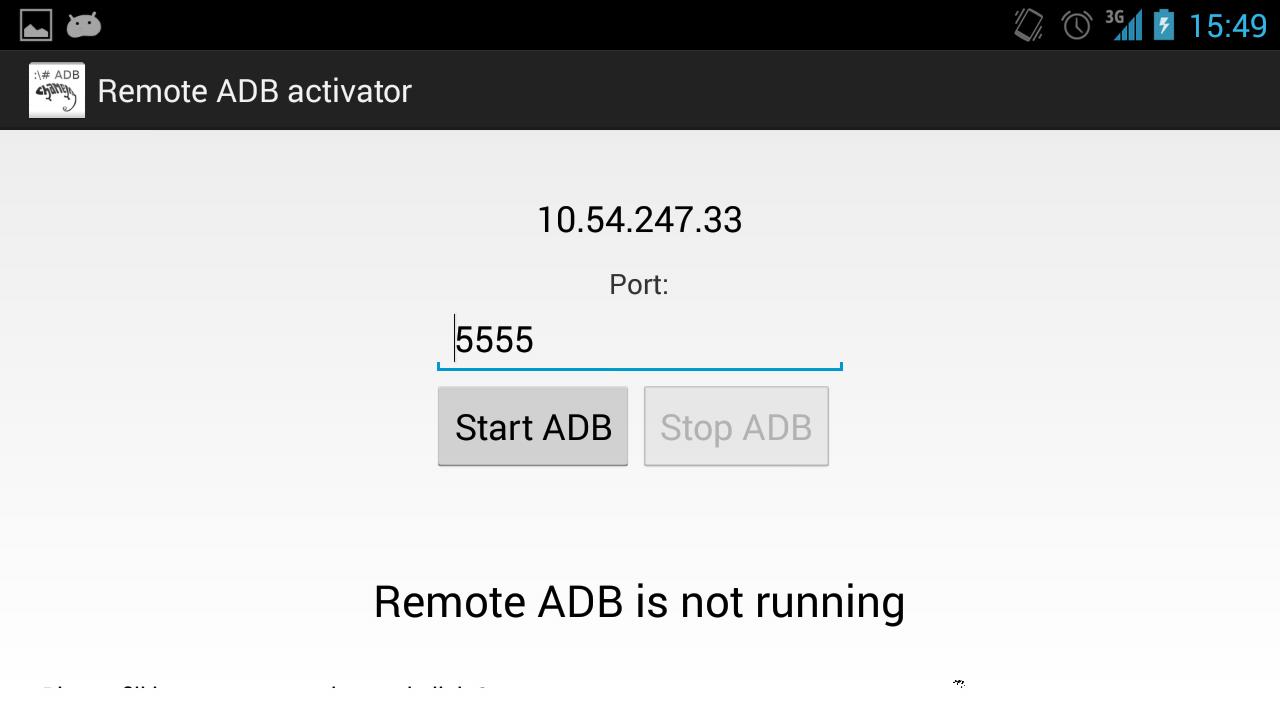
To get started using ADB remotely just fill in your desired port number (default is 5555) and hit Start ADB. ADB will now be running on the device. It will show the ip of the device on the top of the screen.
Once you got remote adb running open up your terminal/cmd and connect adb to your ip. You can do this with the following code assuming you run Remote adb on default port (I use 192.168.1.1 as my ip for example):
adb connect 192.168.1.1
Now when you execute adb devices your device will be listed. Now you can start sending abd commands over WiFi.
This apps asks for Network Communication to show you the IP address of the device. This is for the ease of use so you don't have to look it up in your phone settings.
Source is available on my github page: https://github.com/koenhendriks/
Latest Version
1.1Uploaded by
Yousef Ahmed Kabel
Requires Android
Android 2.2+
Category
Free Tools AppContent Rating
Unrated · Warning – content has not yet been rated. Unrated apps may potentially contain content appropriate for mature audiences only.
Report
Flag as inappropriateLast updated on Jan 27, 2016
- App no longer crashes when user is not root but shows a message
- Fixed some spelling mistakes
- Removed annoying auto-focus on the port number field which shows up the keyboard on every launch
- Added scroll for the description text for users with smaller screen sizes
- Added Super User permission in the manifest



APKPure - A multi-platform app store primarily focused on Android, providing extensive app-related content. Discover the app you want easier, faster, and safer, with quick and efficient downloads and installations.