Scan Date:Feb 26, 2026
Show More


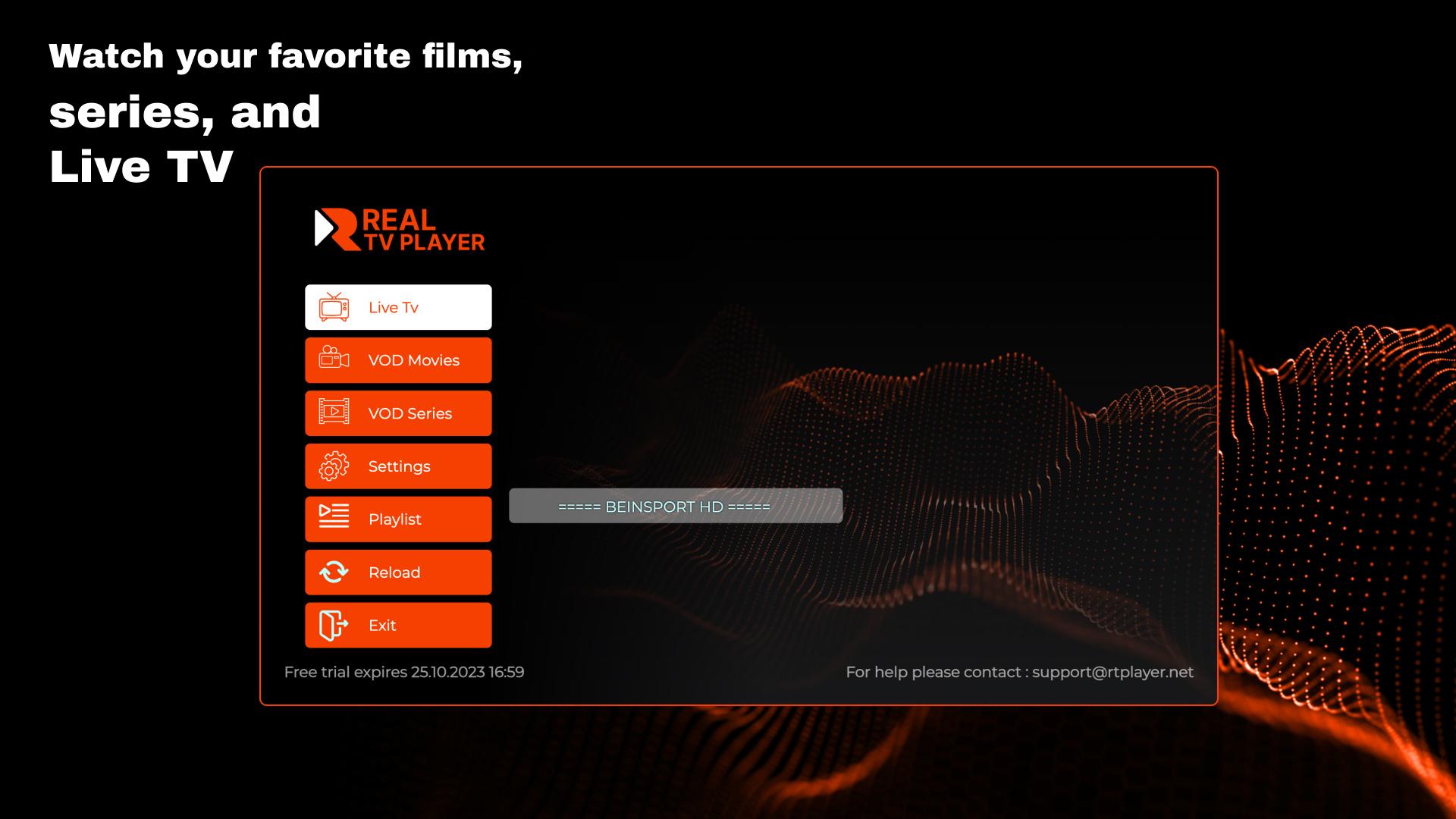
RealTV Player suits users who already have a provider or playlist and want one place to watch on Android phones and TVs. It brings in your existing channel and show lists, then helps you browse and manage them in an organized way. Because it does not supply any media, a playlist is required to start. For those comparing options, the RealTV Player APK keeps setup direct across supported devices.
All-in-one playback
RealTV Player plays Live TV, VOD, and Series using your current content source. You use your own playlists, so channels and shows load as your provider offers them. This helps you watch everything in one place without switching between different apps.
Easy playlist onboarding
You can add content by pasting a URL, entering a portal address with username and password, or uploading a playlist file from your device. RealTV Player guides you through each option, so you pick the method that matches your provider. After you connect, your library fills in automatically.
Personalized viewing tools
Save favorites for quick access and see smart suggestions based on recent activity. Continue Watching lets you resume live channels, movies, and episodes where you left off. This keeps your viewing flow steady between sessions.
Library management and control
Sort items alphabetically from A to Z, Z to A, or keep the default order to match your source. Browse Recently Added to check new entries as they appear. You can lock or hide categories to tidy the library and limit access when needed.
Family features and catch-up
Parental control helps manage what younger viewers can open. If your provider supports it, catch-up lets you revisit missed programs from specific channels. RealTV Player works with the capabilities of your source, so availability depends on your playlist.
RealTV Player runs on Samsung TV, LG TV, ZEASN stores, and all Android devices. The RealTV Player latest version supports a five day free trial, then a one time activation for 9 Euro. After you download RealTV Player, open the app to start the trial or enter your activation details.
The app provides no media, and a working playlist or provider account is required. Use Upload Playlist or Activate App on the home screen to begin, then connect to your content source. Parental control and catch-up depend on what your provider supports, and these options vary by playlist.
To get started on Android, download RealTV Player latest version and open it on your device. The app is built around your own playlists, so setup focuses on connecting your source. Follow the steps below to begin watching quickly.
RealTV Player focuses on playing Live TV, VOD, and Series from your existing playlists with practical tools for managing what you watch. For viewing on Android and supported TVs, download RealTV Player and connect your source to begin.
For support or more details, use the official channels below.
Latest Version
1.0.18Uploaded by
ณิชกานต์ แซ่โซ้ง
Requires Android
Android 5.0+
Category
Free Entertainment AppContent Rating
Everyone
Security Report
Report
Flag as inappropriateLast updated on Aug 28, 2024
Minor bug fixes and improvements. Install or update to the newest version to check it out!




APKPure - A multi-platform app store primarily focused on Android, providing extensive app-related content. Discover the app you want easier, faster, and safer, with quick and efficient downloads and installations.