
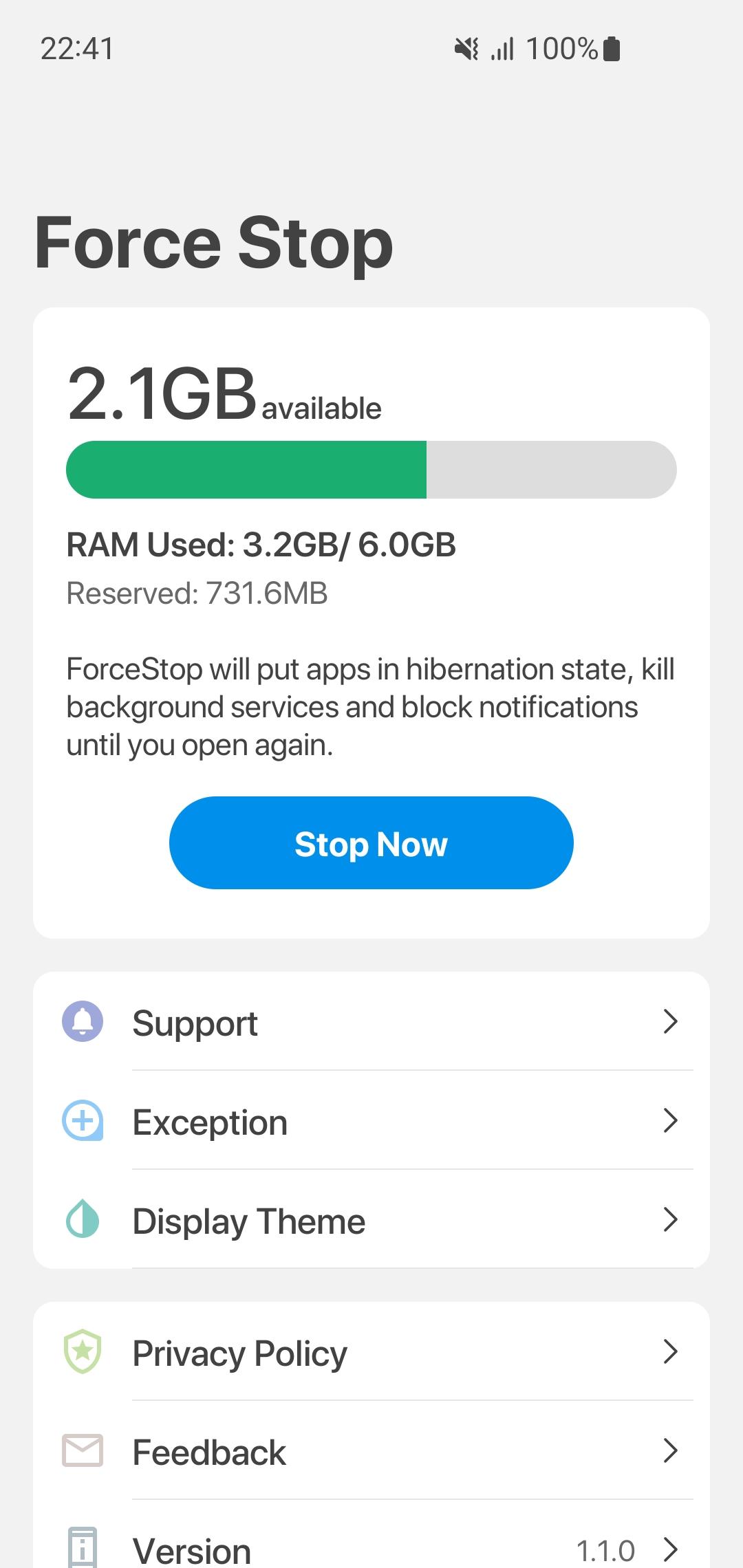
This application support you put apps in hibernation state, kill background services and block notifications until you open again.
It is extremely useful for you when starting a game.
FEATURES
*Display full memory info like used, available, total.
*Place your app in a hibernation state
*Put apps in hibernation state
*Stop running background service or block notification you open apps again.
PERMISSION
* BILLING donate to support our development team.
* BIND_ACCESSIBILITY_SERVICE detect running apps and force stop them.
* QUERY_ALL_PACKAGES display all apps for exception feature.
FEEDBACK
* If you have any problem while using this application, please let us know we will check and update as soon as possible.
* Email: gricemobile@gmail.com
Latest Version
1.3.2Uploaded by
Myo Min
Requires Android
Android 8.0+
Category
Free Tools AppContent Rating
Everyone
Report
Flag as inappropriateLast updated on Nov 7, 2023
Version 1.3.2
+ Update new user interface.




APKPure - A multi-platform app store primarily focused on Android, providing extensive app-related content. Discover the app you want easier, faster, and safer, with quick and efficient downloads and installations.