Package Name:com.autosportlabs.racecapture
SHA-256:544341f0aedb1224ae0cf9fdd84ed86384063867b0ef4e362d1cbfa92e5b9728
Show More
Transform your Bluetooth-enabled phone or tablet into a dashboard that can transmit real-time telemetry for RaceCapture/Pro - a powerful and affordable Data Acquisition system by Autosport Labs. Learn more at http://www.autosportlabs.com
Features
* Stream real-time telemetry to Podium http://podium.live for live analysis, sharing, lap comparison and playback
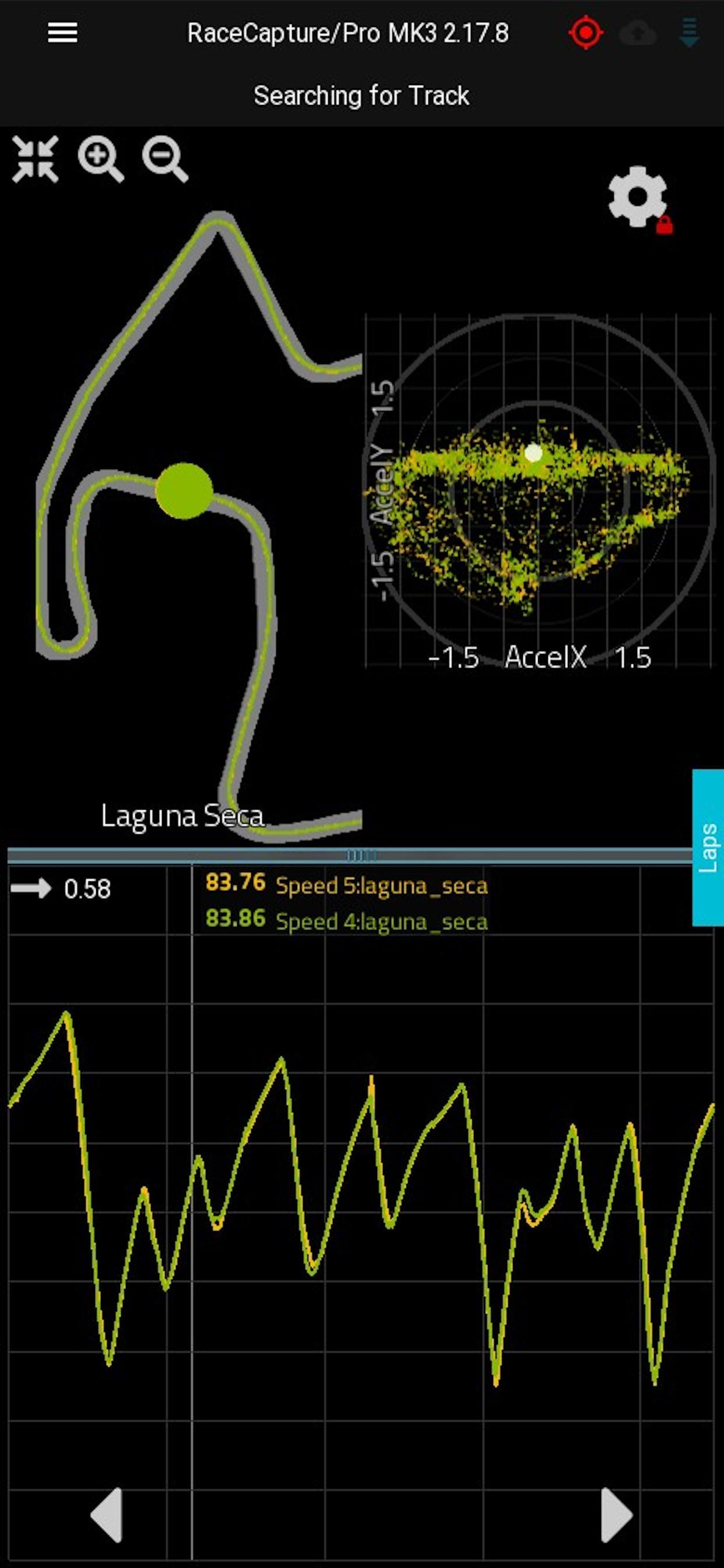
* In app analysis features (in beta) - import your RaceCapture/Pro log file data and inspect your lap data!
* Automatic, configurable pit stop timer for endurance racers
* Show predictive lap times using RaceCapture/Pro's high performance GPS
* Customize gauges with sensor data, OBD-II and CAN bus data streams from the RaceCapture system
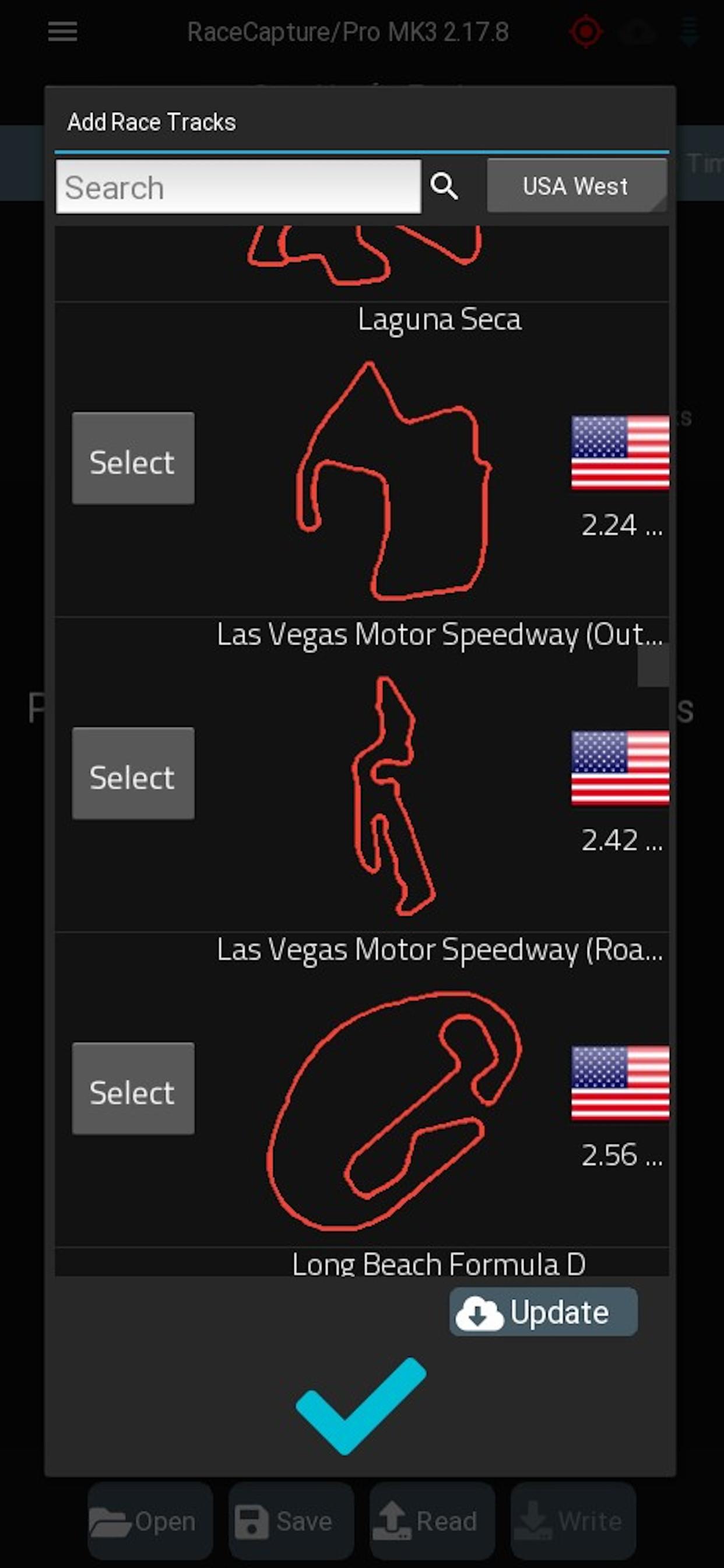
* Automatic track map detection with support for hundreds of race tracks
* Fully configure all of the features and settings in RaceCapture/Pro - no laptop needed!
Getting started
* Full quick-start guide: http://autosportlabs.net/RaceCapturePro2_QuickStart
* To start, plug the Bluetooth module into RaceCapture/Pro. Verify LED is blinking rapidly
* In the Android Bluetooth settings, pair the "RaceCapturePro" bluetooth module.
* Start the Race Capture app. When prompted to update race tracks, select 'yes'.
* The app will automatically search and connect to the the RaceCapturePro. The LED on the Bluetooth adapter should be solid.
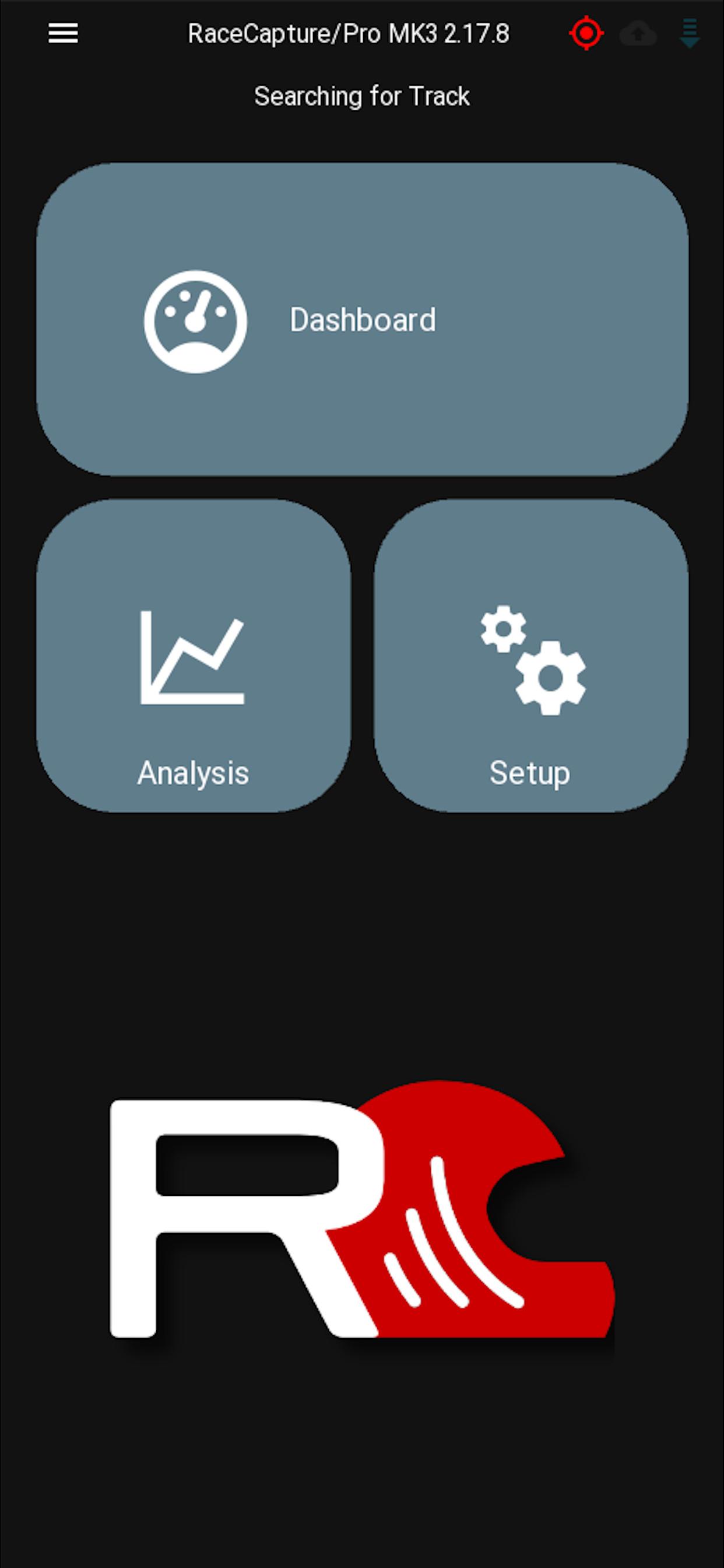
* Select the dashboard view and navigate the different screens. Here you can customize the screens with the channels you have enabled.
Troubleshooting
* Make sure you're on the latest version of the RaceCapture firmware
* If you have trouble connecting via Bluetooth:
* * Try disabling / re-enabling Bluetooth in Android settings
* * Try restarting the phone or tablet
* * More troubleshooting at: http://autosportlabs.net/RaceCapturePro2_QuickStart
* * Still stuck? email us at racecapture@autosportlabs.com or visit our forums at http://www.autosportlabs.org
Latest Version
2.18.0Uploaded by
Kevin Leon Alejandro
Requires Android
Android 5.0+
Category
Free Sports AppContent Rating
Everyone
Security Report
Check Now
Report
Flag as inappropriateLast updated on Jan 3, 2026
==2.18.0==
* New: Add RaceCapture/Track MK4 to setup wizard
* New: Add BTLE connection support for compatible systems (RaceCapture/Track MK4, PodiumConnect/Micro)
* New: Add TPMS setup page for compatible systems (RaceCapture/Track MK4, PodiumConnect/Micro)
* New: Support logfile channel precision for import / export
* New: Make bottom dashboard bar visibility customizable
* New: Add option to enable/disable thermal image gauge scale
* New: Allow dashbo
More: http://autosportlabs.com/blog







APKPure - A multi-platform app store primarily focused on Android, providing extensive app-related content. Discover the app you want easier, faster, and safer, with quick and efficient downloads and installations.