
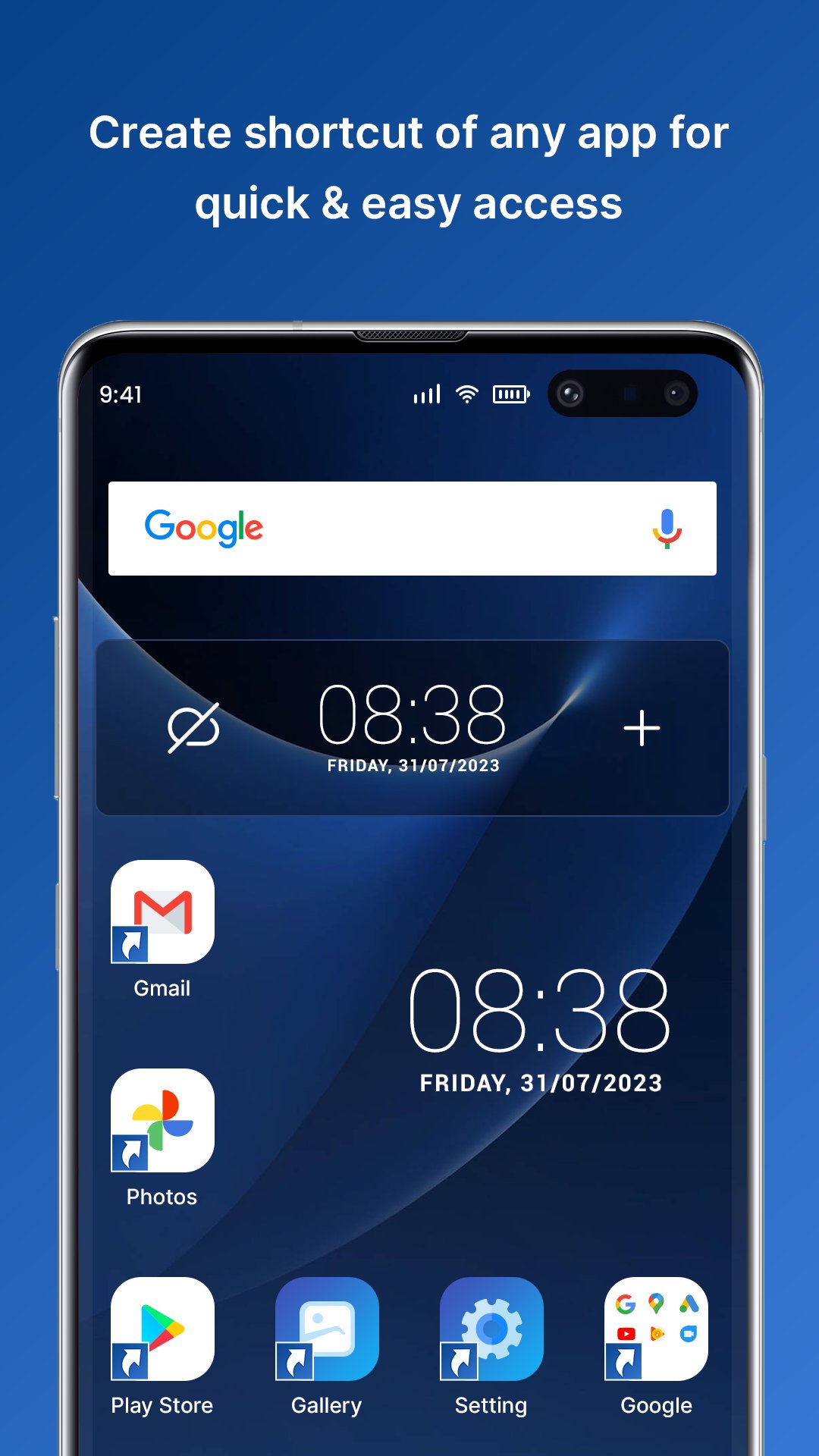
Would you like to create a shortcut for any files on your home phone screen? In this Quick Shortcut Creator application you can build shortcuts to local files and directories, applications, settings, contacts, texts, and even customize shortcuts from other apps by using this program. You can have your own shortcut title and use several shortcut icon customization features: use the relevant application icon, crop the image exported from the external gallery, import the file icons, use the external theme icon. This application generates app shortcuts with icons from icon packs, you can build shortcuts of app activities from gallery images, there are several apps that contain secret activities, you can create icons for them to easily access them. You can use this application on your android device easily by just downloading it from the play store.
Noteworthy File Shortcut Creator - Quick Shortcut Maker Application:
# Customize icons and shortcuts for users.
# Click the home screen shortcut icon you created to open the picture.
# To play the video, click the generated home screen shortcut icon
# For a specific contact user, click the created home screen shortcut to redirect.
# To redirect a specific application, click the generated home screen shortcut icon.
# Build shortcuts for unique URLs on the home screen of the computer
# Display History for All Shortcuts that are created by users.
# Edit Shortcut Icon with contrast, brightness, saturation, etc.
These File Shortcut Creator - Quick Shortcut Maker application, Native widgets are also supported by the app - instead of a shortcut, you can build a widget. The icon, title, and appearance of the widget can be changed later. You may also arrange shortcuts using various tools, such as hierarchy or tags, in the Collections database. You can use the Collection's dialog later to reach the ordered shortcuts easily.
Let's check out all the features of Quick Shortcut Creator Application in detail:-
Images
→It can display all images folder wise very smartly.
→Select one image in any folder and create a shortcut on the device home screen
→ Click the home screen shortcut icon you created to open the picture.
Video
→ Show in this application all Videos Folder wise
→ Choose any one Video in any folder and create a shortcut at the device home screen
→ To play the video, click the generated home screen shortcut icon.
Contacts
→ Display all contact category wise in this application.
→ Select Contact and create a shortcut for personal use on your device.
→ For a specific contact user, click the created home screen shortcut to redirect.
Application Shortcut
→ Choose any favorite application and can create a shortcut for that application which want on your phone screen as a shortcut.
→ To redirect a specific application, click the generated home screen shortcut icon.
Website URL
→ Write URL or Copy and paste URL.
→ Build shortcuts for unique URLs on the home screen of the computer
History
→ Display History for All Shortcuts which are created by users.
Icons
→ Customize icons and shortcuts for users.
→ The icon, title, and appearance of the widget can be changed later.
→ Edit Shortcut Icon with contrast, brightness, saturation, etc.
Latest Version
1.0Requires Android
6.0
Category
Free Productivity AppContent Rating
Everyone
Report
Flag as inappropriateLast updated on Nov 25, 2022
Minor bug fixes and improvements. Install or update to the newest version to check it out!



APKPure - A multi-platform app store primarily focused on Android, providing extensive app-related content. Discover the app you want easier, faster, and safer, with quick and efficient downloads and installations.












