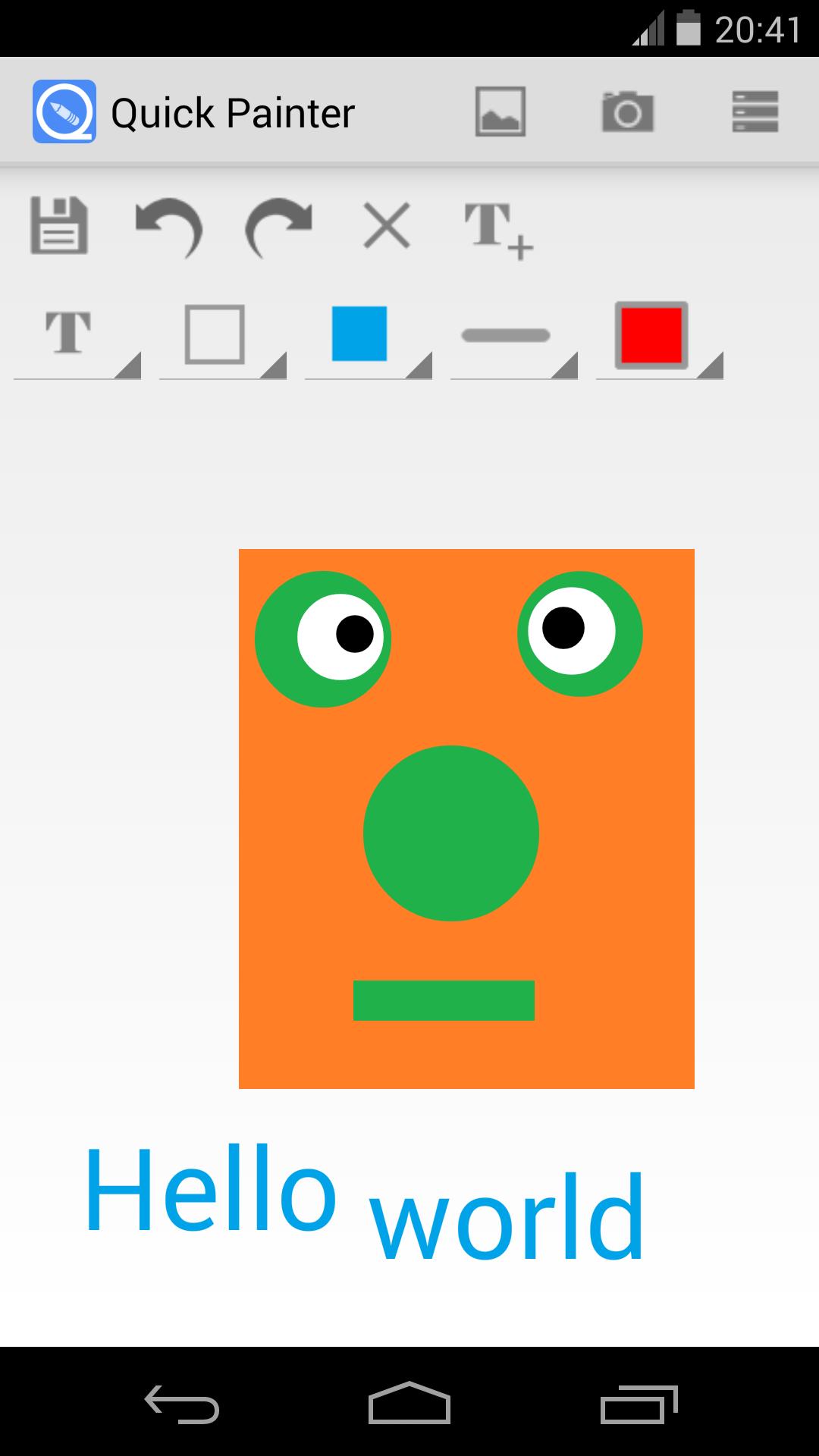
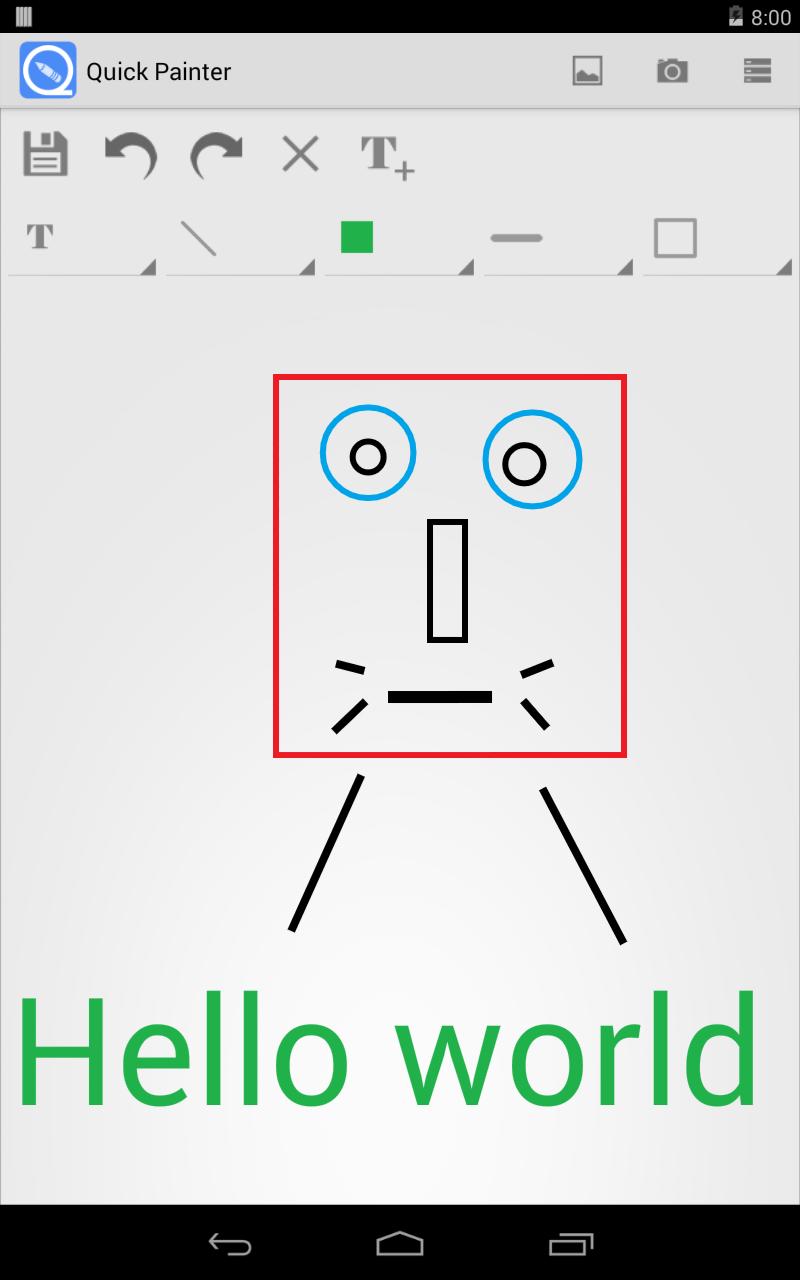
Quick Paint is a draw toolbox which can be used to handle gallery or pictures taken by camera or just a white board.
With the Quick Paint, you can:
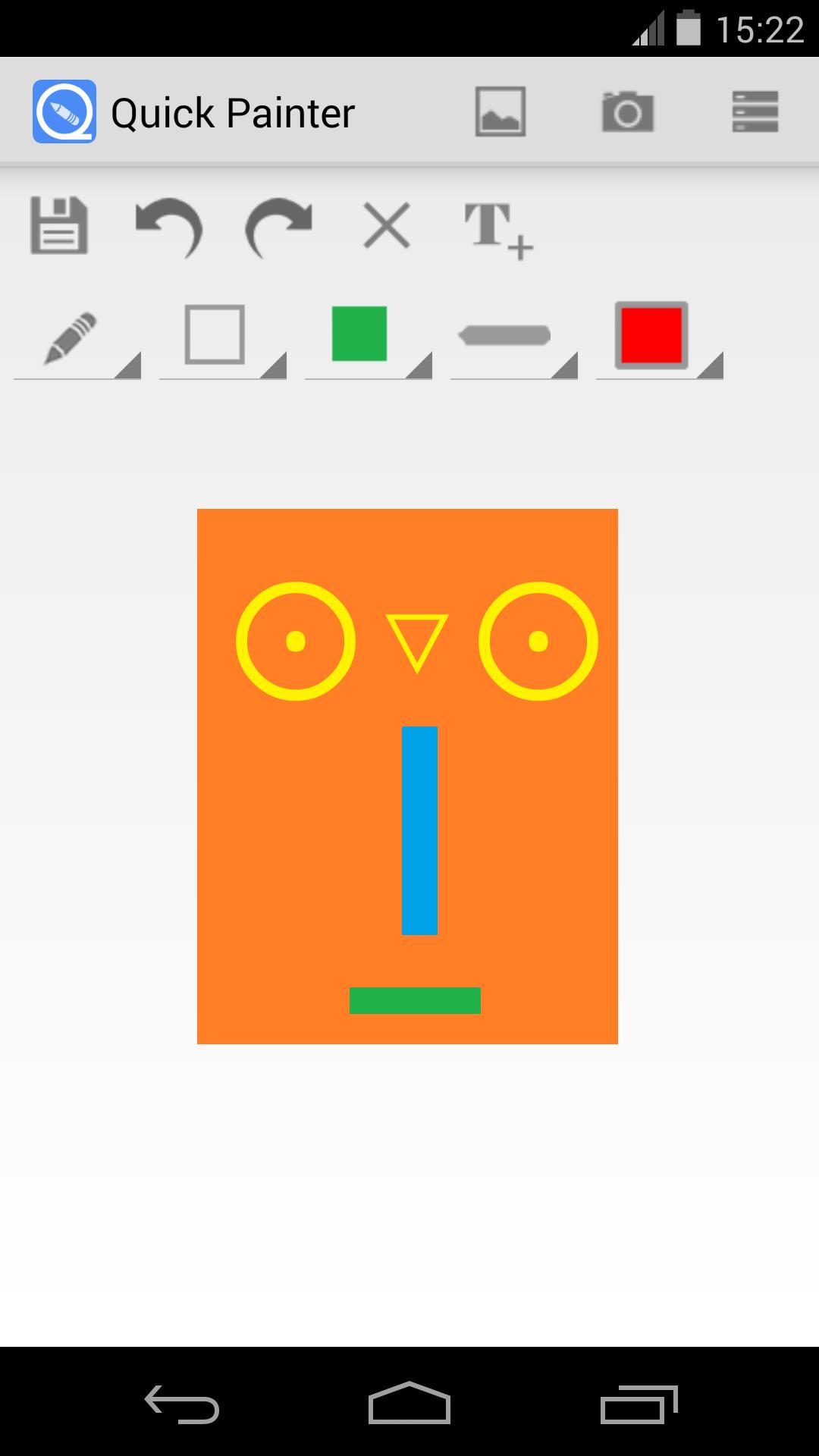
-Add 4 different shapes: line, square, circle, and arrow.
-Choose 8 colors: black, gray, white, red, green, blue, orange, and yellow.
-Choose the color, width, filled or stroke of the shapes.
-Add text right now.
You can also save the pictures in the default folder, and you can do with them by delete, share, rename and so on in the App.
Note: here is the feature, when you select draw shape, click on the screen with one finger and stay it, then you can use another finger change the shape by click the screen. And when you finish the shape, you can also change the shape’s color in the same way.
Latest Version
1.3.3Uploaded by
Ryan Ong
Requires Android
Android 4.1+
Category
Free Tools AppContent Rating
Everyone
Report
Flag as inappropriateLast updated on Jul 31, 2015
-fix some bugs


APKPure - A multi-platform app store primarily focused on Android, providing extensive app-related content. Discover the app you want easier, faster, and safer, with quick and efficient downloads and installations.