Your battery fast charge, 5x Charge Faster
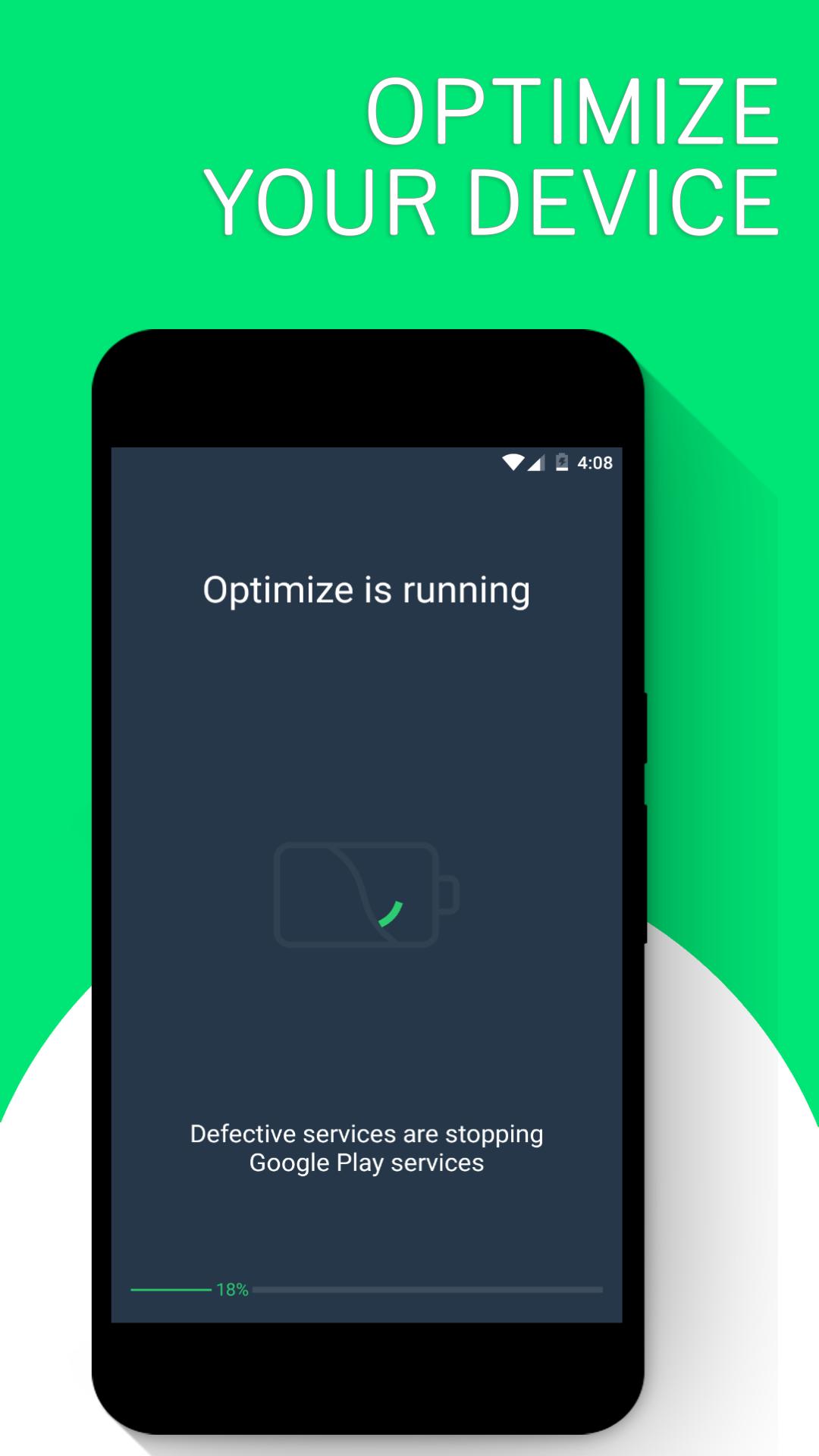
Designed by high-end engineers, NUMBER 1 Charge optimization and battery saving is a TOTALLY FREE energy-saving application for you!
We designed this perfect tool for users complaining of slow charge. This tool is completely free for you.
Fast charging features
Single Click Optimization and Battery Saving
Instantly find and fix battery power consumption problems and fine-tune comprehensive settings to fine-tune energy savings
Smart Charger
Estimate the remaining charge time by displaying the charge status in real time.
1 touch Power Optimization
Stop applications that consume only 1 touch of power
Charge Assistant
Monitor Charge Status
Full control over Power-consuming Applications
Find out what your power is consuming and choose to stop the applications that consume the most power
Smart Battery Use
Discover how long your battery will work under various conditions (playing, Wi-Gi (active), etc.)
Quick access to power-related system settings (Wi-Fi, data, brightness, etc.)
- Close tasks with a touch!
- End applications when the screen is off!
- Find out the remaining battery correctly!
- The right charging time!
- Unique 3-stage Charging System!
- Wi-Fi / Mobile Data / Bluetooth button!
- Brightness control!
- Battery temperature!
- Smart charging tips!
- 24 language support!
- Simple, easy to use interface!
With this amazingly easy battery saving tool, you can charge up to 150% of Android charging, fast charger 5x charger can speed up charging, choose a specific charging mode, calculate charge temperature and temperature of your Android phone, help to charge your battery faster and generally extend battery life , this battery is expandable.
Voltage, temperature, capacity, etc. give details of battery information
Power Protection
The PowerBoat, which has the Power Protection function enabled, detects high energy consuming applications and blocks them quickly in time.
Filters
Dark screen filter: A darker filter is added to the screen to charge the device faster.
Extremely dark screen filter: makes the screen virtually colorless for the fastest charging. Use in very emergency situations.
Disable syncing
Synchronization is a continuous service in the android system. This service is constantly consuming energy. At the same time, if synchronization is on during charging, it slows down the charging process. Depending on your desire, we disable sync.
Turn off Bluetooth
Bluetooth is one of the most charge-blocking services in the back panel. We will disable Bluetooth if it is not used for you. This has a positive effect on quick charging and energy saving.
Turn screen rotation off
During fast charging, we turn off the screen rotation sensor. As this sensor runs continuously, it increases energy usage and causes the device to be charged slowly.
Battery saving and energy saving
Battery life
See instantly how much battery life your device has left
Instantly view remaining battery time
Monitor the remaining battery time instantly. See detailed and actual battery life. Go to the remaining battery time. We will let you know the remaining battery life for you!
Instantly manage power problems on your device
Check energy saving features. Manage power-saving problems on your device instantly. Instant power problems.
Latest Version
1.1Requires Android
4.1 and up
Category
Free Productivity AppContent Rating
Everyone
Report
Flag as inappropriateLast updated on Apr 10, 2018
This release includes minor bug fixes and general improvements. Update to the latest version for the best experience.





APKPure - A multi-platform app store primarily focused on Android, providing extensive app-related content. Discover the app you want easier, faster, and safer, with quick and efficient downloads and installations.





![DNS Changer [NO-ROOT] - VPN ⚙️📲 APK](https://image.winudf.com/v2/image/Y29tLmFuZG92ZXIuZG5zY2hhbmdlcl9pY29uXzE1MjM2MDQyMzZfMDY5/icon.png?w=102&fakeurl=1)