Scan Date:Apr 17, 2026
Show More


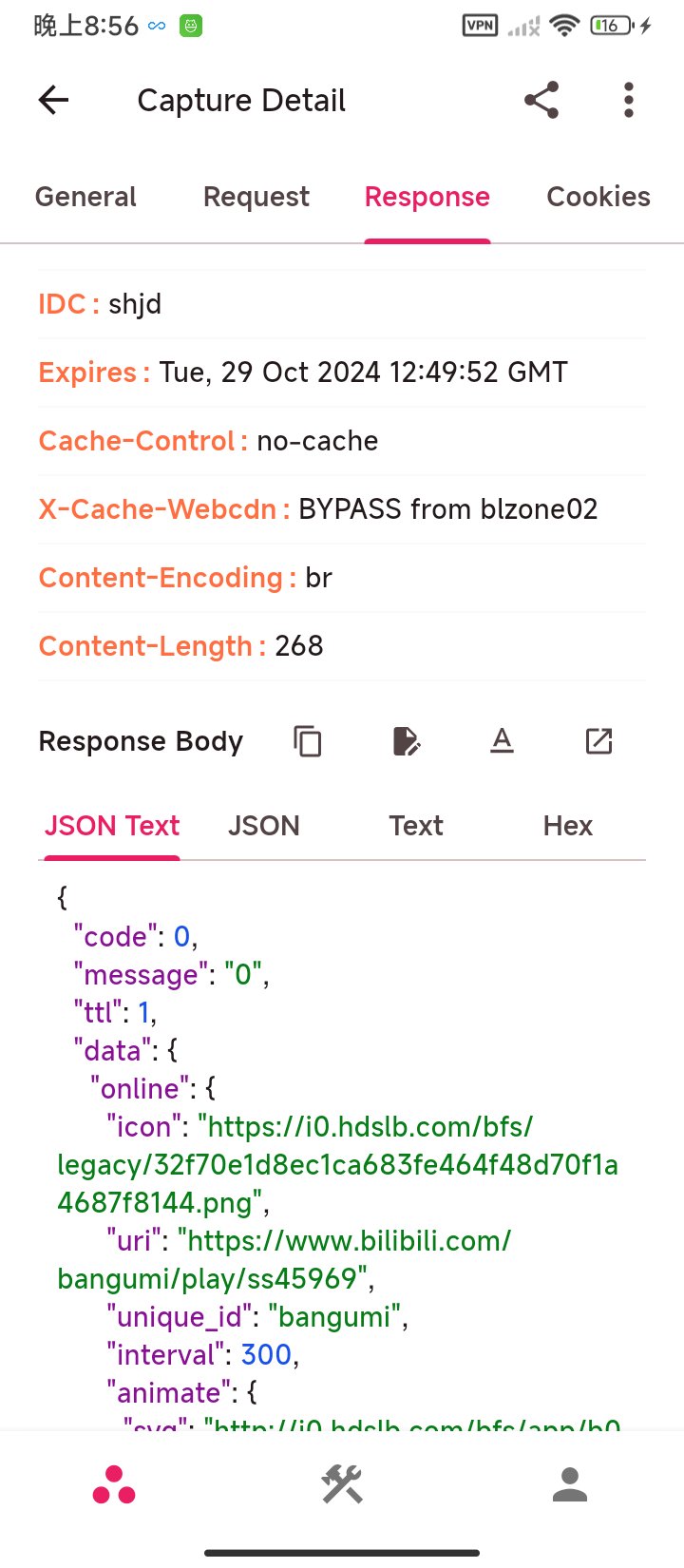
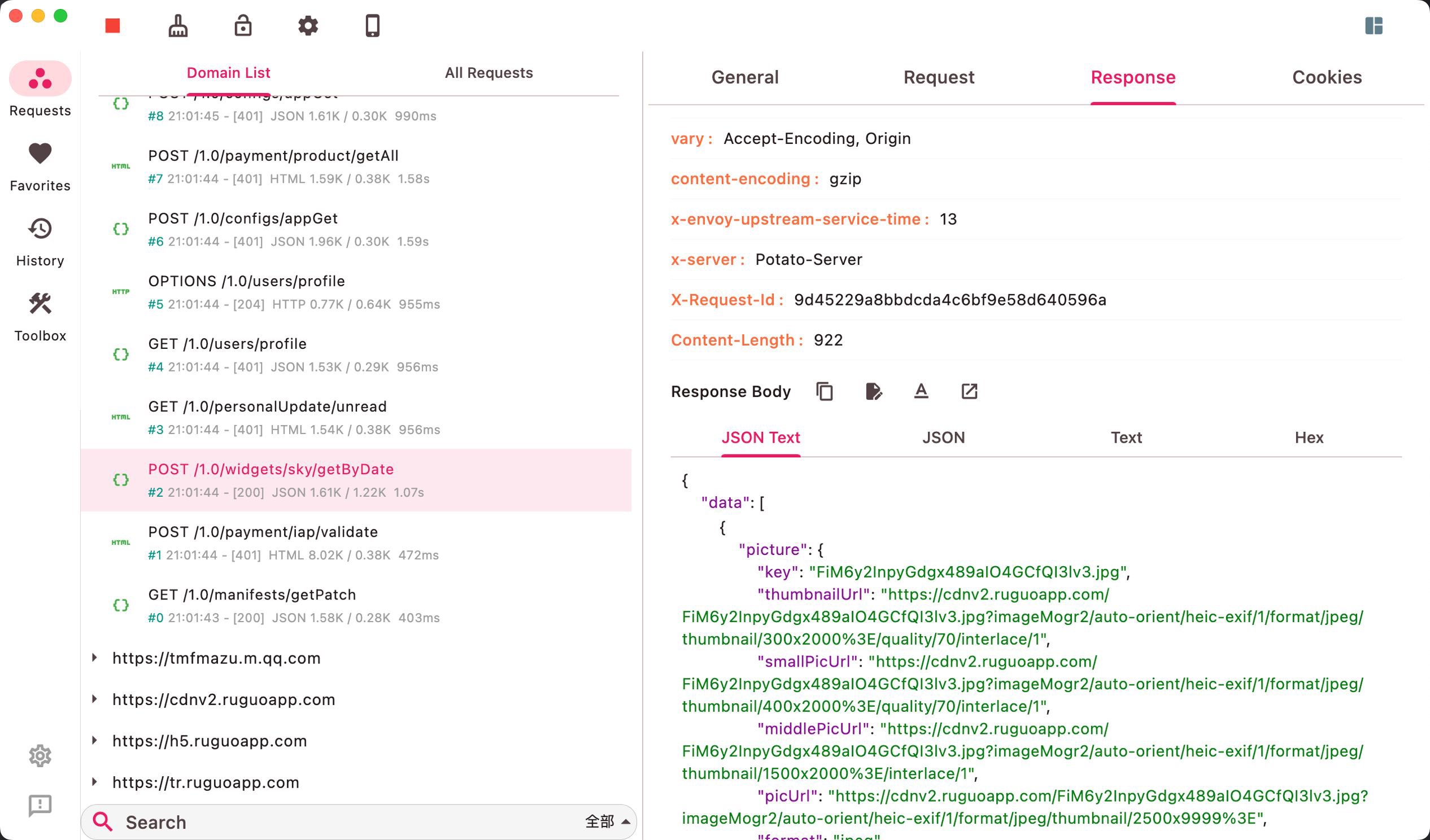
ProxyPin helps users who need to test, debug, or audit how Android apps communicate. It captures and shows HTTP and HTTPS traffic so you can see requests and responses in real time. Additionally, clear logs and flexible controls support quick troubleshooting during development or QA. ProxyPin APK suits developers, testers, and advanced users who want visibility and the ability to adjust network behavior while investigating issues. It is useful when an app behaves unexpectedly or when a backend change needs validation.
Mobile scan code connection
You can link phones and other terminals by scanning a code. This avoids manual WiFi proxy setup and syncs configuration between devices. Once connected, traffic can be forwarded across terminals for easier data capture. It suits mixed device setups during team testing.
Domain name filtering
Choose the specific domains you want to intercept. Other traffic stays untouched, which helps prevent interference with unrelated apps. This focus makes testing targeted services more reliable. You can focus on a single service without noise.
Request rewrite and redirect
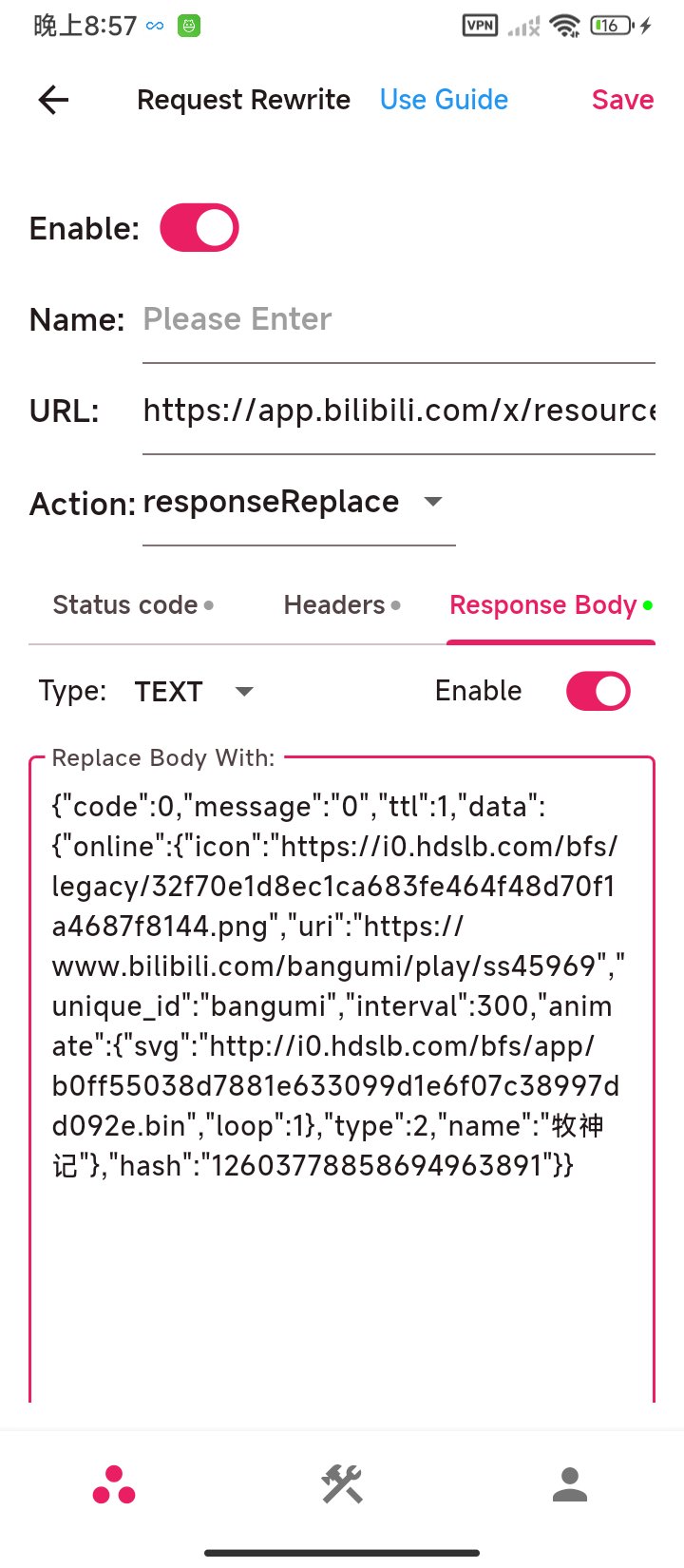
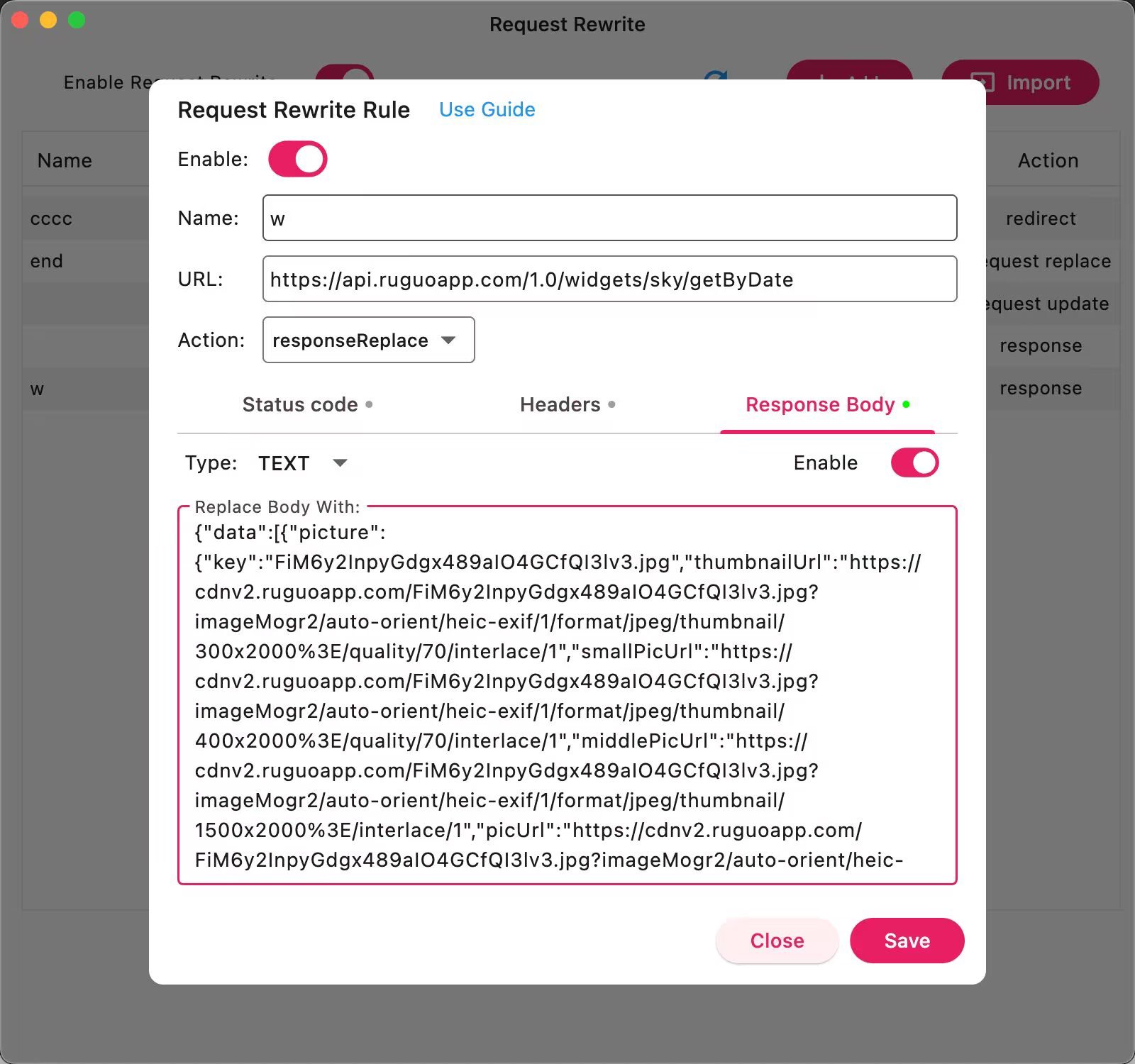
Apply rules to redirect requests or replace parts of request and response messages. You can also modify content by adding fields or values. These controlled changes help verify client handling and server responses.
JavaScript scripting
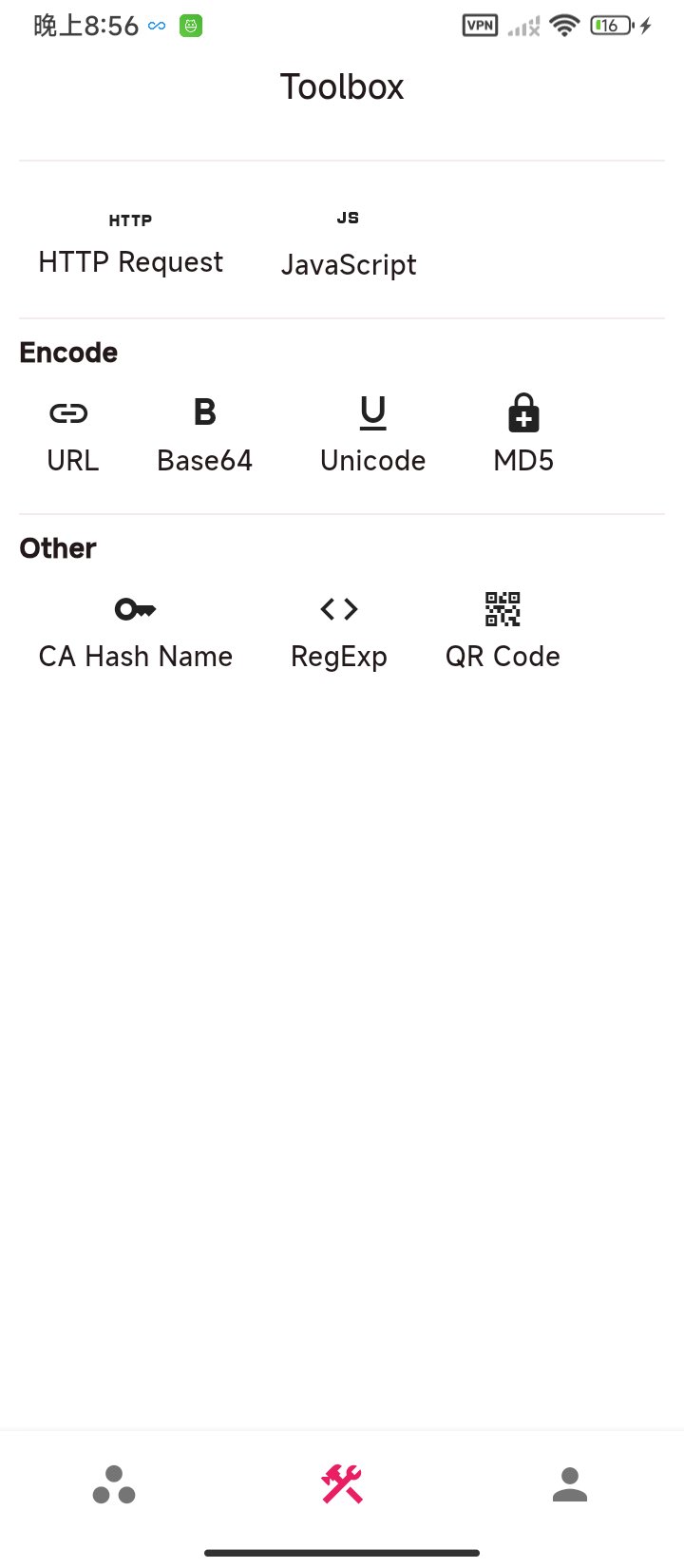
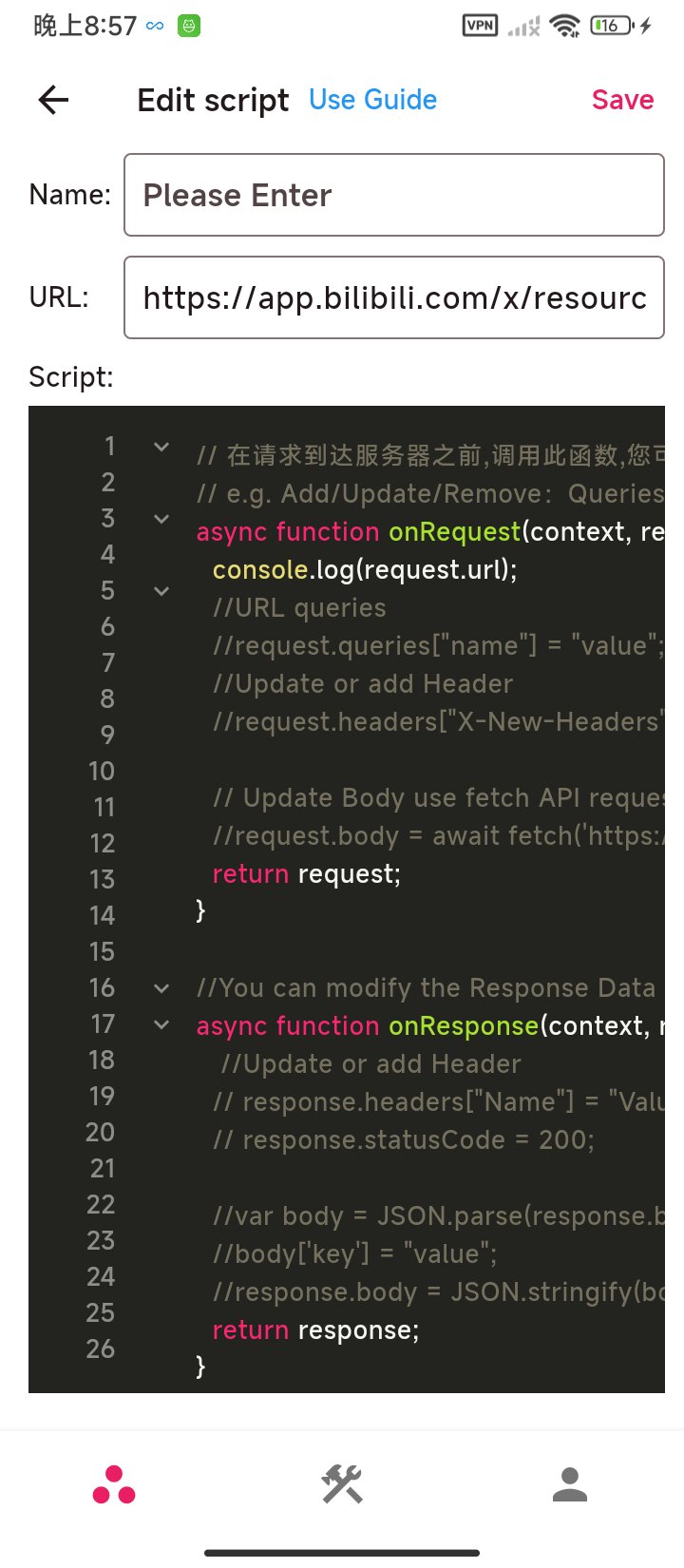
When deeper control is needed, write JavaScript to process requests or responses automatically. Use ProxyPin latest version to access current scripting and rewrite options. Together with search, favorites, history, and a toolbox, you can organize sessions and find data quickly.
ProxyPin provides practical tools for inspecting and adjusting HTTP(S) traffic during development or troubleshooting. Install the app, start capture, and choose the options that match your test case. For a consistent setup and current utilities, download ProxyPin and follow the on screen guidance.
Latest Version
1.2.7Uploaded by
ProxyPin
Requires Android
Android 7.0+
Category
Free Tools AppContent Rating
Everyone
Security Report
Report
Flag as inappropriateLast updated on Apr 17, 2026
1. Added HTML, CSS, and JS formatting with code highlighting;
2. Advanced repeat now supports specifying the time;
3. Added HAR file export for domain list;
4. Added quick share for remote devices;
5. Favorites support WebSocket message persistence;
6. Added guidance for remote script loading;
7. Optimized large text display in message body;
8. Fixed issue where custom read status was lost;




APKPure - A multi-platform app store primarily focused on Android, providing extensive app-related content. Discover the app you want easier, faster, and safer, with quick and efficient downloads and installations.