

Proxy Server helps when you need to share your phone’s connection with laptops, tablets, or other phones. It suits situations where another device must use your Android data or VPN through the same hotspot or local network. Setup focuses on running a small proxy on your device, then pointing other devices to it, so daily browsing or testing can pass through your phone. Many users search for a Proxy Server APK when they want a lightweight way to route traffic without extra hardware.
Host multiple proxy types
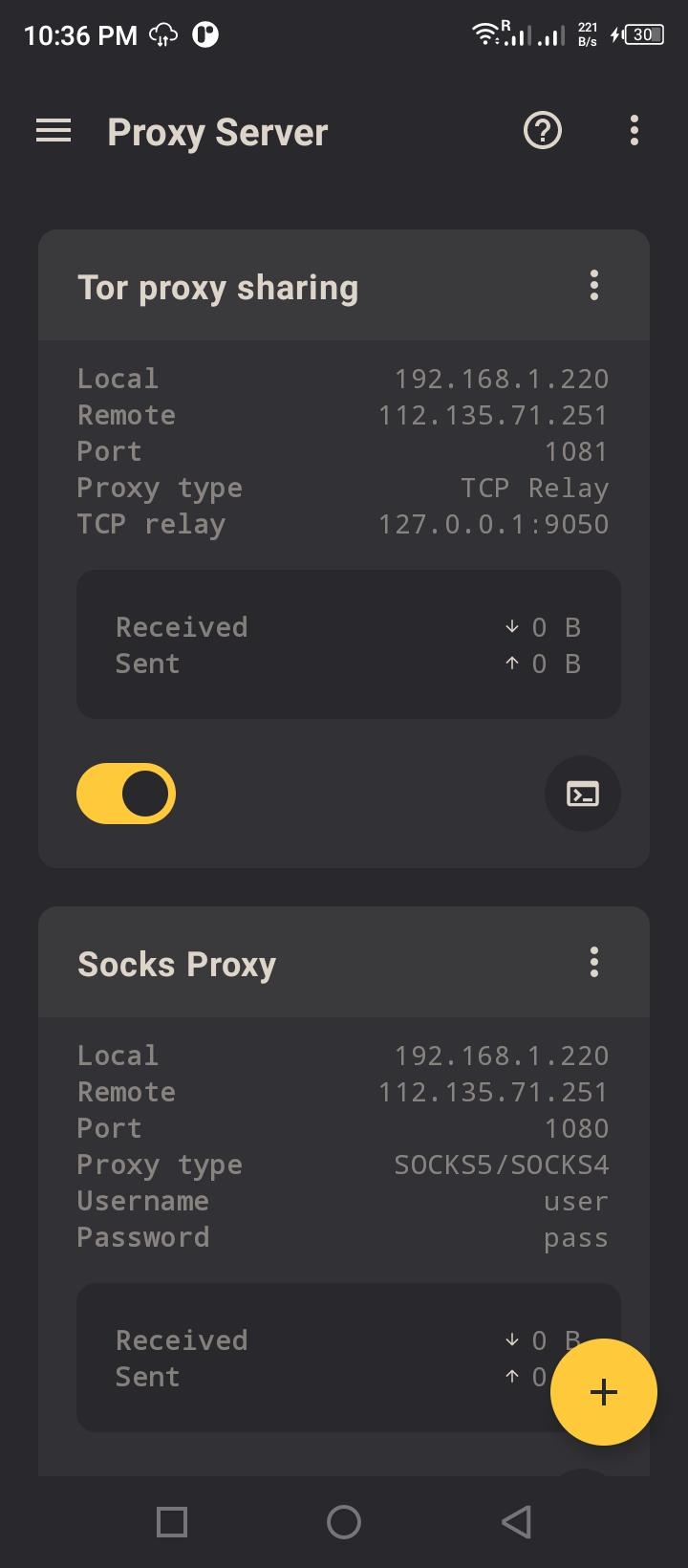
Proxy Server can run HTTP, HTTPS, and SOCKS5 services, plus a TCP relay. This gives you flexible endpoints for different apps. You can choose what to enable based on the devices that will connect.
Control access with authentication
Authentication is available for HTTP, HTTPS, and SOCKS proxies. You set credentials so only allowed devices can use your server. This helps manage usage on shared networks.
Share your phone’s VPN with other devices
When your Android connects to a VPN, you can route other devices through your phone by connecting them to the proxy over your hotspot or LAN. If the proxy becomes unreachable after enabling a VPN on some phones, you can add helper plugins such as VPN Share Tunnel to restore access.
Simple setup and advanced options
Set your phone as the host, confirm client devices are on the same hotspot or LAN, and configure their proxy settings to point to your Android IP and port. To begin, download Proxy Server and review the tips inside the app before sharing access. This tool is intended for users familiar with networking basics.
Latest Version
1.0.9Uploaded by
Sany Ahmed Meraj
Requires Android
Android 5.0+
Category
Free Tools AppContent Rating
Everyone
Report
Flag as inappropriateLast updated on Mar 6, 2024
* bug fixes



APKPure - A multi-platform app store primarily focused on Android, providing extensive app-related content. Discover the app you want easier, faster, and safer, with quick and efficient downloads and installations.