Package Name:com.GPTECHLAB.ProjectorRemote
SHA-256:8526009a68e9297868ab34f475d14dbe229afa5dd5756f1b549bfba5222b04d4
Show More

Introducing the ultimate solution for seamless control of your projector—our Projector Remote App. Whether you're presenting at work, enjoying a movie night, easy-to-use remote control. No more searching for the physical remote, dealing with dead batteries, or struggling with complicated settings. Our app brings everything you need to control your projector into the palm of your hand!
Key Features:
1. Easy Setup
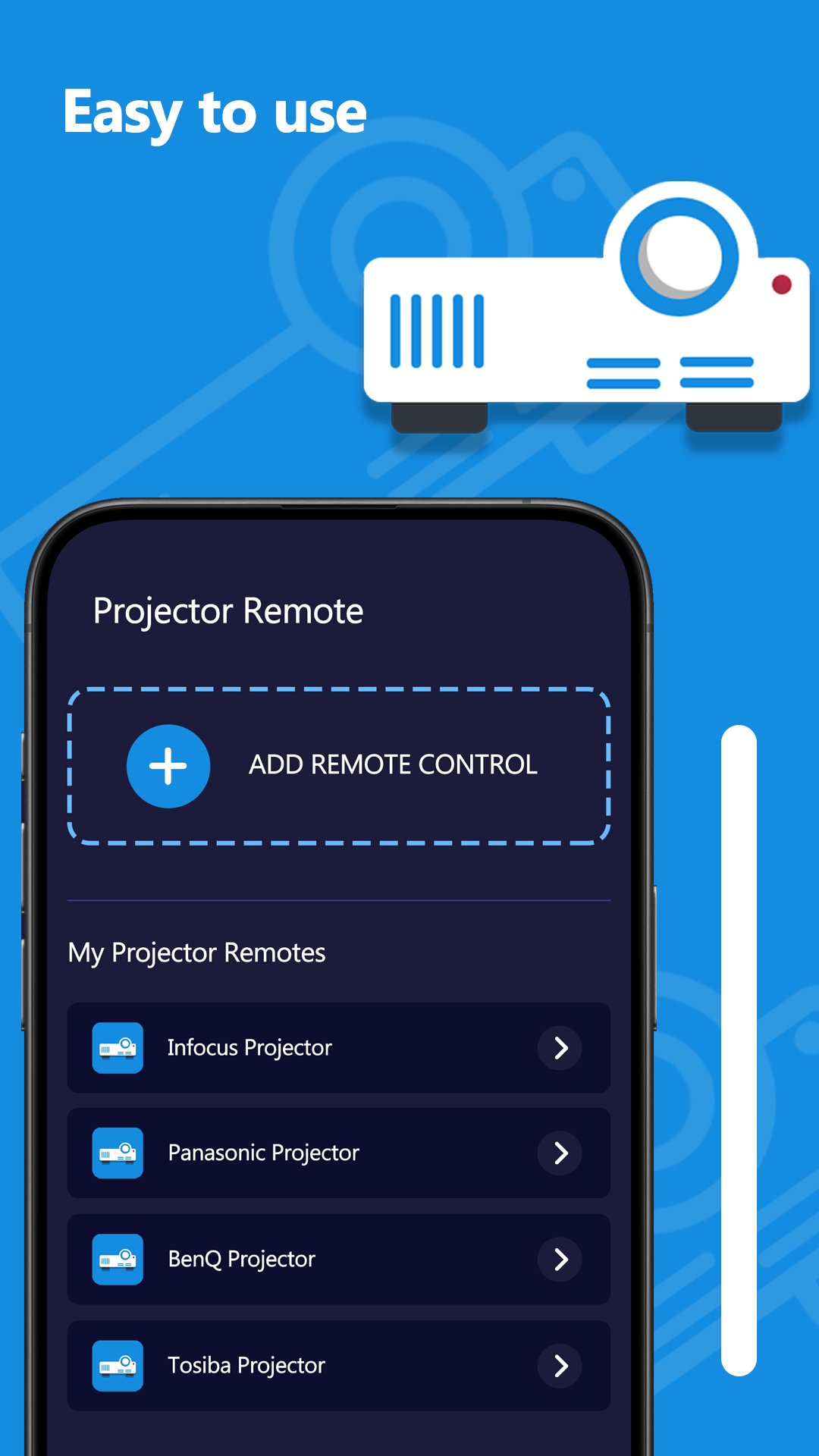
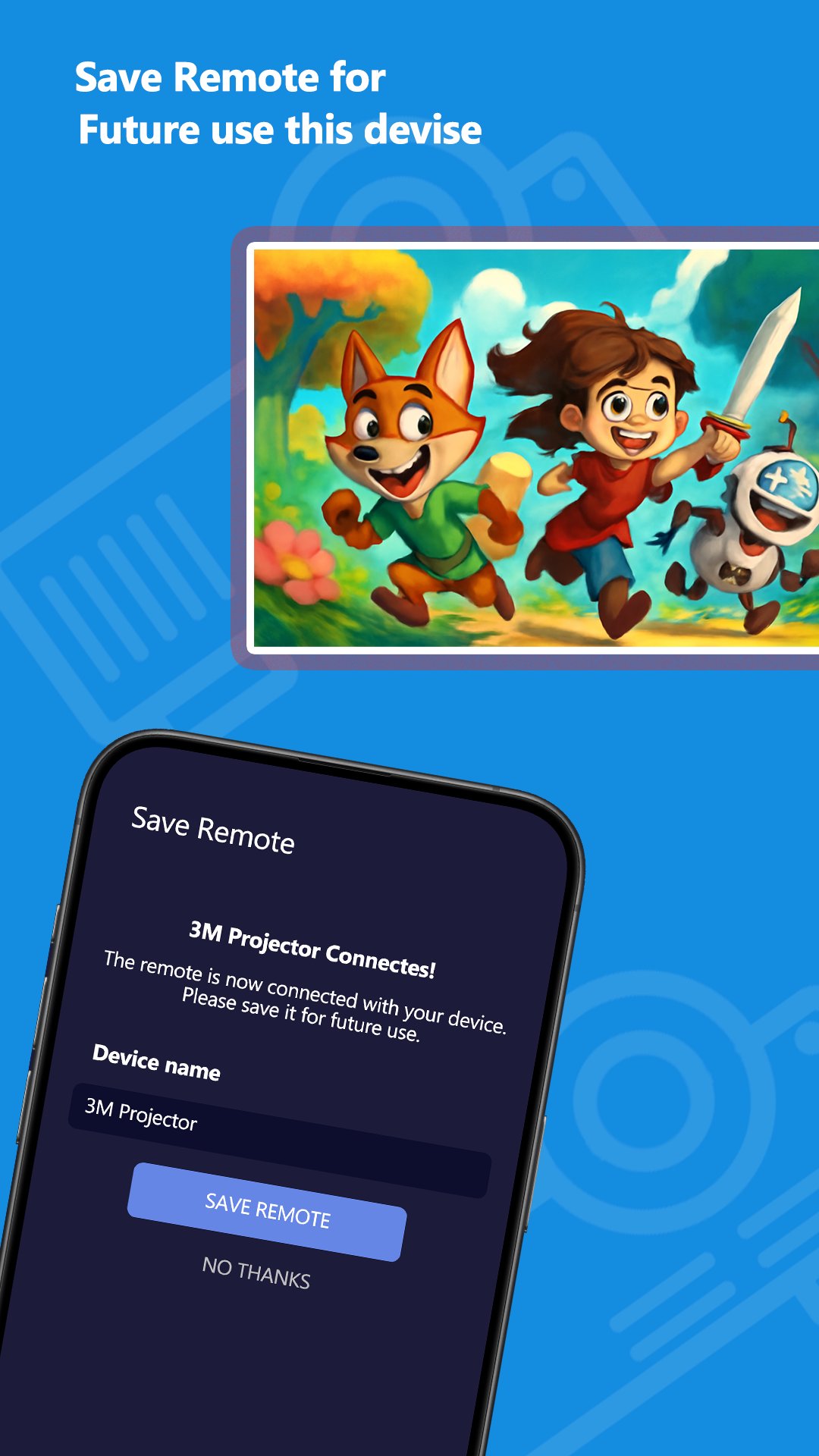
The Projector Remote App is designed for quick and hassle-free setup. Connect your device to the same Wi-Fi network as your projector, and within seconds, you're ready to go. No technical knowledge is needed—just download the app, follow the intuitive prompts, and you're set.
2. Full Control of Projector Functions
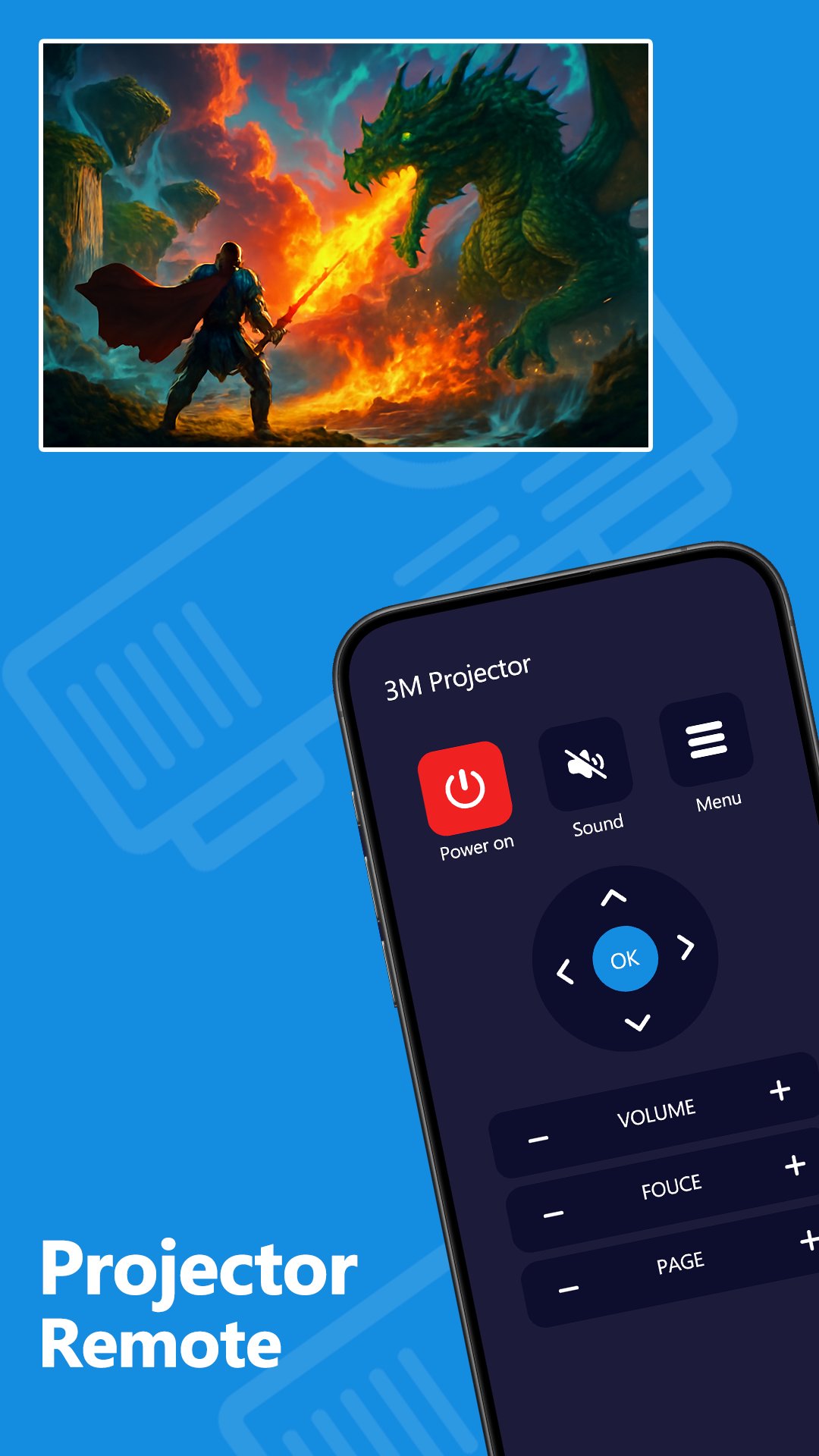
With our app, you have full control over your projector's key functions, including:
o Power On/Off
o Volume Control
o Input Source Selection (HDMI, VGA, etc.)
o Mute/Unmute
o Adjust Brightness and Contrast
o Zoom in and out
o Keystone correction for perfect screen alignment
How to Get Started:
1. Download the App
Head over to the Play Store and download the Projector Remote App.
2. Connect to Your Projector
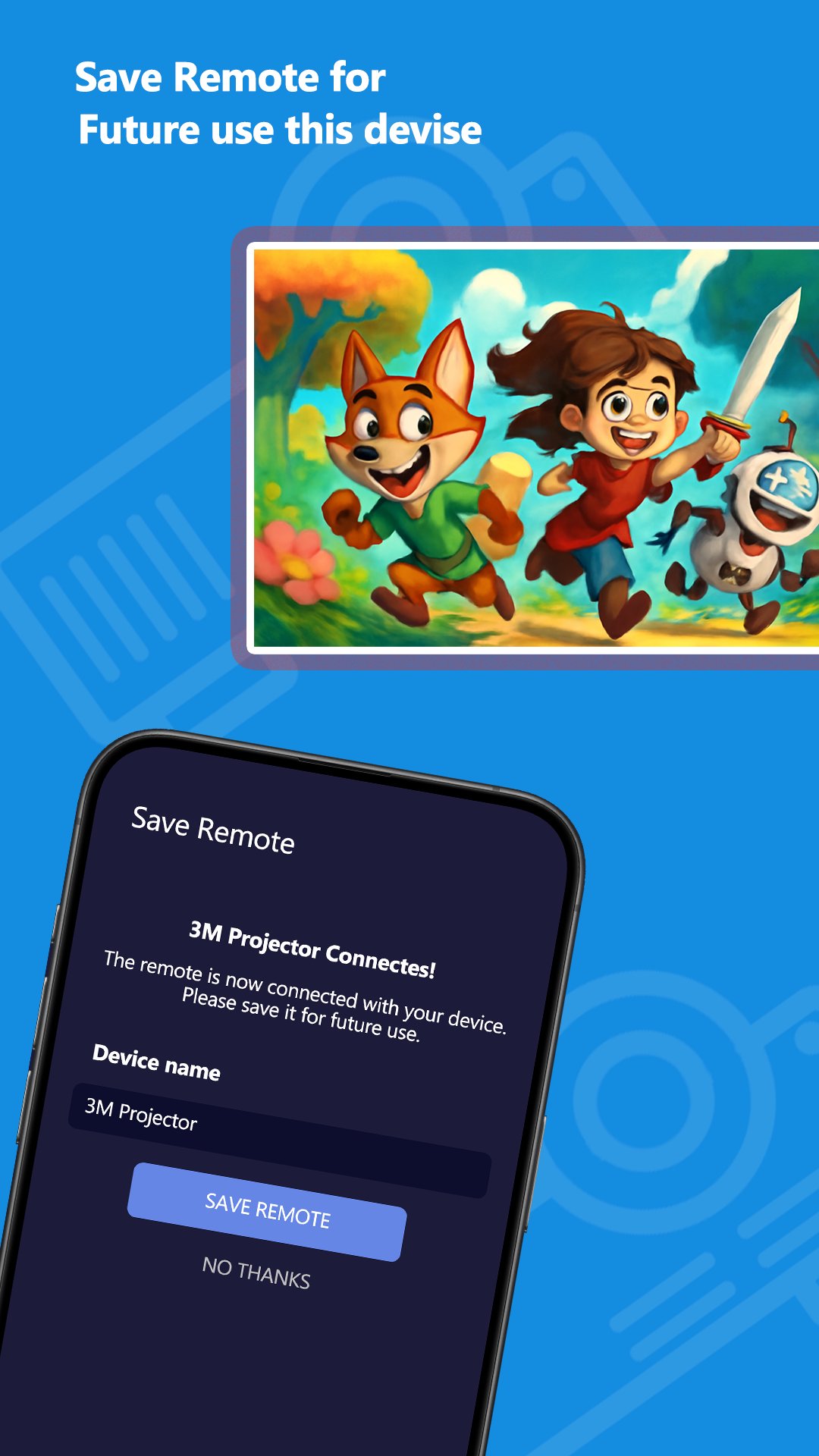
Ensure your smartphone or tablet is connected to the same Wi-Fi network as your projector. Most projectors today come with wireless capabilities, making the process even smoother.
3. Start Controlling!
Once connected, you’ll have instant access to all of your projector’s functions. It’s that simple!
Latest Version
2.3Uploaded by
Nicole Santos
Requires Android
Category
Free Tools AppContent Rating
Everyone
Security Report
Check Now
Report
Flag as inappropriateLast updated on May 18, 2026
This release includes minor bug fixes and general improvements. Update to the latest version for the best experience.




APKPure - A multi-platform app store primarily focused on Android, providing extensive app-related content. Discover the app you want easier, faster, and safer, with quick and efficient downloads and installations.