
Projection app,namely Wireless Display, is a fantasic projector app that let you cast the screen from your Android phone to other intelligent devices such as tv in HD(high definition) by wireless connection.
Fast and high quality are two of the biggest advantages of Projection app.
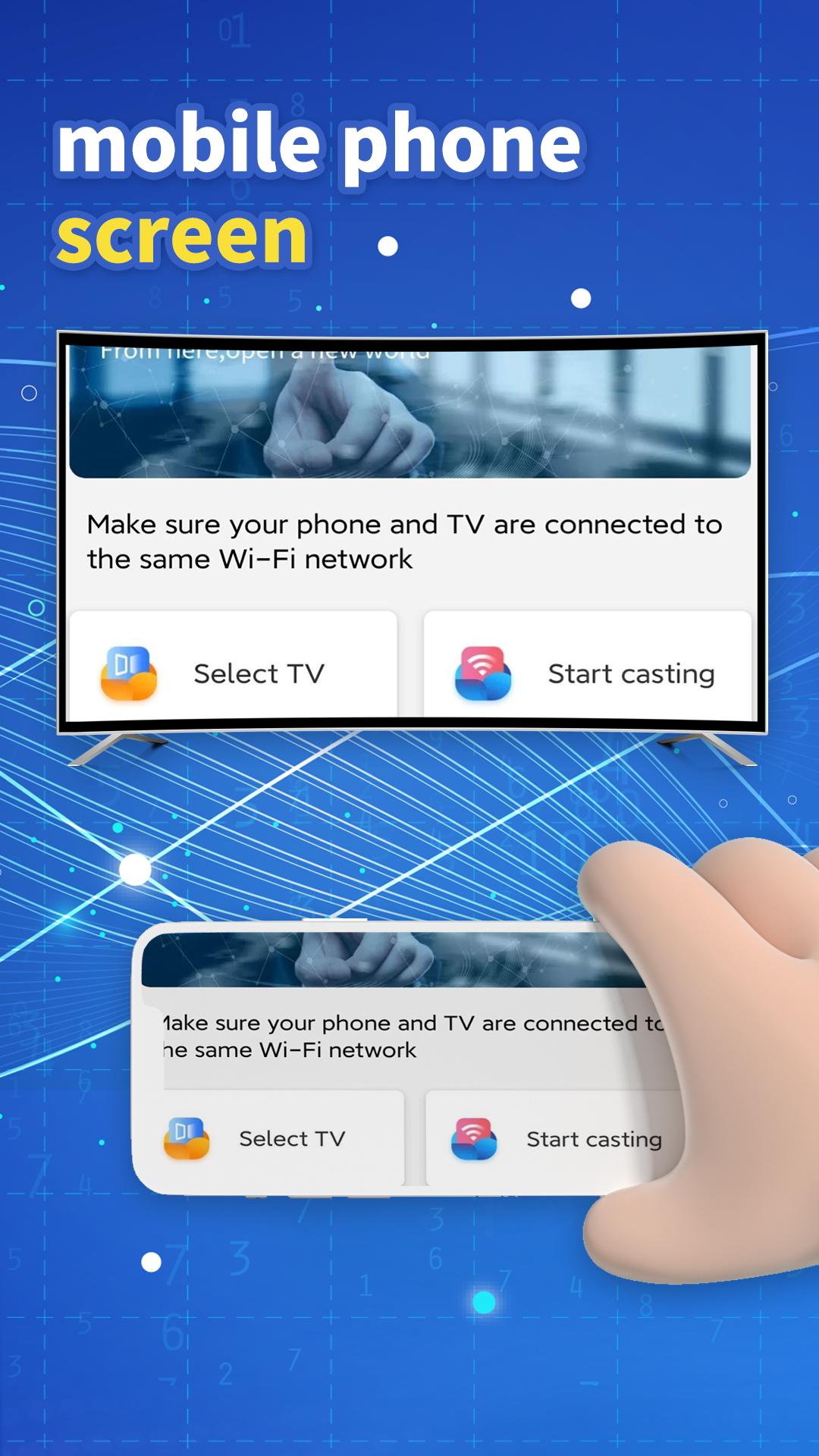
Projection app can cast screen from mobile to tv as a projector hd simulator for you!
How do we use Projection app?
Please follow the below steps to master Projection app:
1-) You can connect Projection App to your target device through wireless tools such as wireless WiFi,bluetooth and so on.
2-) All the devices including your mobile and other devices need to be on the same wifi network with projector app.
When connected,mobile's screen has been cast to big screen by projector app.
What devices do Projection app support?
In fact,Projection app can connect devices that have screen and wireless connective ability to a projector app.
1. It can cast screen from android phone to tv.In another words,it can screen mirroring for tv.
2. It can Cast Screen To Device.
3. It can support almost many mainstream the phone brands such as Sumsang, Oppo, Vivo, XIAOMi,ONEPLUS,Huawei and so on.
4. It can Cast Video To TV.
5. It can Connect To TV or Mirror Screen To TV.
6. It can support Wireless Display functions by WIFI or Bluetooth.
Is it so easy?Come on with try Projection app right now!
Support & FAQs
If you have any questions about this projector app,let me know by the following site:
https://www.soofei.cn
Privacy Policy:
Link: https://h5.udutou.cn/upload/google_com.snmi.world.overtimerecord_privacy.html
Latest Version
1.10Uploaded by
최다은
Requires Android
Android 5.0+
Category
Free Tools AppContent Rating
Everyone
Report
Flag as inappropriateLast updated on Feb 28, 2023
Minor bug fixes and improvements. Install or update to the newest version to check it out!



APKPure - A multi-platform app store primarily focused on Android, providing extensive app-related content. Discover the app you want easier, faster, and safer, with quick and efficient downloads and installations.