


Scan Date:Mar 24, 2026
Show More

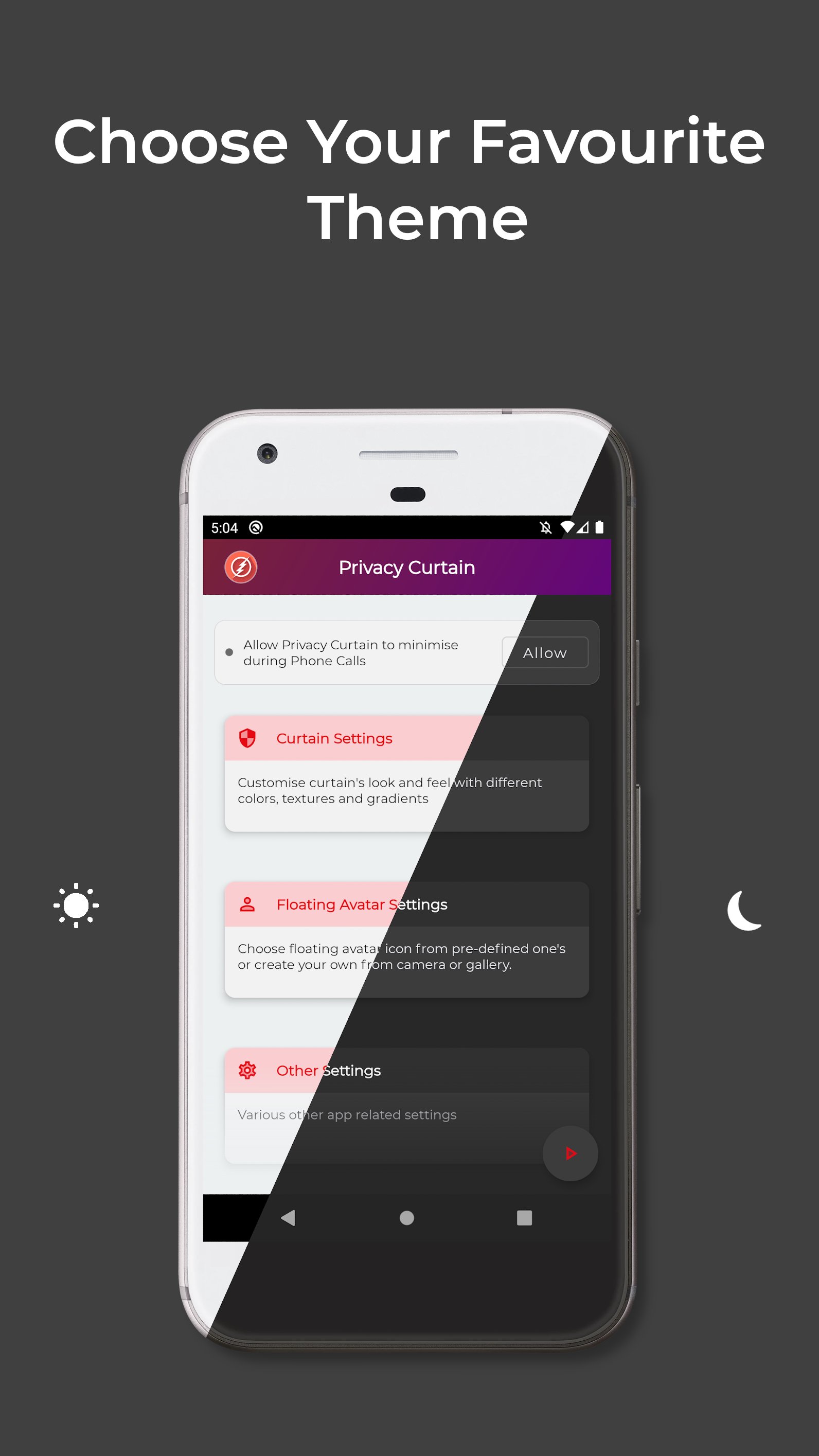
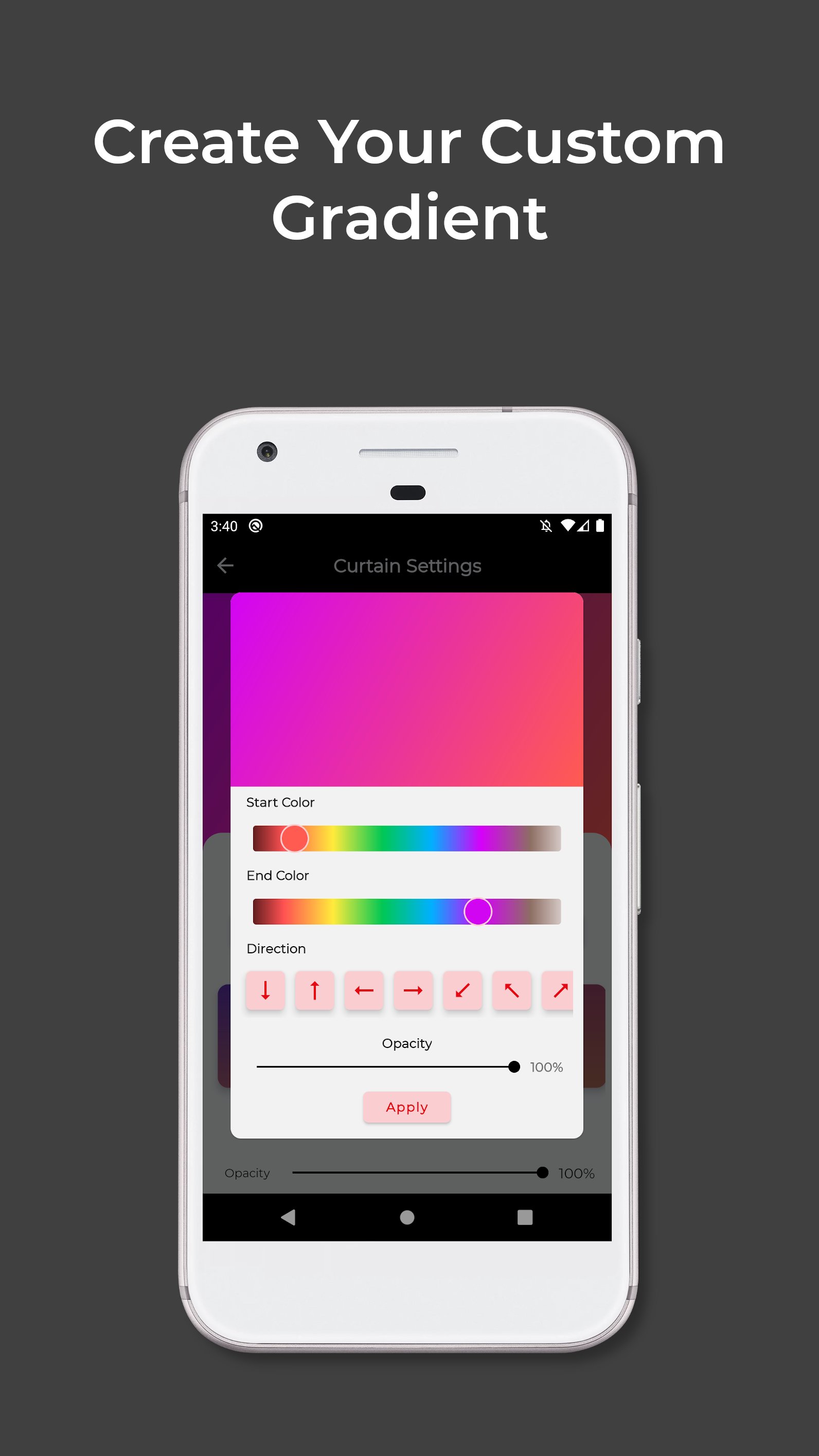
Privacy Curtain helps to guard your private content in public. It lets you use your phone confidently by covering your screen with digital Curtain. You can personalize it with your favorite colors or with provided textures and also you can set the level of transparency according to your liking. You can combine both color and texture to get different tint in every texture.
It is very easy to use. You just have to open the app and click start button, that's pretty much it. A floating shortcut icon will appear which you can drag and place anywhere on screen. Tapping on it will activate the Curtain which you can drag up or down to resize according to your need. It has lock option to lock on some specific height to avoid accidental touches. It comes with phone call awareness means It will minimize during Phone Calls so that it will not cover the call UI.
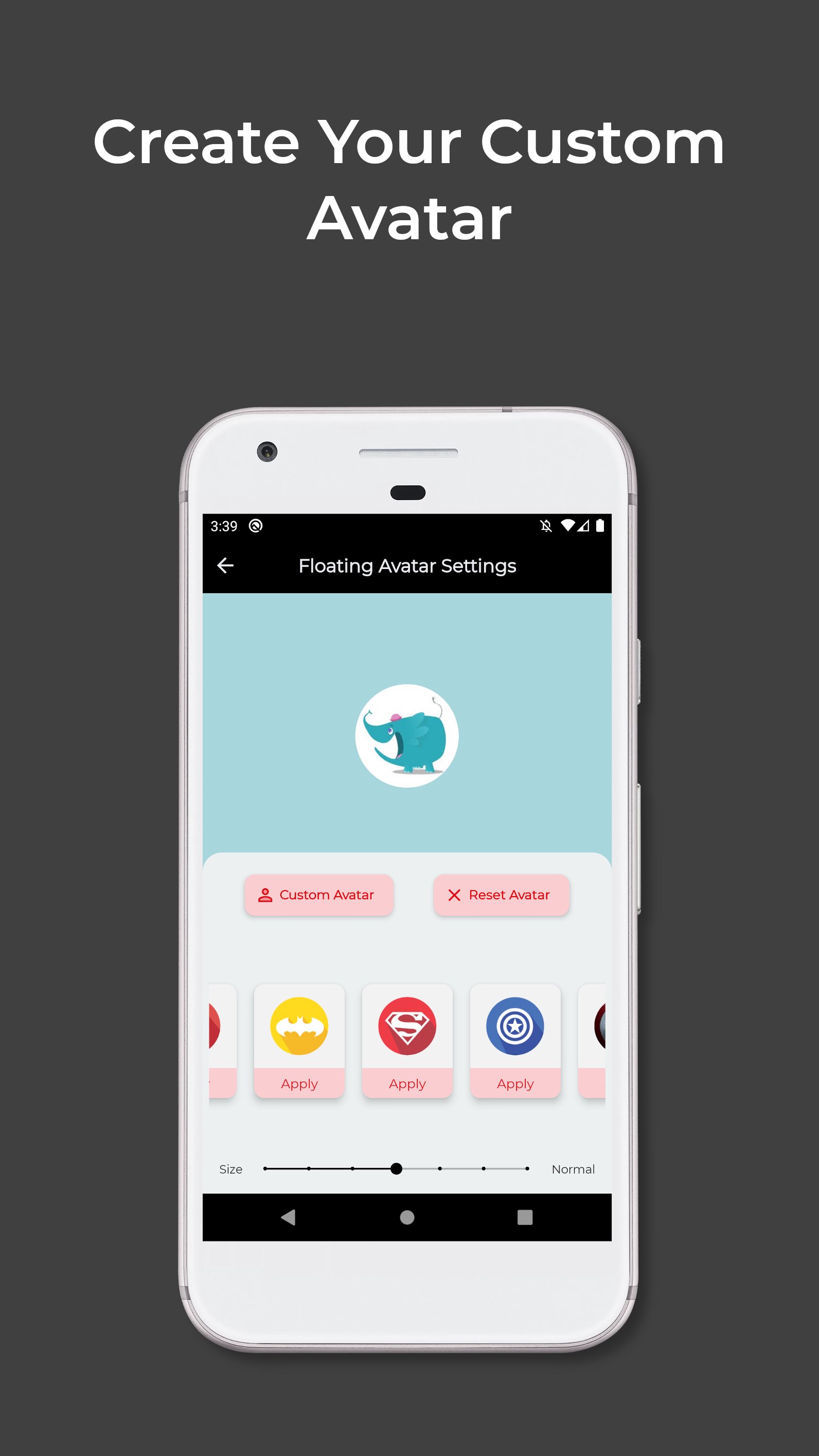
It is a custom-built tool means you can customize everything from main curtain to floating shortcut icon. It offers different colors, different transparency levels and different textures so the possibilities of customization is endless. You can set different avatars for shortcut icon and you can use your own image as well. Shortcut icon fades when idle to reduce distractions.
★★★ Main Features ★★★
• Very Clean And Simple UI/UX.
• Protects Your Privacy From On-Lookers.
• You Can Apply your Favorite Color.
• You Can Choose From 20+ Textures.
• You Can Choose From 10+ Gradients.
• You Can Choose Your Favorite Shortcut Icon.
• You Can Set Your Own Images To Shortcut Icon.
• Respects Your Phone Calls.
This App is created with a goal to provide the users a freedom of using their phone even in public places with confidence without worrying about privacy and it always respect your privacy as it doesn't collect any type of user information.
Latest Version
1.2.0Uploaded by
Samuel Febriano
Requires Android
Android 5.0+
Category
Free Tools AppContent Rating
Everyone
Security Report
Report
Flag as inappropriateLast updated on Feb 20, 2026
Totally Ad-Free Experience
Distraction Free Mode
Full Screen Mode
Custom Texture Support
Extended Opacity Mode
Improved energy efficiency
Minor Other Optimizations
Note: (i) Whitelist the app from Battery Optimizations if app closes automatically while in background
(ii) Curtain will be slightly less opaque in locked mode due to Android 12 restrictions but in Extended Opacity Mode you can increase opacity at the expense of touch pass-through.







APKPure - A multi-platform app store primarily focused on Android, providing extensive app-related content. Discover the app you want easier, faster, and safer, with quick and efficient downloads and installations.










