Package Name:com.helpsystems.accessauthenticator
SHA-256:c4b1ca6da92ce00369c911dc2646a9696e9a93bd3b5d7f46cf83aa15cbd421f8
Show More

Powertech MFA’s mobile app makes it easy to validate your identity with multi-factor authentication (MFA).
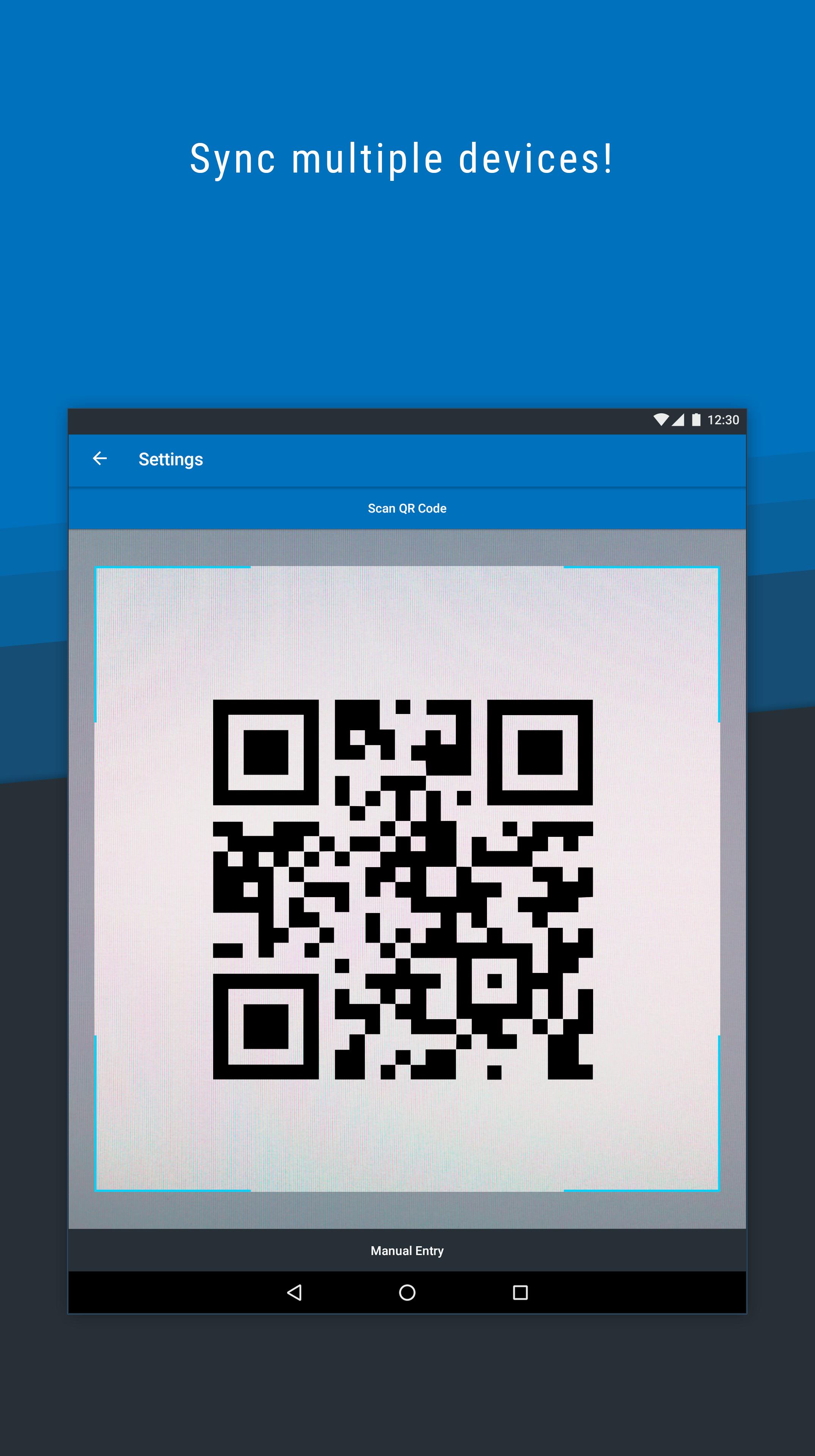
Download the Powertech MFA mobile app and activate the app using your organization's Powertech MFA user portal. From the user portal, you will be able to transfer your Powertech MFA settings to your mobile device.
Features:
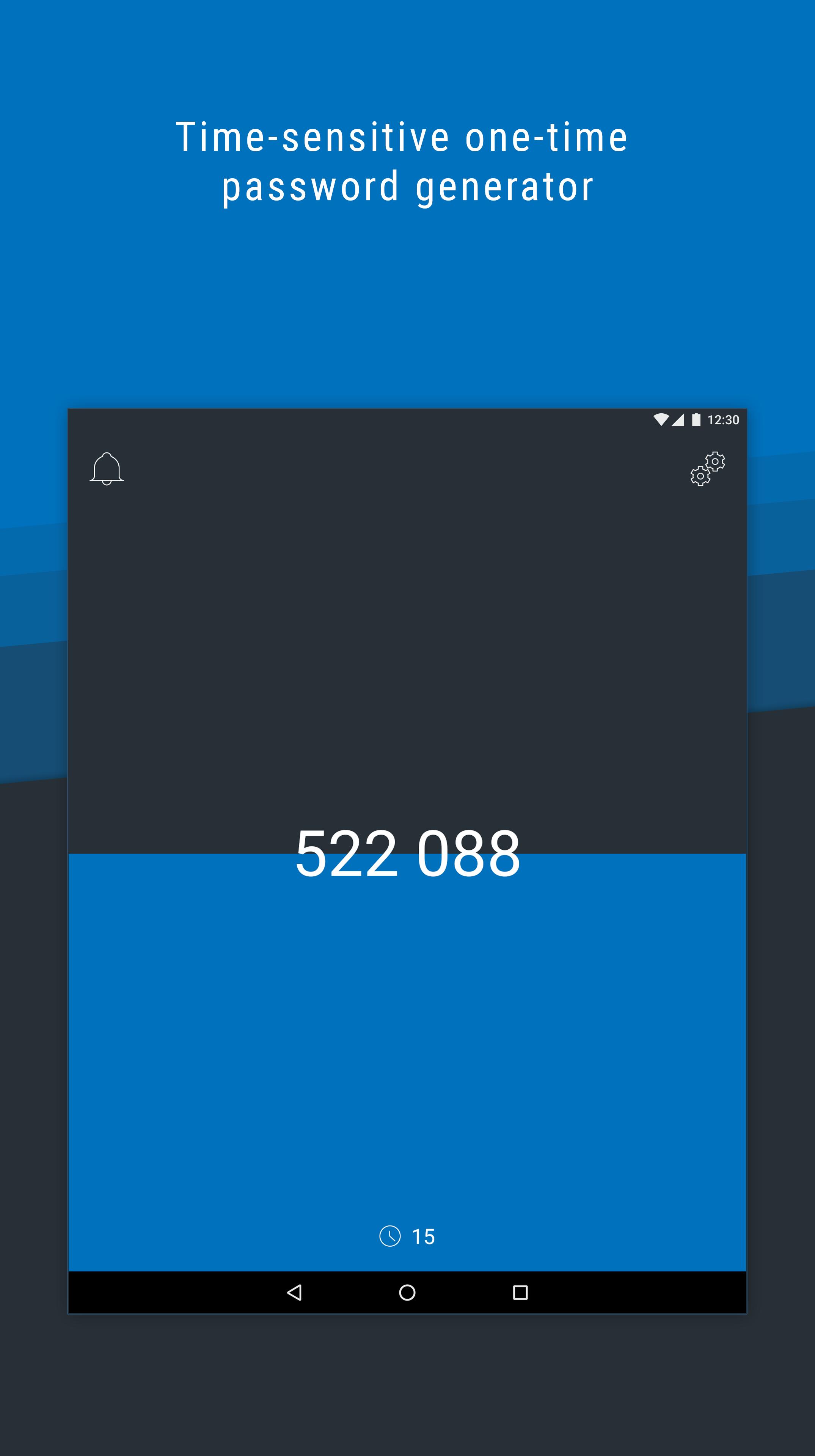
• One-time passwords: use the mobile app to access a single-use, time-limited unique password that you can enter when prompted.
• Push notifications: a notification displays details about the current sign-in attempt.
• Biometric scanning: verify your identity with fingerprint scanning*.
*based on device availability
Latest Version
1.4.0Uploaded by
Lyes Guellal
Requires Android
Android 4.4+
Category
Free Tools AppContent Rating
Everyone
Security Report
Check Now
Report
Flag as inappropriateLast updated on Jun 13, 2019
Powertech MFA is the new name for Access Authenticator. The app has been updated to reflect this.




APKPure - A multi-platform app store primarily focused on Android, providing extensive app-related content. Discover the app you want easier, faster, and safer, with quick and efficient downloads and installations.