Scan Date:Mar 23, 2026
Show More

Poweramp suits users who store music on their phone and want consistent playback with precise sound control. It helps manage large collections without lag, while offering a layout you can tune to your daily use. You can browse albums, artists, folders, or playlists and keep playback steady during everyday tasks. Settings are organized so you can tailor outputs and visuals at your own pace. Some users look for Poweramp APK for direct installation, but the core experience remains the same once set up.
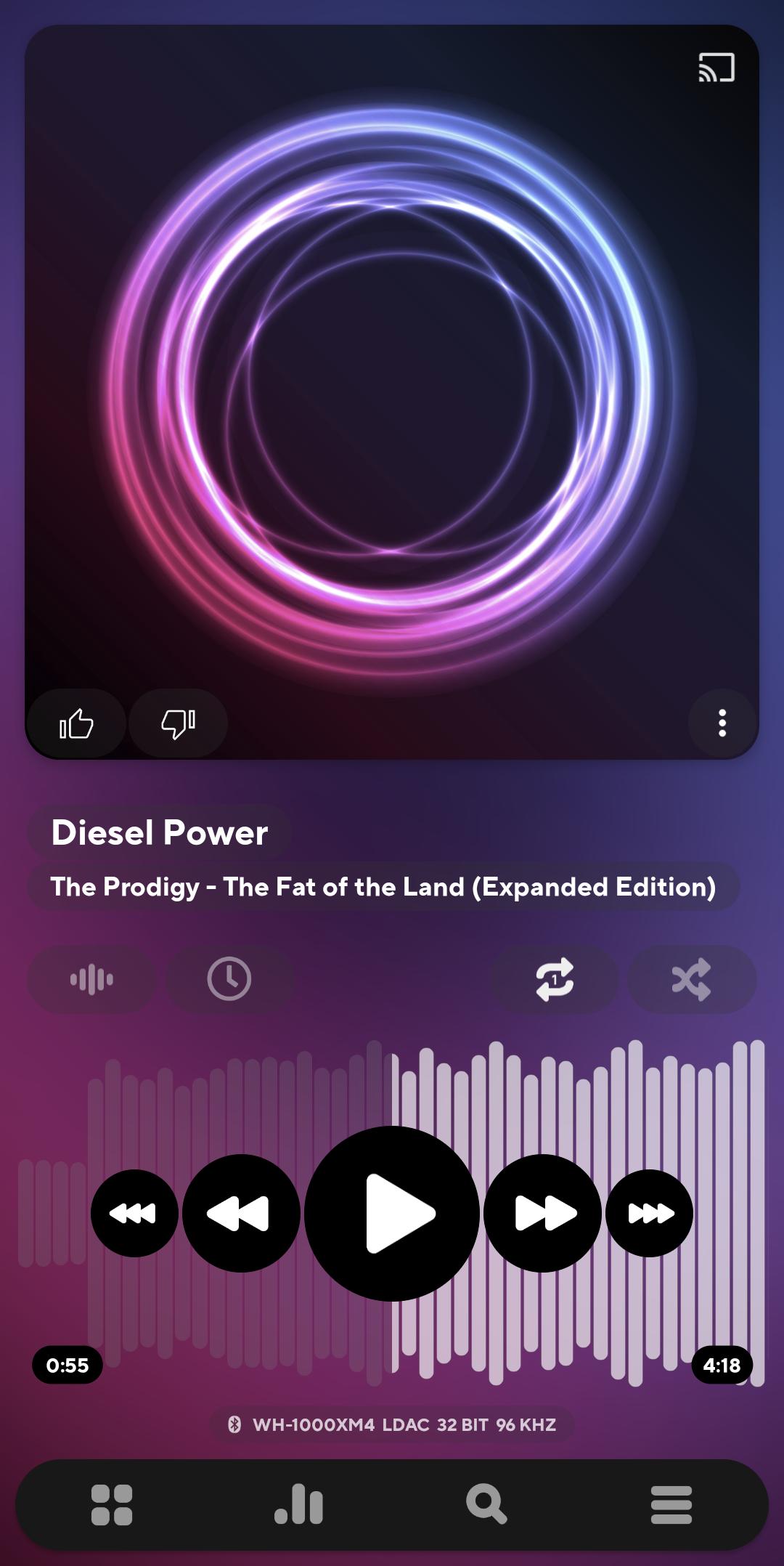
Poweramp gives you access to advanced audio paths where the device supports them. Outputs include AAudio, USB DAC, and Bluetooth LDAC with per output options to match your hardware. You can set sample rate and bit depth and enable Direct Volume Control for cleaner gain where available. Results depend on the phone or DAC, so the app lets you configure each route separately.
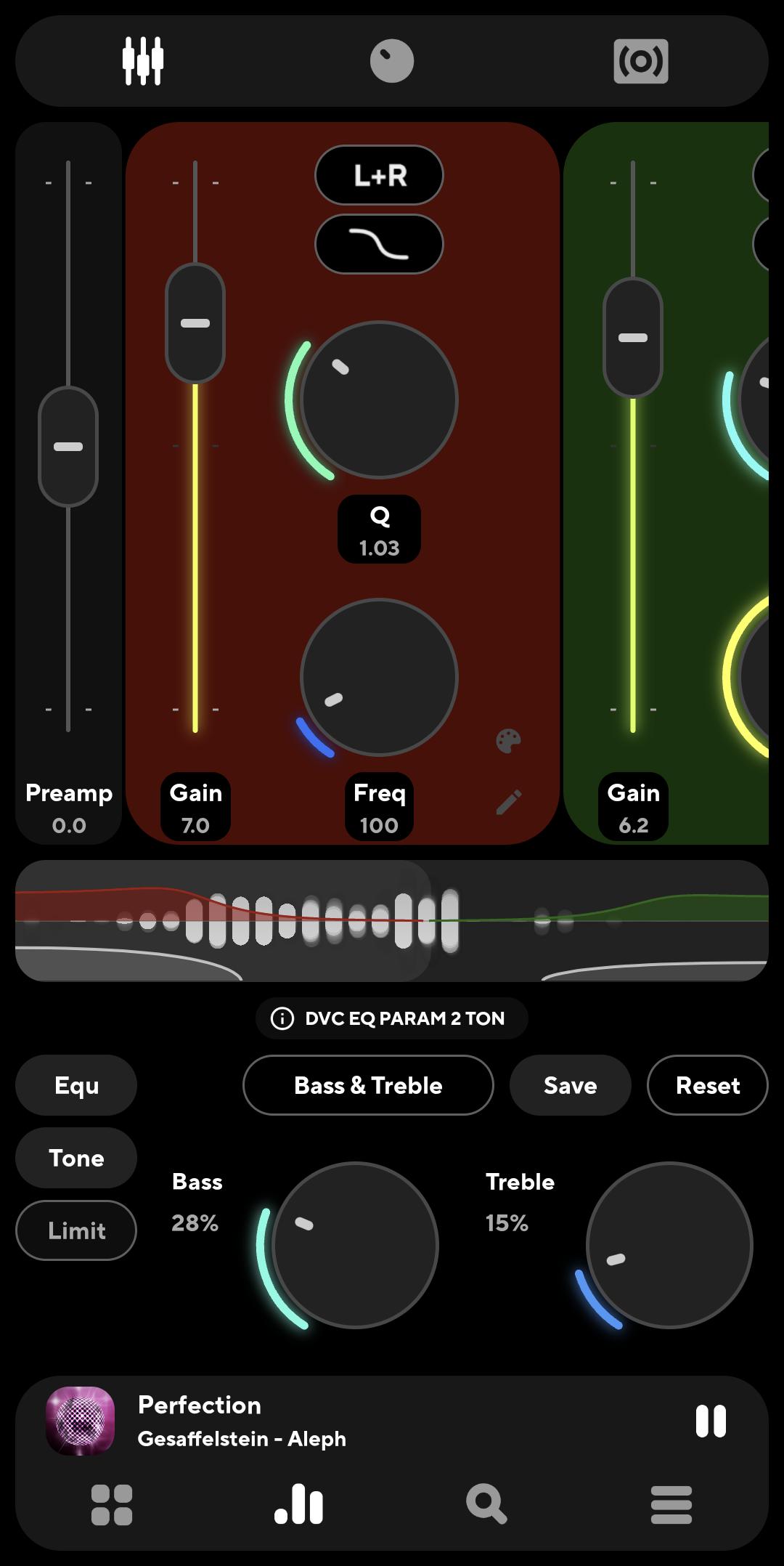
64 band parametric and graphic EQYou get a full equalizer with both parametric and graphic modes. Poweramp includes a preamp, Bass and Treble controls, and AutoEQ presets for many headphones. You can save presets per device or per output, which helps keep a consistent sound when you switch between speakers, headphones, or car audio. The EQ is fast to adjust and applies in real time.
Format support and smooth playbackPoweramp plays a wide range of formats including MP3, FLAC, ALAC, WAV, APE, DSD, Opus, TAK, and MKA. It supports gapless playback, crossfade, and replay gain so albums and mixes play without abrupt changes. You can also open radio streams in m3u form and use CUE data for tracks split by index files. Playback controls are responsive even with very large libraries.
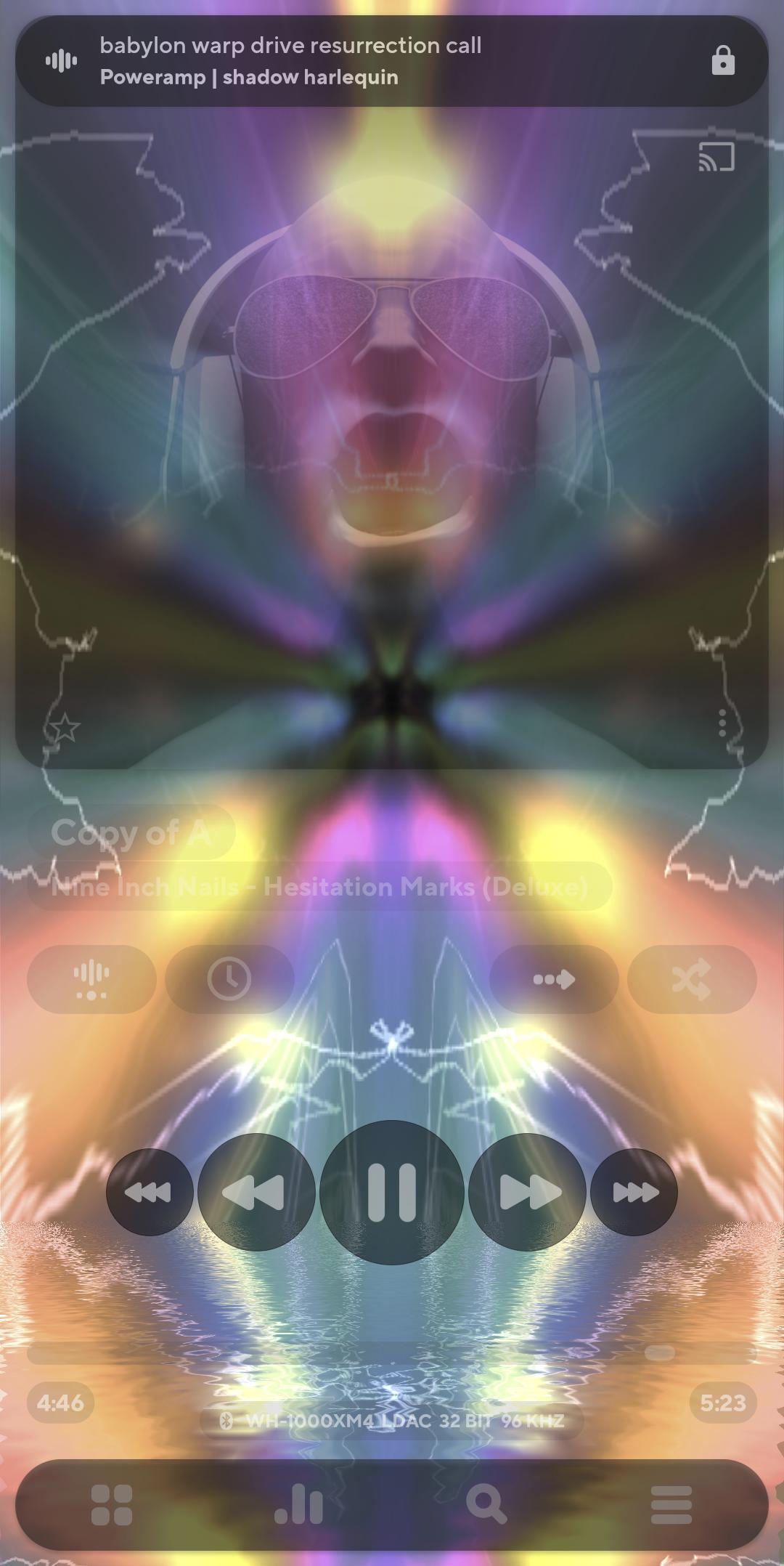
Interface customization and visualizationsYou can switch between light and dark themes, apply skins, and rearrange layout elements. Gestures speed up common actions like changing tracks or adjusting tone. For visuals, Poweramp supports Milkdrop compatible files in the .milk format and offers a spectrum view. This lets you set a look that fits the way you listen.
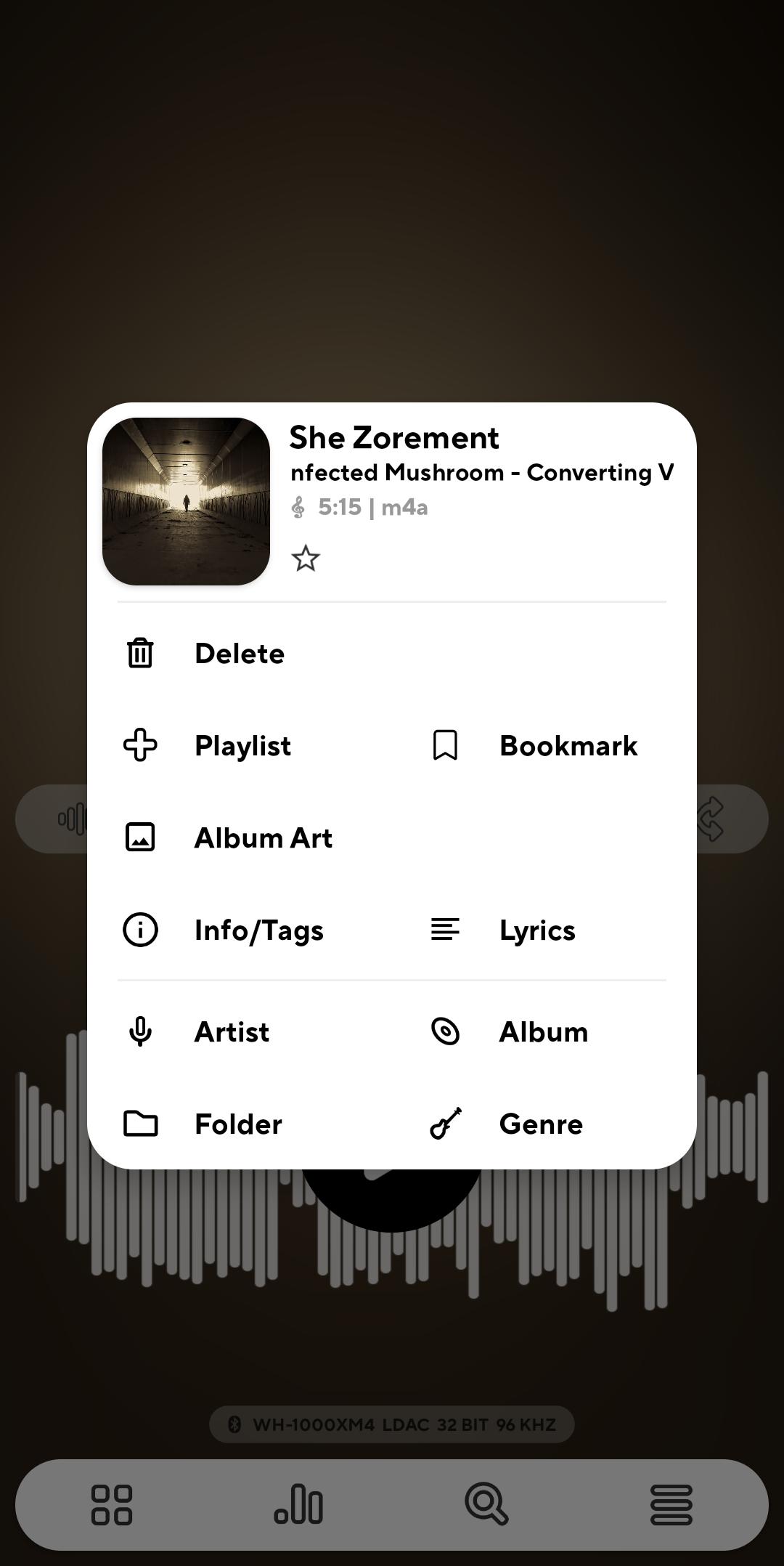
Library tools and everywhere controlPoweramp includes folder and library views, a tag editor, and album or artist art download tools. Playlists import and export in common formats such as m3u, m3u8, pls, and wpl, and the dynamic queue keeps your next tracks flexible. You can see synced or plain lyrics and add lyrics via supported plugins. Controls extend to Android Auto, Chromecast, the lock screen, widgets, and headset or Bluetooth buttons, with an engine tuned for stability and battery use.
Poweramp offers a free trial so you can evaluate features before buying. The full version unlock is a one time purchase with a lifetime license and there is no subscription. A license purchase is also available through the official website for devices that do not use Google services. The trial and the unlock use the same app so your library and settings carry over.
Hi res playback depends on the phone, the Android version, and any connected DAC or Bluetooth codec. If you expect higher rates or bit depth, open Settings and review Audio outputs for your device. Try the relevant path such as AAudio, OpenSL, or USB, then choose the best sample rate and enable Direct Volume Control where it is supported. This approach helps you match the output to the capabilities of your hardware.
Poweramp Equalizer is a separate app that applies the same EQ engine to audio from other apps. It supports AutoEQ presets and per app control so you can keep a familiar sound when using services like Spotify or YouTube Music. Use it when your listening routine mixes local files in Poweramp with streaming audio in other apps.
After you download Poweramp and open it, setup takes only a few steps. The app scans your chosen folders, then you can set the output and EQ to fit your gear.
Poweramp focuses on local music playback with detailed audio control and a layout you can adapt. Try the trial and, if it fits your needs, unlock the full version to keep your setup in place. For the best experience, stay on the Poweramp latest version when your device allows it.
For official resources and help, visit the links below.
Latest Version
build-1023-bundle-playUploaded by
ThuAung
Requires Android
Android 5.0+
Category
Free Music & Audio AppContent Rating
Everyone
Security Report
Report
Flag as inappropriateLast updated on Mar 23, 2026
• bug fixes and stability improvements





APKPure - A multi-platform app store primarily focused on Android, providing extensive app-related content. Discover the app you want easier, faster, and safer, with quick and efficient downloads and installations.