Scan Date:Mar 31, 2026
Show More

PlayerPro suits users who want one place to manage tracks, videos, and internet radio on Android. It brings a fast interface that keeps large libraries easy to browse, and it supports personalization so you can set up views and controls the way you prefer. In addition, the app works with add ons and widgets to extend playback and control options around your phone and home. If you prefer direct installs, you can also find a PlayerPro APK from trusted sources.
High quality audio tools
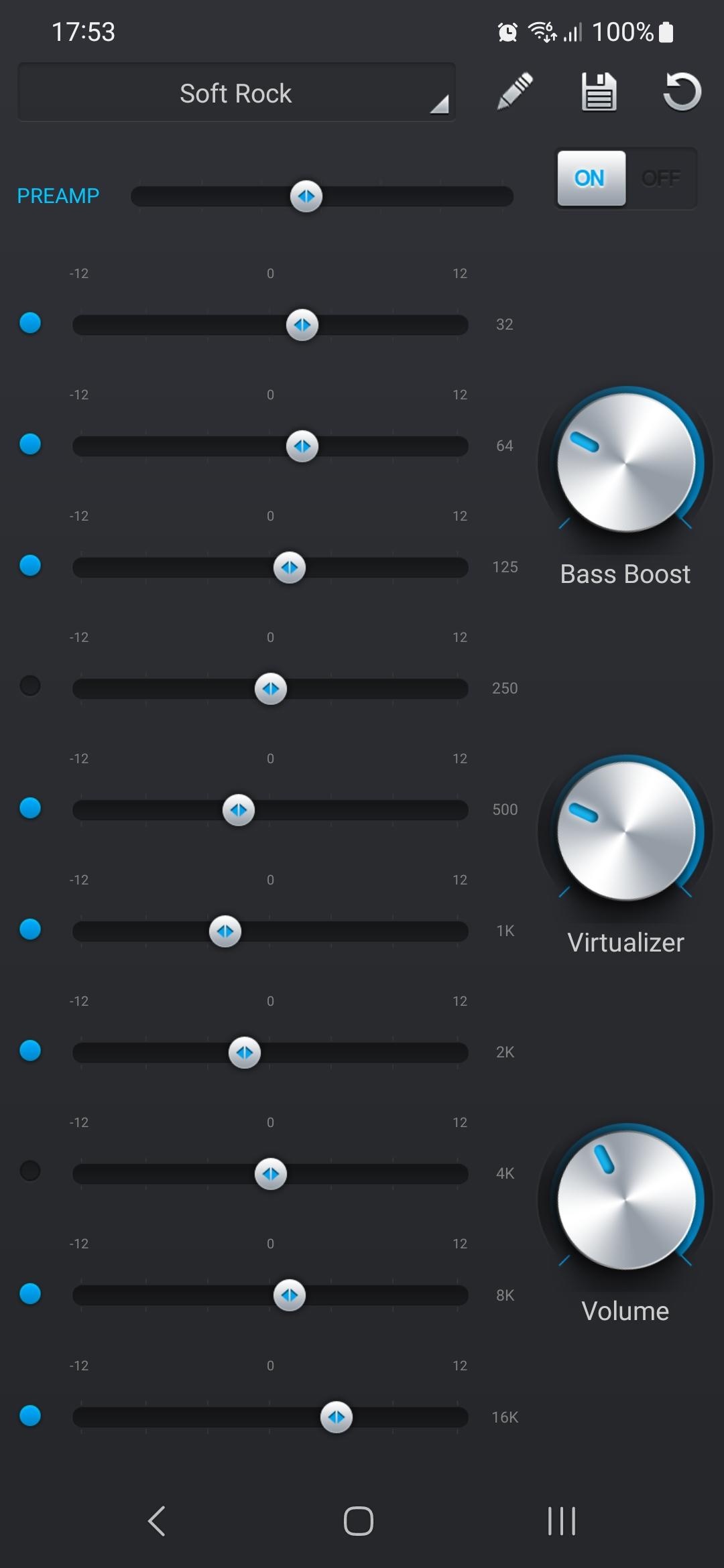
PlayerPro includes a five band equalizer with bass boost, reverb, and stereo widening so you can tune playback quickly. You can add the free PlayerPro DSP Pack to enable a ten band equalizer, high resolution output up to 32 bit 384 kHz, gapless playback, crossfade, replay gain, and a limiter. This add on turns the app into a precise control center for many listening setups.
Library management and tags
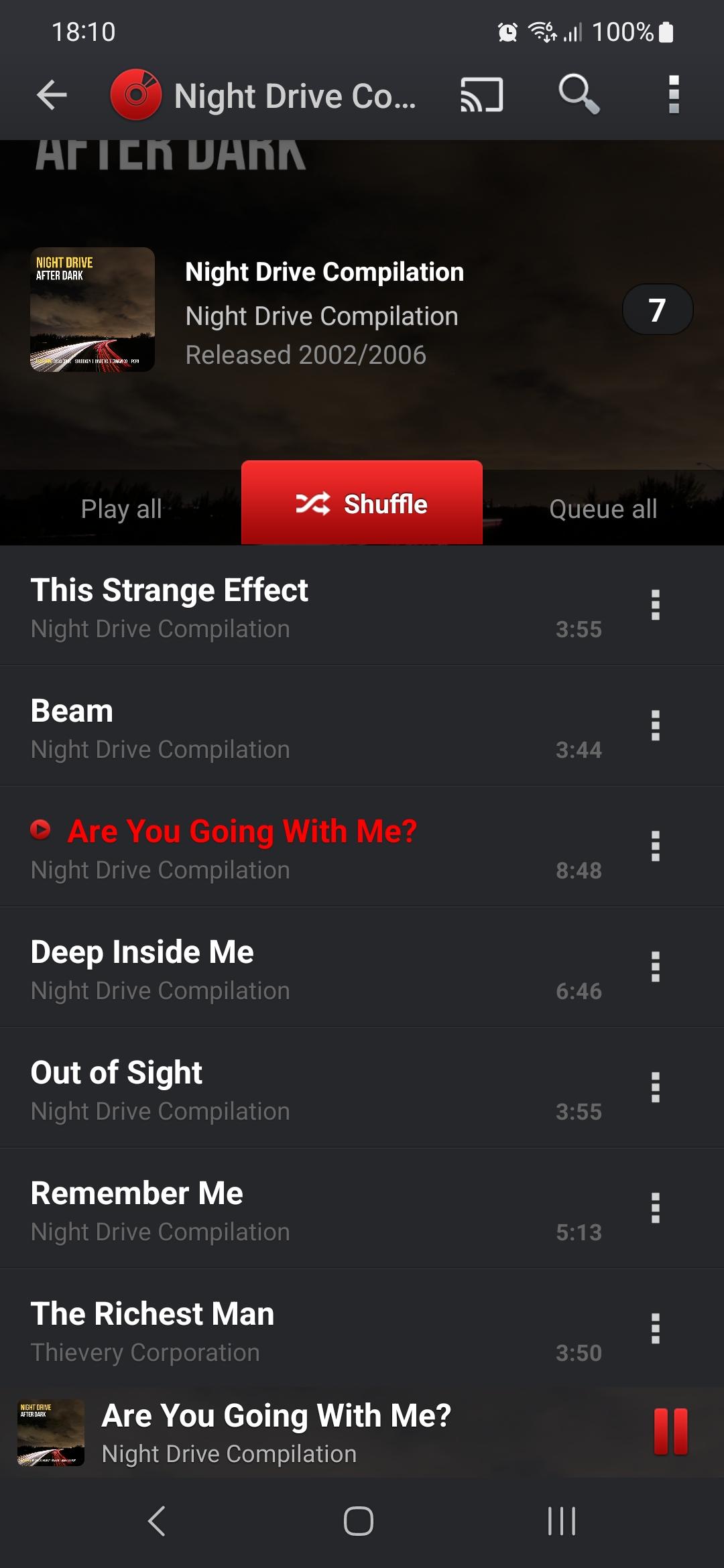
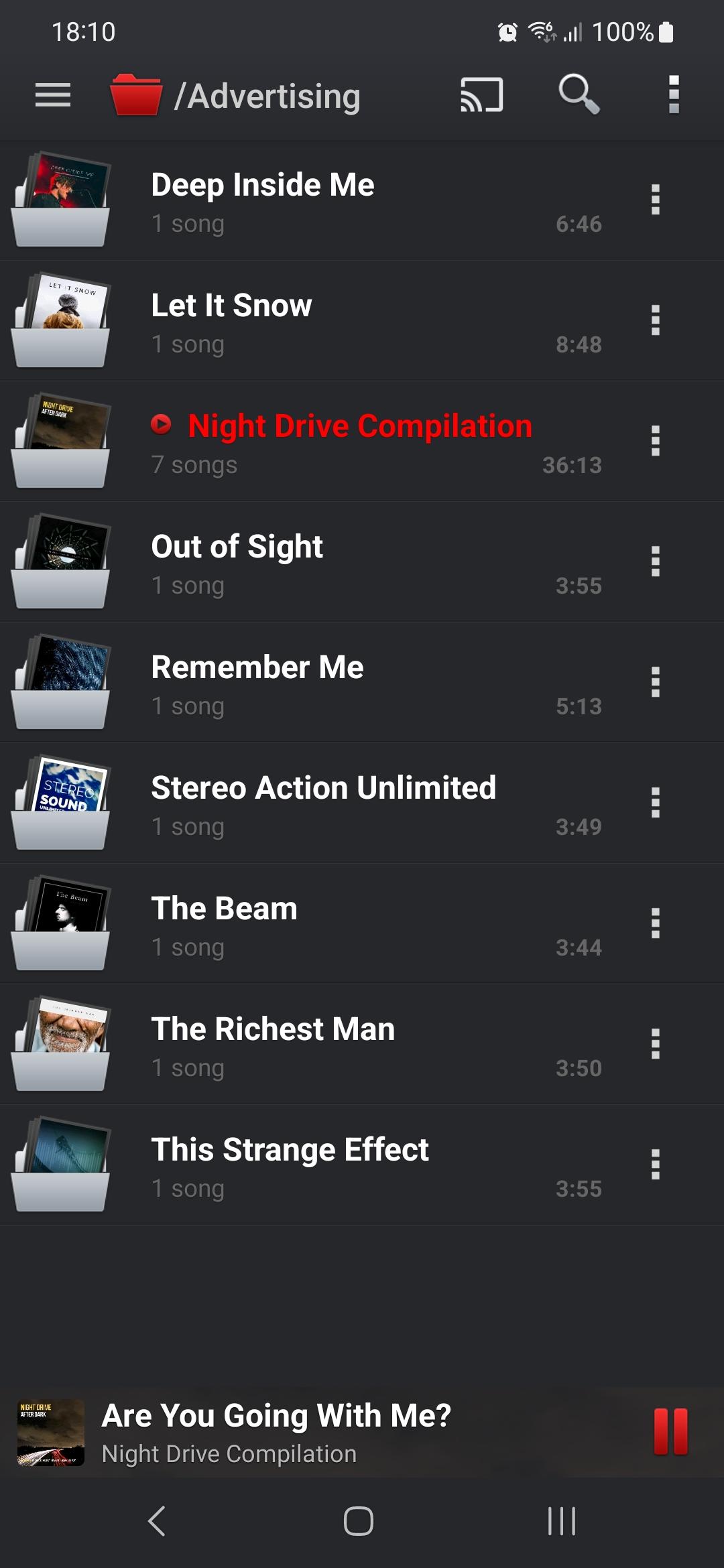
You can browse your collection by albums, artists, genres, or folders to match how your files are stored. The built in tag editor handles single and batch edits, so fixing titles, artists, and album art is straightforward. PlayerPro can also pull in artwork and lyrics, track play and skip counts, and build smart playlists based on ratings or play history.
Formats and connection options
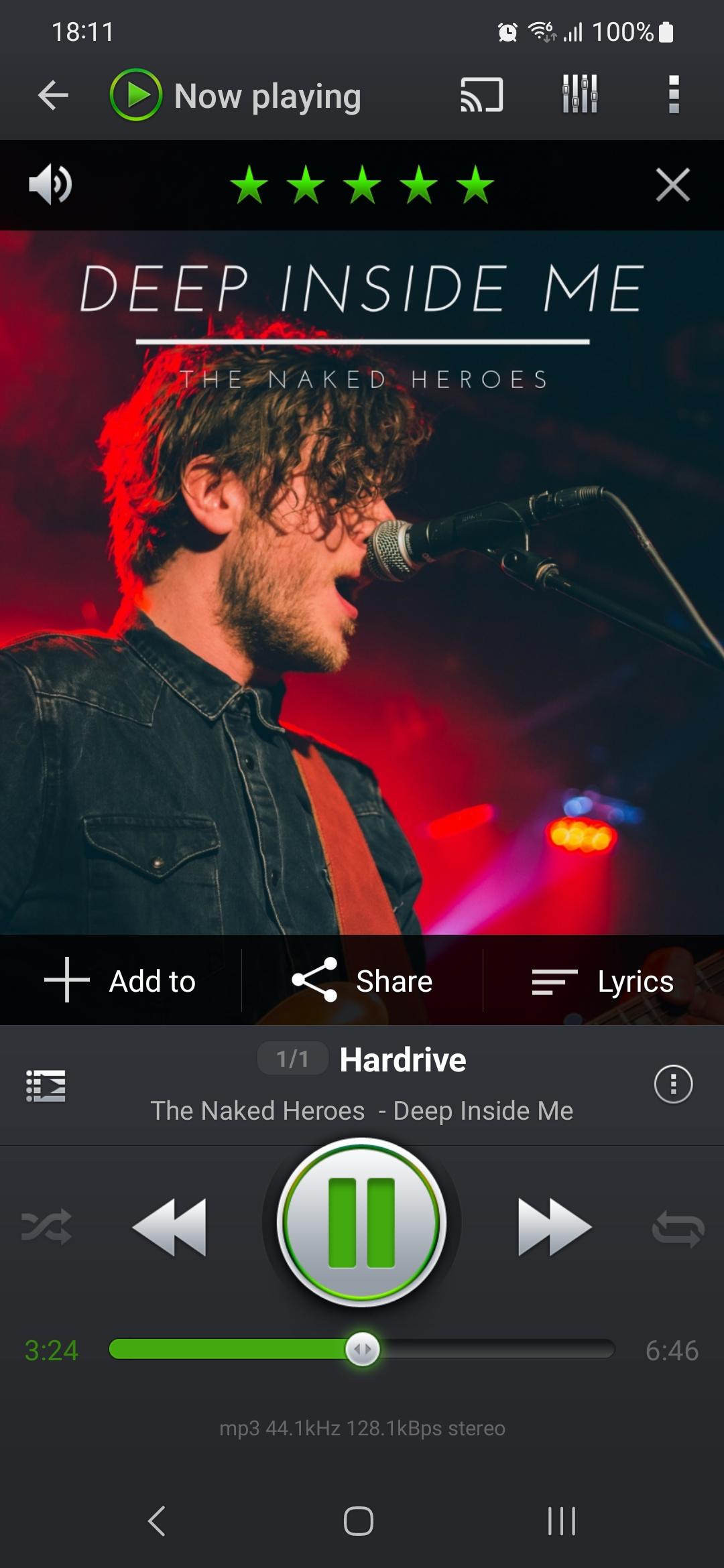
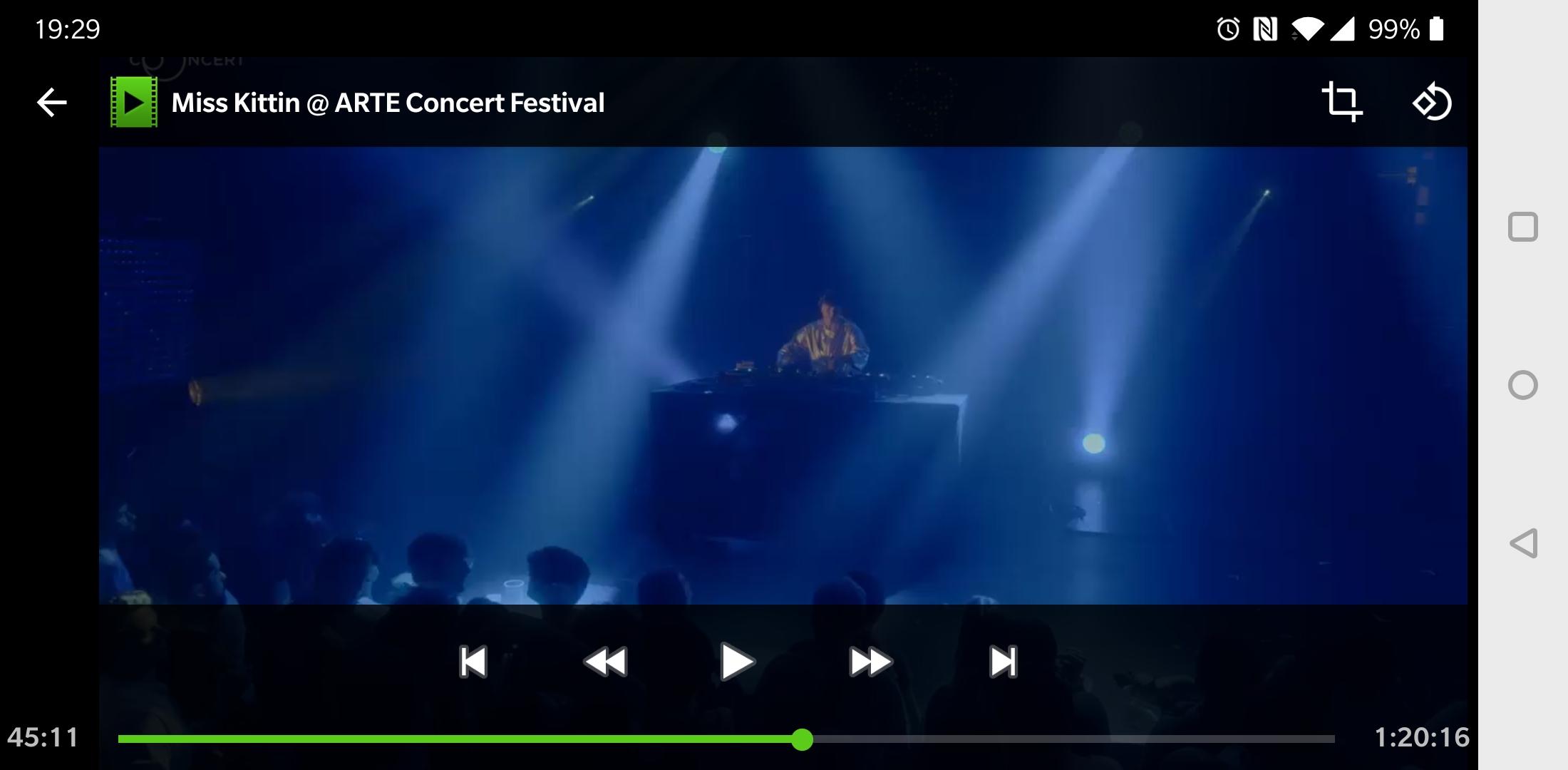
PlayerPro plays local music, videos, and worldwide radio streams in one place. It works in the car with Android Auto, and it can cast to TVs and speakers using Chromecast or Chromecast Audio at home. Moving from headphones to speakers is quick because the cast control sits in the now playing screen.
Personalization and controls
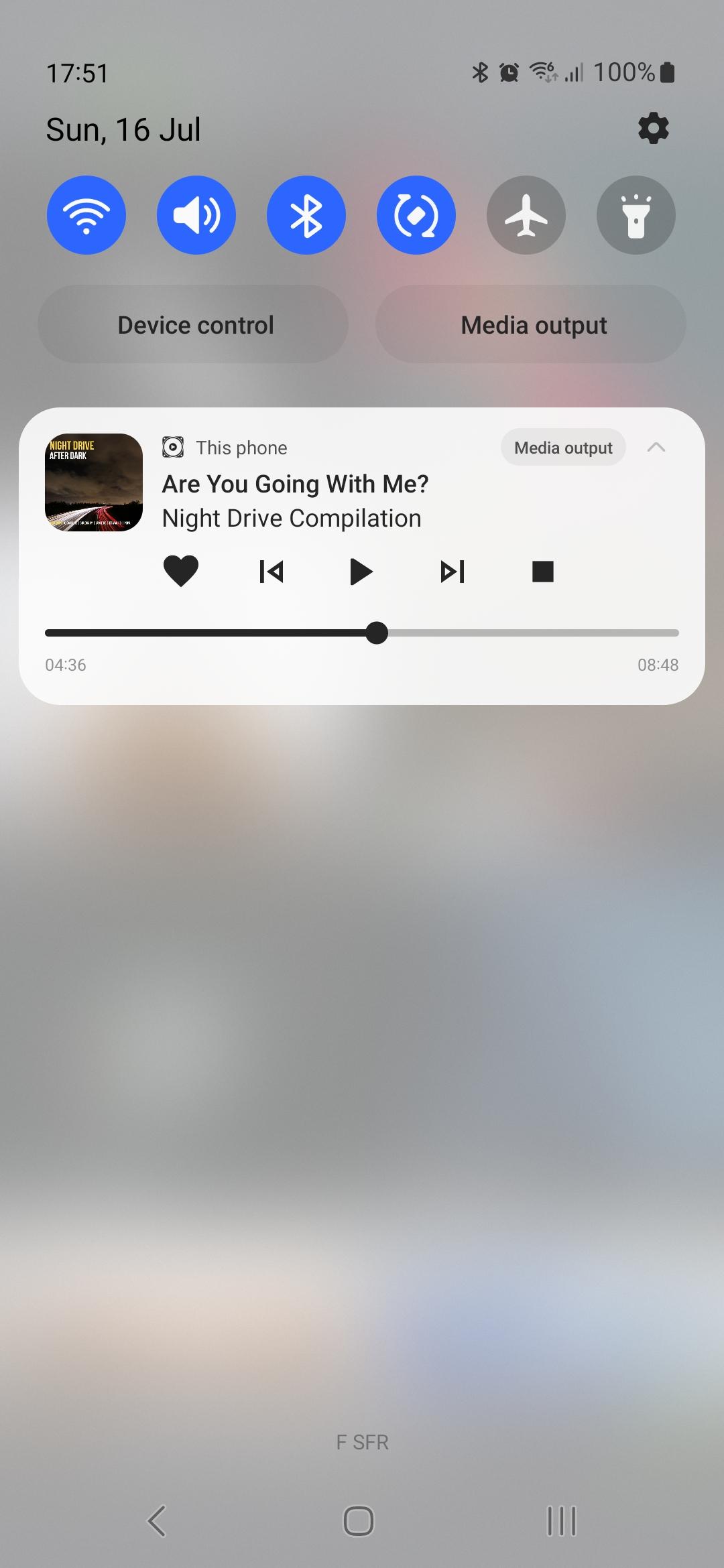
You can change the look with more than twenty skins and switch between grid or list views for albums and artists. Control options include five home screen widgets and two lock screen widgets for fast access. Gestures, headset button mapping, and shake to skip let you keep your phone in your pocket while you control playback.
Sync, backup, and fast search
PlayerPro supports scrobbling and can import or export ratings and play history from Winamp, Windows Media Player, and MediaMonkey. Backup and restore are available through Google Drive to keep settings and stats safe between devices. Finding tracks is fast thanks to search, filter, and sort tools, plus voice search and Google Assistant integration.
The app is free to use with all features available from day one. After a few days the free version starts showing ads, while the paid app is a separate, ad free install. If you choose the paid option, install the standalone Pro app and then remove the free version to keep things tidy.
To install the free PlayerPro DSP Pack, open Settings, tap Audio, then select Download DSP Pack. Once installed, enable the ten band equalizer, gapless, crossfade, and high resolution output if your device supports it. For cars, connect your phone and open Android Auto, then choose PlayerPro as the audio app. For home, tap the cast icon in the now playing screen and pick your Chromecast device to start playback on speakers or TV.
To begin, download PlayerPro and open it on your Android phone. The app will scan your device and present your library, and you can change what it includes at any time.
PlayerPro brings organized playback, detailed audio controls, and flexible connectivity in one Android app. For the best experience, consider the PlayerPro latest version to access current features and improvements.
For official resources and support, use the contacts below.
Latest Version
5.40Uploaded by
Andres Arias
Requires Android
Android 6.0+
Category
Free Music & Audio AppContent Rating
Everyone
Security Report
Report
Flag as inappropriateLast updated on Mar 31, 2026
- Full support for video immersive experience with edge-to-edge display mode
- Removed redundant permission requests when bookmarking videos
- Improved accuracy and precision for album artwork discovery
- Resolved connectivity issues when downloading artwork over the internet
- Other performance and stability fixes
- Updated translations




APKPure - A multi-platform app store primarily focused on Android, providing extensive app-related content. Discover the app you want easier, faster, and safer, with quick and efficient downloads and installations.