
Poetry Photo Frames is Beautiful Photo Editing App.
How To Use This App.
1) : First of all install this app.
2) : You can see three buttons on main screen Frames My Work And Rate Us.
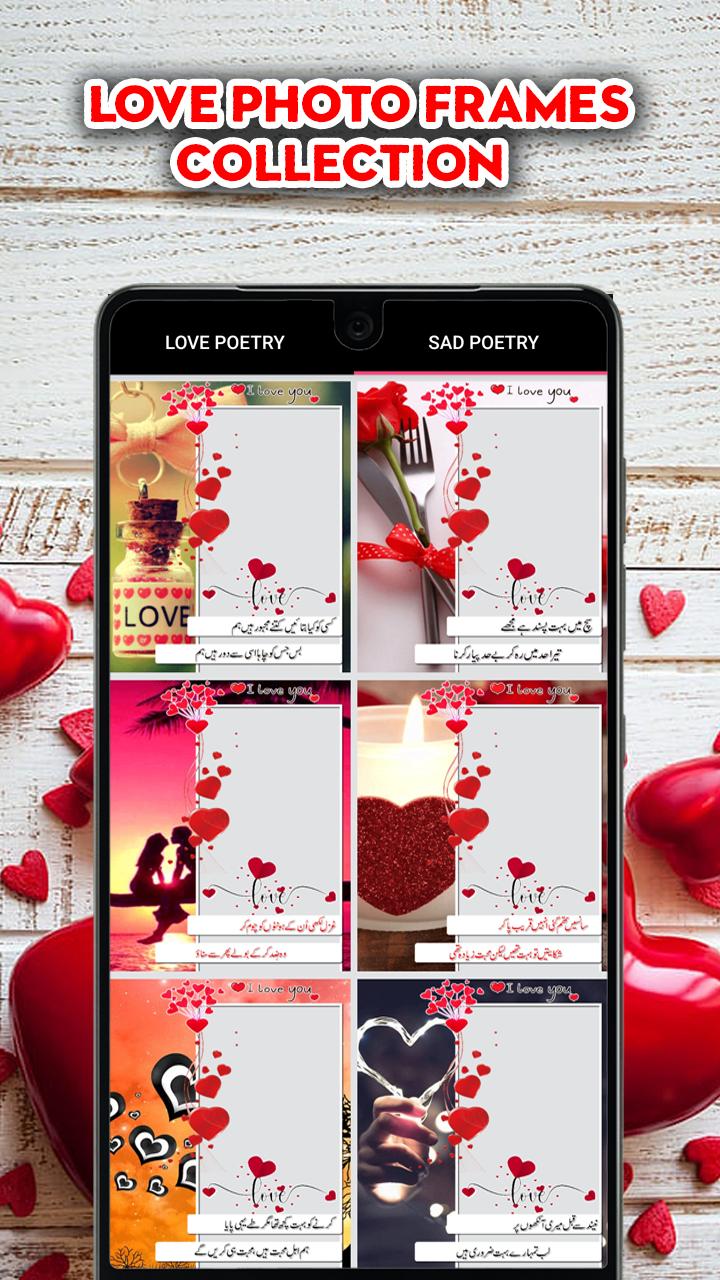
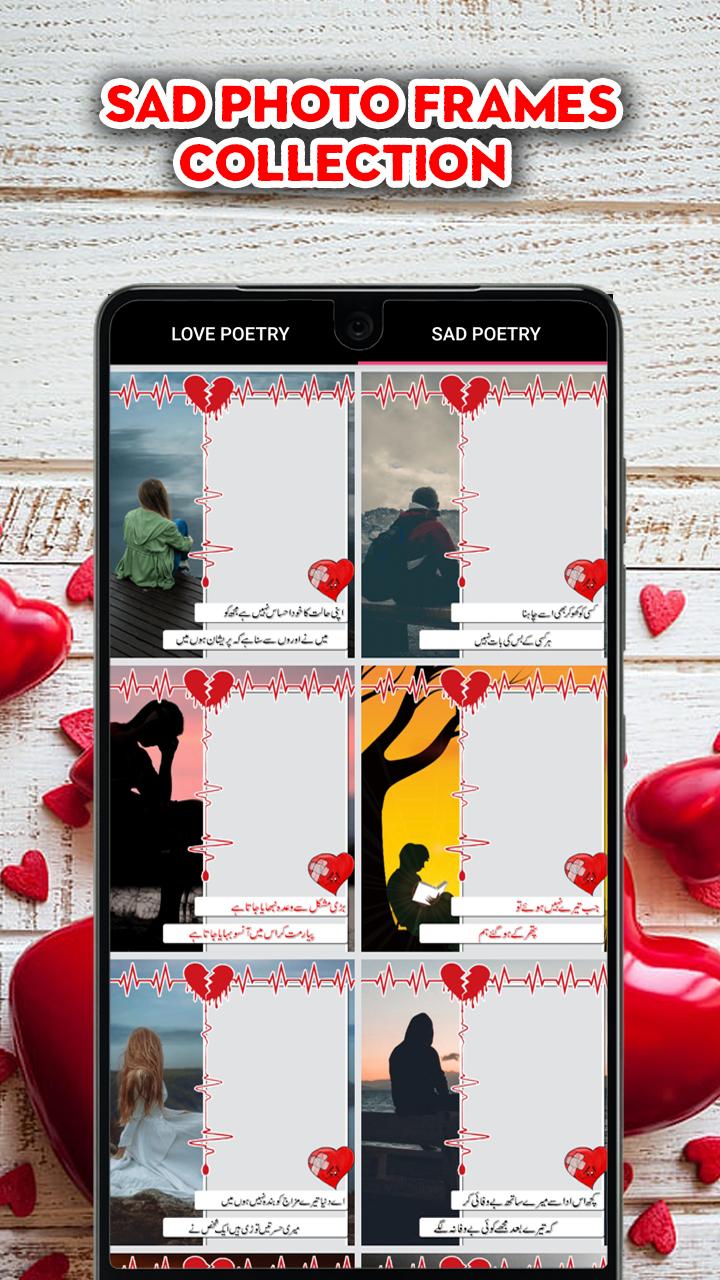
3) : Click on Frames button you can see beautiful frames list there are two tab's on this screen.
4) : Love and Sad choose your favorite and select any frame.
5) : After choose your frame click on camera or gallery your choice.
6) : Select your beautiful picture and set into the frame.
7) : After setting the picture click on save button and come back on main screen.
8) : Click on My Work button your save photo show on this page.
9) : After that you can easily share your photo friends and family.
Thanks for Installing this app.
Please give us your valuable feedback.
Latest Version
1.0Requires Android
4.4
Category
Free Photography AppContent Rating
Everyone
Report
Flag as inappropriateLast updated on Dec 29, 2022
Minor bug fixes and improvements. Install or update to the newest version to check it out!








APKPure - A multi-platform app store primarily focused on Android, providing extensive app-related content. Discover the app you want easier, faster, and safer, with quick and efficient downloads and installations.















