
Google Play Store apk helps when you want one place to find and manage content across Android devices. It centralizes browsing, purchases, and your personal library so you can keep track of everything without switching apps. The layout is straightforward, and sections are organized to make discovery simple. As you move between phone and other screens, your activity stays linked to your account. Many users look for stability and clear controls, which the Google Play Store download latest version focuses on delivering.
Cross device discovery and installs
Google Play Store apk lets you browse and install across phone, tablet, TV, Chromebook, watch, car, and XR. Your picks follow your Google account, so you can start on one device and finish on another. This approach makes it easy to plan installs for the device you use most without repeating searches.
Library and account controls
You can view My Play activity, manage updates, and set install preferences in a few taps. The library shows your apps, media, and past purchases in one place, which helps you stay organized. When you switch devices, your history and preferences move with you for consistent access.
Payments and subscriptions management
Google Play Store provides clear options to update payment methods, track subscriptions, and redeem codes or gift cards. You can review offers and set reminders so recurring charges do not surprise you. These controls place billing and entitlements alongside your content for easy oversight.
Programs and rewards
With Play Pass, you can access a selection of apps and games under one plan. Play Points rewards eligible purchases and activities, which you can track from your profile. Straightforward refund requests are available for qualifying purchases, helping reduce friction if something does not meet your needs.
Curated picks, events, and family tools
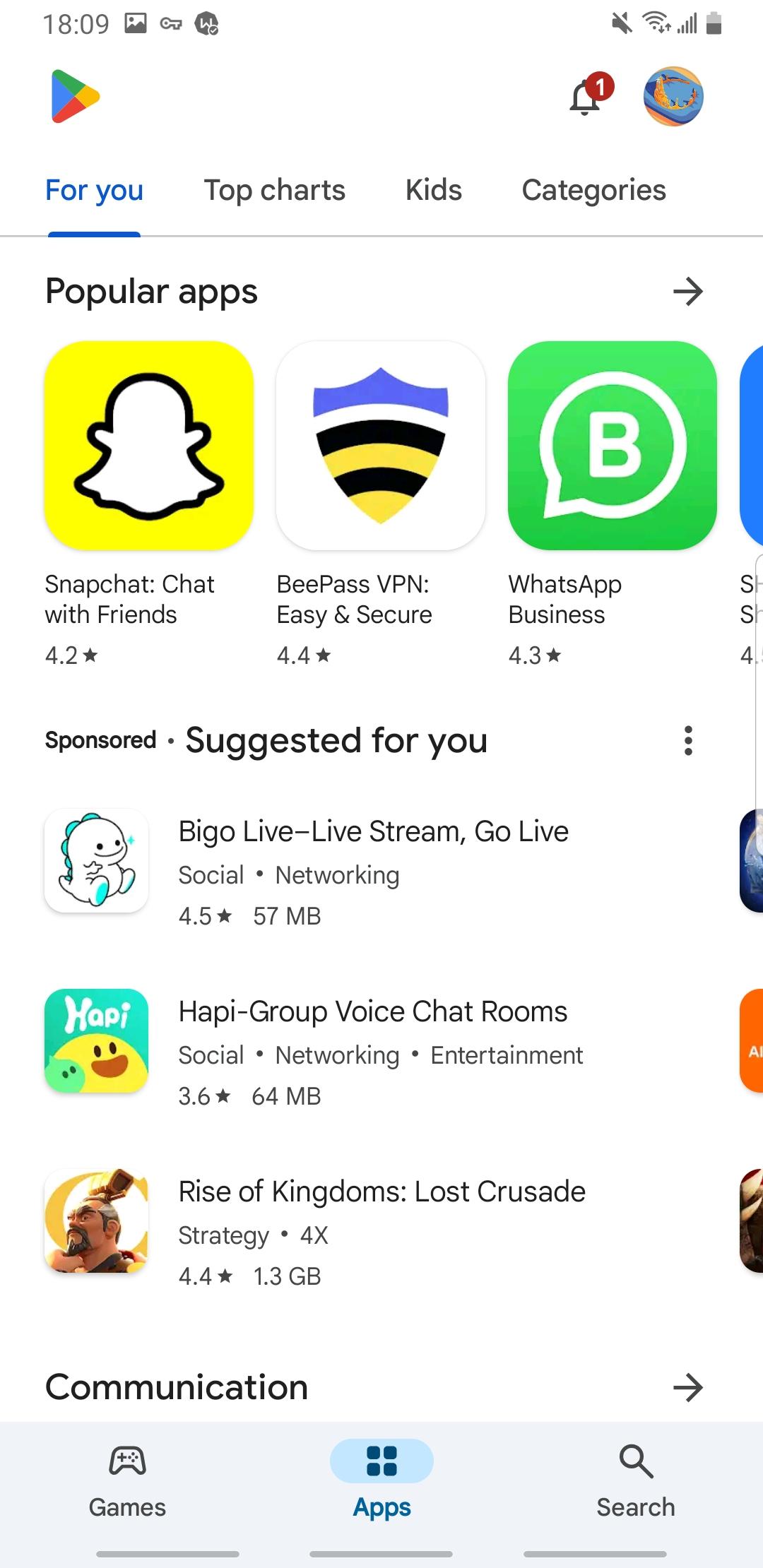
Popular apps, Editors’ Choice, and Innovation Corner highlight timely content so you can find tested options faster. Event banners surface updates and activities inside apps at the right moment. For families, a dedicated Kids section, ratings with a Parent Guide, and Family sharing on select purchases support safer, shared experiences.
Gift cards and Google Play Store code redemption are supported, which helps if you prefer prepaid options. Refunds for qualifying purchases follow a clear process, and you can view status inside your account. Before buying, check item details and renewal terms so your subscriptions and one time purchases match your expectations.
New and returning users can get started quickly with the Google Play app using a few simple steps. The interface groups discovery, your library, and payments in clear sections, which keeps everyday tasks simple.
Open Google Play Store from your app list, then sign in to your Google account if prompted.
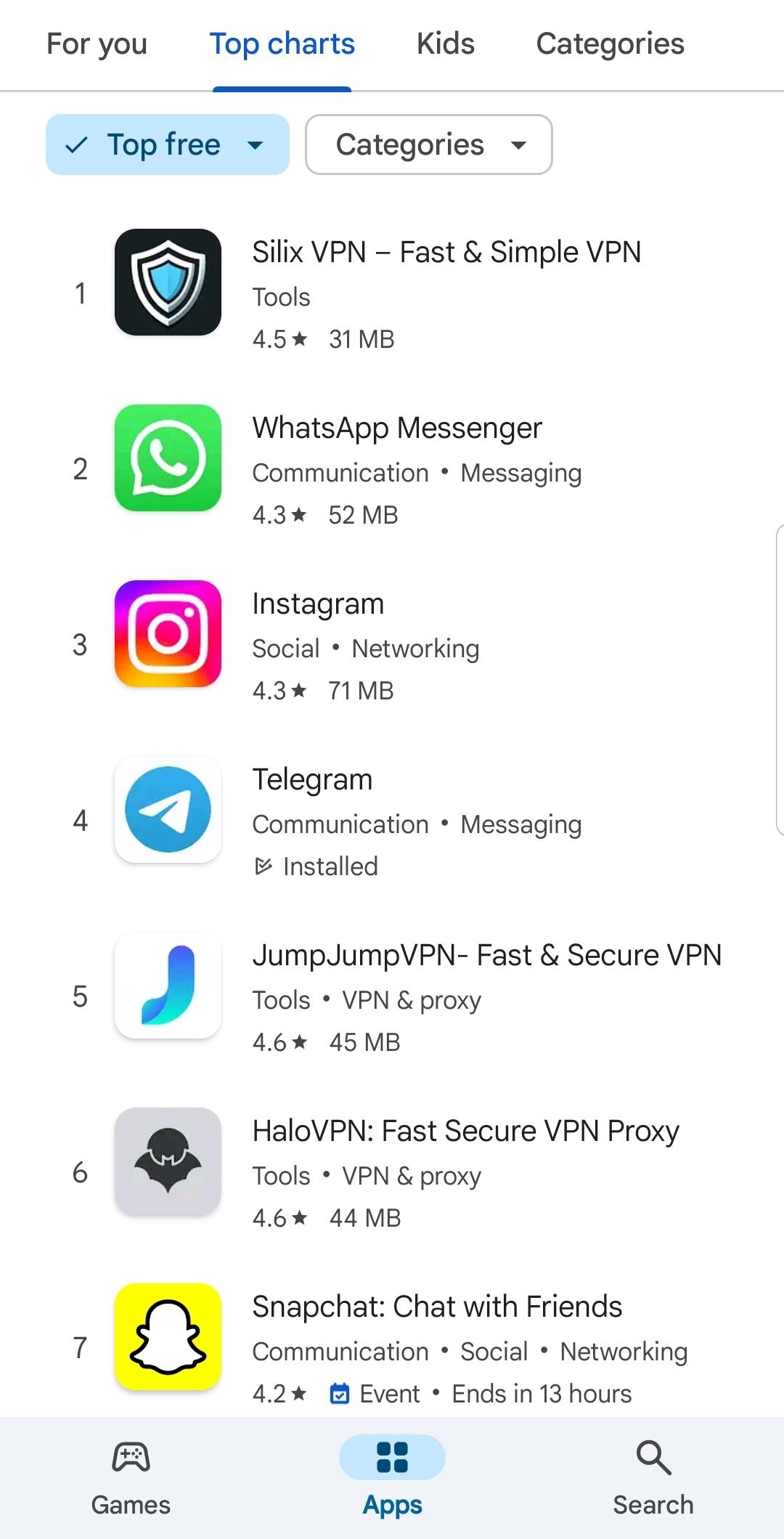
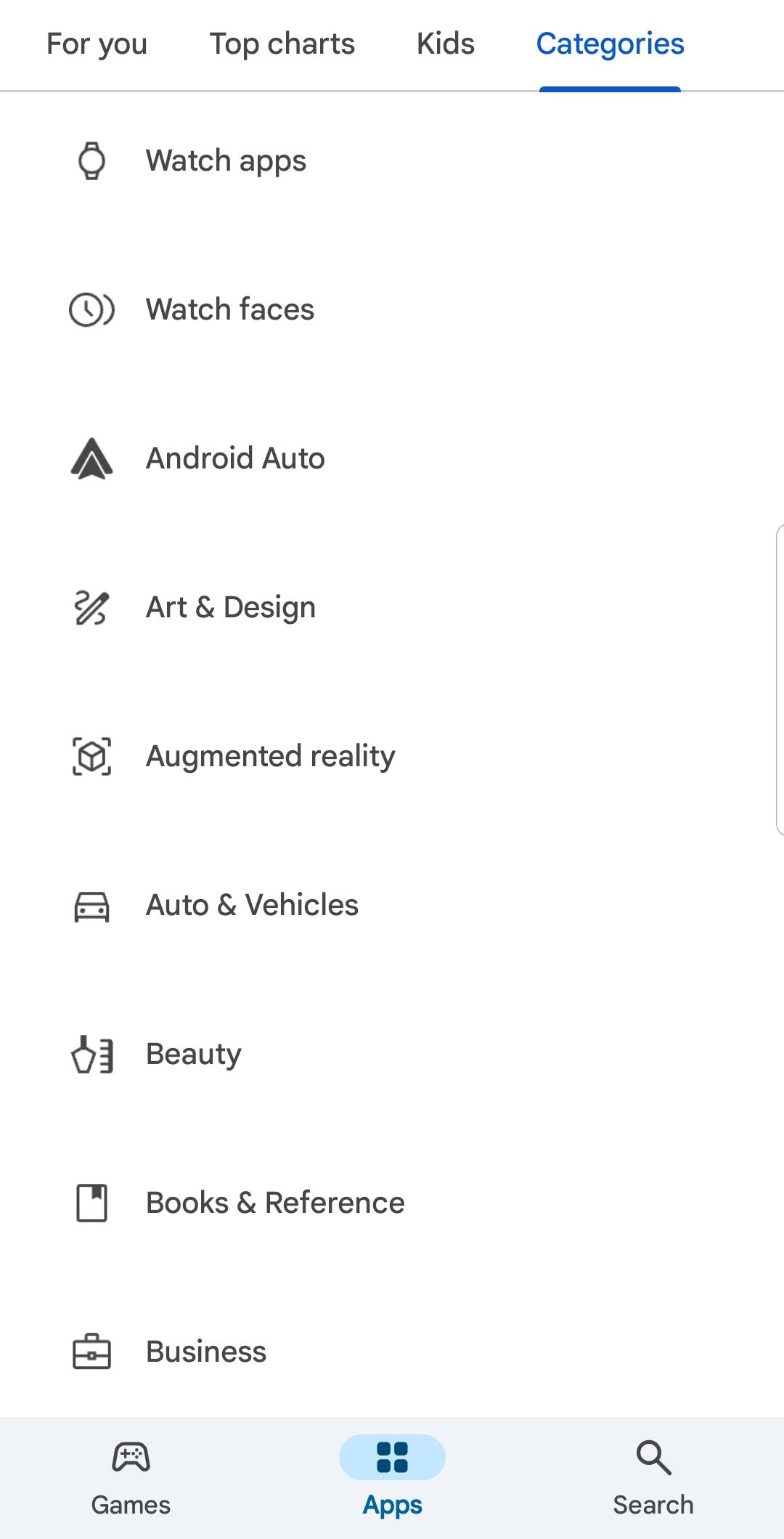
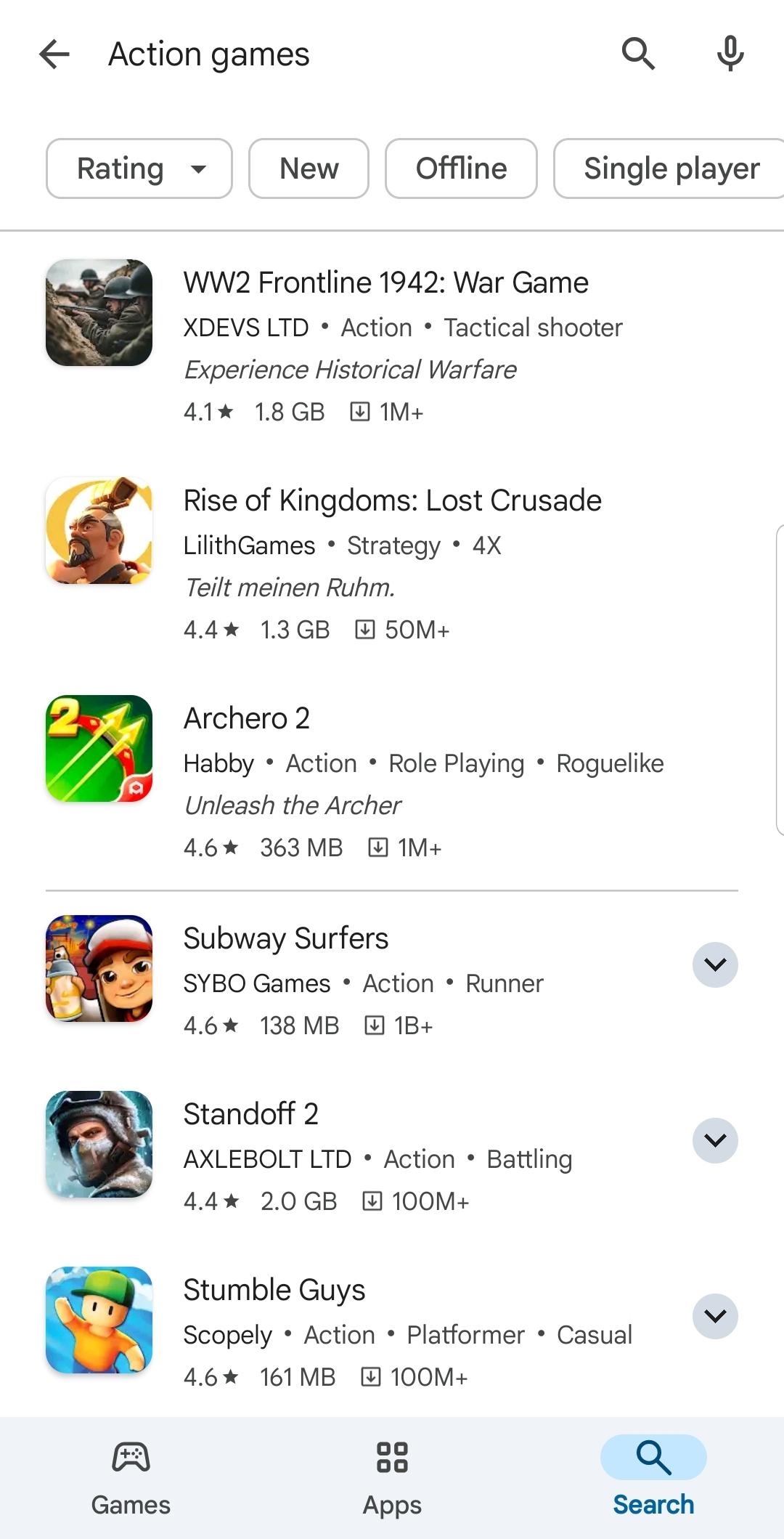
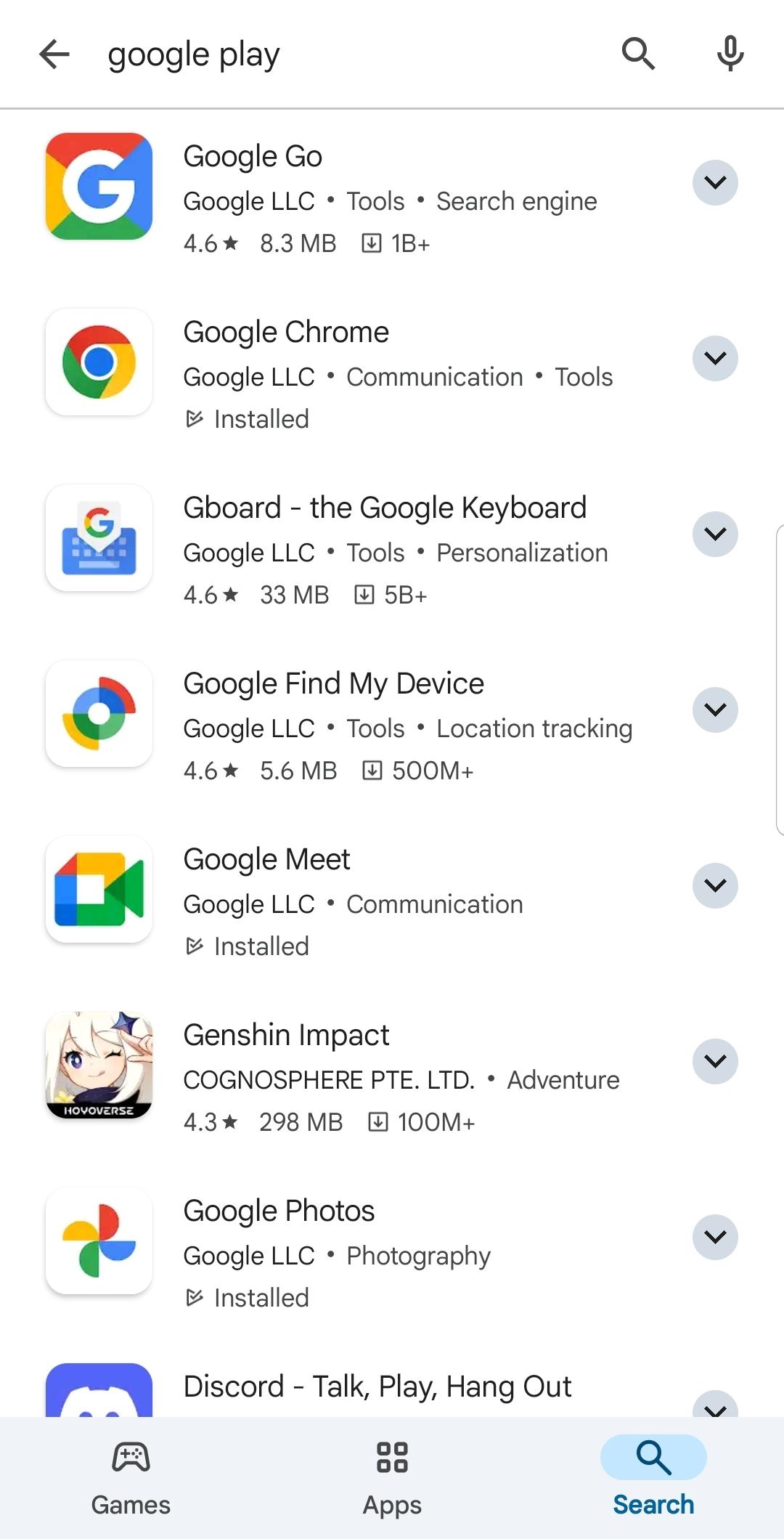
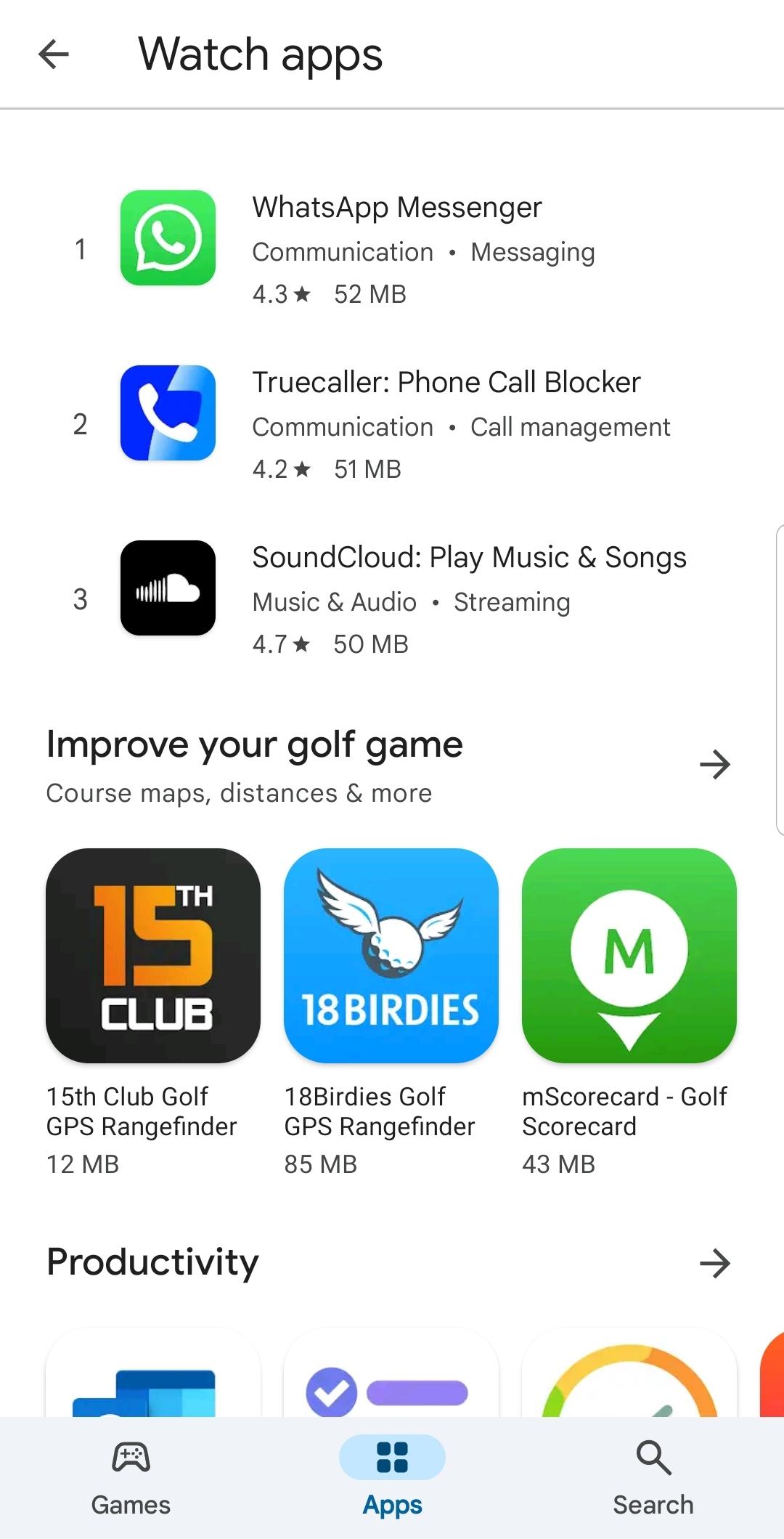
Browse categories like Apps, Games, and Books, or use the search bar to find a specific title.
Select a result to view details, screenshots, ratings, and item requirements, then decide if it fits your needs.
Tap Install to add it to your device, or choose another device linked to your account when that option appears.
After installation, manage updates, subscriptions, payment methods, and code redemption from your profile and Library.
Google Play Store apk brings discovery, purchases, and account controls into one familiar place across Android screens. When you are ready, explore curated sections, manage your library, and keep installs organized without extra steps.
For official resources and more details, visit the link below.
Official website: https://play.google.com/store/apps
1. Why does Google deletes apps from Play Store?
Google deletes apps from Play Store when they violate policies, contain malware, use misleading metadata, or infringe copyright. If an app you installed gets removed, you can still find it in your Play Library under "Not on this device" as long as the developer hasn't fully deleted it.
2. How do I download Google Play Store?
On most Android phones, the Play Store comes preinstalled. If it's missing or disabled, go to Settings > Apps > look for "Google Play Store" and enable it. If it's truly gone, you can download the official APK from this page.
3. How to change country in Google Play Store?
Open the Play Store, tap your profile picture > Settings > General > Account and device preferences > Country and profiles. Select your new country and follow the prompts. You can only change it once per year, and you must have a payment method from that country.
Latest Version
52.9.21-24 [0] [PR] 968642861Uploaded by
Google LLC
Requires Android
Android 7.0+
Available on
Google PlayCategory
Free Tools AppContent Rating
Everyone
Report
Flag as inappropriateLast updated on Aug 27, 2026
This release includes minor bug fixes and general improvements. Update to the latest version for the best experience.

APKPure - A multi-platform app store primarily focused on Android, providing extensive app-related content. Discover the app you want easier, faster, and safer, with quick and efficient downloads and installations.