Scan Date:Nov 4, 2025
Show More


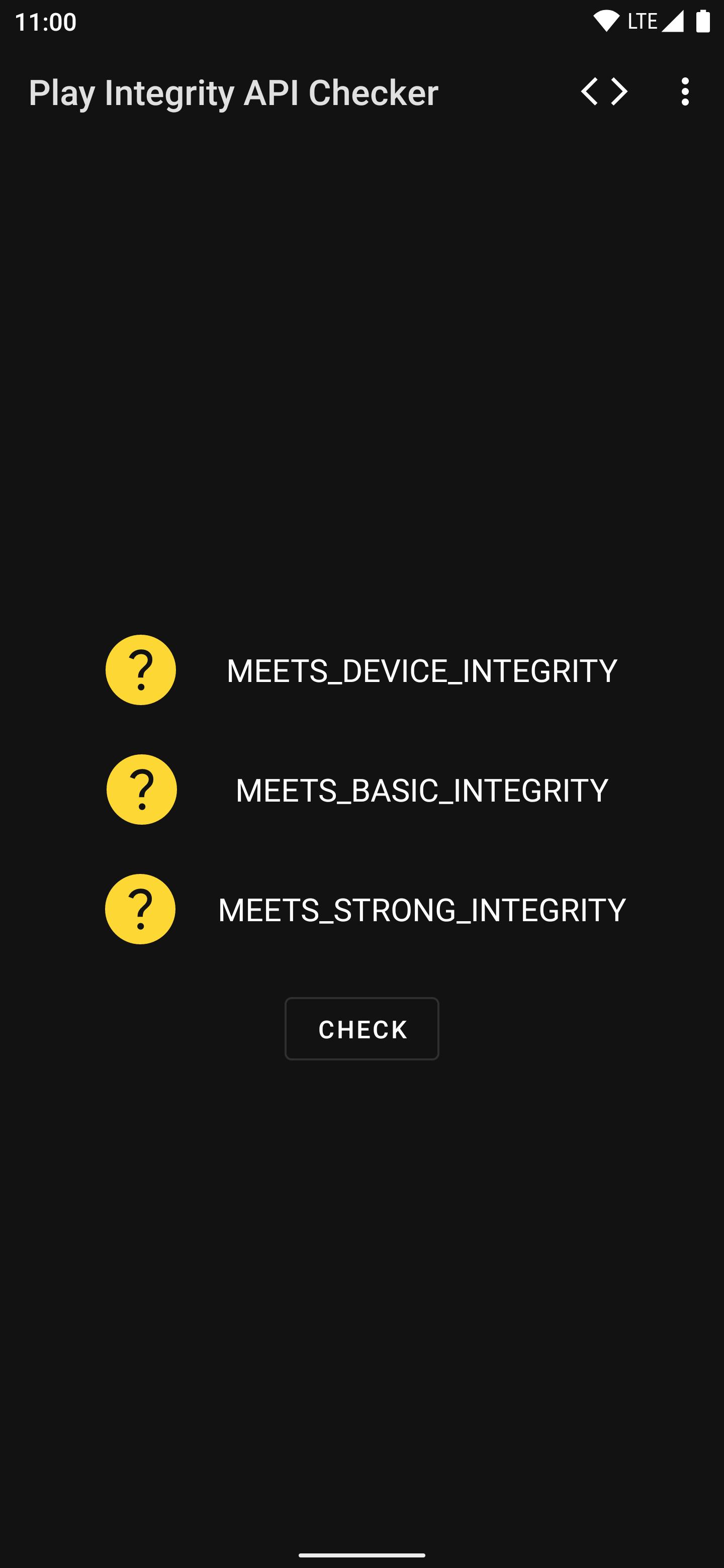
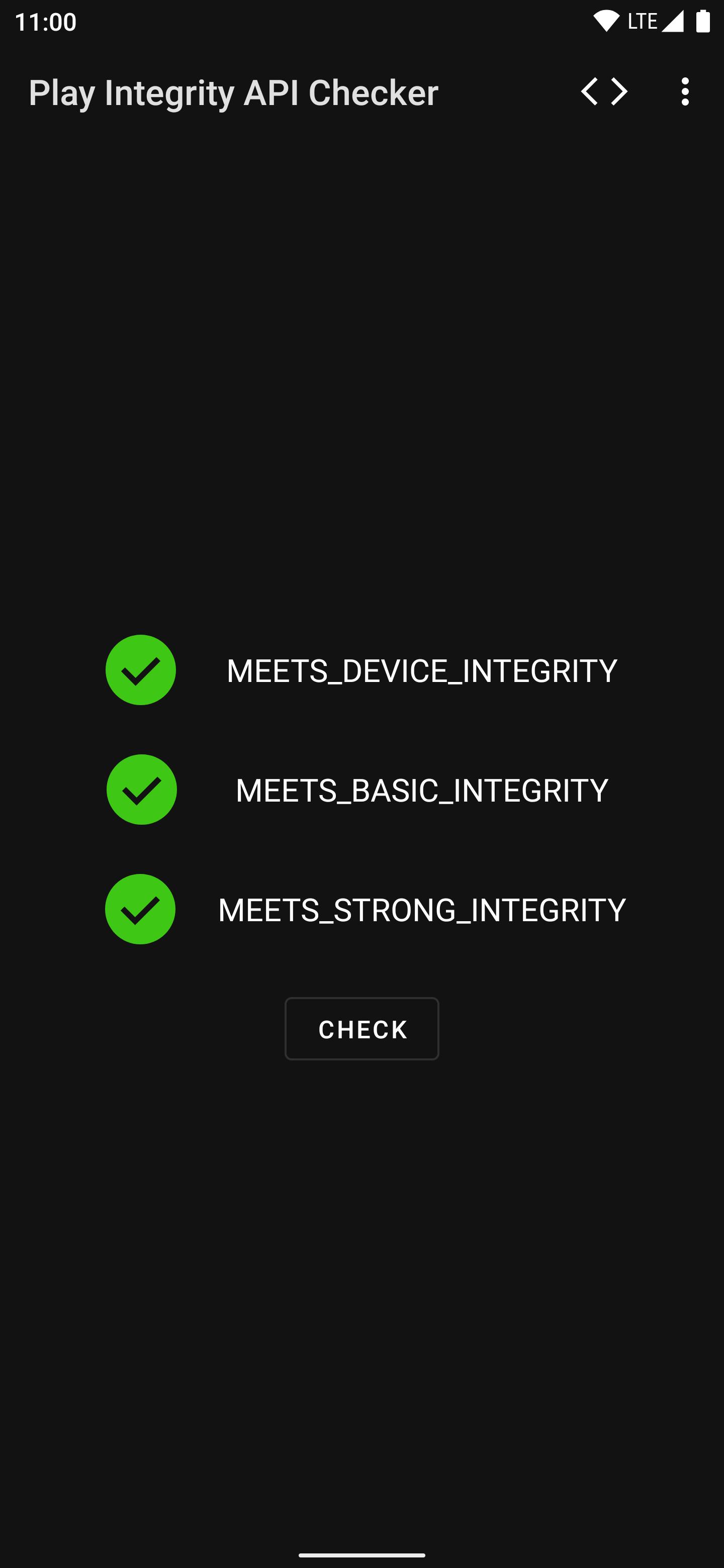
Play Integrity API Checker helps when you need to confirm whether recent system changes affect trust signals on your device. It requests an integrity response from Google Play Services and displays the result in a clear, readable format, so you can understand status without guesswork. Because the app focuses on transparency, it shows what the service returns and keeps processing to a minimum. If you prefer a direct install, the Play Integrity API Checker APK offers the same core function for quick checks.
Integrity check via Google Play Services
Play Integrity API Checker sends a request to Google Play Services and presents the response without modification. You see exactly what the service reports for your device. This approach helps you understand the integrity state based on the source that many apps rely on.
Tampering signals surfaced
You can view common indicators that often correlate with tampering. Root access and an unlocked bootloader are typical examples that may lead to failed responses. The app highlights these signals so you can review them in context.
Clear pass or fail status with details
Results appear with a simple pass or fail status to speed up reading. When needed, additional fields provide more detail about the response. This makes it easier to identify what changed after a system modification or restore.
Open source for transparency
The project is 100 percent open source, and the code is available on GitHub for review. Users and developers can inspect how requests are made and how results are shown. This supports reproducibility and straightforward auditing.
Private by design
Play Integrity API Checker does not collect personal data and does not share data with third parties. It retrieves an integrity response and displays it locally. No extra analytics or tracking is included.
For accurate responses, ensure Google Play Services is present on your device and kept up to date. Integrity signals come from that component, not from this app. If Google Play Services is missing or outdated, results may be incomplete or delayed.
The range of signals shown can vary based on the app’s licensing state. When the app is unlicensed, the service may return only device level information. When the app is licensed, extra fields may be available and displayed. This behavior is defined by how the service controls access to different response tiers.
A failed integrity result often aligns with system changes such as root access or an unlocked bootloader. However, one change does not always explain every field in a response. Use the detailed information to guide troubleshooting and confirm each step before making further changes.
Getting started is straightforward and works on most Android devices. To check status with the Play Integrity API Checker latest version, follow a simple flow from install to reading the result. The process below keeps the steps focused and short for quick verification.
Play Integrity API Checker focuses on clear, local reporting of integrity signals provided by Google Play Services. It is useful for developers and advanced users who need quick, repeatable checks without extra data collection. To begin, download Play Integrity API Checker and review your device status in a few steps.
For reference, the official project page and contact are listed below.
Latest Version
2.2Uploaded by
Tin Aung
Requires Android
Android 5.0+
Category
Free Tools AppContent Rating
Everyone
Security Report
Report
Flag as inappropriateLast updated on Aug 18, 2025
What's New:
- Migrated to new server
- JSON dialog is now scrollable both ways



APKPure - A multi-platform app store primarily focused on Android, providing extensive app-related content. Discover the app you want easier, faster, and safer, with quick and efficient downloads and installations.