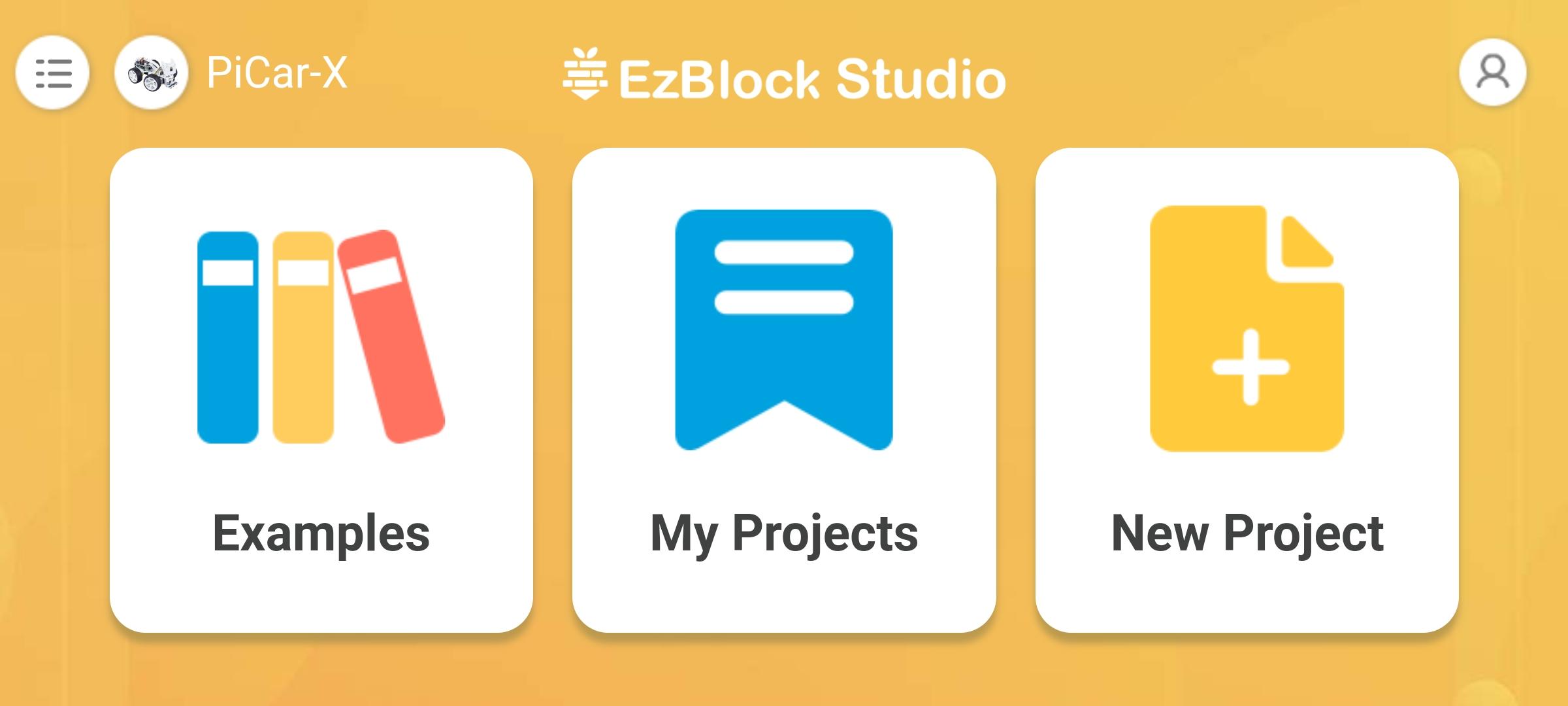
EzBlock Studio is an App for programming and controlling SunFounder Raspberry Pi robots, which allows beginners (students) to quickly get started with Raspberry Pi robot programming. It has built-in TTS, camera recognition, remote control, music/sound effects, and sensor control functions.
For more information, refer to: ezblock3.rtfd.io.
Features
1.Blockly & Python programming
2.Built-in TTS, camera recognition, remote control, music/sound effects, and sensor control functions.
3.Simply drag and drop and then check the effect immediately.
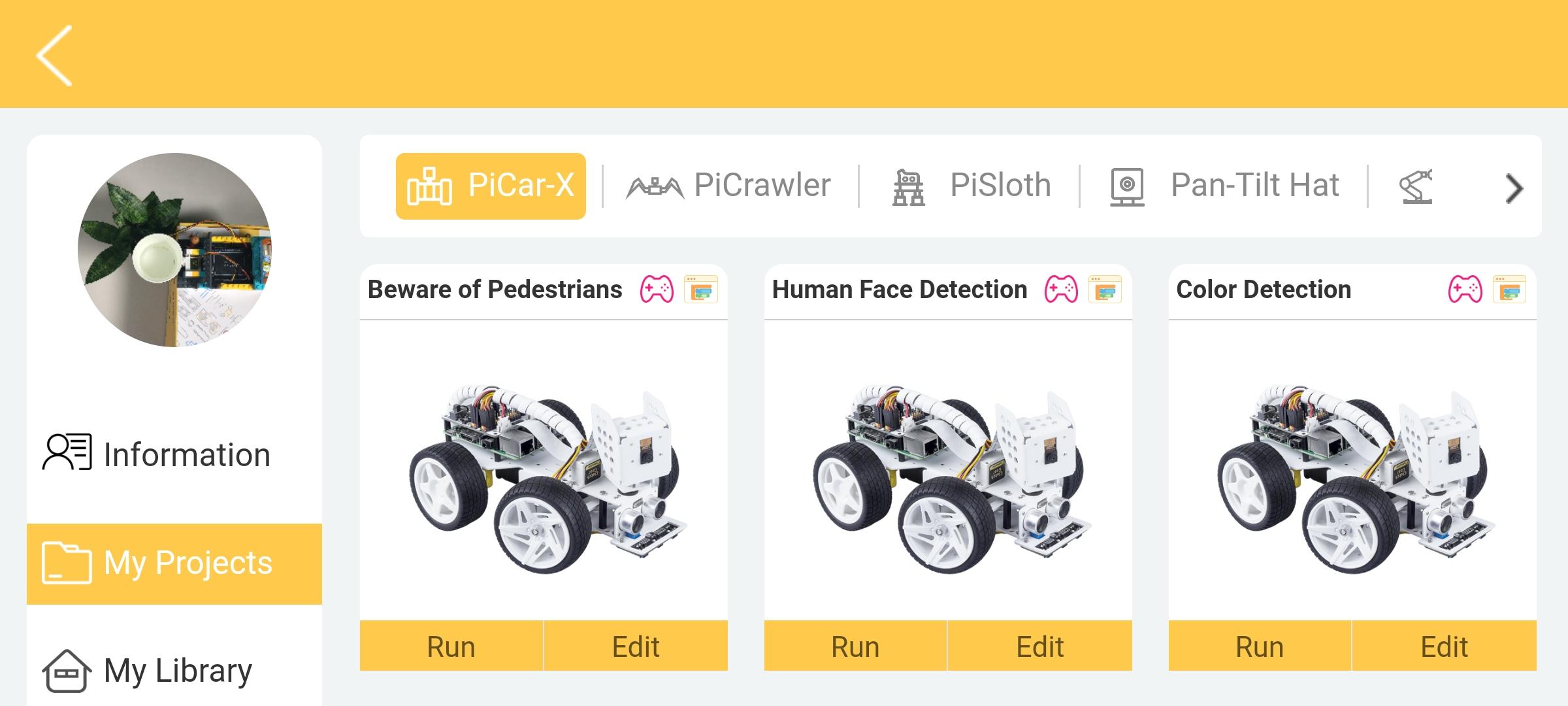
4.Support for SunFounder robots: PiCar-X, PiSloth, PiCrawler, PiArm, Pan-tilt HAT etc.
5.7+
Required Devices
1.Raspberry Pi and Accessories
2.SunFounder Robot HAT or products with Robot HAT
3.Robot HAT online tutorials: robot-hat.rtfd.io.
Steps to use
1. Download the Raspberry Pi OS with EzBlock Pre-installed image file here: http://ezblock.cc/download/v3.html.
2. Insert the card and Robot HAT to the Raspberry Pi and start it.
3. Open the downloaded app and select the correct Bluetooth to connect.
4. Configure Wi-Fi.
5. Start to write programs for Raspberry Pi.
Tutorials & support
1.Online tutorials: ezblock3.rtfd.io.
2.Email: service@sunfounder.com
Supported Systems
1.Web version for desktop operation system: http://ezblock.cc/ezblock_studio/beta/index.html?lang=en
2.Android
3.iOS
Ostatnia Wersja
0.1.4Przesłane przez
Aung LA
Wymaga Androida
Android 4.3+
Kategoria
Darmowe Narzędzia AplikacjaOcena treści
Everyone
Last updated on Oct 20, 2021
1. Replace Ezblock with EzBlock.
2. Change APP Logo.
3. Remove some discontinued products.
4. Remove IOT page and its function.
5. Add the tutorial pop-up window.
6. Modify the tutorial of EzBlock 3.
7. Fix other bugs.





APKPure - Wieloplatformowy sklep z aplikacjami skupiający się głównie na systemie Android, zapewniający szeroki wybór treści związanych z aplikacjami. Odkrywaj poszukiwane aplikacje łatwiej, szybciej i bezpieczniej, z szybkim i wydajnym pobieraniem oraz instalacją.