
Pixel Create suits users who want a simple way to draw retro-style pixel art on a phone or quickly turn photos into pixel versions. It focuses on a clear workflow, so you can start a project, keep colors consistent, and finish with a clean export. The app favors straightforward controls, which helps beginners learn without confusion, while still supporting everyday tasks for experienced artists. If you prefer a mobile tool that keeps actions simple, consider the Pixel Create APK for direct installation.
Pixel Create presents a clean interface that is easy to understand at first glance. Buttons and menus are laid out for quick access, so you can move between tasks without extra steps. This structure helps you stay focused on building your piece rather than figuring out controls.
Create from scratch or pixelate photosYou can start with a blank canvas to sketch original pixel art, or import existing images to add pixel effects. This flexibility supports different workflows, from drawing icons and sprites to transforming pictures into blocky styles. Switching between these approaches feels natural, which keeps the creative process steady.
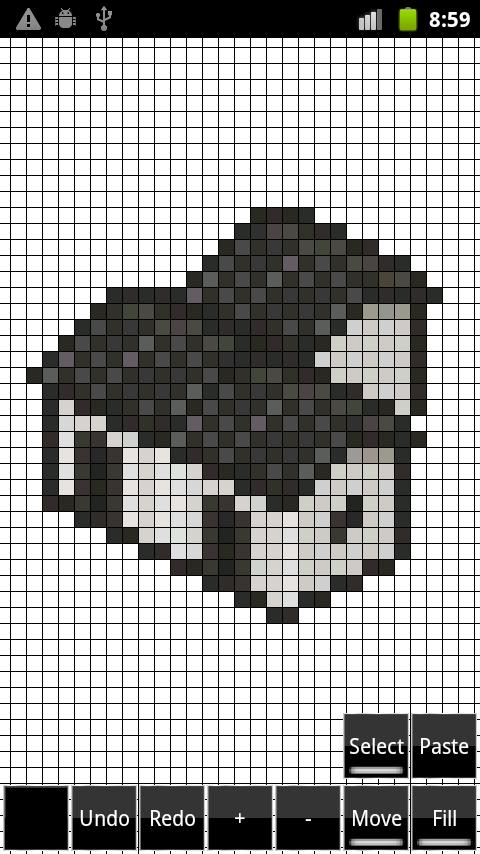
Canvas setup and grid visibilityAt project start, you choose the canvas size that fits your art. Grid line colors are customizable, which improves visibility on various backgrounds and helps with clean placements. As a note, pixel dimensions cannot be changed later, so pick the size carefully before you begin. This setup guides you to plan early and avoid layout changes mid-project.
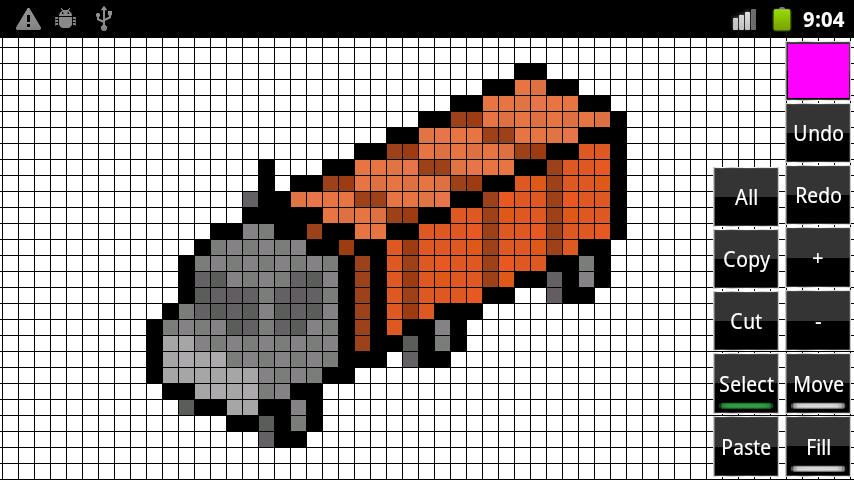
Essential editing toolsPixel Create offers core tools that cover common editing needs. You can zoom to fine-tune details, move around the canvas, and use bucket fill for quick color application. Cut, copy, and paste support simple rearrangements, while undo and redo help you correct mistakes without losing progress.
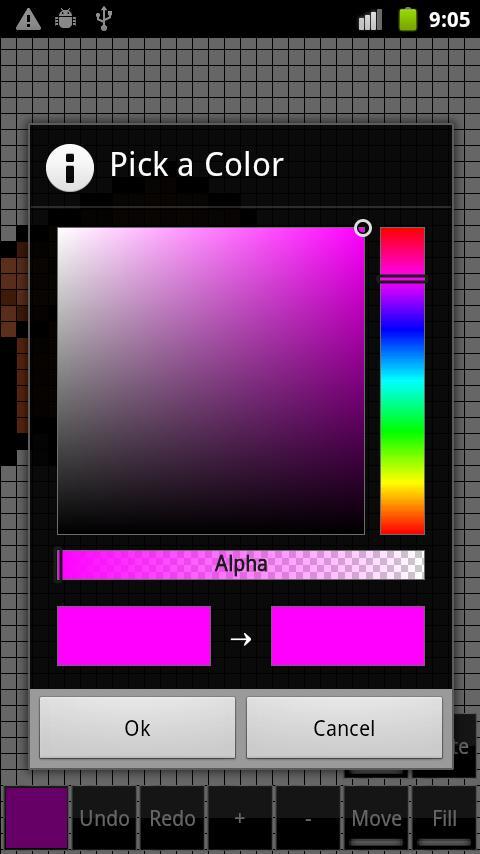
Saved colors and export optionsThe color picker includes a Saved colors section, which helps you build and reuse palettes across your work. This keeps shades consistent from one element to the next and speeds up coloring. When you are ready to share, save your project and export finished art in multiple sizes for different uses, such as icons or social posts.
Choose the canvas dimensions at the beginning because pixel size cannot be modified after the project is created. Think about the final use of your art, such as an app icon or a small sprite, and select a size that matches that need. This reduces rework and keeps the process efficient from the first step.
Pixel Create is free to use and developed by GMG inc. Users who prefer updated fixes and minor improvements can look for the Pixel Create latest version when installing. For a direct path on Android, you can download Pixel Create from recognized sources that fit your device setup.
Set up Pixel Create in a quiet workspace and pick a small practice project to learn the basics. Start with a simple shape or an imported photo, and then explore the tools step by step. If you want a direct install, choose the Pixel Create APK and follow your device prompts.
Pixel Create centers on a simple pixel art workflow, from setup through export. If it matches your needs, download Pixel Create APK and begin building sprites, icons, or pixelated photos with a clear, mobile-friendly toolset.
Latest Version
1.1.14Uploaded by
Jonas Lovaiza
Requires Android
Android 4.0+
Category
Free Tools AppContent Rating
Everyone
Report
Flag as inappropriateLast updated on Jun 14, 2021
Fix android 10 errors


APKPure - A multi-platform app store primarily focused on Android, providing extensive app-related content. Discover the app you want easier, faster, and safer, with quick and efficient downloads and installations.