Pink Battery Widget indicates the battery charge level of your device.
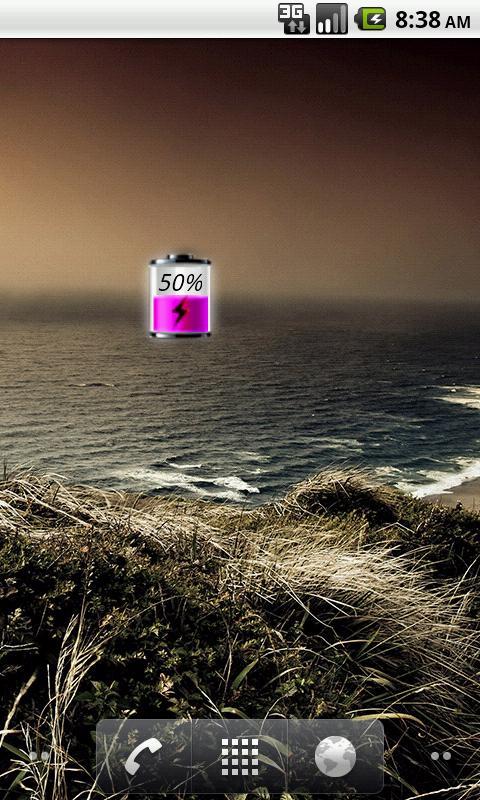
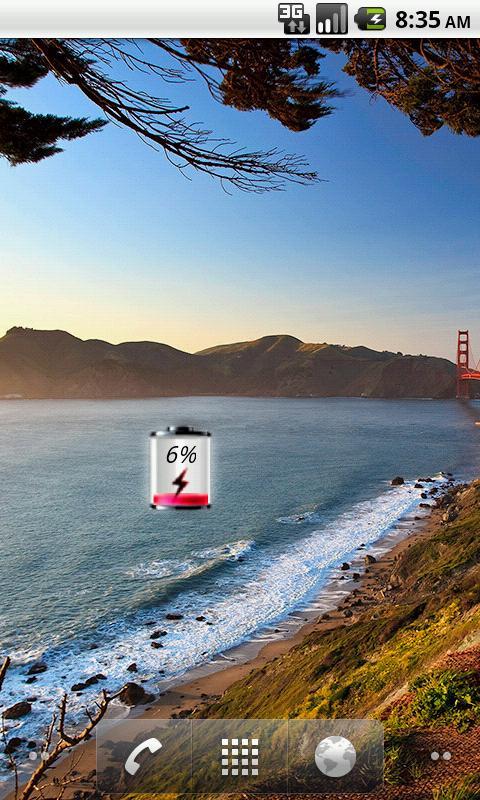
Battery is a small, sleek and elegant app that will help you follow the current battery percentage on your Android device.
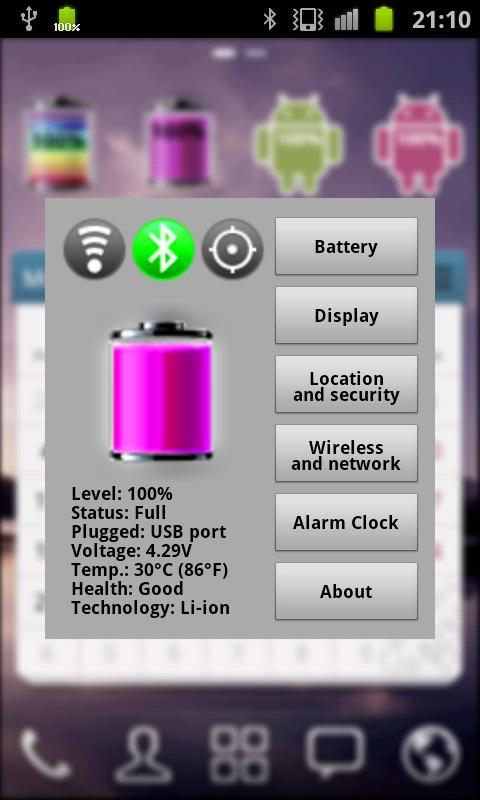
Pink Battery Widget shows the exact battery level. Pressing this widget allows to change Battery, Display, WiFi, GPS, Bluetooth Settings and display advanced battery info (voltage, temperature, status, etc.). Also allows to set Alarm clock.
After installation, you must manually add the widget to the home screen.
How to add widget to the home screen:
1.On your home screen of your Android device, tap any blank or "empty" area and hold down your finger.
2.The "Add to Home screen" window will appear. Tap on "Widgets".
3.List of all the installed Widgets on your Android device will appear.
4.Select the widget to add to your home screen.
Note: On Android 4.0 add widget by selecting icon widgets menu near apps menu.
Latest Version
1.7Uploaded by
Aung Zin
Requires Android
Android 2.1+
Category
Free Tools AppContent Rating
Everyone
Report
Flag as inappropriateLast updated on Oct 5, 2015
- Support more devices (tablets)
- Compliance with the new policy Google Play (no ads in the notification bar, only banners)

APKPure - A multi-platform app store primarily focused on Android, providing extensive app-related content. Discover the app you want easier, faster, and safer, with quick and efficient downloads and installations.