
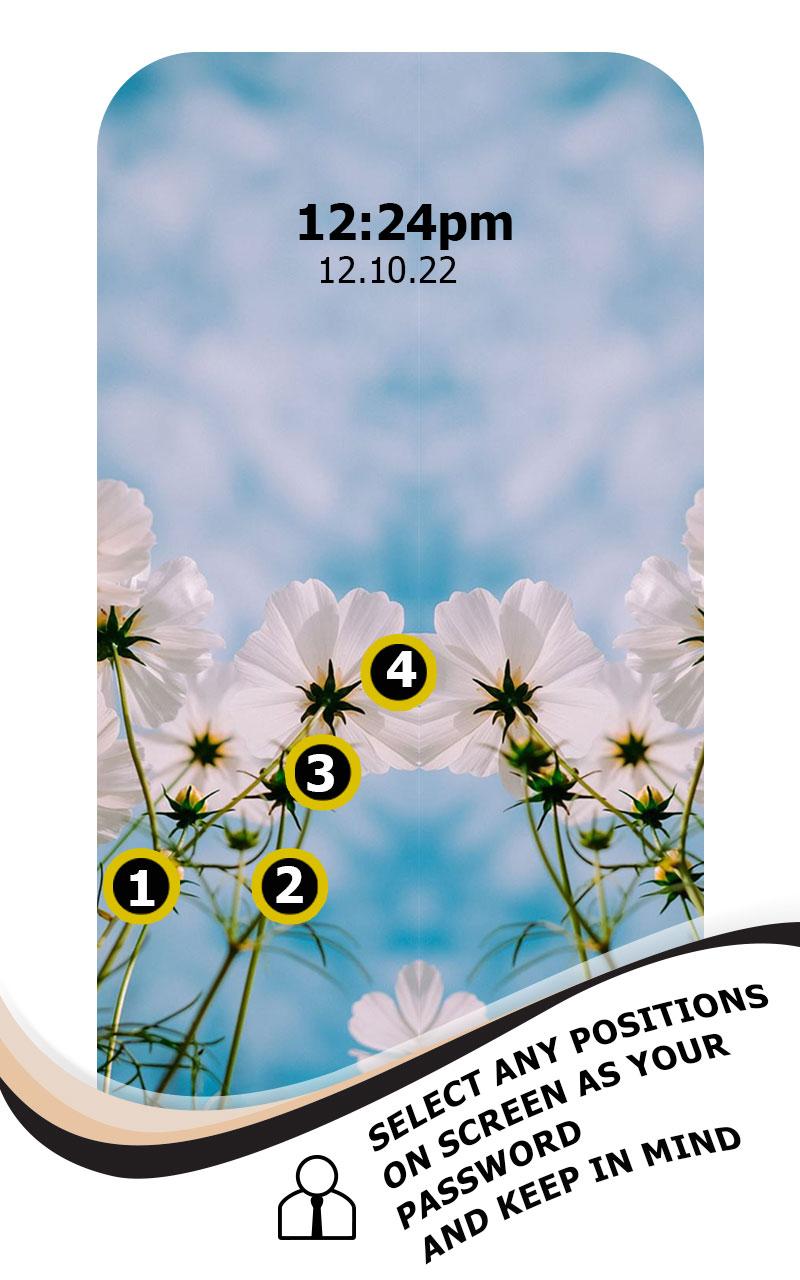
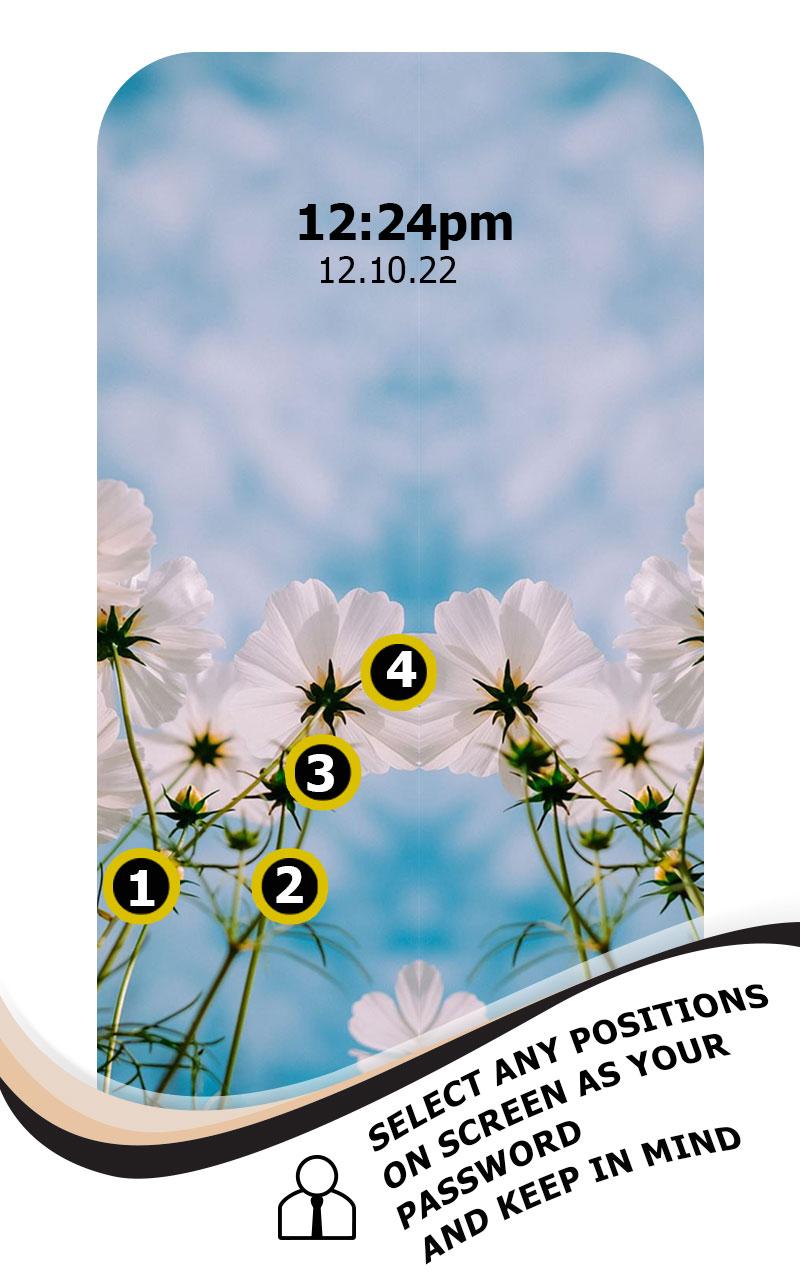
with the help of this lock screen You can set a touch password by touching 2,3 and 4 positions
You can secure your mobile by setting Picture Password. Touch Photo Lock Screen application that allows to lock screen of your
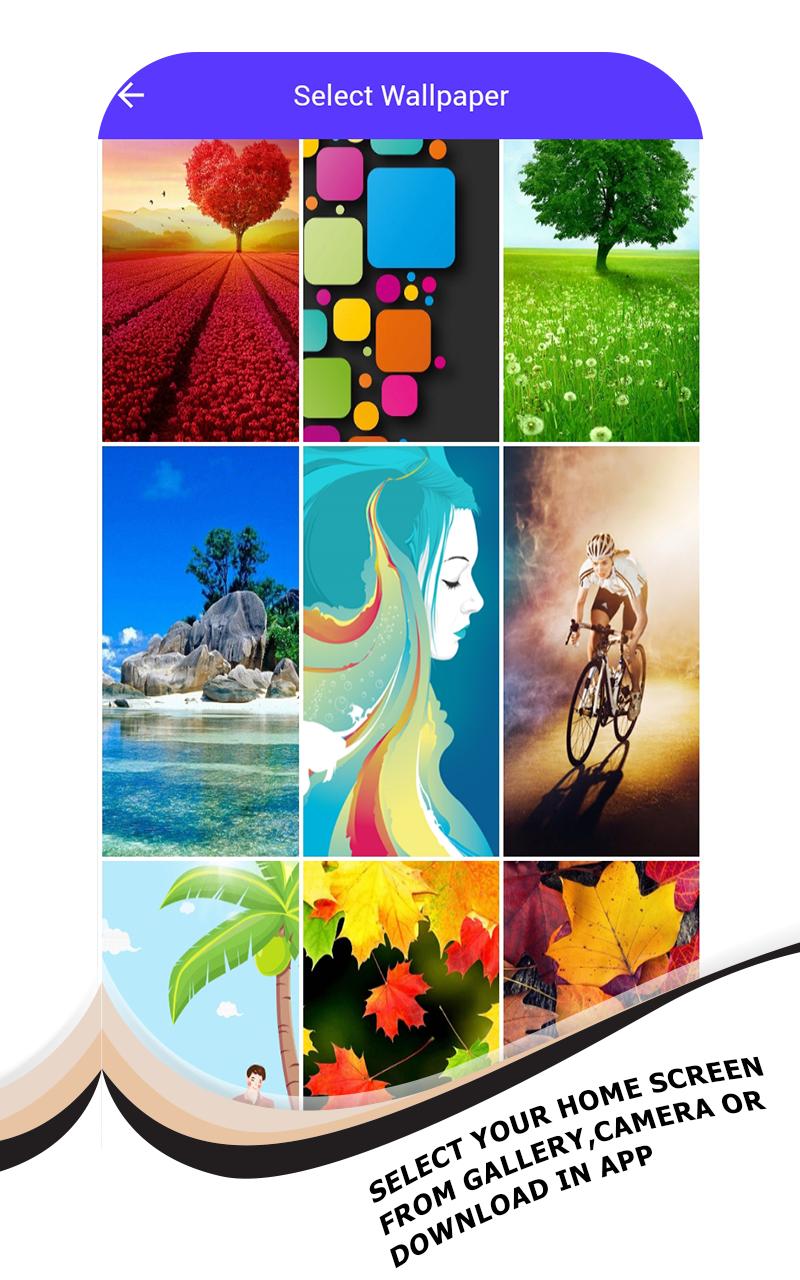
phone a completely new way. You can select an image from the wallpaper or gallery or the camera and
can set a touch lock password in two, three or four selected positions.
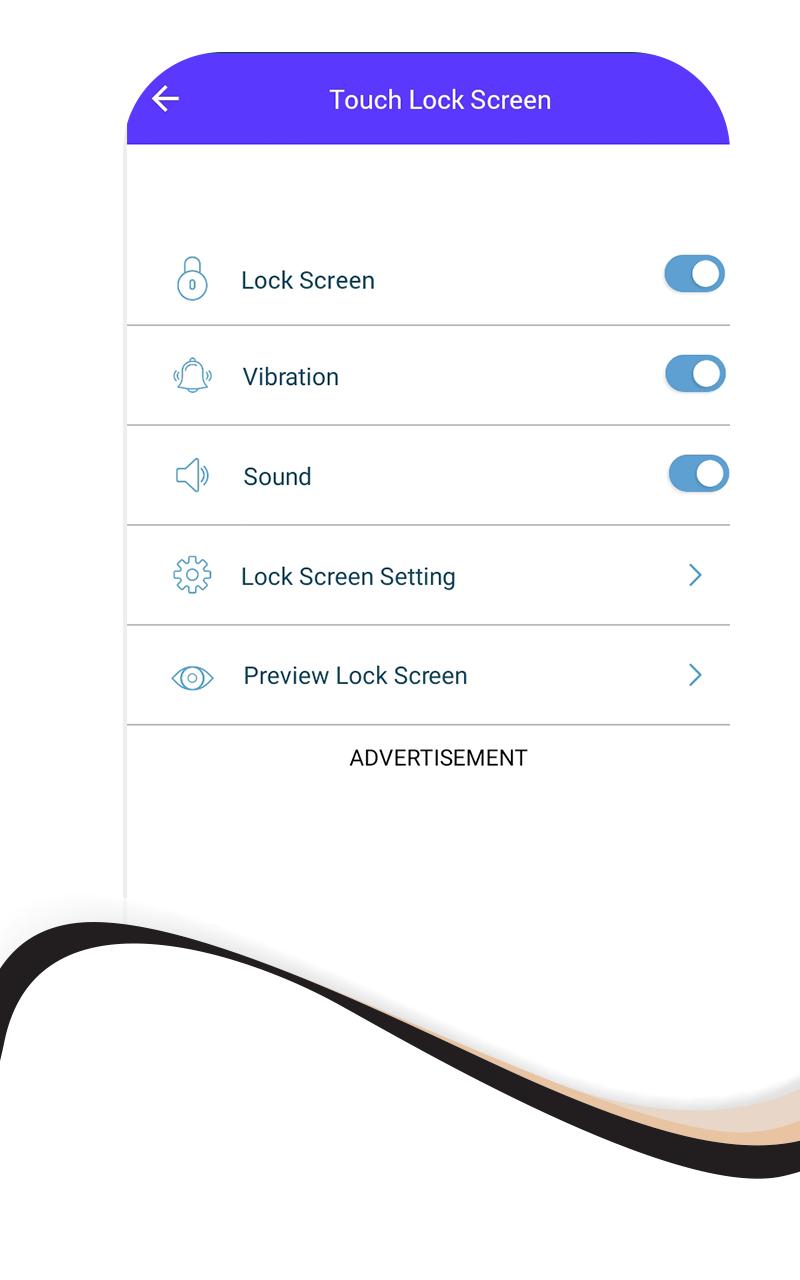
Touch Photo Position Password can enable or disable sound and vibration for the lock screen.
Latest Version
1.0Requires Android
5.1 and up
Category
Free Personalization AppContent Rating
Everyone
Report
Flag as inappropriateLast updated on Feb 23, 2022
Minor bug fixes and improvements. Install or update to the newest version to check it out!





APKPure - A multi-platform app store primarily focused on Android, providing extensive app-related content. Discover the app you want easier, faster, and safer, with quick and efficient downloads and installations.













