
PhysiCalc is an ad-free scientific calculator aimed at students and scientists working in the physical sciences, although anyone can use it. In a beautifully uncluttered user interface, it offers many different scientific functions, as well as fraction and indices features like those you might find on a physical calculator. You can also define and use your own constants in calculations, and 30 standard constants have been included to get you started.
KEY FEATURES:
+ Clean, clear and intuitive user interface
+ Tap the screen or use volume buttons to move the cursor
+ Copy, cut and paste expressions to and from the calculator
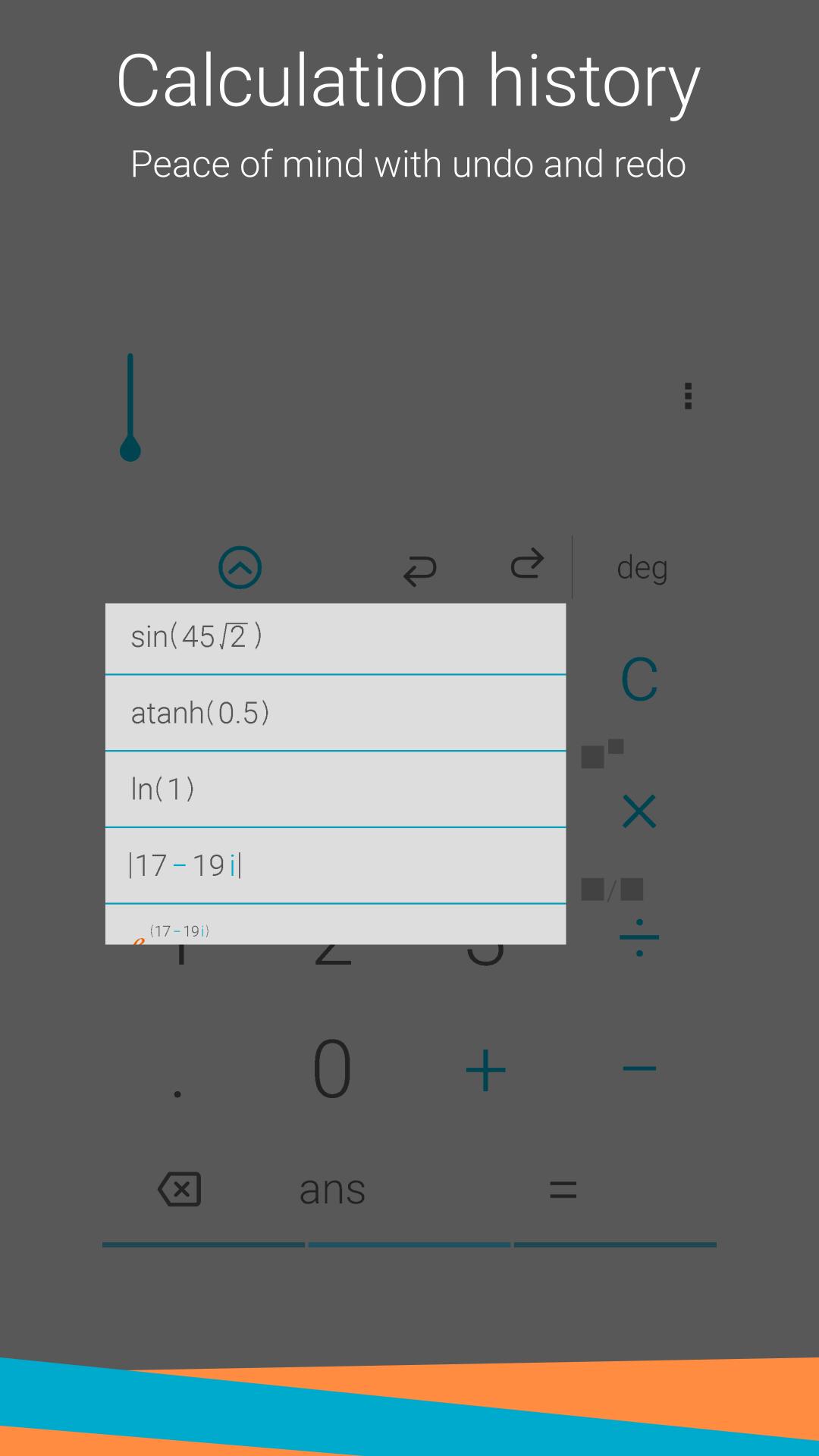
+ Undo and redo functions to step back and forward through calculations
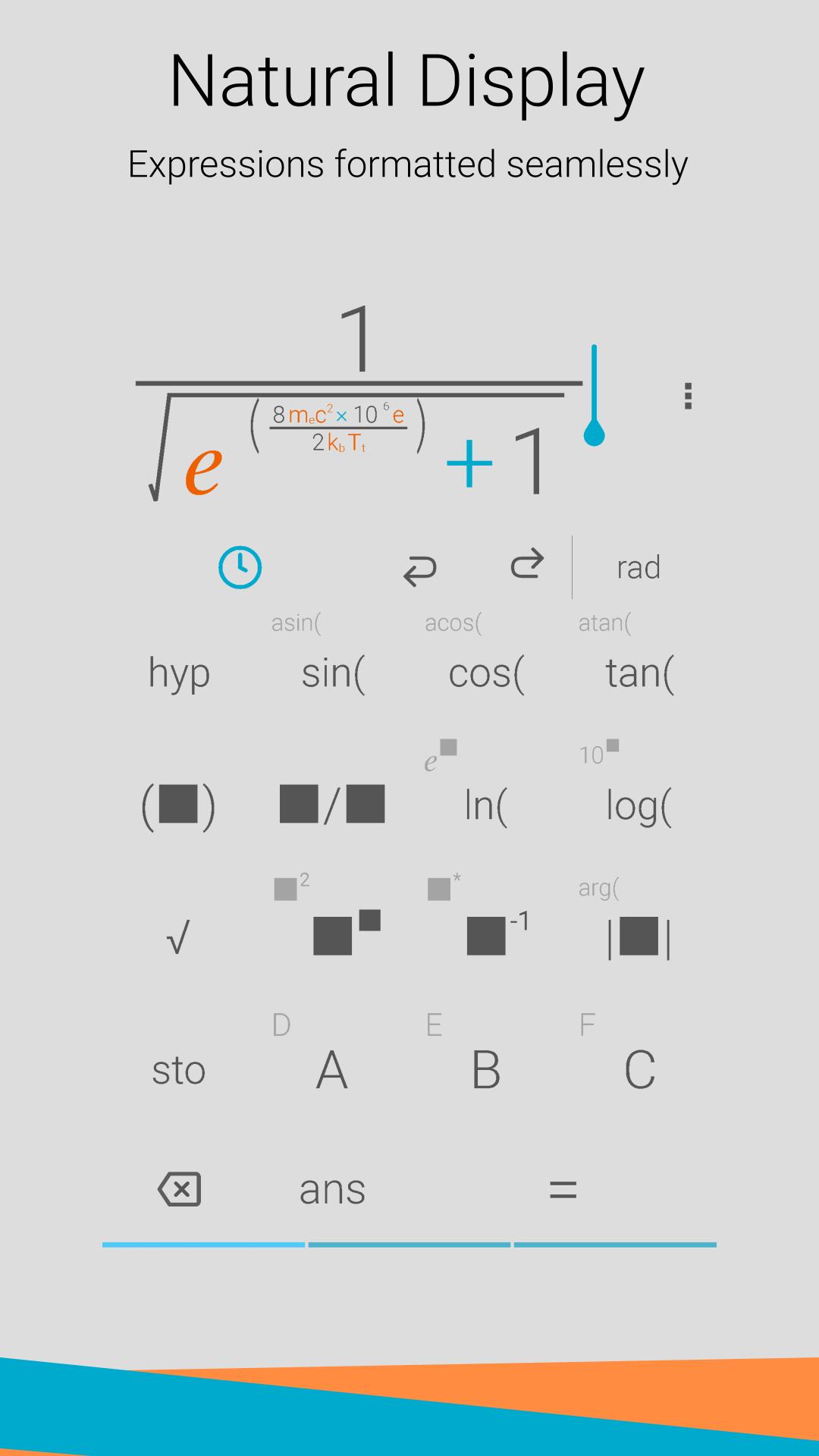
+ Just like a physical calculator, input fractions and indices as they would be written on paper, with the numerator above the denominator
+ Access to many standard scientific functions
+ Supports complex numbers
+ Ability to store and recall results in up to 6 memory buttons
+ Choose from a range of significant figures to display your result
+ Insert physical constants into your equations: pick from 30 included constants and even add your very own
+ Shake your device to generate a random number or clear the screen
+ Choose between radians and degrees for trigonometric functions
Latest Version
3.3.1Uploaded by
Junedi Sinaga
Requires Android
Android 4.1+
Category
Free Tools AppContent Rating
Everyone
Report
Flag as inappropriateLast updated on Aug 1, 2020
New features:
- Added a new layout option, 'Compact', with basic and scientific functionality on a single screen.
- Added two theme packs - these are a great way to personalize your calculator whilst supporting the developer!
- Added a shortcut for scientific notation 'E'. Results can be displayed with this notation by default - check the settings.
- The threshold for using scientific notation can now be changed in the settings.
- Clear history moved to settings.
- Bug fixes.






APKPure - A multi-platform app store primarily focused on Android, providing extensive app-related content. Discover the app you want easier, faster, and safer, with quick and efficient downloads and installations.













