
- Initial settings
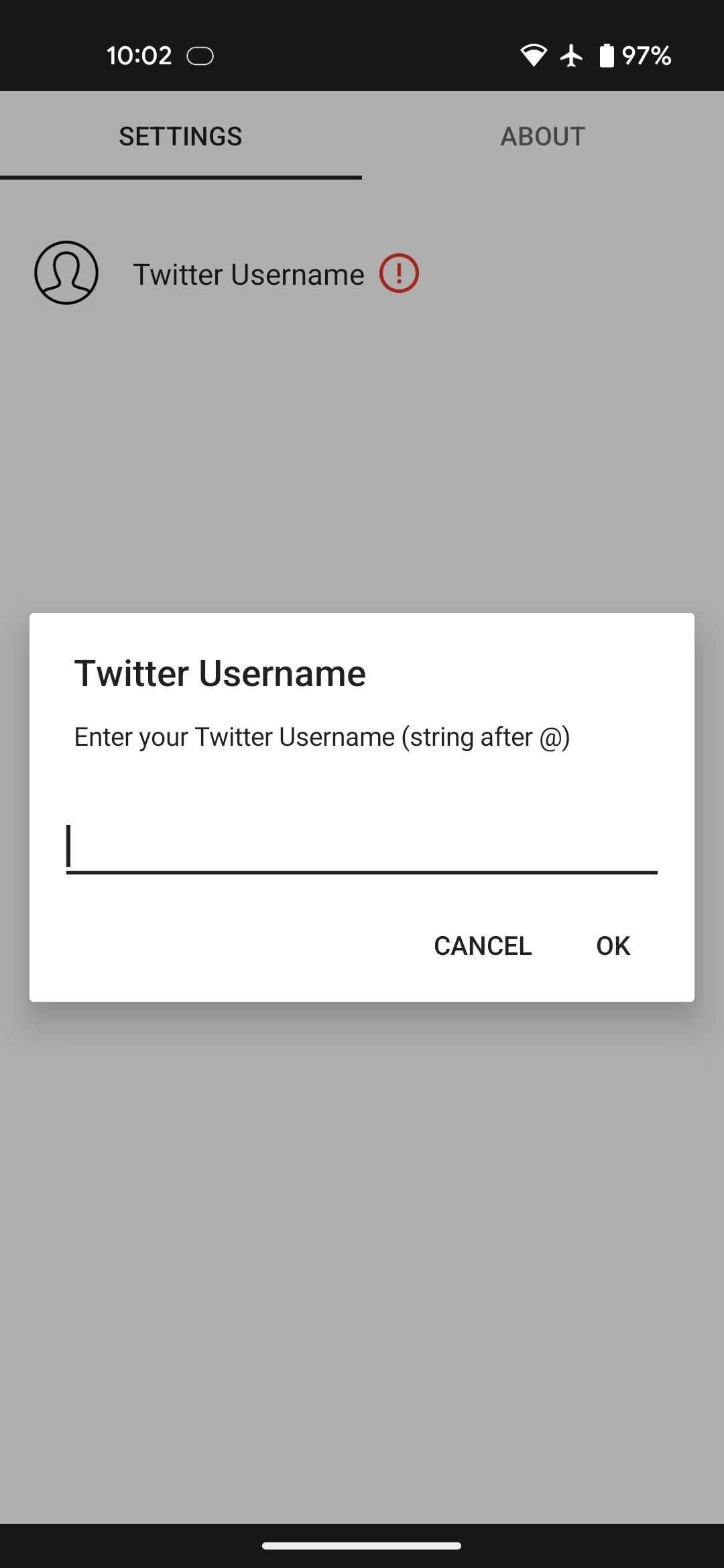
First, enter your Twitter Username (string after @) on the setting screen.
The setting screen can be opened by starting this app from the app list, or by placing this widget on your home screen and tapping "Please Click".
(*) Images cannot be obtained from private accounts.
- Operation
[ Update button ]
Get images from the last 1000 tweets and save them inside the app.
You can press this button again 15 minutes after the last update.
(*) If there are many posted images, it will take some time for the images to be displayed in the widget.
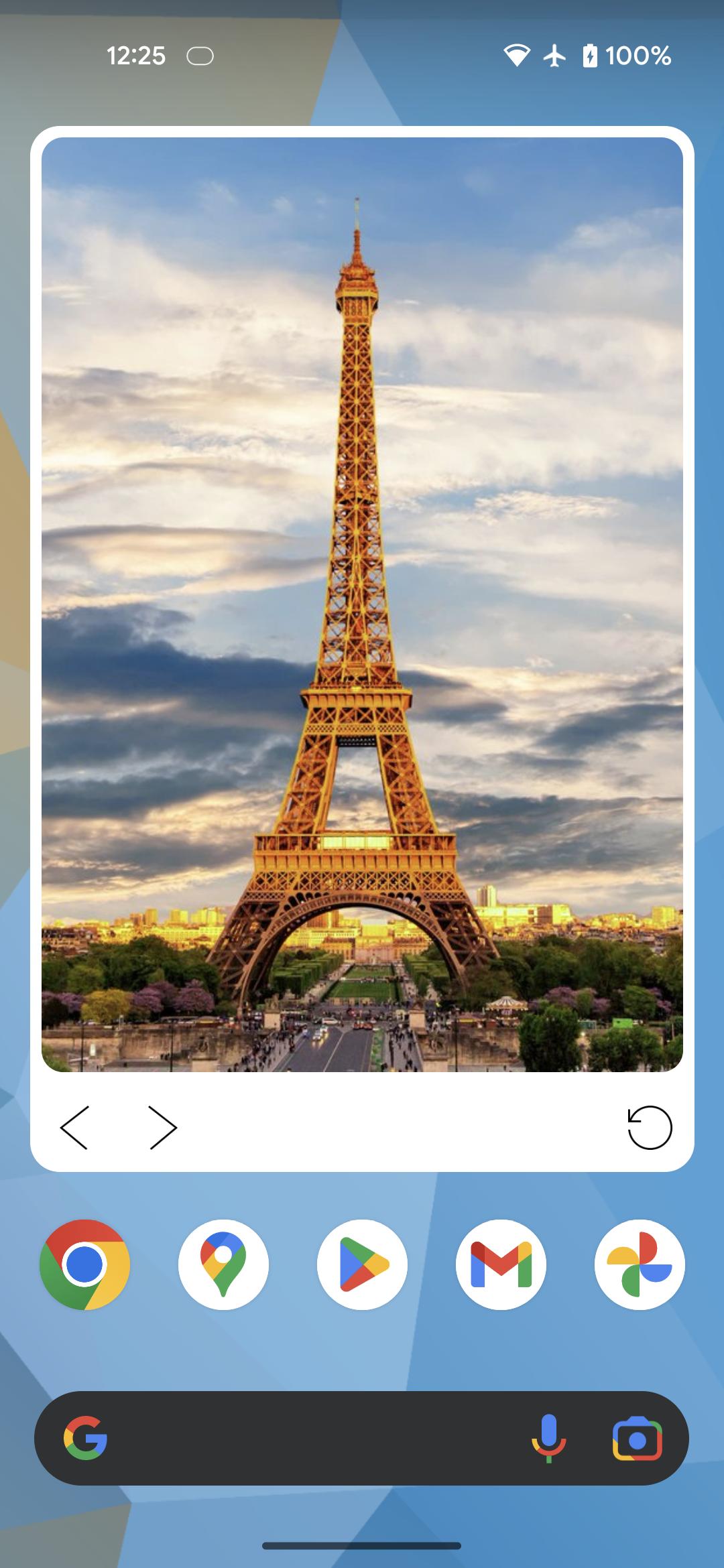
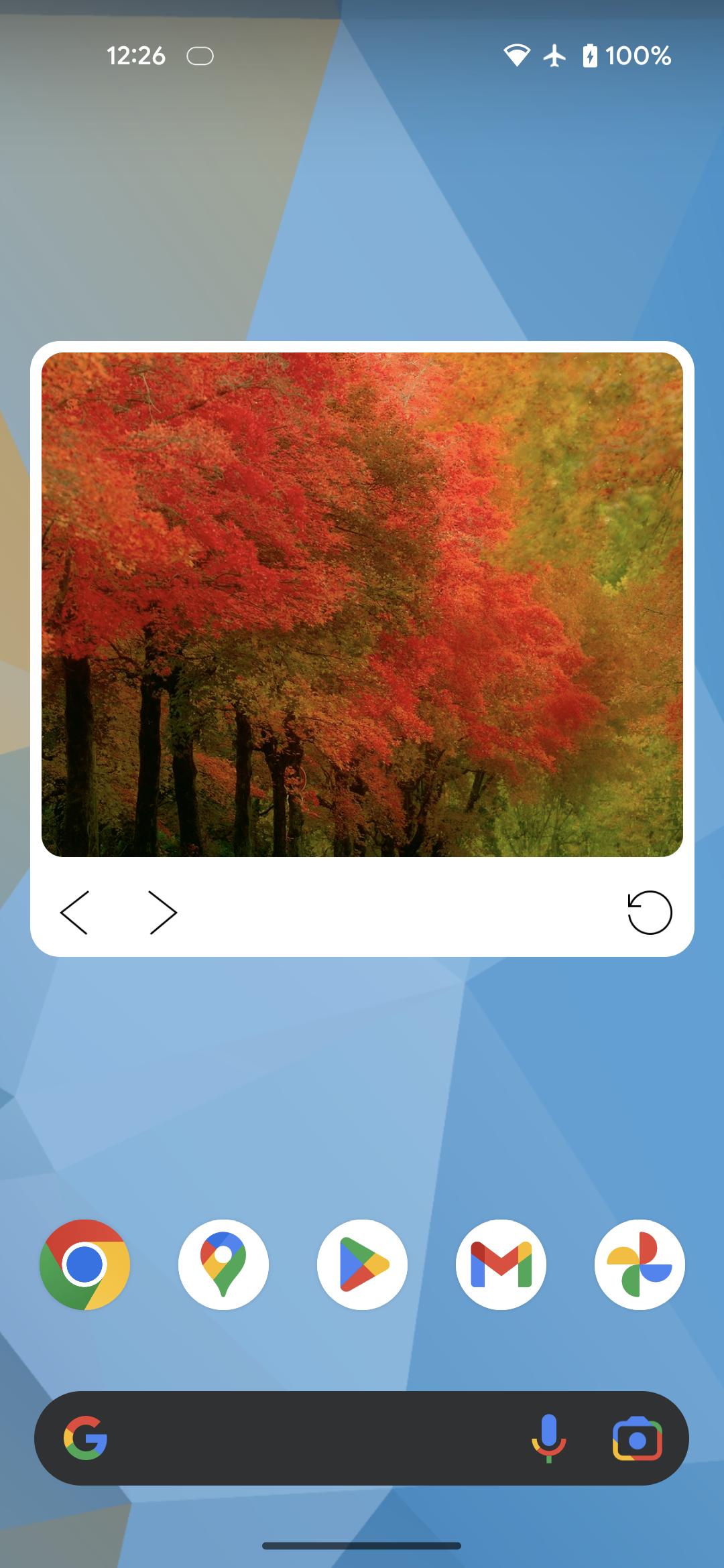
[ Left and right buttons ]
Switch the image display.
Images are sorted by newest posting date.
- Others
* Resizable widget
Latest Version
1.0.1Requires Android
7.0
Category
Free Social AppContent Rating
Everyone
Report
Flag as inappropriateLast updated on Dec 1, 2022
Minor bug fixes and improvements. Install or update to the newest version to check it out!

APKPure - A multi-platform app store primarily focused on Android, providing extensive app-related content. Discover the app you want easier, faster, and safer, with quick and efficient downloads and installations.










