Package Name:kr.devdad.picdock
SHA-256:330690479e79465c9a631d6d14a4e01703feb22f8a50d8833c05fc6cf8720e53
Show More
📱 PicDock – Photo & Video Slideshow | Digital Frame
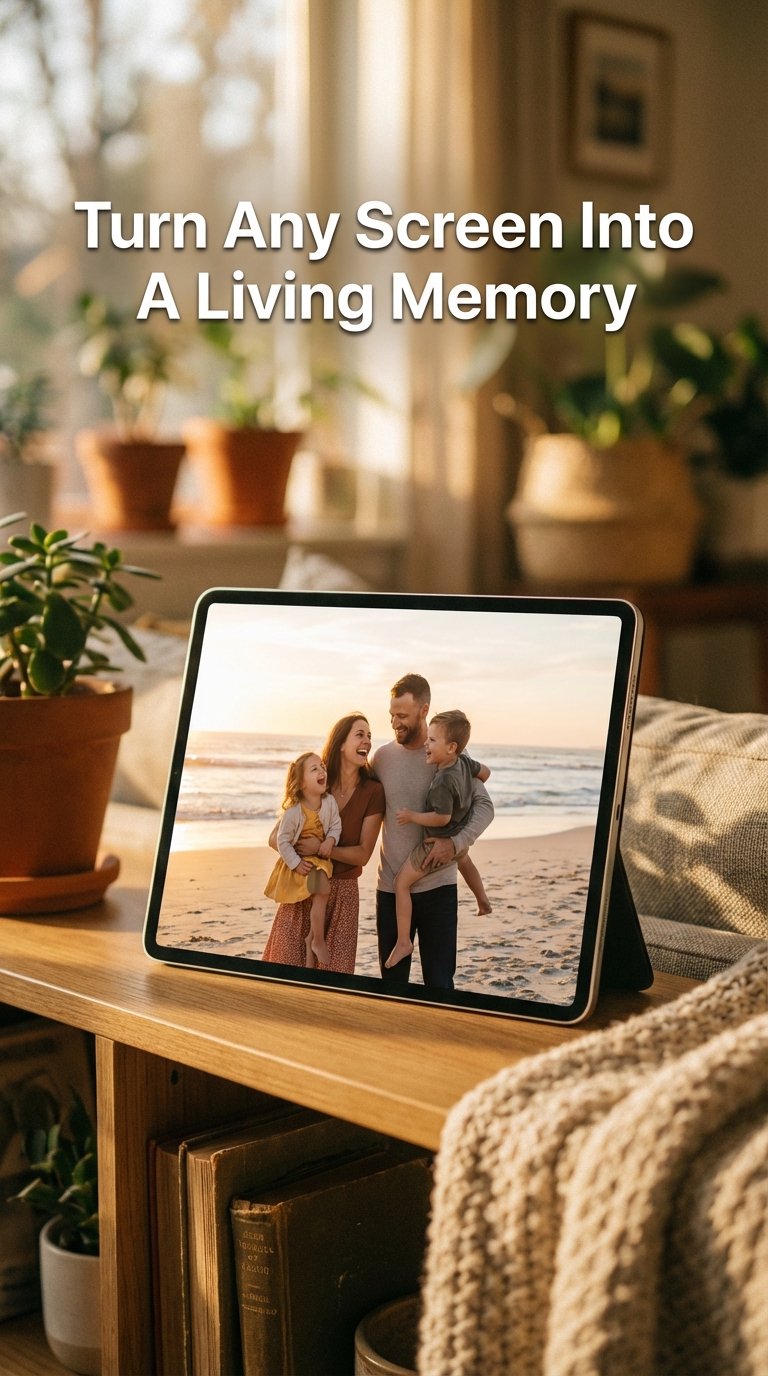
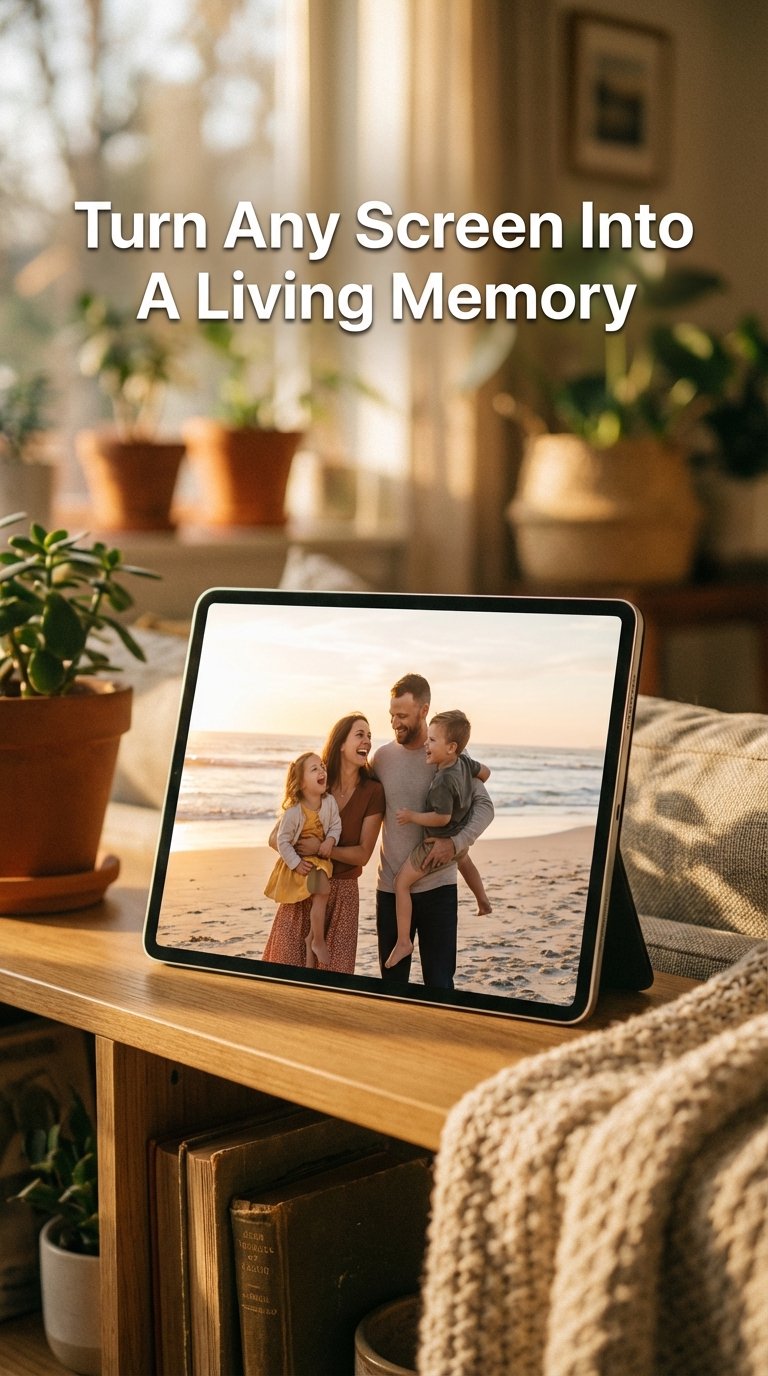
PicDock turns any Android phone or tablet into a beautiful digital photo/video frame.
Perfect for repurposing old devices, PicDock displays your favorite photos and videos with elegant slideshow effects, live weather, clock, and smart display features.
Whether on your bedside table, kitchen counter, living room, or office desk, PicDock creates a calm and stylish photo display experience.
⸻
🖼️ Photo Slideshow Features
• Automatic photo slideshow (intervals from 5 seconds to 10 minutes)
• Smooth transition effects: fade, slide, zoom, flip, and more
• Ken Burns cinematic pan & zoom effect
• Photo filters: black & white, sepia, vintage, warm, cool
• Shuffle mode for random photo order
• Display photo/video date, location, and album info
• Select specific albums or show all photos and videos
• Favorites support to highlight special moments
⸻
🌦️ Digital Photo & Video Frame with Weather
PicDock shows real-time weather directly on your photo slideshow:
• Current temperature and conditions
• Animated rain and snow effects
• Hourly weather forecast (next 5 hours)
• 5-day weather forecast
• Automatic location detection or manual city selection
⸻
🖥️ Smart Display Layouts
• Classic single-photo digital frame mode
• Montage layouts with 2 photos (Landscape)
• Portrait and landscape orientation support
• Auto-rotate based on device position
• Dual-photo mode for portrait images on landscape screens
⸻
☁️ Cloud Photo Streaming
Access your photos from anywhere:
• NAS / SMB network share support
• Web upload from any browser on your local network
• Google Photos integration (coming soon)
• Dropbox, OneDrive, and Google Drive support (coming soon)
⸻
🎵 Background Music
Enhance your slideshow with music:
• Built-in ambient and relaxing tracks
• Play your own music files
• Shuffle and loop playback
• Adjustable volume controls
⸻
⏰ Clock & Alarm Features
• Multiple clock styles (normal, large, minimal)
• 12-hour or 24-hour time format
• Custom date formats
• Alarm clock with snooze
• Wake up to your favorite photos
⸻
🌙 Night Mode & Power Management
• Automatic night mode with custom schedule
• Adjustable night brightness
• Keep screen always on
• Auto-start slideshow when charging
• Battery status display
⸻
🎯 Perfect For
• Turning old tablets into digital photo frames
• Bedside smart displays with clock and weather
• Living room or kitchen photo frames
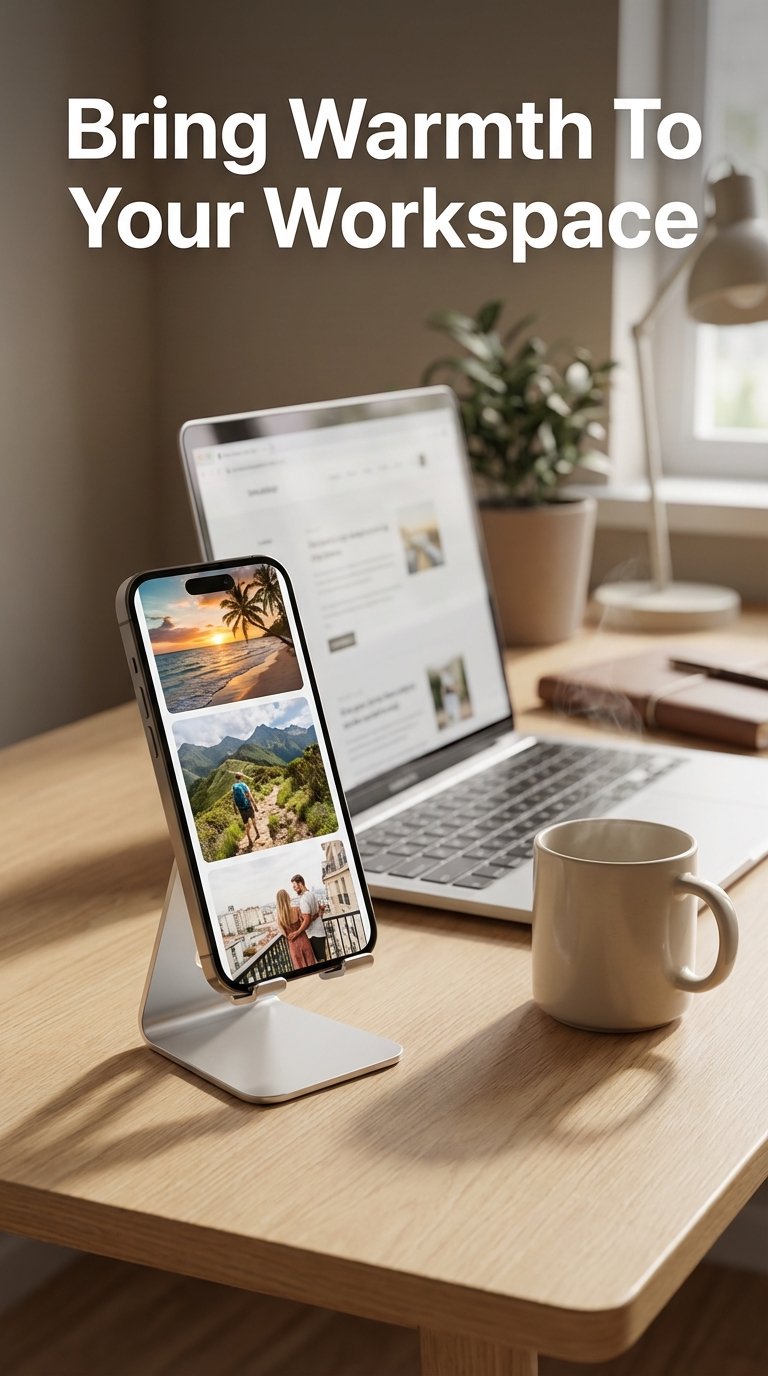
• Office desk photo displays
• Cafes, restaurants, and stores
• Wedding slideshows and memorial displays
⸻
💡 Free & Premium
Free version includes:
• Full photo slideshow functionality
• Basic transition effects
• Current weather display
• Clock and date
Premium unlocks:
• All transition effects
• Hourly & 5-day weather forecast
• Night mode
• Background music
• Web upload feature
• Short slideshow intervals
⸻
🚀 Easy to Use
1. Install PicDock and grant photo access
2. Choose albums or all photos
3. Customize slideshow settings
4. Enable weather and clock (optional)
5. Enjoy your digital photo frame
Latest Version
1.3.3Uploaded by
Toto Newells
Requires Android
Android 7.0+
Category
Free Personalization AppContent Rating
Everyone
Security Report
Check Now
Report
Flag as inappropriateLast updated on Mar 30, 2026
• Fixed crossfade transition pop-in when displaying photos at actual
size
• Fixed swiping skipping multiple photos during rapid navigation
• Fixed thumbnail strip disappearing while scrolling
• Fixed thumbnail click showing wrong photo in dual mode
• Fixed dual mode buttons not showing when paused
• Fixed button opacity slider unable to reach 100%
• Improved slideshow performance for small albums
• Raised minimum Android version to 7.0





APKPure - A multi-platform app store primarily focused on Android, providing extensive app-related content. Discover the app you want easier, faster, and safer, with quick and efficient downloads and installations.