

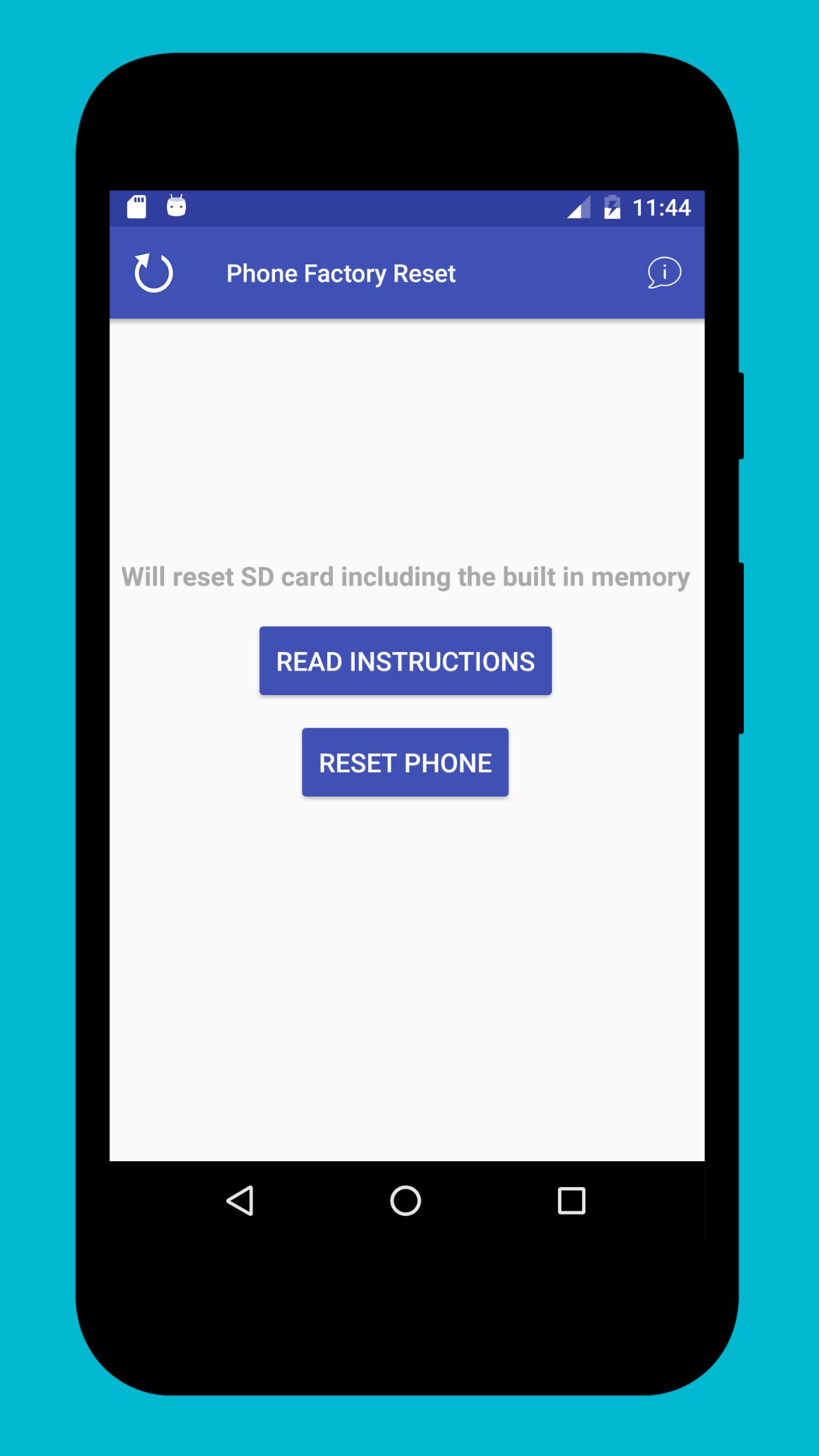
Phone Factory Reset provides a straightforward way to erase personal data and return your phone to its original state. It triggers the official system reset using Device Administrator permission, so the process follows Android’s built in controls. The app focuses on speed and clarity, which helps you avoid digging through multiple settings screens. It is free and lightweight, and it supports a wide range of Android brands and versions. You can get the Phone Factory Reset APK latest version on APKPure for a clean start on a new or repurposed device. This tool is built for on device use, and it can also run in an Android emulator.
One tap factory data reset
Phone Factory Reset initiates a full factory data reset with a single confirmation. It removes apps, files, accounts, and settings, which gives you a fresh setup.
Fewer steps than manual settings
You avoid navigating several menus in Settings. Phone Factory Reset reduces the workflow to a simple, guided action that clearly shows what will happen next.
Secure, system level erase
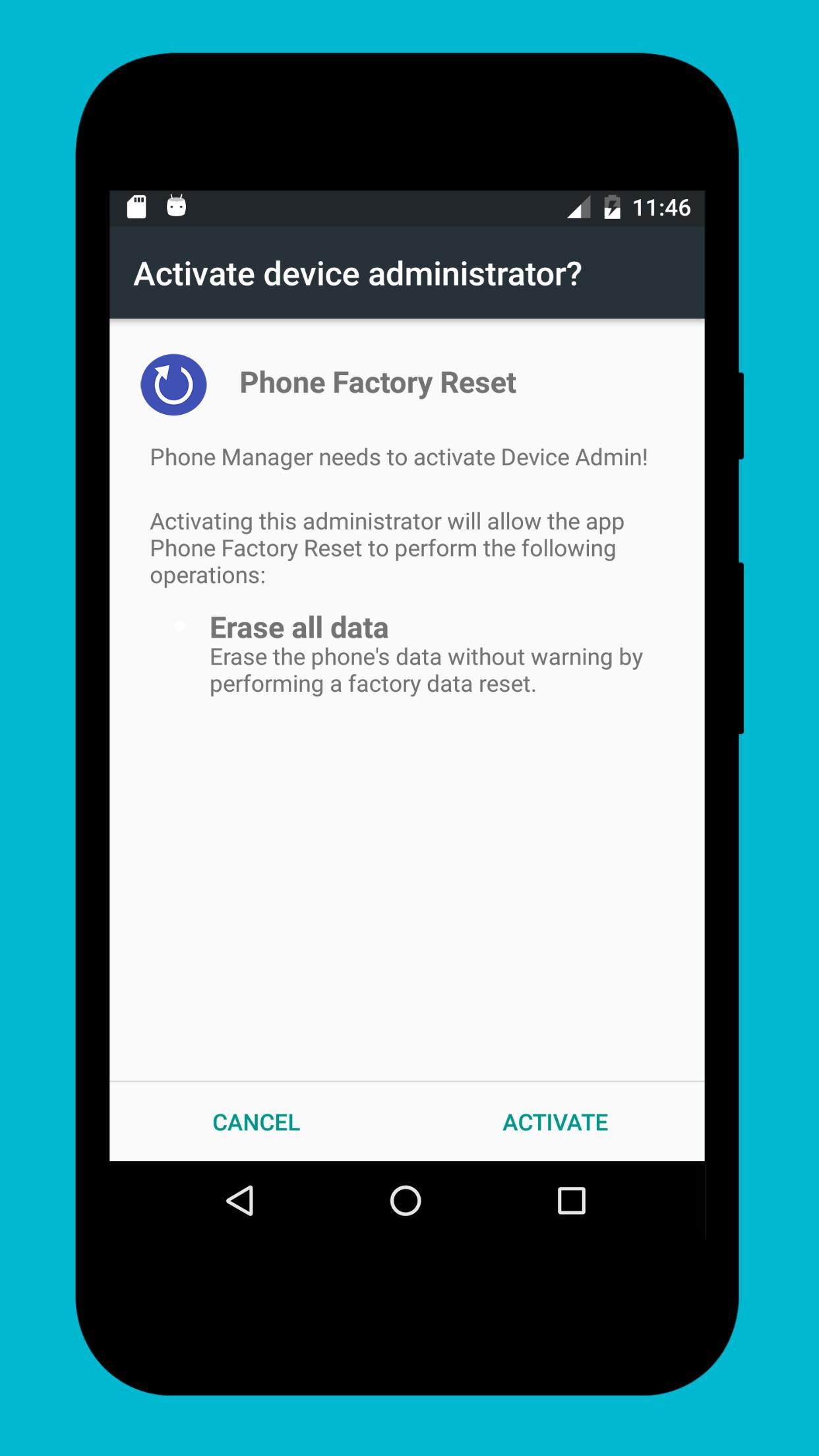
The app uses Device Administrator permission to call Android’s official reset function. Your data is erased using system tools that are designed for this job.
Clear prompts and warnings
Phone Factory Reset explains the impact before you proceed. You see direct prompts that help you confirm you have backed up and understand the reset.
Broad Android compatibility
The app works with many devices and Android versions that support system reset. Therefore it suits both older phones and newer models across major brands.
Optional use in an emulator
You can install Phone Factory Reset in Android emulators like BlueStacks for testing. This applies to virtual devices only and is useful for desktop workflows.
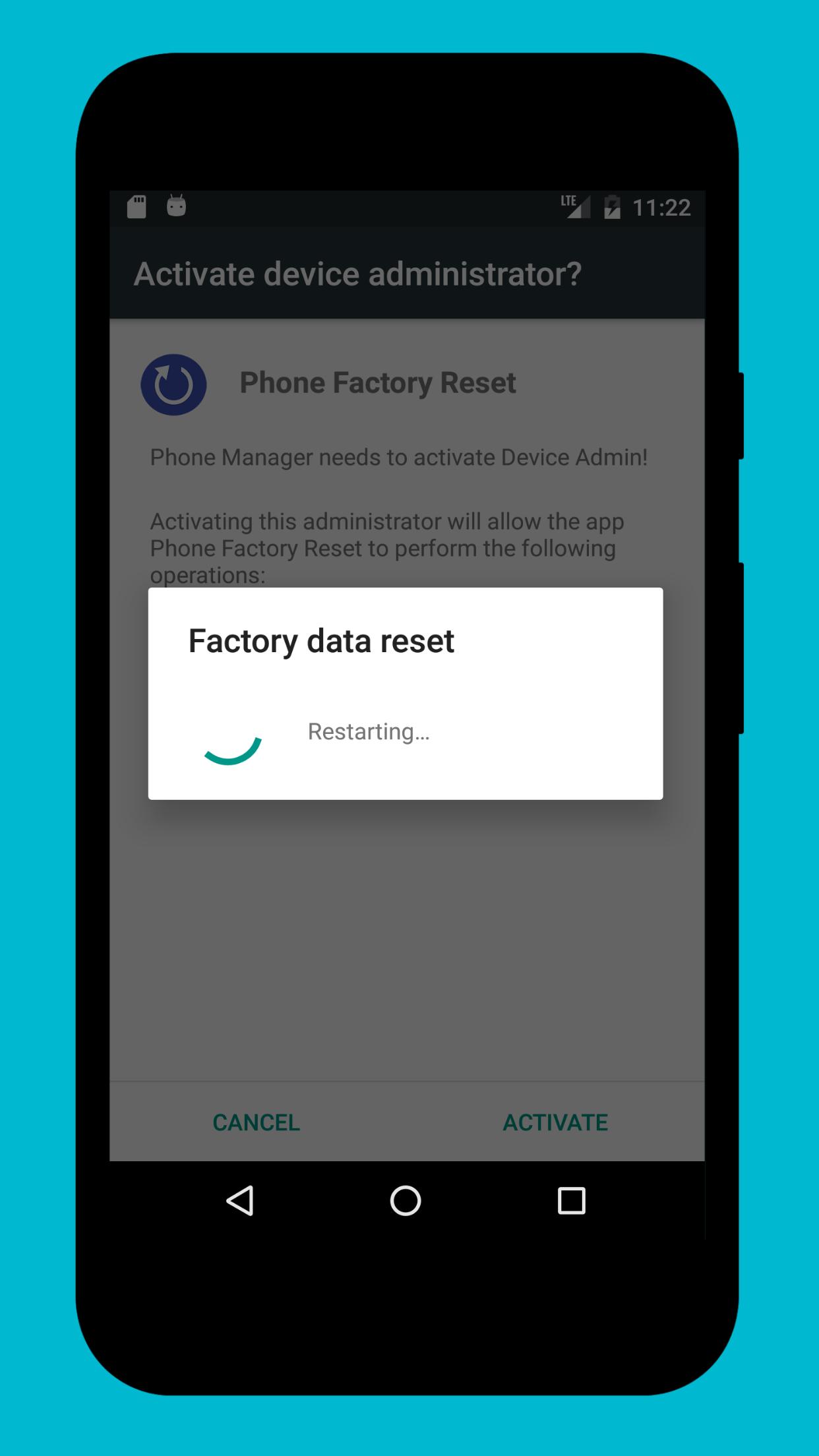
A factory reset permanently erases your data. It can take several minutes and sometimes up to an hour, depending on the device and storage size.
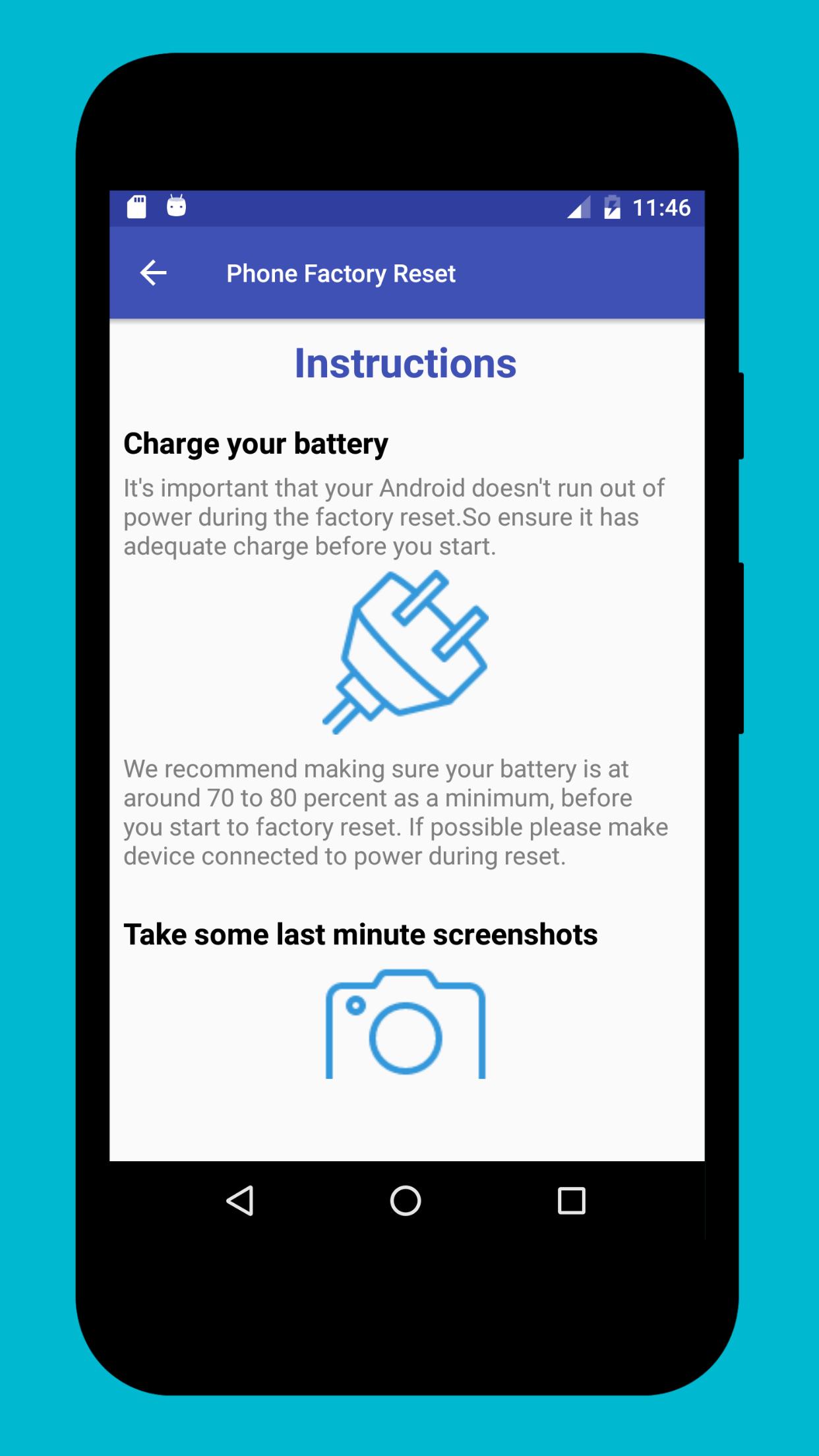
We recommend a simple pre reset checklist before you download Phone Factory Reset and start:
Factory Reset Protection may require your Google Account after the reset. Phone Factory Reset does not bypass screen locks or account verification, and it does not unlock devices.
Phone Factory Reset requests Device Administrator permission. This permission is used only to trigger the official factory data reset provided by Android.
No additional permissions are required for the erase action. You can remove Device Administrator access from system settings after the reset is complete.
Steps and screens can vary by brand and Android version. Instructions may differ on Android 14 and later, so follow on screen guidance on your device.
Phone Factory Reset is designed for Android phones and tablets. You can install the Phone Factory Reset APK in an Android emulator if you need a desktop environment.
Installing it in an emulator resets the virtual device inside the emulator only. It will not reset a physical phone that is connected to the PC by cable.
This short guide explains the basic flow from download to confirmation. Read each prompt carefully and complete the pre reset checklist first.
Phone Factory Reset focuses on a clean, direct workflow for a full erase using Android’s system tools. Download Phone Factory Reset APK on APKPure to start a secure factory data reset with fewer steps.
How do I download and install Phone Factory Reset APK?
To install, get the Phone Factory Reset APK on APKPure, tap Download, then open the APK to install. You may need to allow installs from this source in your phone settings before completing setup.
Does Phone Factory Reset work on Android 14?
Yes, Phone Factory Reset works on devices where Android 14 still supports the standard factory reset APIs. Steps and prompts can vary on Android 14 and later, so follow the on screen instructions for your brand.
Can Phone Factory Reset bypass locks or Google account verification?
No, Phone Factory Reset cannot bypass screen locks, PINs, patterns, or Factory Reset Protection. After a reset, you must enter the Google Account and device credentials that are required by the system.
Can I use Phone Factory Reset on a PC or laptop?
You can run Phone Factory Reset APK on a PC through an Android emulator such as BlueStacks. It resets the emulator’s virtual device only and will not erase or unlock a physical phone plugged into the computer.
How long does a factory reset take and what should I prepare?
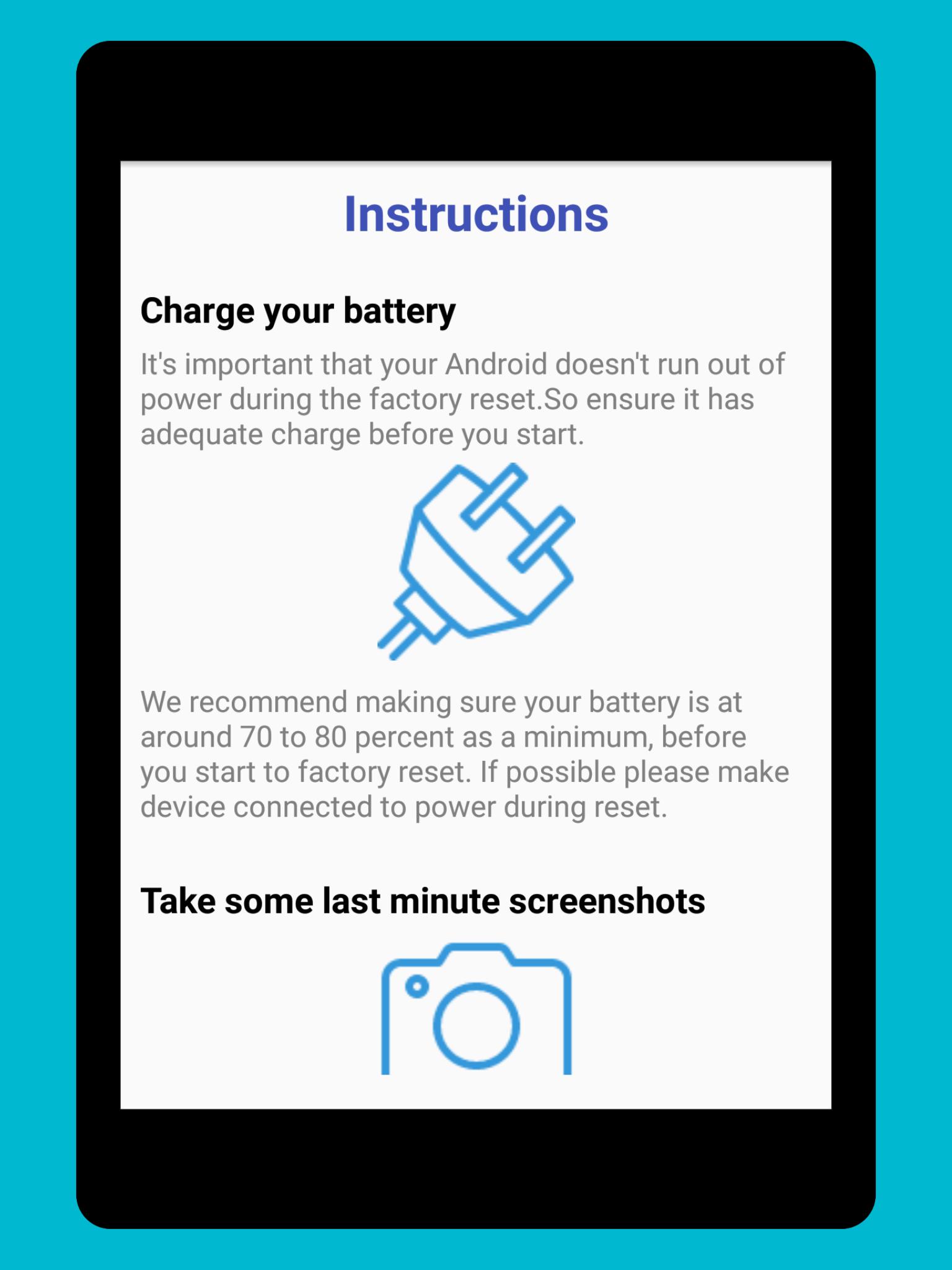
The reset can take several minutes and sometimes up to an hour, depending on storage size and device speed. Before you start with Phone Factory Reset, back up your data, charge to at least 70 percent, connect to Wi‑Fi, and have your Google Account details ready.
Latest Version
1.7Uploaded by
MrPhanudat Rukkadee
Requires Android
Android 4.0+
Category
Free Tools AppContent Rating
Everyone
Report
Flag as inappropriateLast updated on Jul 31, 2022
Updated UI
Added Instructions Page




APKPure - A multi-platform app store primarily focused on Android, providing extensive app-related content. Discover the app you want easier, faster, and safer, with quick and efficient downloads and installations.














