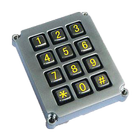
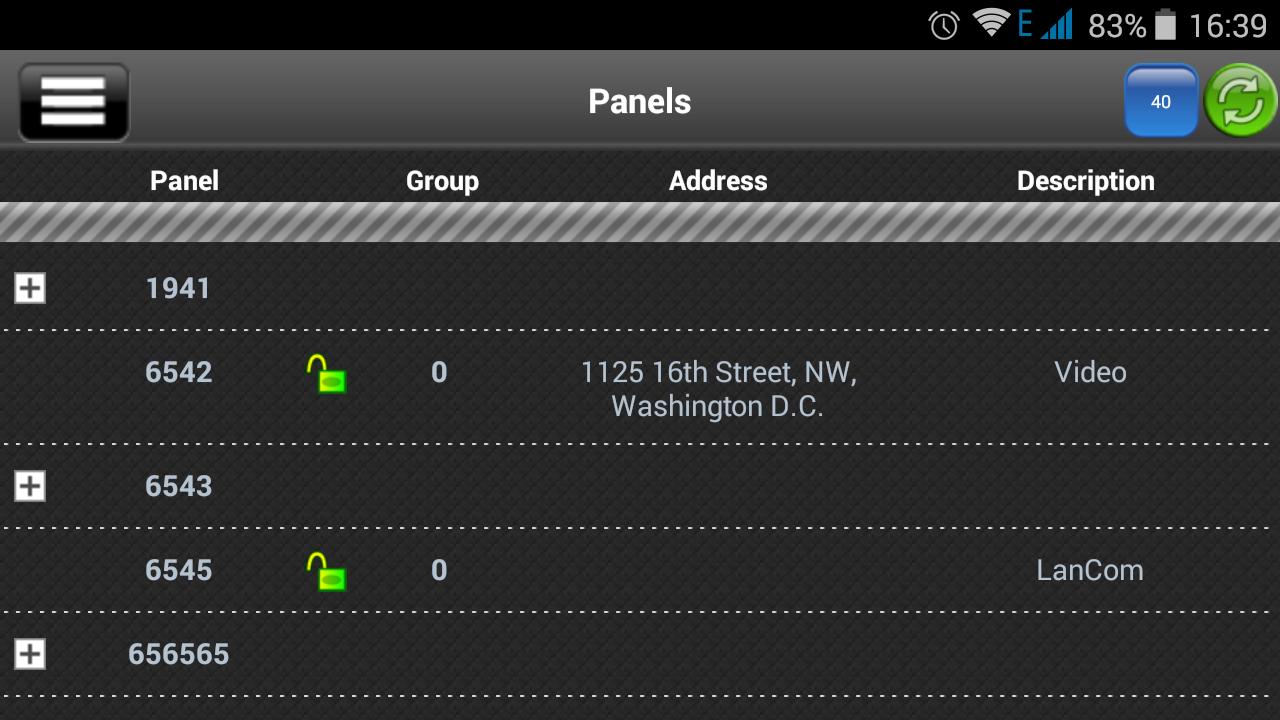
"Phoenix MK" application is designed for remote control of control panels Lun series and Alet via mobile phone. In case of phone loss or unauthorized access to the phone urgently contact your alarm monitoring company to block access.
Depending on your control panel type, you can send the following commands:
● Lun-19:
1. Request Panel State;
2. Arm;
3. Arm Stay;
4. Disarm;
5. Activate output;
6. Deactivate output.
● Lun-11mod2:
1. Request panel state;
2. Arm;
3. Arm Stay;
4. Disarm;
5. Request image;
6. Activate output;
7. Deactivate output.
● Lun-11:
1. Request panel state;
2. Arm;
3. Activate output;
4. Deactivate output.
● Lun-9T:
1. Request panel state;
2. Disarm.
● Lun-7T/73T:
1. Request panel state.
● Lun-Video:
1. Request Image.
● Alet:
1. Request Panel State;
2. Arm;
3. Disarm.
● LanCom rev.15:
1. Request Panel State;
2. Arm;
3. Disarm;
4. Request image;
5. Activate output;
6. Deactivate output.
● LanCom rev.6:
1. Request panel state.
Except mentioned above, for all panels “Mobile panic button” command is available.
Tel. +1 650 240-27-62
+7 499 918-73-94
+38 067 546-0-556
Latest Version
1.10Uploaded by
Mohammed Al-issa
Requires Android
Android 2.3.2+
Category
Free Tools AppContent Rating
Everyone
Report
Flag as inappropriateLast updated on Jul 4, 2017
minor improvements




APKPure - A multi-platform app store primarily focused on Android, providing extensive app-related content. Discover the app you want easier, faster, and safer, with quick and efficient downloads and installations.