


Package Name:com.vpdroid.pdftoolkit.app
SHA-256:d32307abe48f8c37c89366438b75a42c8775dc9570cdab867647d9e93de0ea18
Show More

PDF Toolkit is a PDF editor that works completely offline — no account, no internet
connection, no server upload. Every merge, split, compress, and page-edit operation runs
entirely on your device using your phone's own processor.
Why that matters: many "PDF tools" apps quietly upload your documents to a server to do the
actual processing — even ones that claim to work offline. If your PDFs contain contracts,
medical records, ID scans, or anything else sensitive, that's a real privacy risk. PDF Toolkit
never asks for an internet connection to do its job, because it doesn't need one.
FEATURES
• Merge multiple PDFs into one file, in whatever order you choose
• Split a PDF by page range, or extract just the pages you need
• Compress PDFs to reduce file size (see note on compression below)
• Delete unwanted pages
• Reorder pages
• Rotate pages individually or in bulk
• Works with password-protected PDFs — enter the password once, edit as normal
• Recent files list for quick access to documents you've worked with, with options to open,
locate, or delete each one
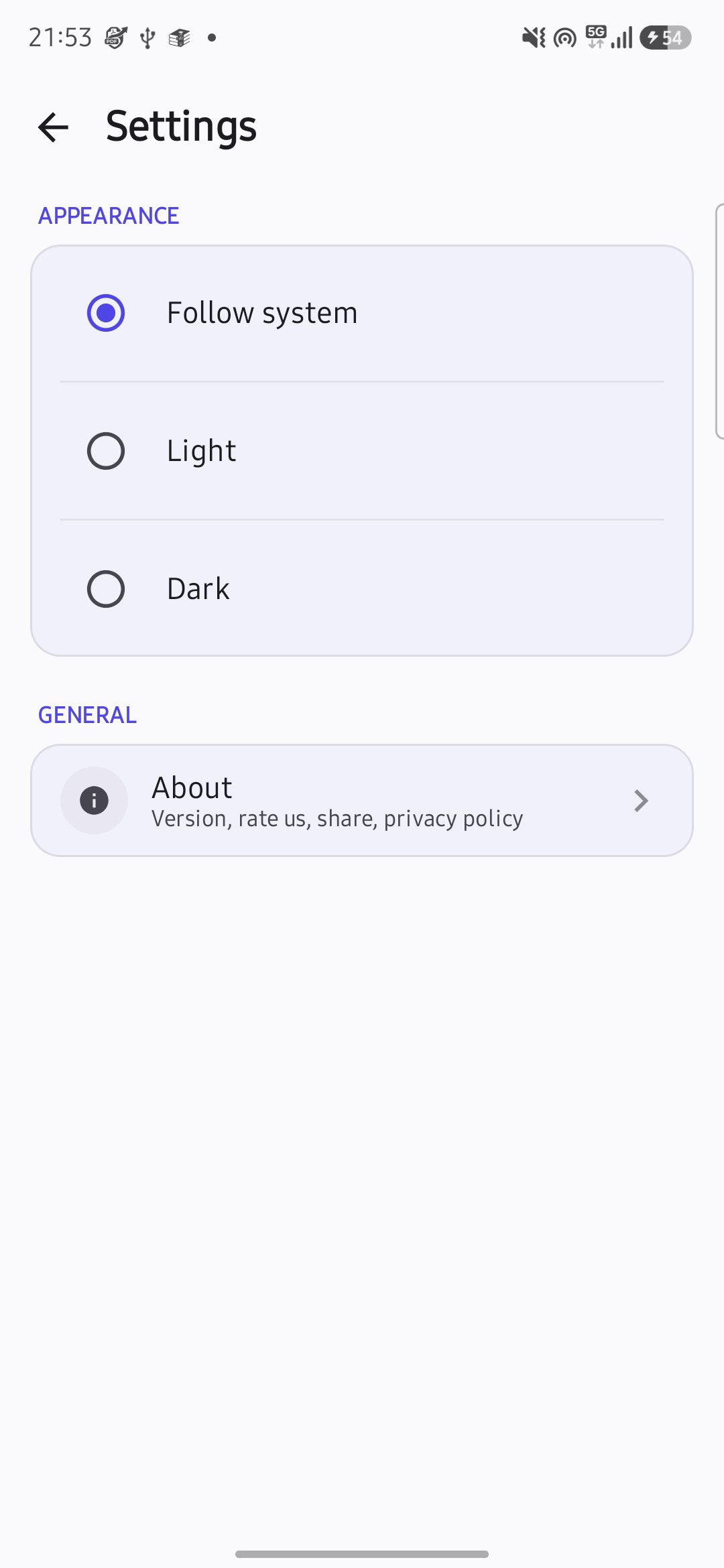
• Light and dark theme, follows your system setting
HOW FILE ACCESS WORKS
PDF Toolkit uses Android's built-in file picker for every operation — you choose exactly which
file(s) it can read or write, using the same system picker you'd use in any other app. It never
requests broad storage access, because it doesn't need it.
A NOTE ON COMPRESSION
PDF Toolkit's compression works by re-encoding images embedded in your PDF at a lower quality
and resolution — this is genuinely effective on scanned documents and photo-heavy files, but a
text-only or vector-graphics PDF may barely shrink, because there's no image data to optimize.
This is an on-device, phone-CPU process, so don't expect results identical to server-side tools
that run on powerful cloud hardware — we'd rather set that expectation honestly than overpromise.
FREE & PRO
The free version covers everyday use: merge up to 3 files at a time, compress files up to 10MB
(or unlock a one-time compress by watching a short ad). PDF Toolkit Pro removes those limits and
all ads with a single one-time purchase — no subscription.
Latest Version
1.0.0Uploaded by
Gustavo Henrique
Requires Android
Android 7.0+
Category
Free Productivity AppContent Rating
Everyone
Security Report
Check Now
Report
Flag as inappropriateLast updated on Aug 7, 2026
Initial Release




APKPure - A multi-platform app store primarily focused on Android, providing extensive app-related content. Discover the app you want easier, faster, and safer, with quick and efficient downloads and installations.









