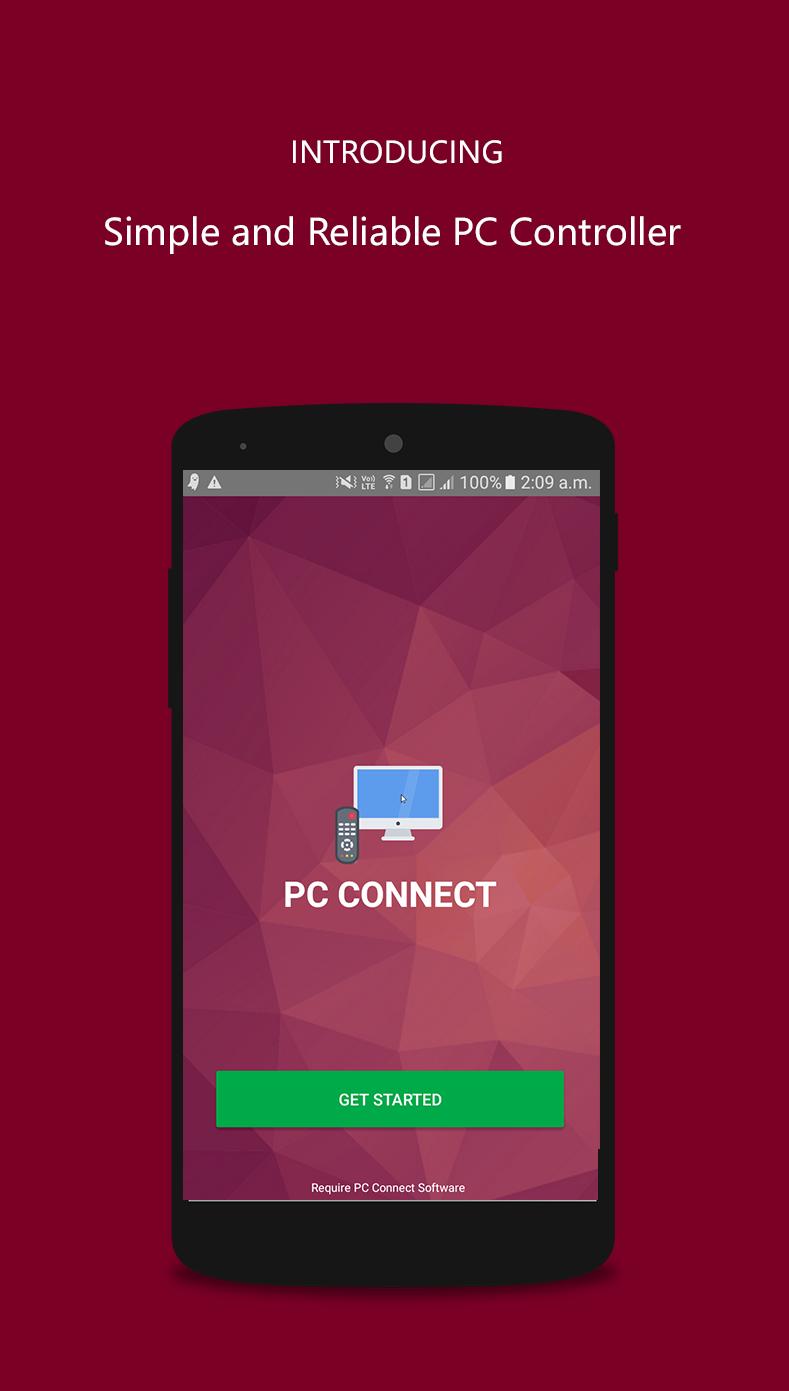
This app allows users to connect their PC to Mobile phone and hence control it. Users can create a virtual Mouse Pad for their Laptop/PC on their Mobile Phones and can then control it. It allows left click, right click, Playing Next song,Previous song, Pause and Mute Functions.
1. NO ROOT PERMISSION is required.
2. NO DATA-CABLE is required.
For controlling the transfer, files needed to be downloaded for PC are available at
https://goo.gl/uHqcbi
Latest Version
1.04Uploaded by
Mydriss Alaoui
Requires Android
Android 4.3+
Category
Free Lifestyle AppContent Rating
Everyone
Report
Flag as inappropriateLast updated on Mar 5, 2018
Download the PC Connect JAR File (542 KB) from here https://goo.gl/uHqcbi
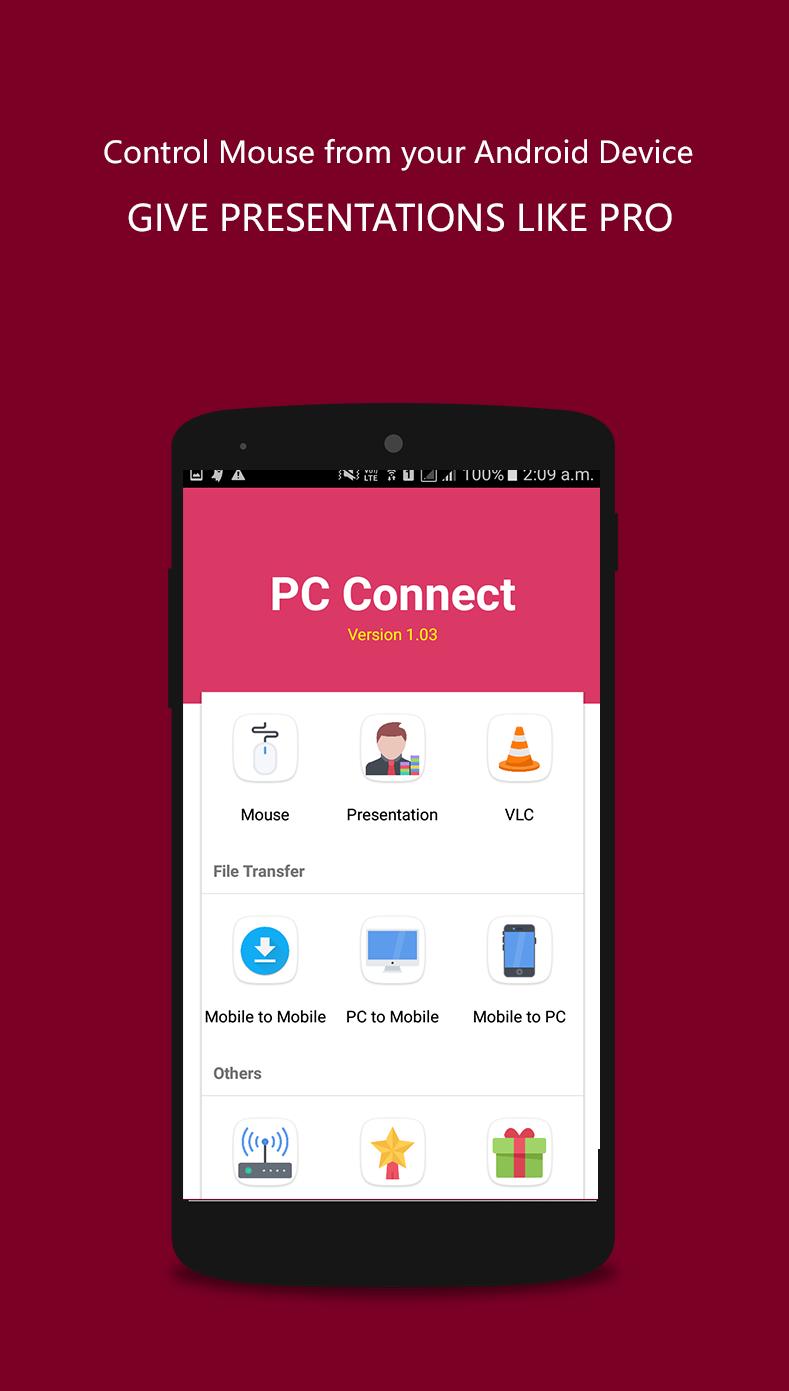
🌟You can control your PC (Mouse) from your Android Device Itself.
🌟 NEW Material UI
🌟 Fixed many Connection Bugs reported by users
🌟 Added VLC Control Feature
🌟 Added Presentation Control Feature




APKPure - A multi-platform app store primarily focused on Android, providing extensive app-related content. Discover the app you want easier, faster, and safer, with quick and efficient downloads and installations.