Package Name:com.lbe.parallel.intl
SHA-256:3adc00b9a78aacd68180e0b185c2ea9743972b81a8c425a2e72324e9295bc901
Show More


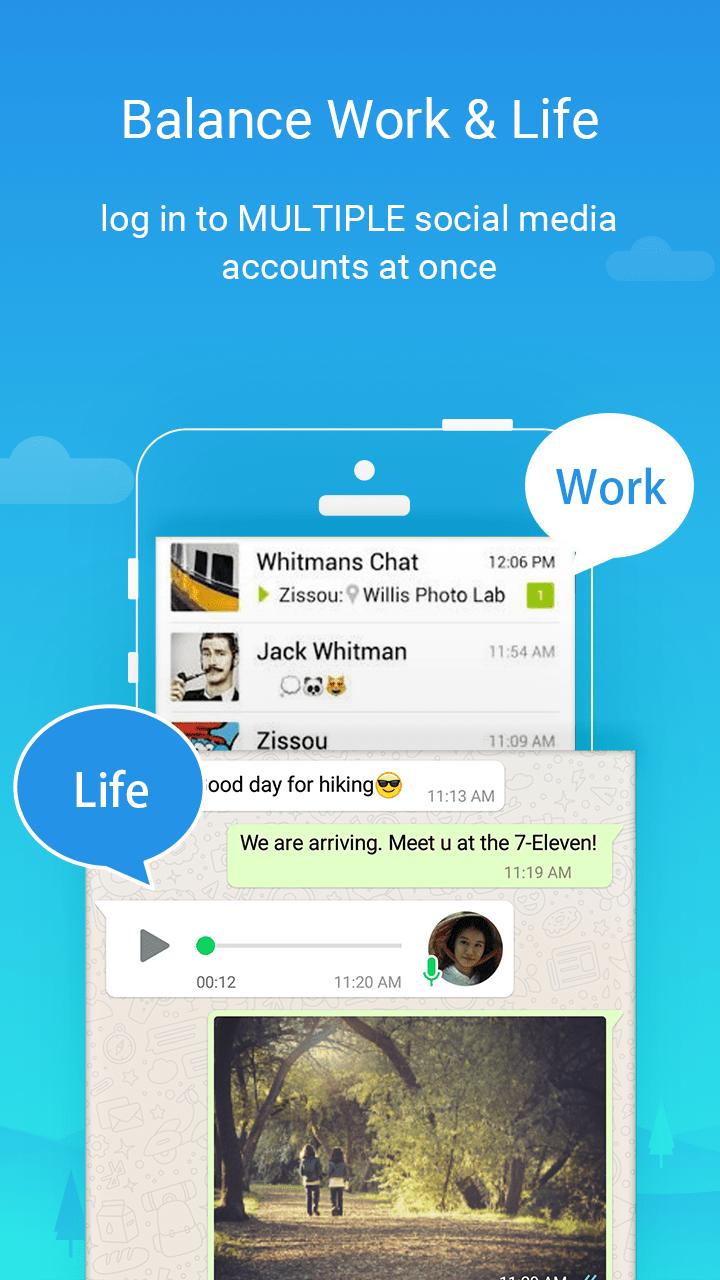
Parallel Space helps you keep work and personal logins separate, or manage more than one game profile without a second phone. It creates an independent space so cloned apps run alongside originals while keeping data apart. This makes switching between accounts quick and organized. If you prefer direct installs, searching for the Parallel Space APK can be useful when setting up on devices that rely on manual installation.
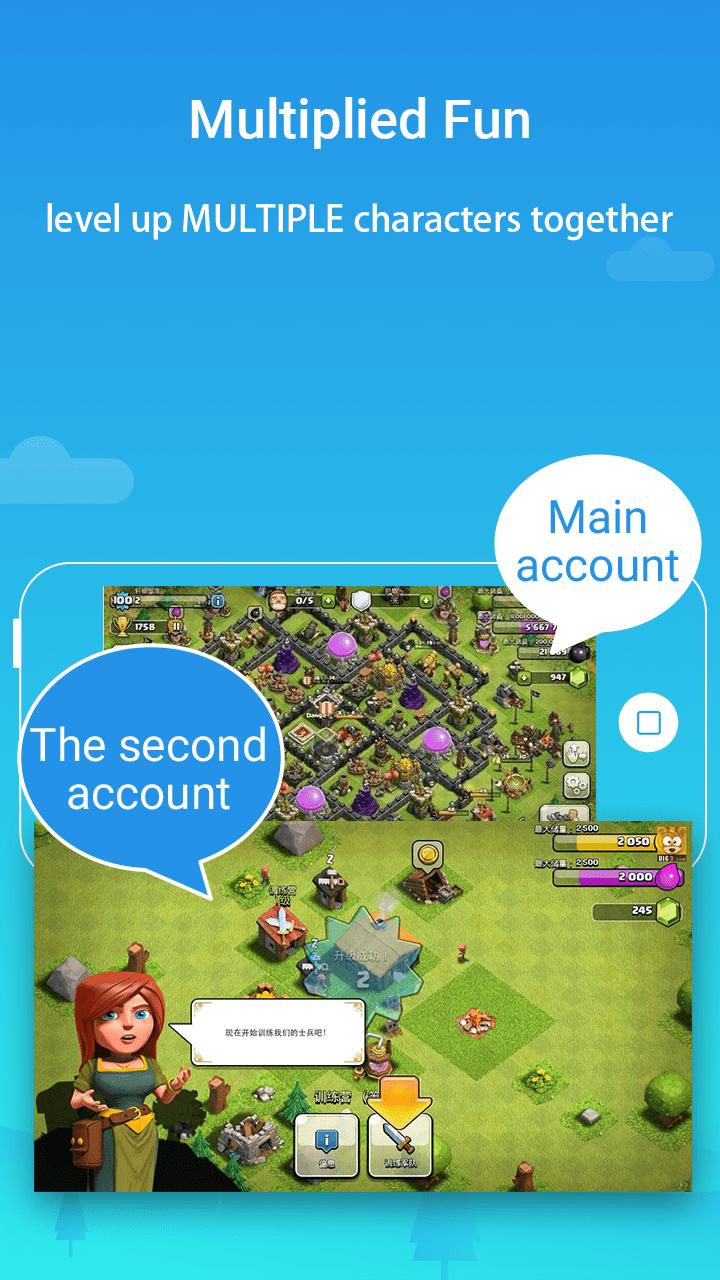
Parallel Space lets you duplicate social, messaging, and game apps so you can sign in with more than one account. You can move between profiles with a single tap and keep work and personal activities separate. This approach helps you avoid constant logouts while keeping each app’s data contained within its own space.
Privacy controls with a secure sandboxParallel Space isolates cloned apps using the multiDroid virtualization engine, so data stays separate from the originals. You can hide clones with Incognito Installation and add an app lock to prevent unwanted access. With your cloned apps running in a sandbox, private activity remains less visible to others who use your phone.
Manage multiple game profilesParallel Space supports parallel game accounts so you can play on several profiles at once. It keeps each game’s progress in its own environment and optimizes resource use so you can switch without closing sessions. This setup is useful for events, guild management, or testing different builds under separate accounts.
Simple cloning and popular app supportParallel Space offers one-tap cloning with a clear interface that guides you through setup. You can log in with multiple accounts for popular apps including WhatsApp, Facebook, Instagram, TikTok, Telegram, and Snapchat. Most Android apps are supported, which makes it straightforward to build the dual app setup you need.
Stable performance with notificationsParallel Space is designed to be lightweight and stable for everyday use. Notifications are supported for cloned apps, and you can receive alerts as usual. If you use booster or task-killer apps, whitelisting Parallel Space helps notifications arrive on time and prevents clones from being closed unexpectedly.
Parallel Space works with most Android apps that use standard login flows. Common examples include:
Support may vary by app update or device model. If an app changes its login method or security checks, re-cloning or updating Parallel Space can restore compatibility.
Parallel Space offers a free plan that supports two accounts. Upgrading to Pro enables multiple accounts to run simultaneously, which suits heavier workflows or multi-game setups. No root is required, and clones request the same permissions as their original apps because they use those features inside the virtualized space. You can review and change permissions anytime in Android settings.
Getting started is straightforward. Install the Parallel Space latest version and open it to create your first clone. Then follow the steps below to add accounts and switch smoothly.
Parallel Space makes it practical to run multiple accounts while keeping app data separate. If this workflow suits your needs, download Parallel Space and set up a second login without changing your original apps.
For official resources and support, visit:
Latest Version
4.0.9565Uploaded by
Troy Andrada
Requires Android
Android 7.0+
Category
Free Personalization AppContent Rating
Everyone
Security Report
Check Now
Report
Flag as inappropriateLast updated on Apr 22, 2026
1. Fully compatible with Android 15.
2. Discontinued support for app cloning for apps that declare the REQUIRE_SECURE_ENV flag.
3. Optimized the overall performance of Parallel Space.
4. Fixed some known bugs.
5. Supported concurrent online of multiple accounts, not just two.




APKPure - A multi-platform app store primarily focused on Android, providing extensive app-related content. Discover the app you want easier, faster, and safer, with quick and efficient downloads and installations.