


Package Name:com.solovitser.paperpix
SHA-256:ae0434f1a6042970117ad34c64eb898ec715f01b7cc367234eaf969ef8e247f9
Show More

PaperPix is a project that seeks to go beyond a highly specialized product. On the one hand, it can be called just a simple notepad, but on the other hand, this project will constantly evolve and acquire new sections that will be useful not only in everyday life, but also possibly in professional activities.
At the moment, the project has the following functionality:
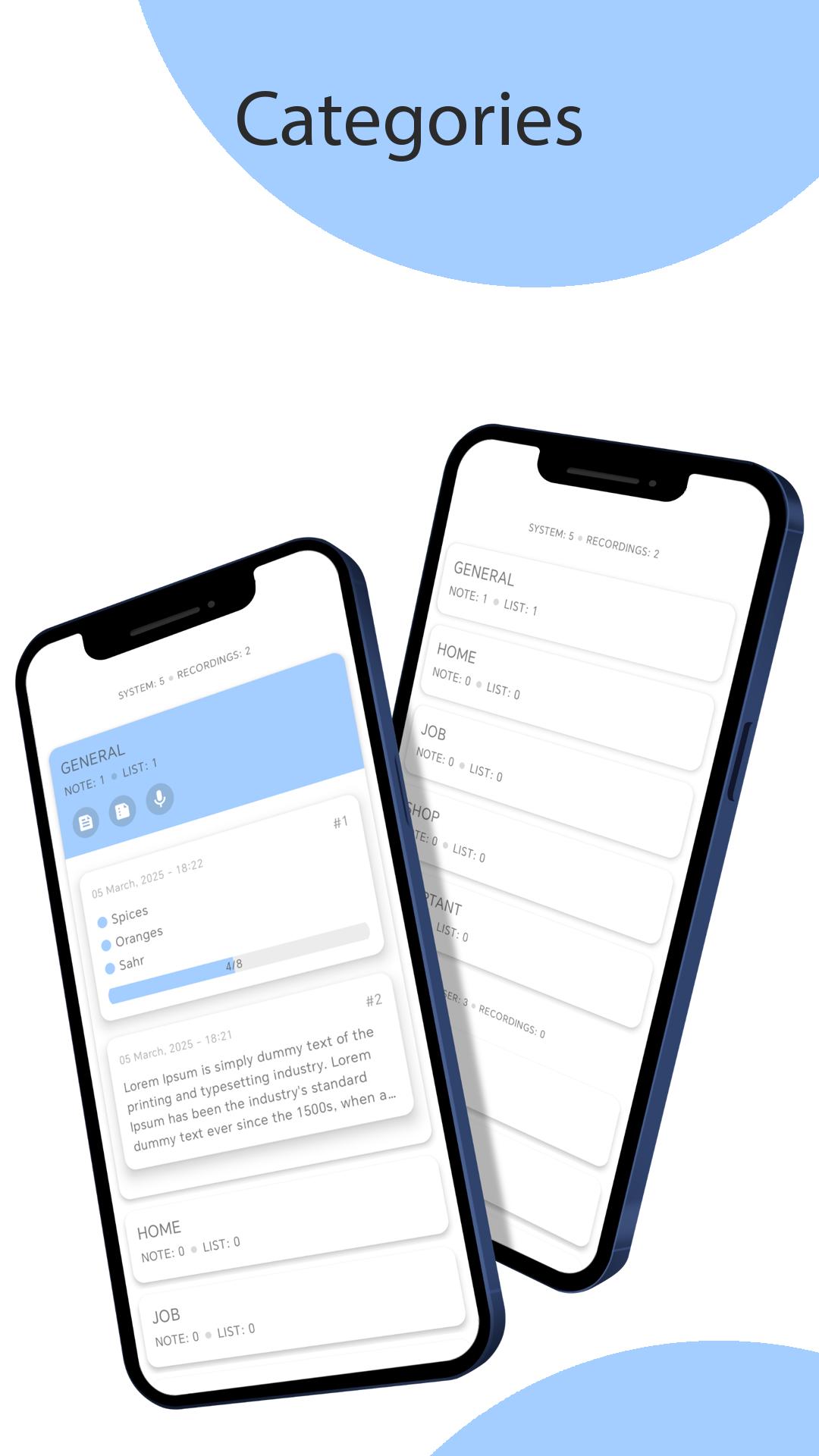
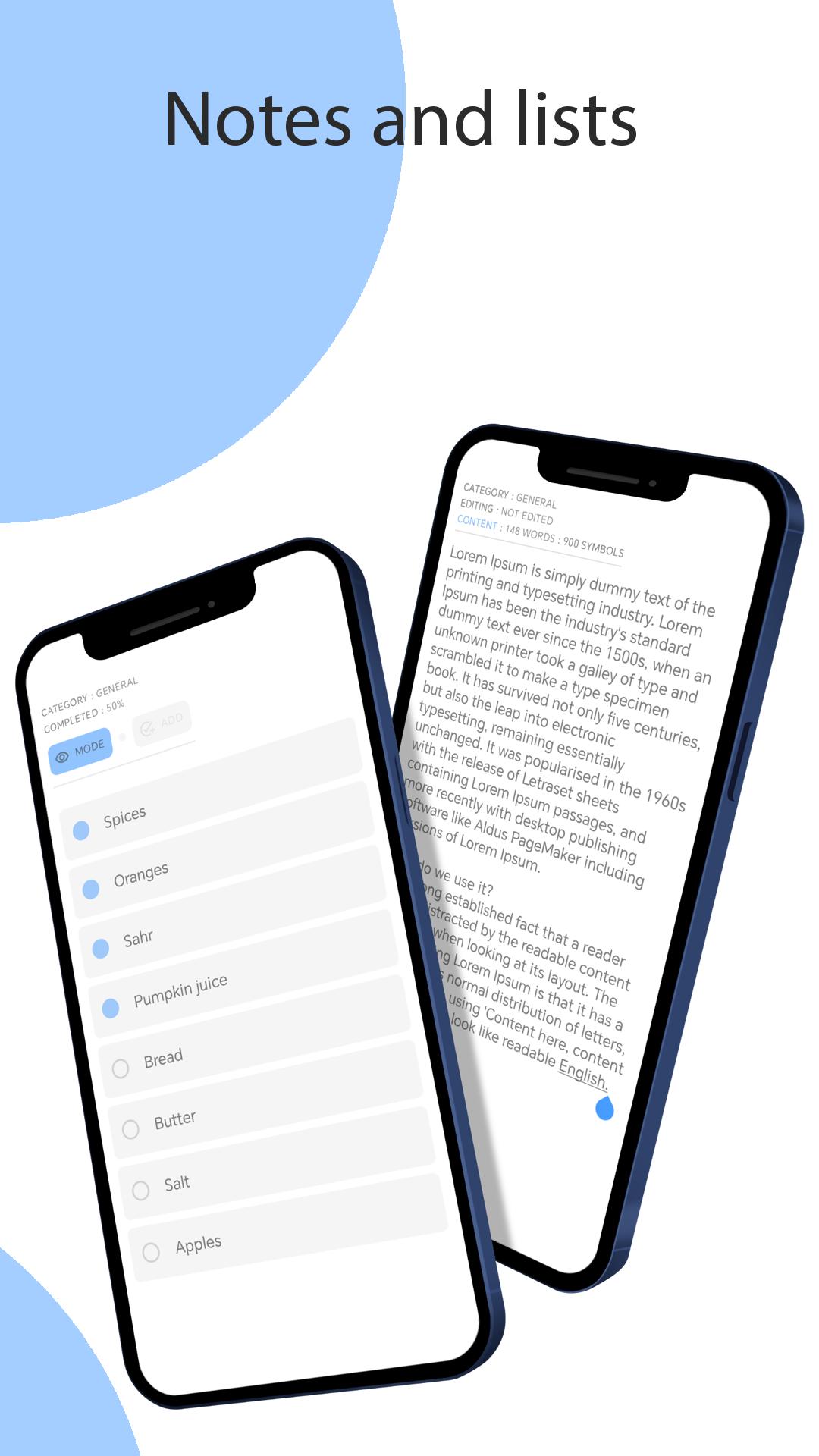
1) Categories - they contain notes and lists. Notes are not overloaded with unnecessary functionality, which does not quite correctly approach the very idea of such notes, which in turn simplifies working with this functionality, without distracting attention to unnecessary interface elements. Lists have a separate editorial window, which has 2 operating modes for ease of use:
"Editing" and "Using". The interface of the list and note editor is not overloaded with unnecessary buttons, and editing / saving occurs when using the hardware navigation of the device. Also, the logic of saving the content of the "Categories" section guarantees the safety of your records even if the phone battery suddenly runs out while editing.
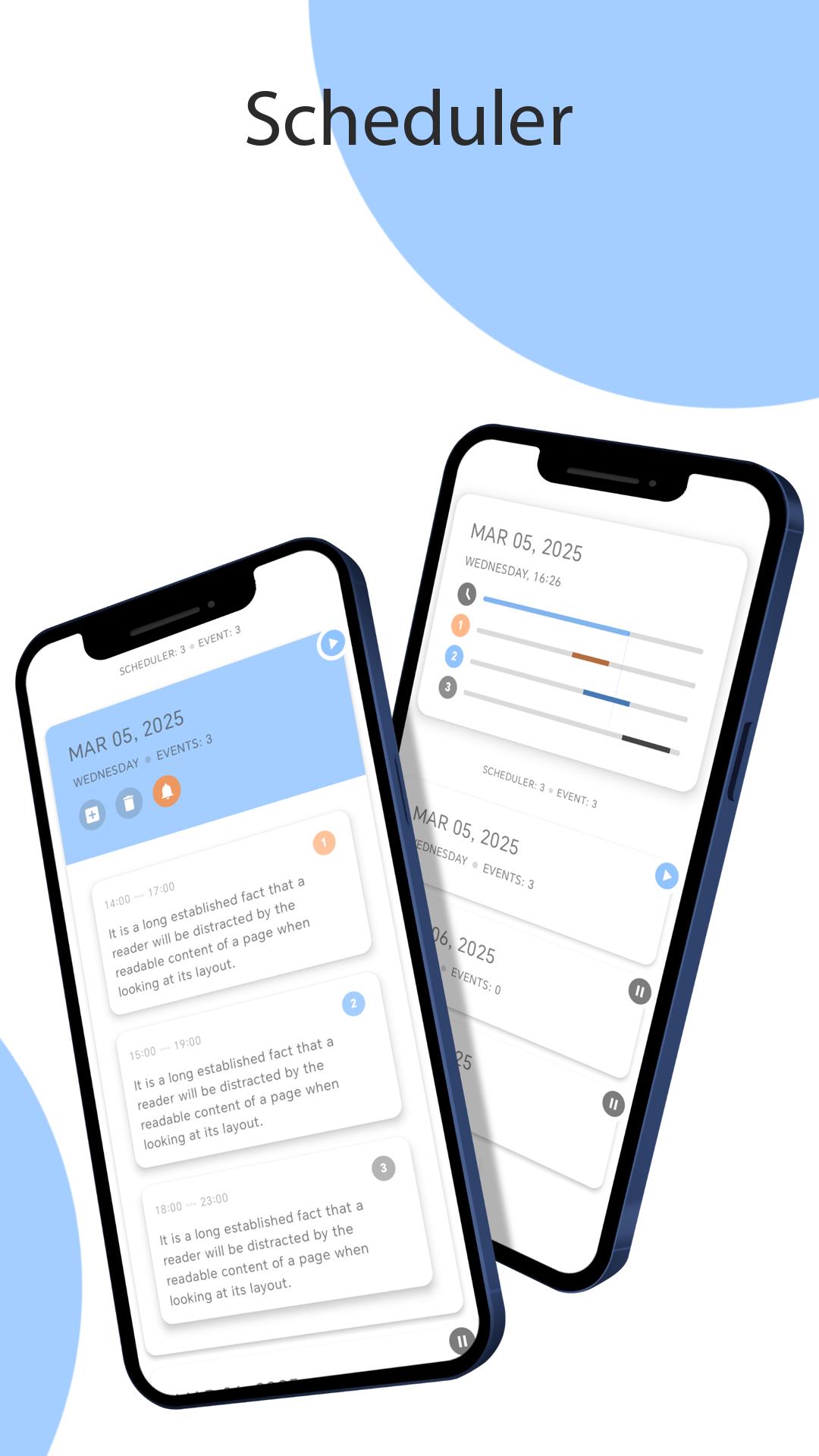
2) Scheduler - a section that allows you to create schedulers for a specific date. In the scheduler itself, you can create your events, specifying the start and end time of the event. The section also has a function - notification. Notification works automatically and does not require specifying the time, since the function itself takes the time from the events (start and end), while if notification is enabled in the scheduler itself, all new events will be automatically assigned a notification time.
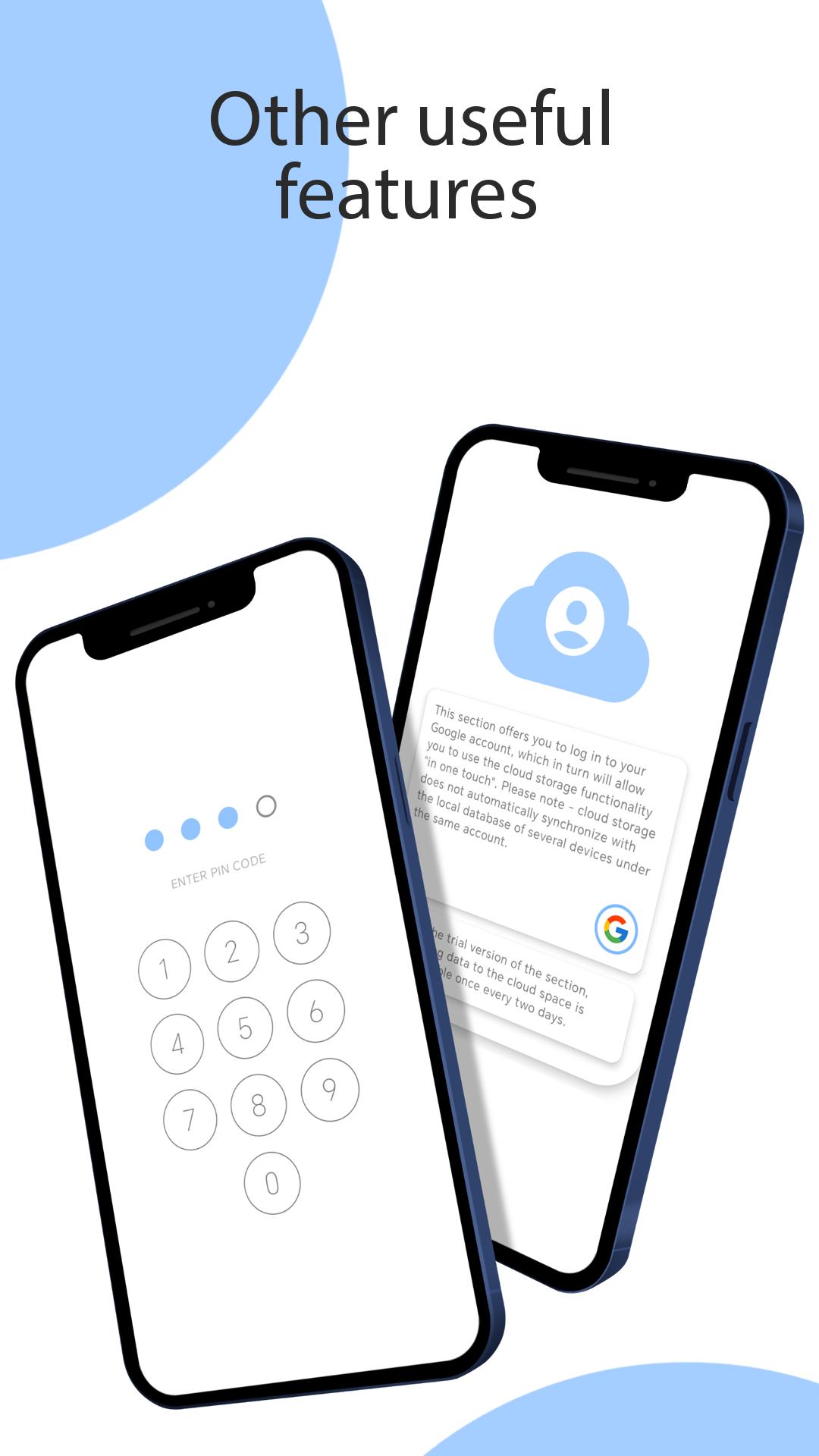
3) Cloud base - when authenticating through a Google account, the user has the opportunity to use the functionality of cloud storage. All procedures are performed in one touch and do not require any specific skills from the user. There is also a functionality that will overwrite cloud data each time you exit the application in automatic mode. Import and export for each section are separated. Import has 2 modes: complete replacement of the local section database with a cloud database and supplementation of the local database with elements from the cloud database. 4) Options - the section is intended for minor adjustment of some areas of sections. It also has some other functionality, such as - setting a pin code for the entire application, changing the color scheme of the application, etc.
Latest Version
1.0Uploaded by
Pedro Herique Pedrinho
Requires Android
Android 8.0+
Category
Free Productivity AppContent Rating
Everyone
Security Report
Check Now
Report
Flag as inappropriateLast updated on Sep 12, 2025
PaperPix v.0.1 (First Release)


APKPure - A multi-platform app store primarily focused on Android, providing extensive app-related content. Discover the app you want easier, faster, and safer, with quick and efficient downloads and installations.










