

Panda Mouse Pro helps users who prefer keyboard and mouse control for aiming, movement, and quick actions on Android. It maps keys to on-screen controls so you can handle complex inputs more comfortably, and it is made for gaming use cases where touch can feel limiting. As a result, users who need reliable input on phones and tablets find it useful for both casual and competitive play. For clarity, some listings refer to this beta build as Panda Beta Pro Mouse. You can find the Panda Mouse Pro APK here to get started.
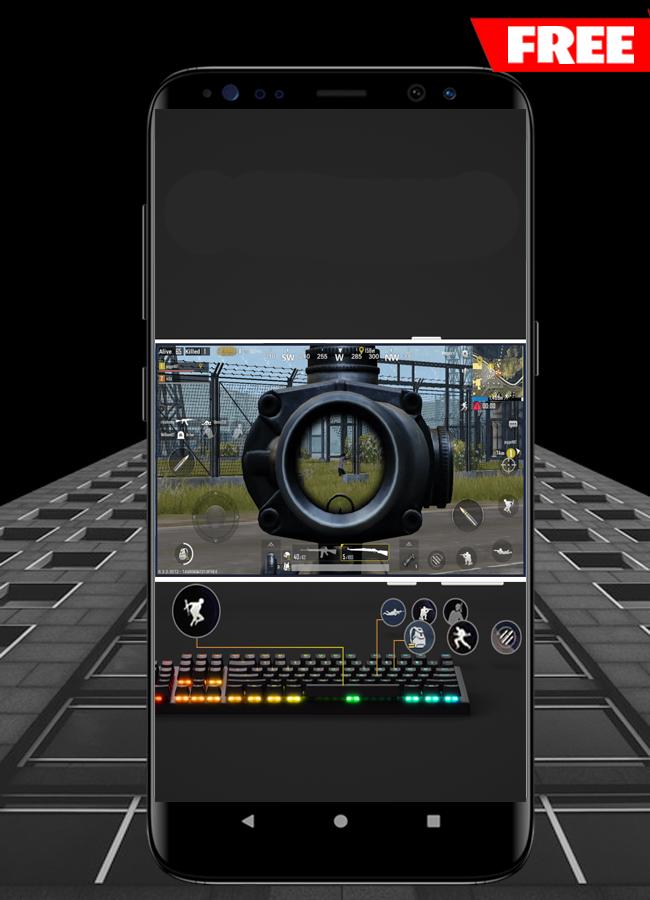
Panda Mouse Pro turns your keyboard and mouse into game controls on Android. You can map keys to touch actions, fine tune sensitivity, and use a setup that feels like playing on a PC. This makes aiming, strafing, and item management more consistent than pure touch. It is a focused Panda Mouse app for users who want physical input.
Run games directly without cloningUnlike many keymappers, Panda Mouse Pro launches games directly. This avoids duplicated game instances and keeps your usual game login intact. You do not need to manage cloned apps or separate accounts, which reduces friction during setup. It also simplifies updates since you continue with the original game installation.
Anti-duplication designPanda Mouse Pro is built to avoid app duplication, which helps reduce risks in games that restrict cloned environments. While no tool can guarantee outcomes inside every title, this design choice focuses on normal app behavior. As a result, you keep your account flow consistent while using keymapping.
Broad compatibility and calibration optionsPanda Mouse Pro works with most apps and games and supports major keyboard and mouse brands. If a device shows abnormal behavior, calibration tools help correct input and pointer issues. Gamepads are not supported in this app, so use keyboard and mouse only. For gamepad use cases, consider the separate product Panda Gamepad Pro.
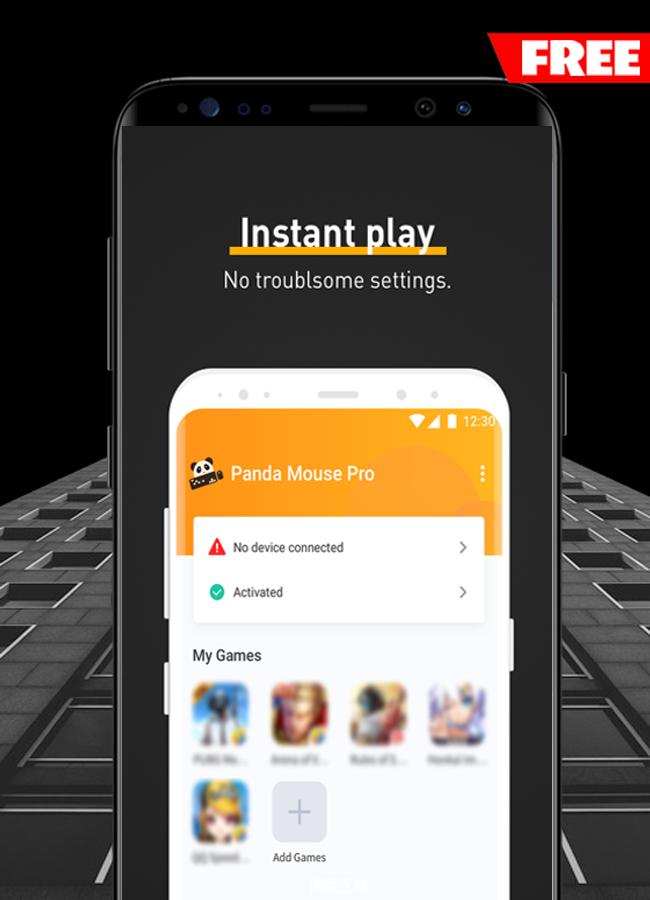
Clear activation with in app guidancePanda Mouse Pro requires activation before use. You can activate with root access or choose a one time PC activation via the official Gamepad & Mouse Pro Activator. The app includes a full tutorial, and the official guide is available at pandagame.app/a. This step by step flow helps new users move from pairing to ready status without guesswork.
Panda Mouse Pro is for keyboard and mouse users. If your plan involves a Bluetooth or USB gamepad, Panda Gamepad Pro is the appropriate tool. This distinction prevents confusion during setup and avoids unsupported device scenarios. Checking your input method first ensures you pick the right keymapper and reduce retries.
Activation is required to enable mapping. Users can pick root or the official PC activator, and the in app tutorial explains the process in simple steps. The recommended approach is to pair your keyboard and mouse first, then activate, and finally launch the game through Panda Mouse Pro. For reference material and troubleshooting, see the official guide at pandagame.app/a. This resource covers common setup questions for the Panda Mouse Pro Beta build.
Set up takes a few minutes and follows a clear flow inside the app. To keep things simple, finish pairing before activation and mapping. If you plan to download Panda Mouse Pro APK, confirm your keyboard and mouse are ready to use on your phone.
Panda Mouse Pro focuses on reliable keyboard and mouse input for mobile games. It runs titles directly, keeps your usual login flow, and includes a clear activation guide. For a stable setup, use the Panda Mouse Pro latest version and follow the in app tutorial.
Latest Version
2.0.0Uploaded by
Baha Mohammed
Requires Android
Android 4.1+
Category
Free Personalization AppContent Rating
Everyone
Report
Flag as inappropriateLast updated on Nov 22, 2019
Minor bug fixes and improvements. Install or update to the newest version to check it out!




APKPure - A multi-platform app store primarily focused on Android, providing extensive app-related content. Discover the app you want easier, faster, and safer, with quick and efficient downloads and installations.












