

Scan Date:Nov 14, 2026
Show More

Scratch helps learners and classrooms get started with coding using simple visual blocks on Android tablets and Chromebooks. It suits after school clubs, home learning, and teachers who want a clear way to teach core concepts. You can create projects, and then share them with others when ready. Because it focuses on creativity and logic, it fits different ages and skill levels. To get started, you can download Scratch and begin exploring at your own pace.
Scratch uses drag and drop blocks to build scripts for characters and scenes. You can snap blocks together to move sprites, play sounds, and control timing. This approach lowers barriers for new coders while still teaching sequencing, loops, events, and variables. As you add logic step by step, projects remain easy to read and change.
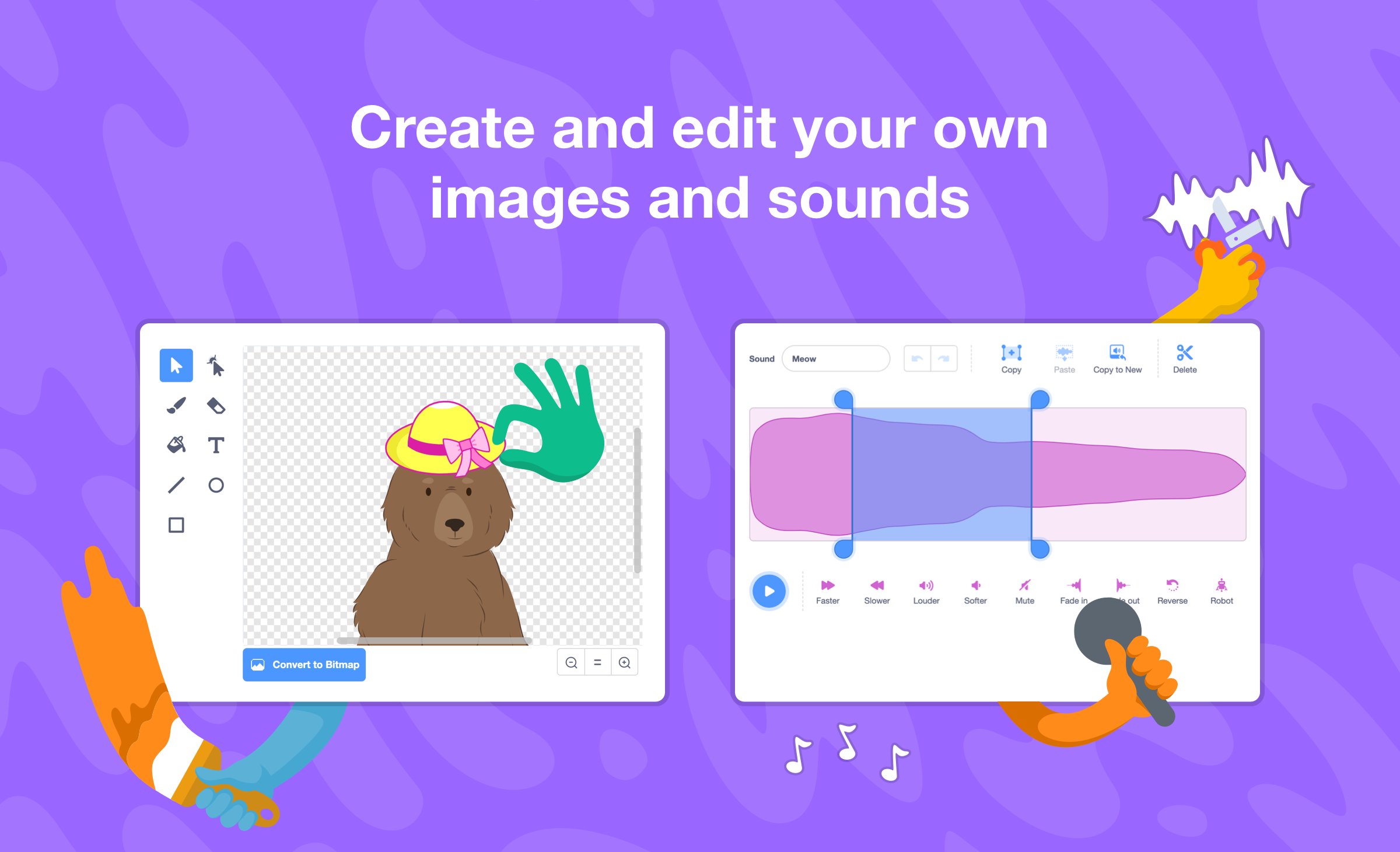
Built in artwork, sounds, and toolsScratch includes libraries of sprites, backdrops, and audio so you can start quickly. You can also draw your own costumes and backdrops with the editor, and record or upload sounds. This mix of ready made assets and custom tools helps you design stories and games without leaving the app. If a project needs a unique look, you can create it directly inside Scratch.
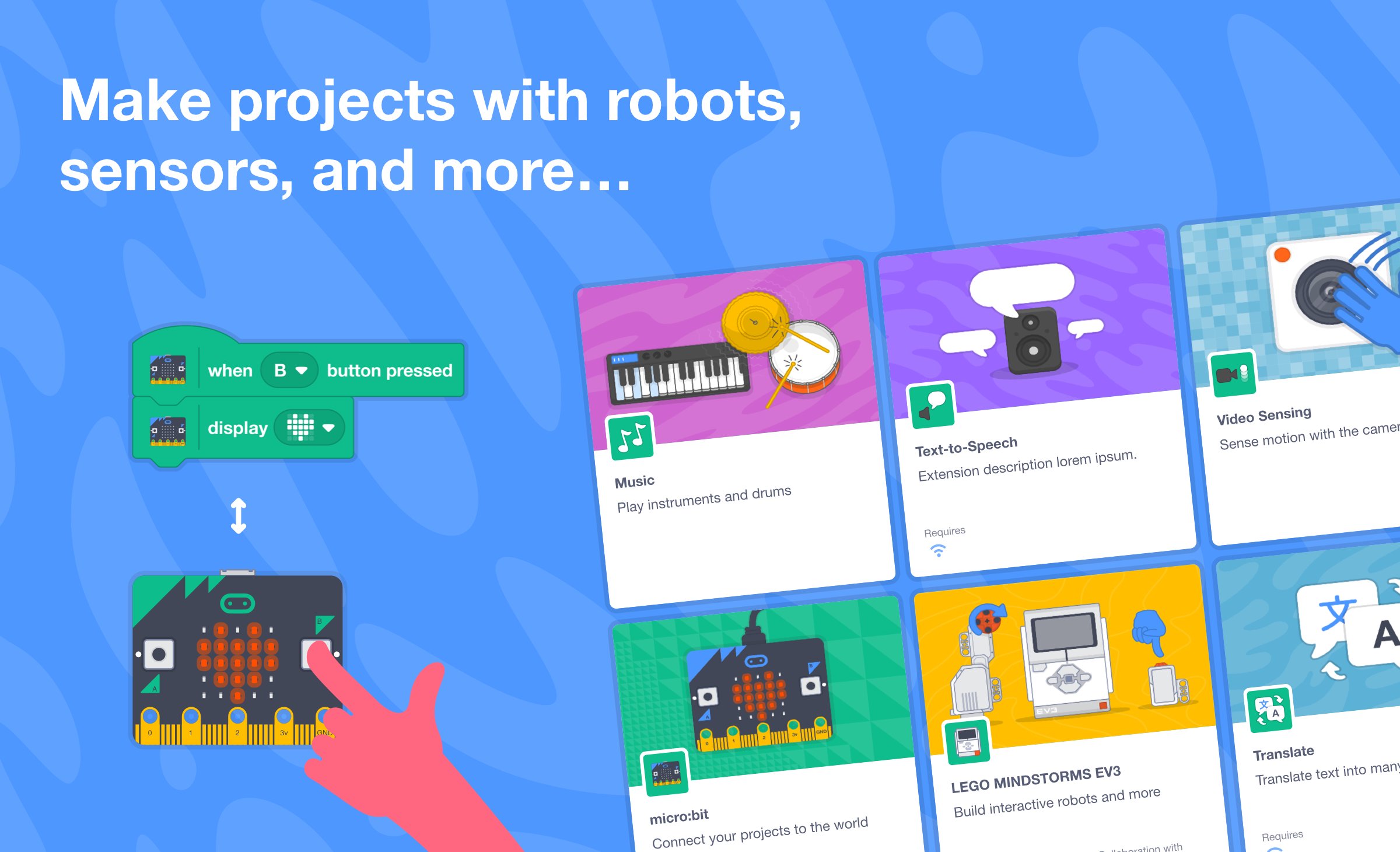
Connect physical devices and use the cameraScratch supports physical computing through integrations with micro:bit, Makey Makey, and LEGO MINDSTORMS. You can read inputs, trigger outputs, and link on screen code to real world actions. The webcam can also be used for simple motion sensing, which adds another way to interact with projects. This extends learning from the screen to hands on experiments.
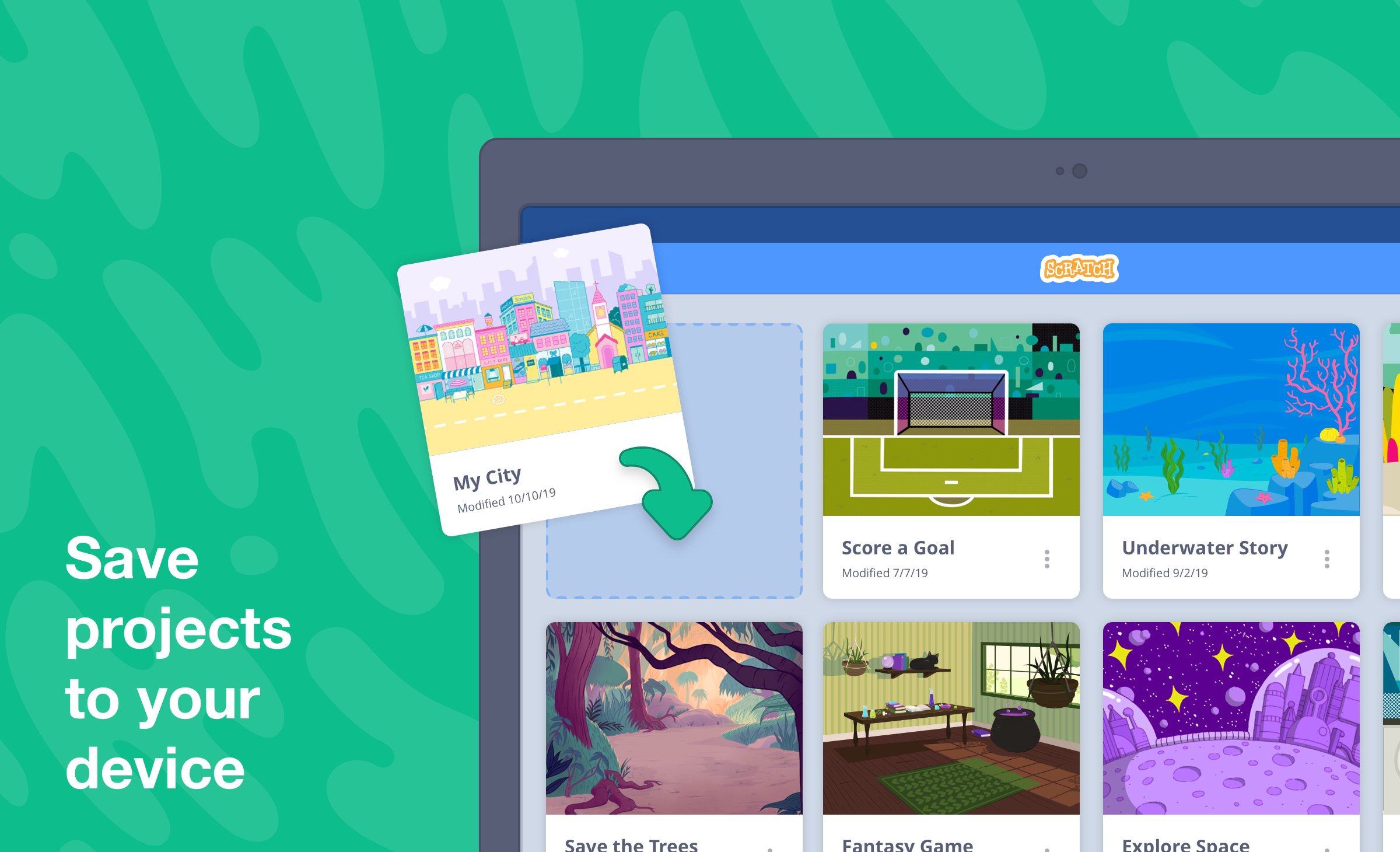
Work offline and save locallyYou can create and save projects without an internet connection. Offline access is useful for classrooms and trips where Wi Fi is limited. Later, when a connection is available, you can open projects and continue working or share them. This approach keeps your workflow consistent whether online or offline.
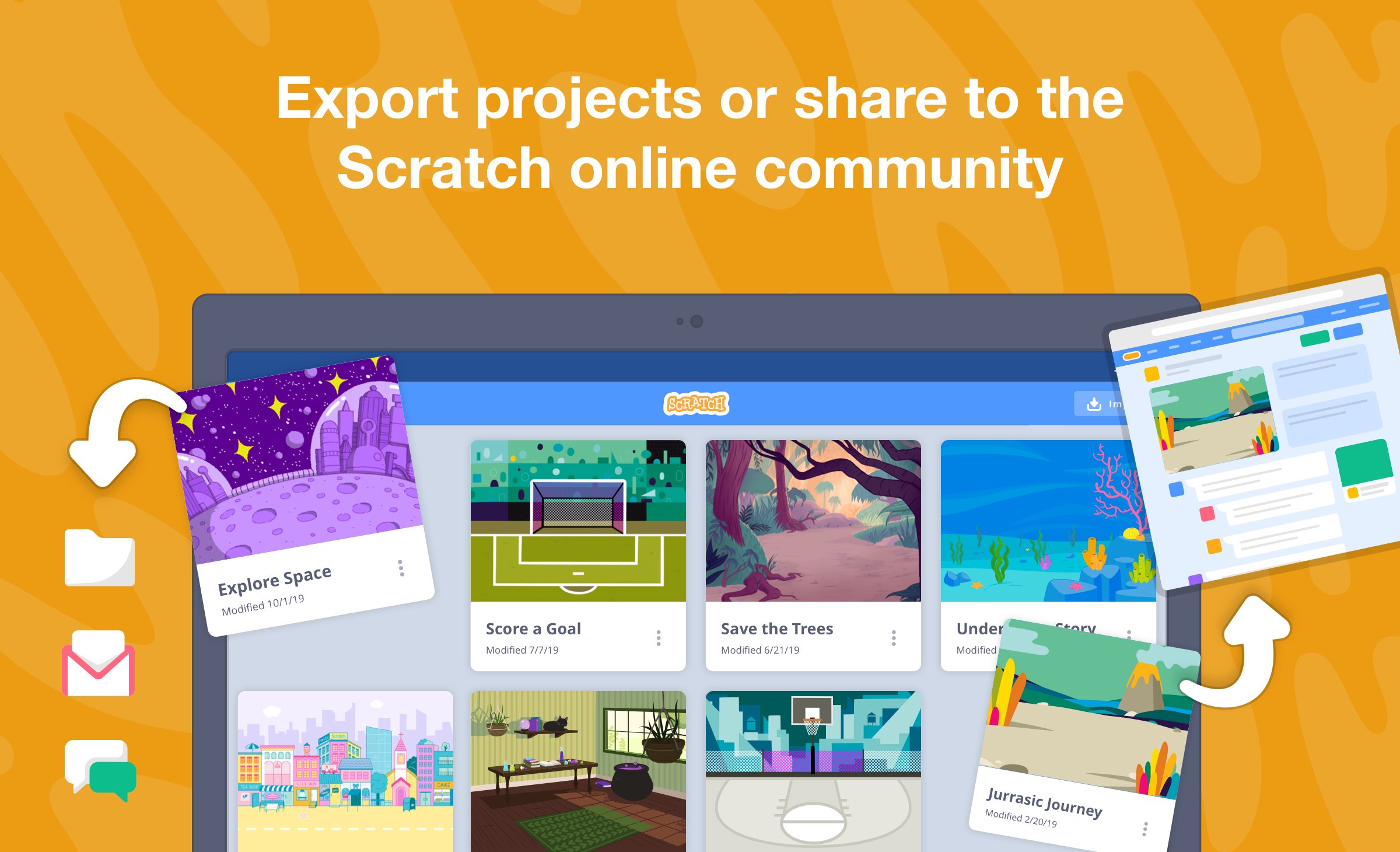
Share and learn with community resourcesScratch makes it easy to export a project file or publish to the Scratch Community with an account. If you want guidance, tutorials at scratch.mit.edu/ideas cover core topics and sample activities. Educators can find free lesson plans and teaching materials at scratch.mit.edu/educators. These resources help you move from first steps to more advanced projects at a steady pace.
This app is designed for Android tablets and Chromebooks. Phone screens are not the focus, so features and layout may feel limited on smaller devices. For the best experience, use a tablet or a Chromebook with a larger display and touch or pointing input.
Scratch is free to use and does not require a license. Families and schools can install it on devices for learning and projects without fees. Accounts are only needed for publishing to the online community, and you can continue creating offline without one.
According to published data safety information, Scratch does not share data with third parties. Data is encrypted in transit to protect information during network activity. The app is built for classroom use and families, which helps set clear expectations for educators and parents.
To start on a tablet or Chromebook, open the app and create a new project. Beginners can follow built in prompts or visit the tutorials to learn the basics in the Scratch latest version.
Scratch brings block based coding, art tools, and sharing into one place for tablets and Chromebooks. If you are ready to begin, download the Scratch APK and explore projects at your own pace.
For official help and resources, visit the links below.
Latest Version
3.1.0Uploaded by
وفاء وسترانسنت
Requires Android
Android 10.0+
Category
Free Education AppContent Rating
Everyone
Security Report
Report
Flag as inappropriateLast updated on Nov 14, 2026
Highlights for this release:
• New "Cat Blocks" theme in settings menu
• New "Face Sensing" extension
• New & updated sprites: Dog3, Dragon1, Milli, and Zepto
• New "online?" block
• Improved keyboard navigation
• Improved SVG safety
• Fixed Bluetooth device searches stalling after permission prompt
• Fixed layout on Android 15 and newer
• Localization updates



APKPure - A multi-platform app store primarily focused on Android, providing extensive app-related content. Discover the app you want easier, faster, and safer, with quick and efficient downloads and installations.