Package Name:jp.co.c_lis.ccl.morelocale
SHA-256:e12aaa0680a708bdf947594dc8740426043877cb53798158c026e6c56776aa4e
Show More


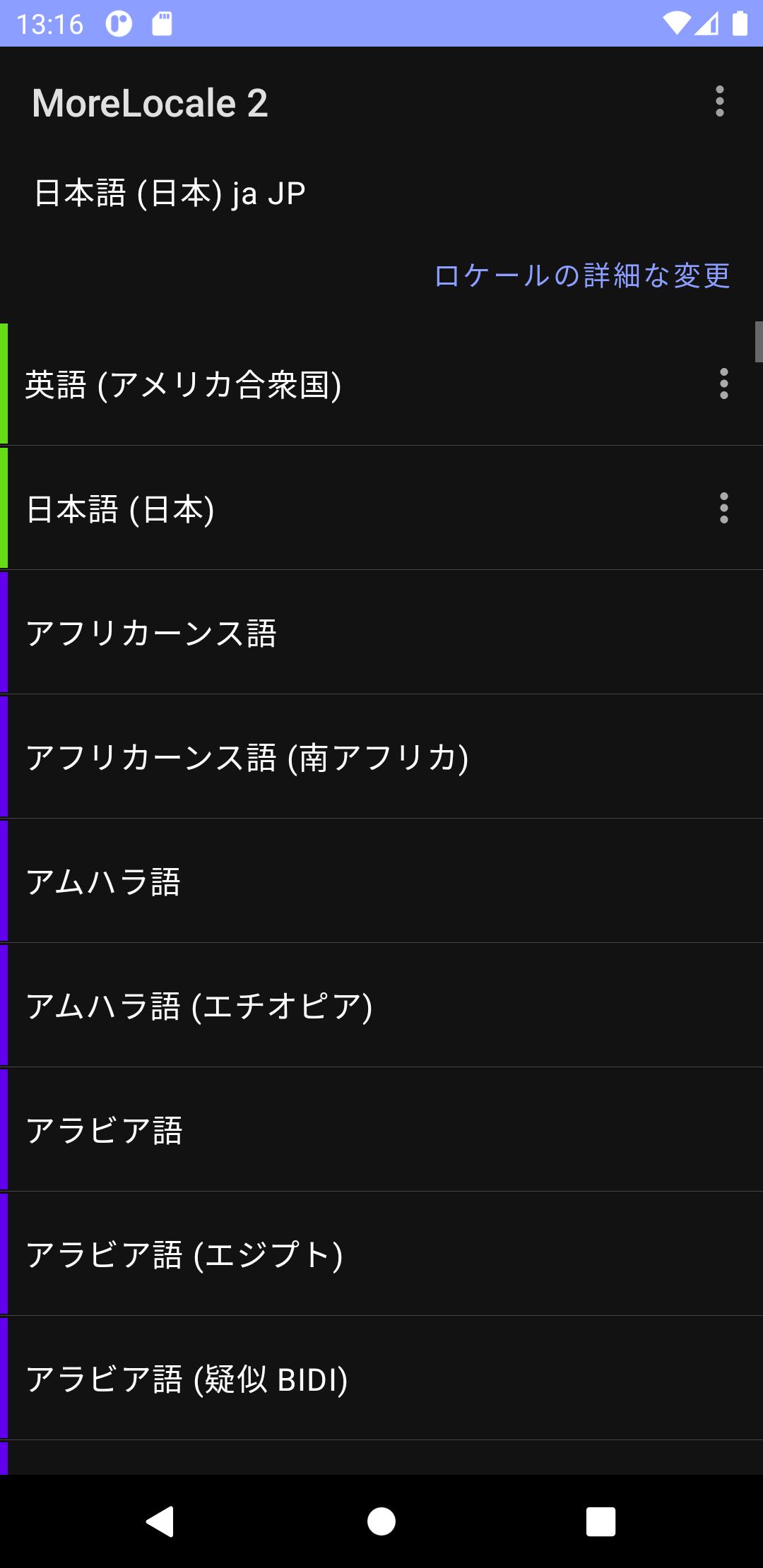
MoreLocale 2 helps when a phone is imported or a preferred language is missing in the default settings. It focuses on applying a chosen locale across the device so menus, dates, and many apps align with your language and region. As a result, everyday use becomes more consistent, especially for mixed-language devices. If your language does not appear, you can define it yourself with a custom entry. For users seeking a straightforward tool, the MoreLocale 2 APK offers a practical way to manage locales.
You can change the system language and regional settings beyond what your device lists by default. This helps if your phone was set up for another market and the available languages are limited. MoreLocale 2 applies your choice across the interface so settings, formats, and supported apps follow the new locale.
Custom locale supportMoreLocale 2 allows you to add a custom locale when your language or region is not shown. You simply enter the language and country codes, then apply them. This approach covers edge cases and regional variants, so you are not restricted to preset lists. It is useful for less common languages and localized formats.
Consistency across system and Google appsMoreLocale 2 helps align language across the device and many Google apps for a more consistent experience. In practice, this reduces mixed-language menus and prompts after changing the locale. A restart is typically required so the change takes effect everywhere. If you want a stable setup, consider checking MoreLocale 2 latest version for updated compatibility notes.
Permission setup via ADB or rootOn newer Android versions, the system protects the setting that changes device configuration. You can grant the required permission with the Android Debug Bridge using the pm command, or automatically when the device has SuperUser access. This step enables full functionality so the locale change applies. If you prefer not to root, ADB offers a path that many users follow.
Quick, simple workflowMoreLocale 2 keeps the process short and clear. Install the app, select your language and region, and then restart to apply changes. If the locale is missing, add it with the custom feature and proceed the same way. For a clean setup, download MoreLocale 2 and complete the steps once.
Some devices restrict configuration changes, so the app may need explicit permission before it can apply your chosen locale. You can grant the permission with ADB using the pm command, which works without root. Alternatively, if the device has SuperUser access, permission can be granted automatically. After applying a new locale, plan to restart your phone so the change is reflected across system menus and supported apps. For ongoing support and reference, you can also check the official website linked below.
To use ADB, enable USB debugging in Developer options. If Developer options are hidden, first enable them in your device settings. Then connect your phone to a computer with ADB installed and run the pm grant command that gives the app configuration access. This avoids the need for a modified package and keeps the MoreLocale 2 APK behavior aligned with standard Android tools.
The setup is straightforward and takes only a few steps. If permission is needed, grant it first, then choose your language and apply it. For clarity during installation, consider the MoreLocale 2 APK from a source you trust.
MoreLocale 2 is a focused tool for applying additional locales across Android. It supports custom entries and works with ADB or root for permission. To get the most up-to-date package, check the MoreLocale 2 latest version before setting up.
For official information and support, visit:
Latest Version
2.4.7Uploaded by
Ahmed Roshdy
Requires Android
Android 4.4+
Category
Free Tools AppContent Rating
Everyone
Security Report
Check Now
Report
Flag as inappropriateLast updated on Dec 13, 2023
Add locale/language filtering feature.
Stop beeping when restoring your locale.
I hope you are doing well during this difficult time.
We'll get through this together!





APKPure - A multi-platform app store primarily focused on Android, providing extensive app-related content. Discover the app you want easier, faster, and safer, with quick and efficient downloads and installations.